
Jellyfin & Emby Plugin Directory
Browse and install 323+ community-curated plugins, themes, clients, and tools for your self-hosted media server. From metadata providers to subtitle plugins to UI themes — all free, open source, and always up to date.




















Frequently Asked Questions
What is the Community Hub?
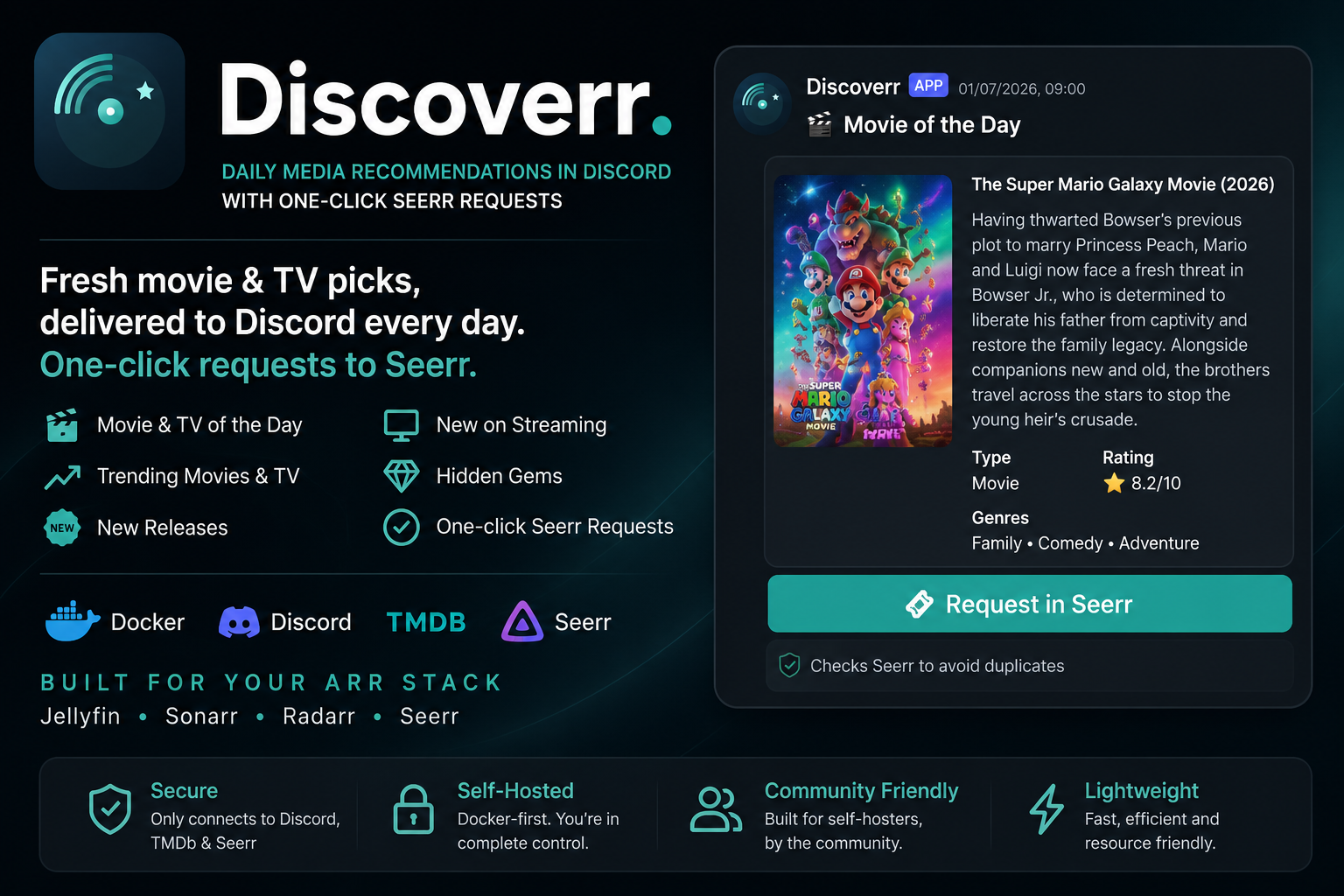
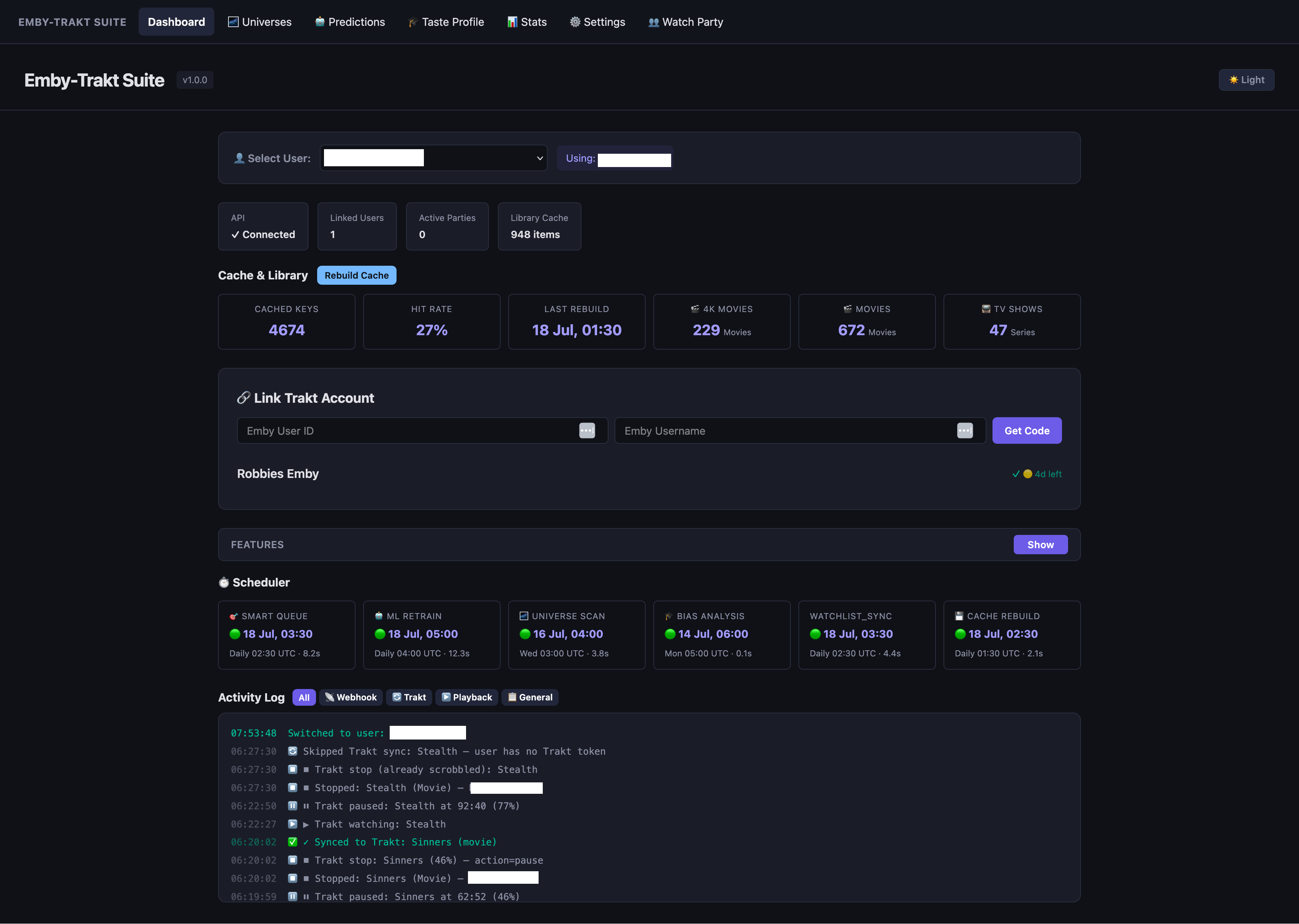
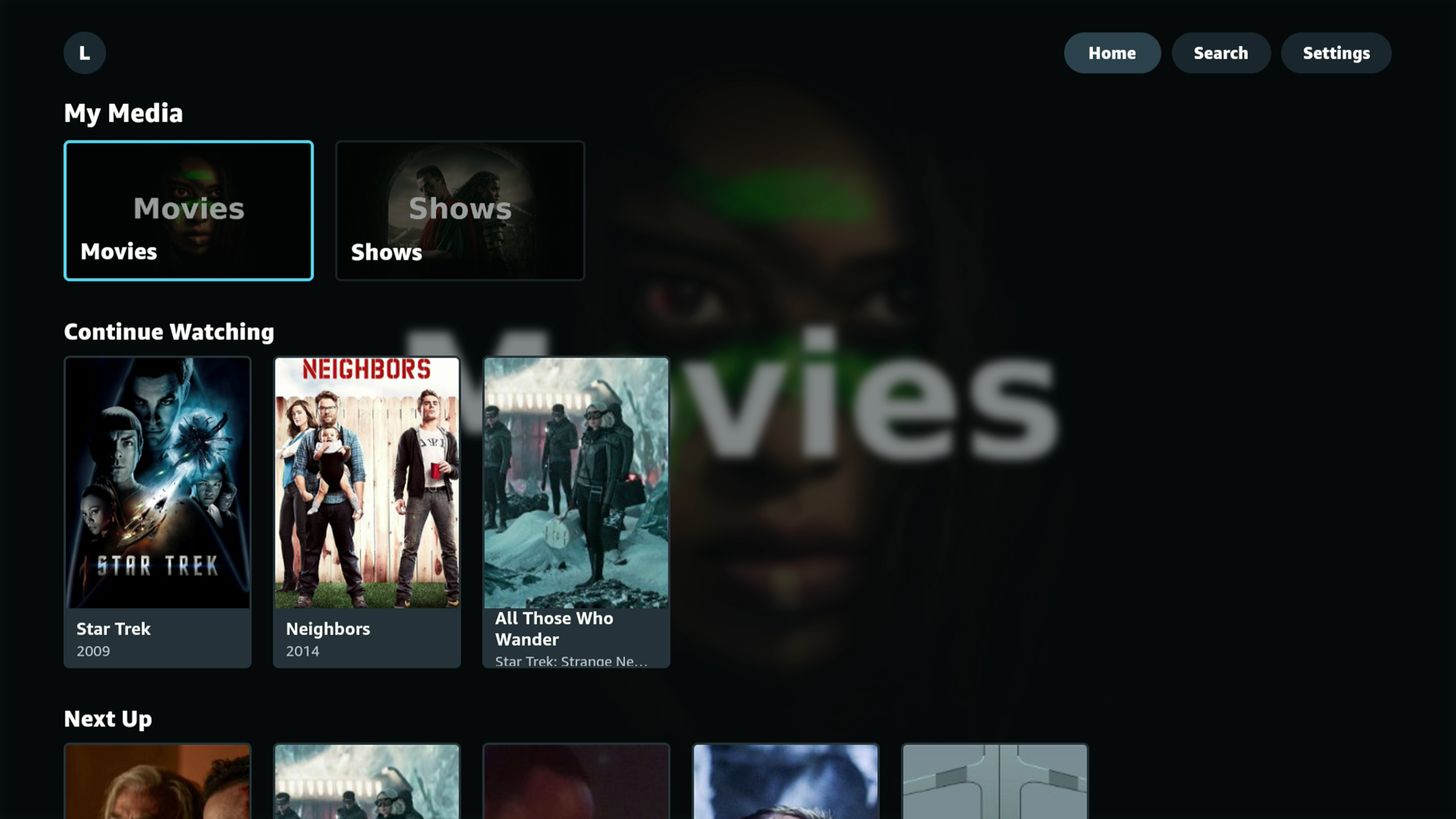
The Community Hub is a curated directory of plugins, themes, clients, and tools built by the community for Jellyfin and Emby media servers. It helps users discover projects to enhance their media server experience, and gives developers a place to showcase their work.
How do I submit a plugin or project?
To submit a project, create an account on the Hub and navigate to the submission page. Fill in your project's name, description, repository URL, category, and target platform. Submissions are reviewed by our team before being published to ensure quality and relevance.
What platforms are supported?
The Hub supports projects targeting Jellyfin, Emby, or both platforms. When submitting a project, you can specify which media server your plugin or tool is compatible with. Users can filter the listing by platform to find projects relevant to their setup.
How are plugins reviewed and approved?
After submission, our team reviews each project to verify that the repository link is valid, the description is accurate, and the project is relevant to the Jellyfin or Emby ecosystem. This process typically takes a few days. You can track your submission status in the "My Submissions" section.
Is the Community Hub free to use?
Yes, the Community Hub is completely free. Browsing, searching, and downloading plugins costs nothing. Submitting your own projects is also free. The Hub is a community-driven initiative to help media server enthusiasts find and share useful tools.
How can I vote for or review a plugin?
Registered users can vote for plugins they find useful by clicking the heart icon on any plugin card or detail page. You can also leave a comment on a plugin's detail page to share your experience. Voting helps the community identify the most popular and useful projects.
Can I update my plugin after submission?
Yes, you can edit your submission details at any time from the "My Submissions" section. Changes to the name, description, or images may require re-approval. The repository link ensures users always have access to your latest code and releases.
