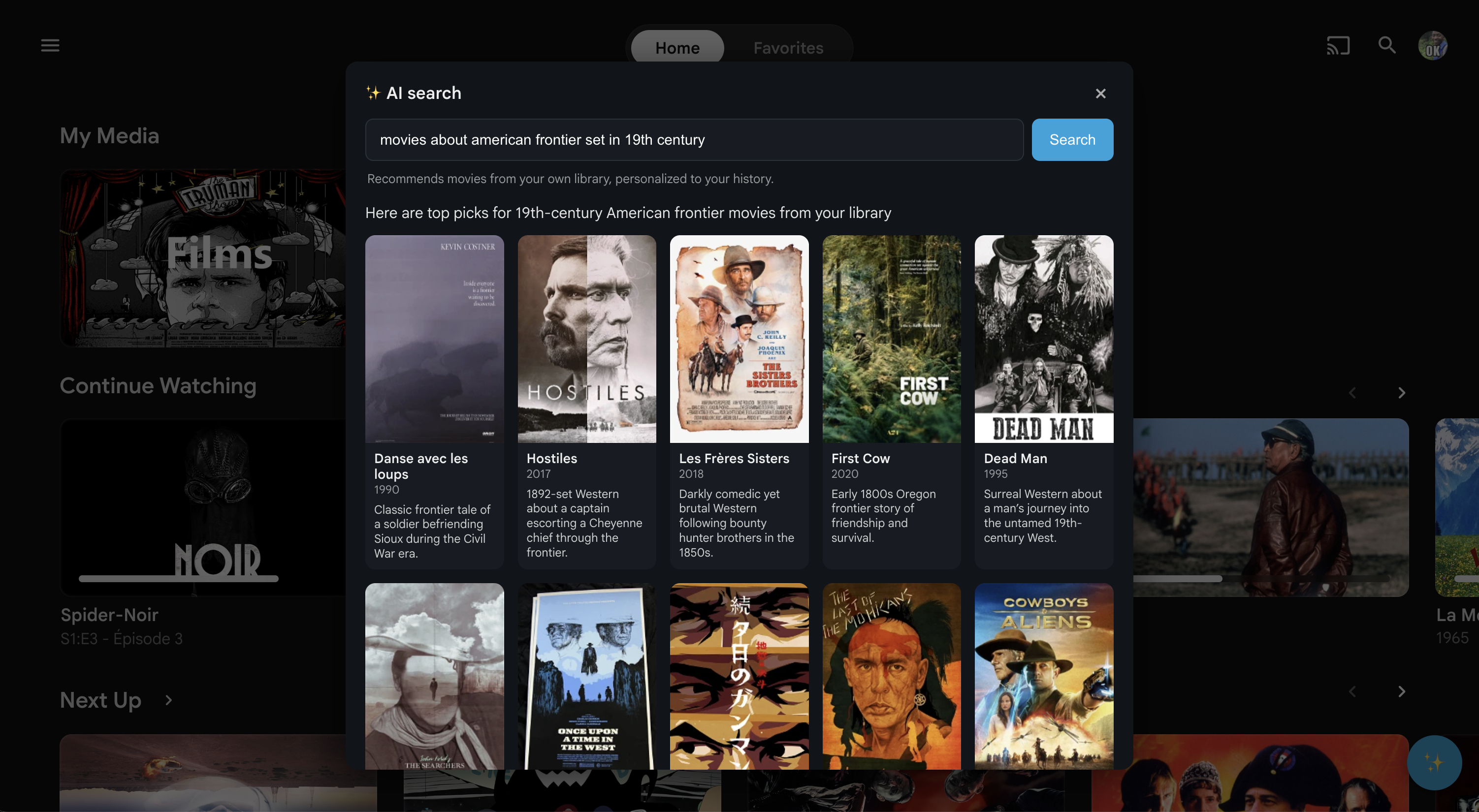
Description
Hey all, I built a small server plugin and wanted to share it here. Just build it for me because I was limited on the internet connection. Someone might find it useful. This is AI slop be aware, feel free to contribute. No Premium, no nothing. Just wanted to share :)
What it does
Adds a "Download (Transcode…)" option to the More (⋯) menu on any movie or episode detail page — right next to Jellyfin's own Download button. Click it, pick a quality tier (e.g. 1080p at 8 Mbps, H.264/AAC), and Jellyfin transcodes it server-side while the plugin downloads the stream with a live progress bar. If you want the original file, just use Jellyfin's regular Download button as before. Multiple downloads can be queued — each one starts automatically when the previous finishes. There's a small panel in the bottom-right showing the queue, with individual cancel buttons.
How it works
It uses Jellyfin's built-in transcoding — no custom encoding, just a quality picker on top.
How to use it

Git Repo
https://github.com/ph15ch/Jellyfin-Transcode-Downloader
Requirements:
Jellyfin 10.11.x + File Transformation plugin (>= v2.2.1.0)
Embed Badge
Add this badge to your README to link back to your hub page:

Installation Instructions
Add the Repo
Add the repo manifest URL in Dashboard → Plugins → Repositories:
https://raw.githubusercontent.com/ph15ch/Jellyfin-Transcode-Downloader/main/repo/manifest.json
Install plugin
Install Plugin via normal jellyfin Webui plugin installer
Comments (0)
No comments yet. Be the first to share your thoughts!
Log in to comment

High-availability NVMe VPS to self-host Jellyfin or Emby with 99.9% uptime.
Get started with Onidel