Description
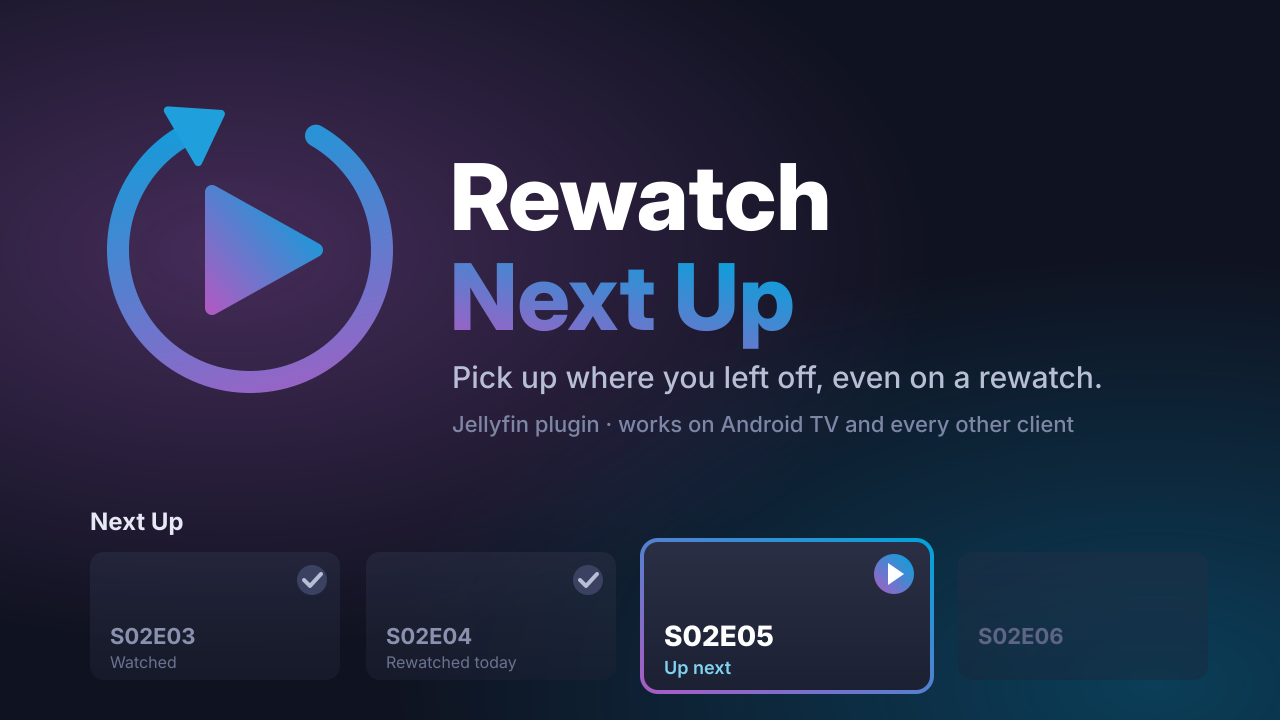
Rewatch Next Up shows the next episode of a series that you rewatch in Next Up, on all Jellyfin clients.
By default, Jellyfin builds Next Up from the furthest episode that you watched. When you finish a series, the series goes out of Next Up. If you start the series again, Next Up does not show the next episode. Thus you must find your episode manually each time.
Jellyfin has a rewatching mode for Next Up. In this mode, Next Up uses the episode that you played last and shows the episode after it. But the mode is off by default, and only some clients, such as the web client, can turn it on. The Android TV client and many other clients cannot use it.
This plugin turns on the rewatching mode for each Next Up request that does not set it. You do not have to change your clients. If a client sends its own value, the plugin uses that value. Thus the web client setting continues to operate.
The plugin does not change the Next Up logic of Jellyfin and does not store data. It has no settings. To stop it, disable the plugin.
Features:
- Next Up shows the next episode of series that you rewatch.
- Operates on Android TV and all other clients, with no client changes.
- Uses the rewatching logic that Jellyfin already has.
- No configuration.
Requirements: Jellyfin 12.2.
Embed Badge
Add this badge to your README to link back to your hub page:

Installation Instructions
Install: add this repository URL in Dashboard > Plugins > Repositories: https://raw.githubusercontent.com/lanjak/jellyfin-plugin-rewatch-nextup/main/manifest.json
Comments (0)
No comments yet. Be the first to share your thoughts!
Log in to comment

NVMe VPS from €7.90 per month. Great to self-host Jellyfin or Emby.
Get started with CorceLink


