Description
Quality Overlay
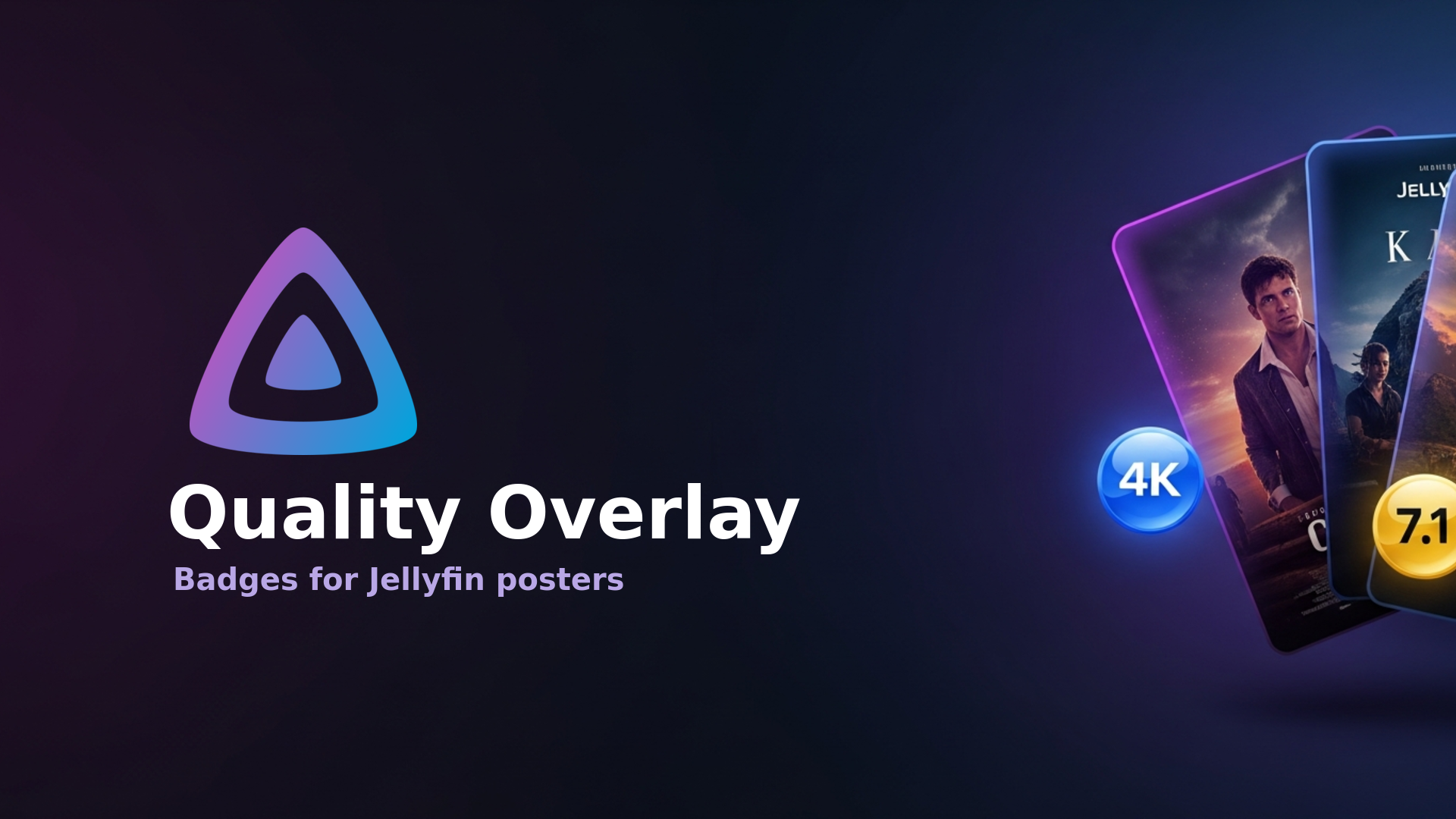
A Jellyfin plugin that overlays clean video quality and audio codec badges onto poster, thumbnail, and backdrop images. Badges are drawn in memory while images are served — original image files are never modified.
- Video quality: 4K, 1440p, 1080p, 720p, 480p, SD (from the highest quality video stream)
- Audio codec: best/main audio stream with channels, e.g.
DTS-HD MA 7.1,TrueHD Atmos,DD+ 5.1,AAC 5.1,DTS 5.1,FLAC 2.0
Plugin Quick Install Method
https://raw.githubusercontent.com/obxidion/Jellyfin-Quality-Overlay/main/manifest.json
Embed Badge
Add this badge to your README to link back to your hub page:

Installation Instructions
Configuration
Open Dashboard → Plugins → Quality Overlay to configure:
- Toggle the video quality badge and audio codec badge independently
- Choose which image types to process (Primary/Poster, Thumbnail, Backdrop)
- Badge position (any corner)
- Badge size, margin, background opacity, background/text colors, and accent colors
Changes take effect immediately. Processed images are cached on disk with a configurable expiration. The cache is keyed on the source image version, so it is refreshed automatically when the underlying image changes.
Build
Requires the .NET 9.0 SDK.
dotnet restore
dotnet publish -c Release -o ./publish
The compiled plugin is ./publish/Jellyfin.Plugin.QualityOverlay.dll.
Optional: package with jprm
jprm produces a versioned plugin zip from build.yaml:
pip install jprm
jprm plugin build .
Install (manual)
- Build the plugin (see above).
- On your Jellyfin server, create a folder:
<jellyfin-config>/plugins/QualityOverlay(commonly/config/plugins/QualityOverlayfor Docker installs). - Copy
Jellyfin.Plugin.QualityOverlay.dllinto that folder. - Restart Jellyfin.
- Confirm it loaded under Dashboard → Plugins, then configure it.
Install via the Jellyfin plugin repository (GitHub)
- In Jellyfin go to Dashboard → Plugins → Repositories → Add.
- Set the URL to the hosted manifest:
https://raw.githubusercontent.com/obxidion/Jellyfin-Quality-Overlay/main/manifest.json - Open Dashboard → Plugins → Catalog, install Quality Overlay, and restart Jellyfin when prompted.
Requirements
- Jellyfin 10.11 or newer
- .NET 9.0 runtime (bundled with Jellyfin 10.11+)
Dependencies
Jellyfin.Controller,Jellyfin.Model— referenced withExcludeAssets=runtime(provided by the server at runtime)SkiaSharp— referenced withExcludeAssets=runtime(the native SkiaSharp library ships with Jellyfin 10.11+)
Comments (0)
No comments yet. Be the first to share your thoughts!
Log in to comment

High-availability NVMe VPS to self-host Jellyfin or Emby with 99.9% uptime.
Get started with Onidel


