Description

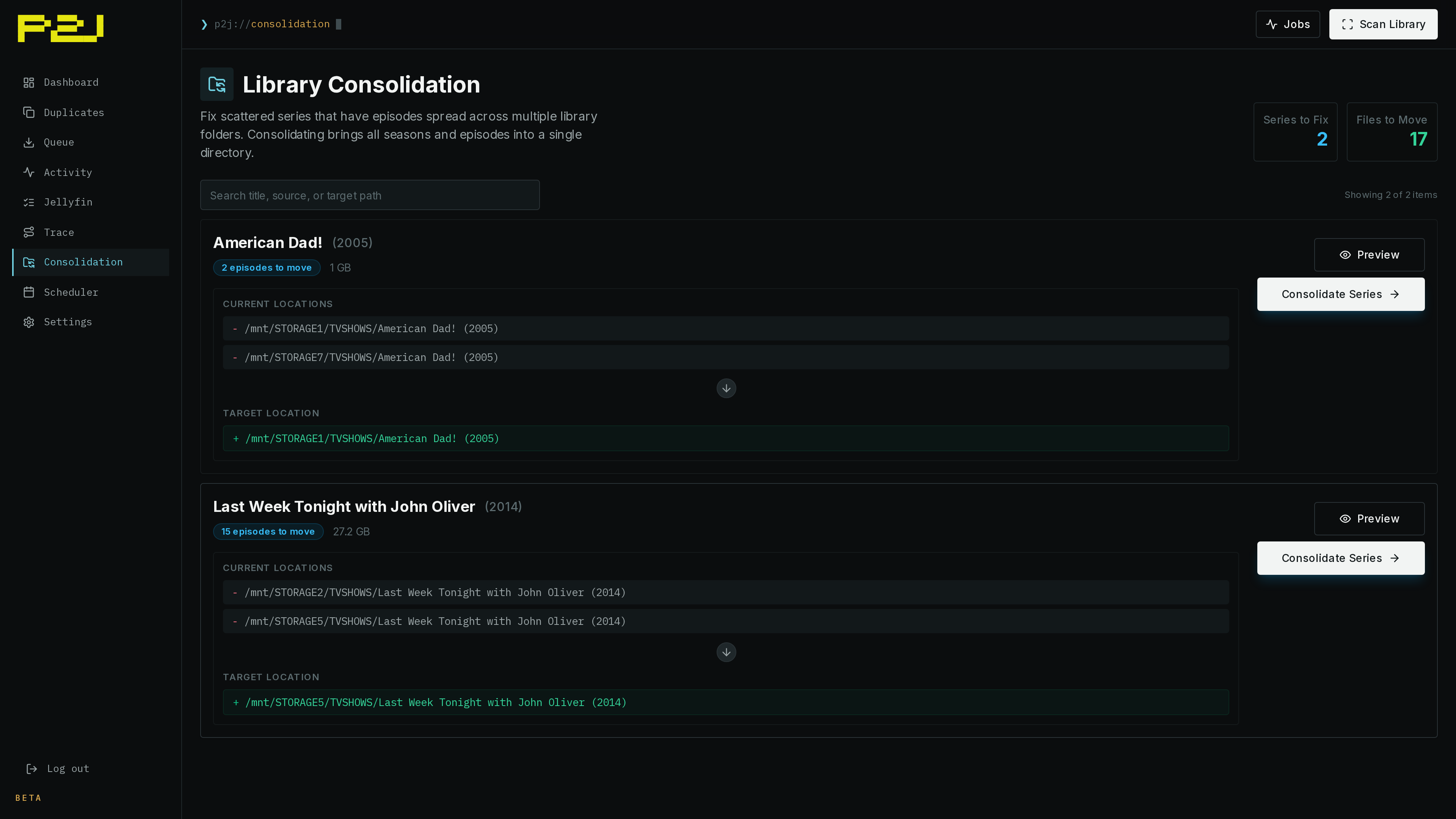
plex2jellyfin helps clean up media libraries that worked in Plex but do not scan cleanly in Jellyfin. It scans existing movie and TV libraries, finds duplicate media, consolidates TV series split across drives, and previews cleanup plans before files are moved or deleted.
After migration, the daemon watches download folders and organizes new arrivals into Jellyfin-compatible paths. It parses release names, strips release tags, creates standard movie and TV folder structures, and can notify Sonarr, Radarr, and Jellyfin after imports.
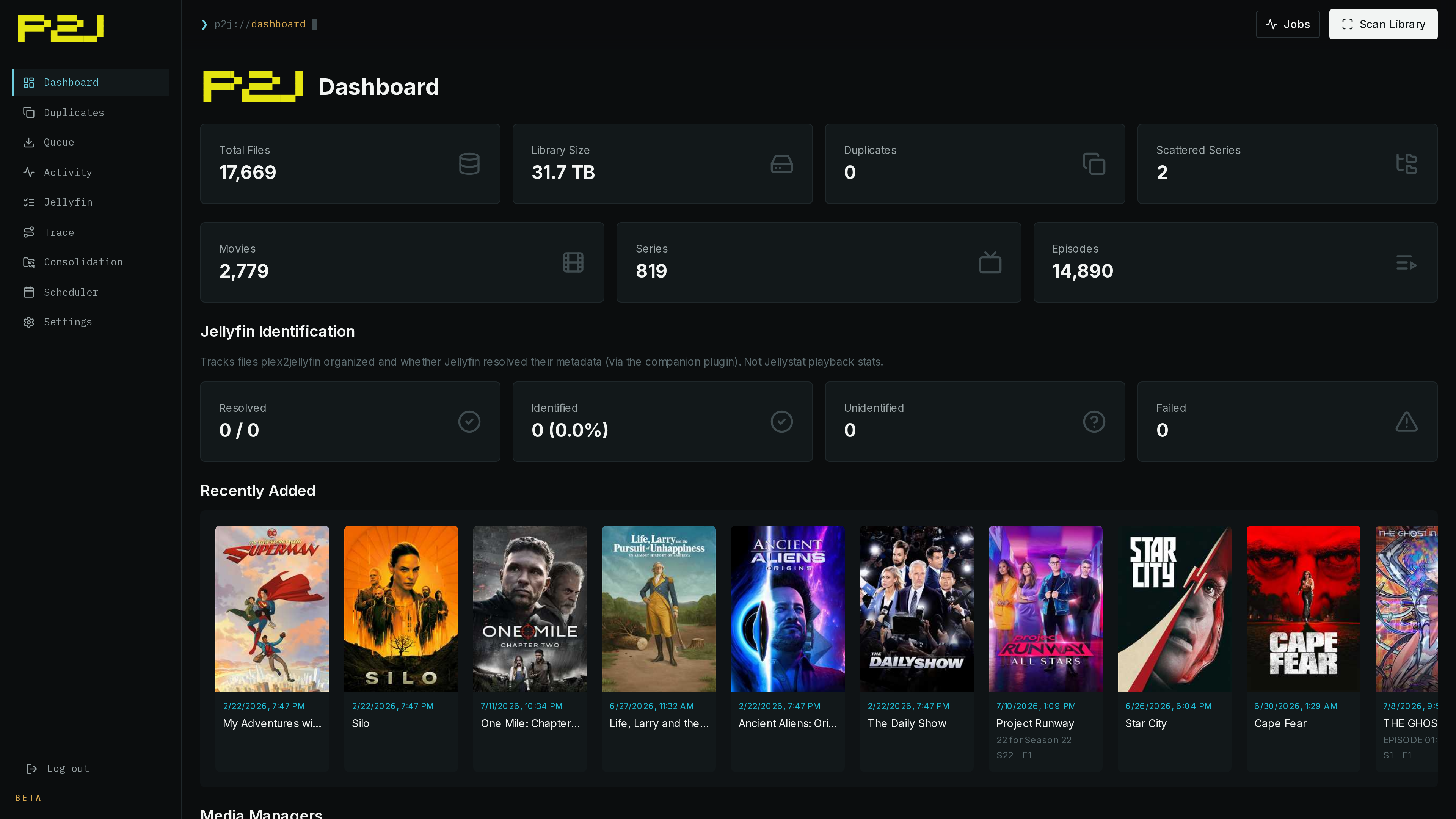
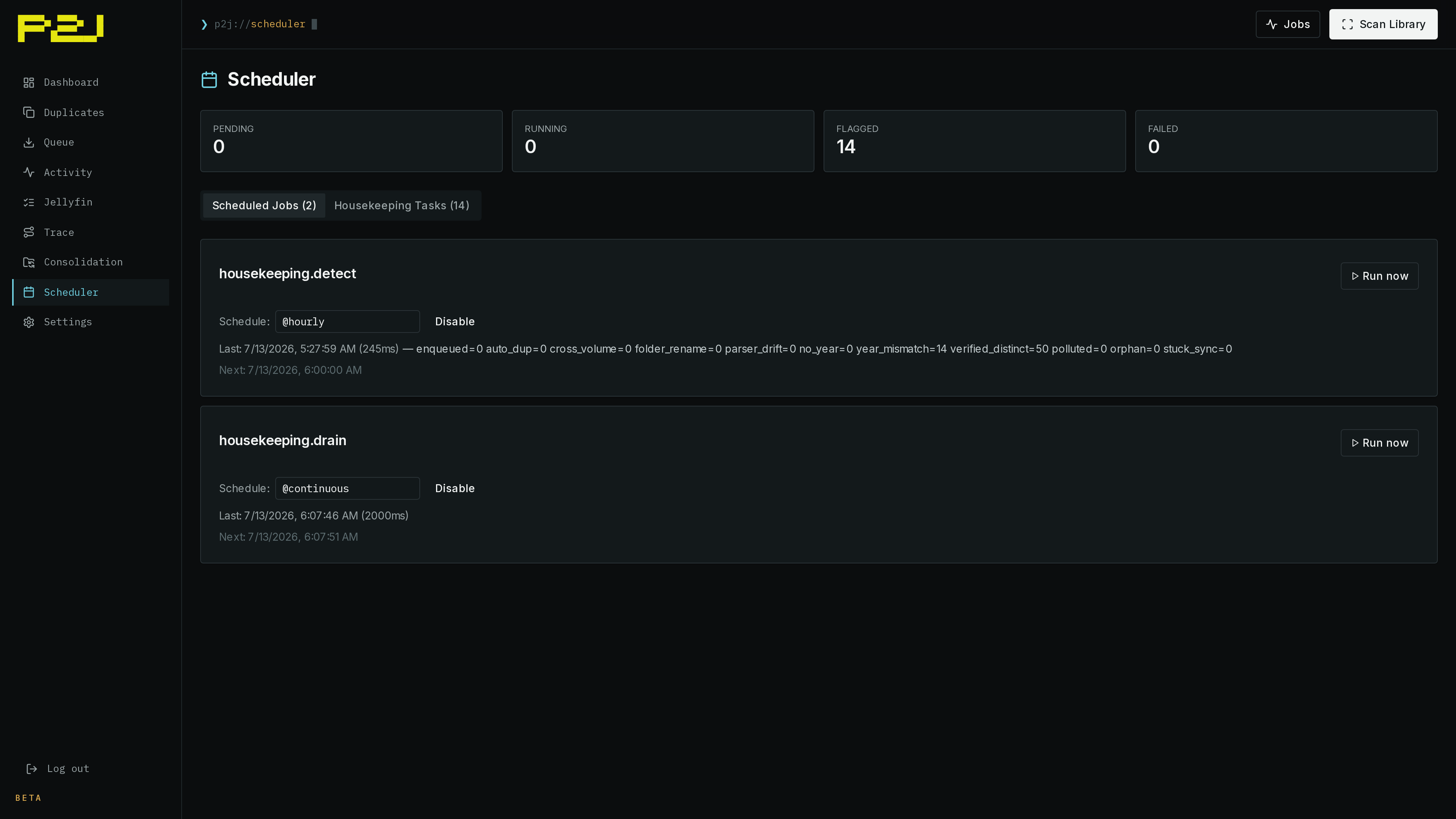
The project ships a Linux CLI, systemd daemon, web UI on port 5522, TUI installer, Docker image, and AUR package. The web UI includes setup, dashboard, queue, activity, trace, scheduler, duplicate review, consolidation, and settings pages.
A companion Jellyfin plugin closes the feedback loop. It sends item and playback events back to plex2jellyfin so the tool can confirm that Jellyfin recognized organized files, detect orphaned media, and avoid moving files during playback. Path mappings support Docker and host path differences.
Optional Ollama integration helps review low-confidence filename parses before rename plans run.
Detailed description - no inline images fallback: plex2jellyfin helps clean up media libraries that worked in Plex but do not scan cleanly in Jellyfin. It scans existing movie and TV libraries, finds duplicate media, consolidates TV series split across drives, and previews cleanup plans before files are moved or deleted.
After migration, the daemon watches download folders and organizes new arrivals into Jellyfin-compatible paths. It parses release names, strips release tags, creates standard movie and TV folder structures, and can notify Sonarr, Radarr, and Jellyfin after imports.
The project ships a Linux CLI, systemd daemon, web UI on port 5522, TUI installer, Docker image, and AUR package. The web UI includes setup, dashboard, queue, activity, trace, scheduler, duplicate review, consolidation, and settings pages.
A companion Jellyfin plugin closes the feedback loop. It sends item and playback events back to plex2jellyfin so the tool can confirm that Jellyfin recognized organized files, detect orphaned media, and avoid moving files during playback. Path mappings support Docker and host path differences. Optional Ollama integration helps review low-confidence filename parses before rename plans run.
Repository
https://github.com/Nomadcxx/plex2jellyfinEmbed Badge
Add this badge to your README to link back to your hub page:

Installation Instructions
The quickest path is the interactive TUI installer:
curl -sSL https://raw.githubusercontent.com/Nomadcxx/plex2jellyfin/main/install.sh | sudo bash
The installer builds and installs the CLI, daemon, web UI, and setup wizard. Re-run it to update; existing config is preserved.
Docker
services:
  plex2jellyfin:
    image: ghcr.io/nomadcxx/plex2jellyfin:latest
    container_name: plex2jellyfin
    environment:
      - PUID=1000
      - PGID=1000
    volumes:
      - ./config:/config
      - /path/to/downloads:/watch
      - /path/to/media:/library
    ports:
      - "5522:5522"
    restart: unless-stopped
Then open:
http://<host>:5522/
Finish setup in the browser. Use container paths such as /watch/... and /library/... in the wizard.
Arch Linux
yay -S plex2jellyfin
or:
paru -S plex2jellyfin
Then finish setup with the web or CLI wizard.
Comments (0)
No comments yet. Be the first to share your thoughts!
Log in to comment

High-availability NVMe VPS to self-host Jellyfin or Emby with 99.9% uptime.
Get started with Onidel


