Description
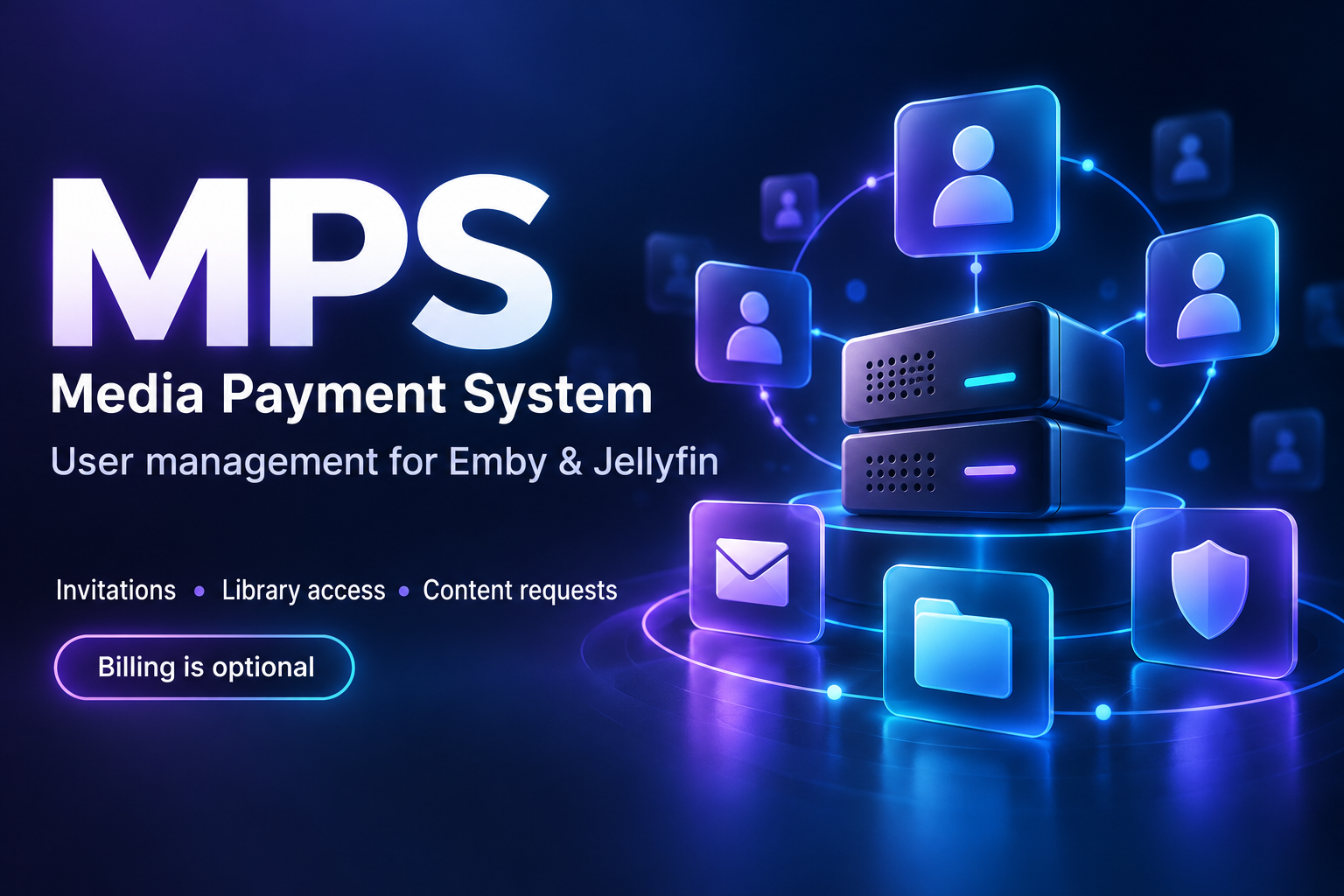
MPS — Media Payment System
MPS is a self-hosted user and membership management portal for Emby and Jellyfin. It brings invitations, account setup, library access, content requests and optional billing into one place, with separate interfaces for administrators and members.
You do not have to charge your users. Despite its name, MPS can be used purely to manage accounts and access for a free friends-and-family server. Payment and subscription features are optional.
Version 1.0.4 adds Jellyfin support alongside Emby, making MPS suitable for administrators running either platform or a mixed setup.
Invitations and account setup
Create invitations that guide new members through registration and account setup across your connected services.
Invitations can include an expiry, available places and an optional email recipient. Choose which connected Emby or Jellyfin servers a member can access, select library permissions and configure optional Live TV access.
MPS coordinates account provisioning across connected media servers and Ombi, reducing the need to create and configure each account separately. Emby Connect integration is available for Emby workflows; Jellyfin accounts remain local to their Jellyfin servers.
User and access management
Manage members and their access from a central administrator interface.
- Organise members and invitations.
- Assign access to connected Emby and Jellyfin servers.
- Select which libraries members can use.
- Configure optional Live TV access.
- Manage memberships without requiring payment collection.
- View member and invitation information from the administrator dashboard.
MPS works alongside your existing media servers rather than replacing their playback apps or server dashboards.
Member portal
Give members a central place to manage their portal account and access content-request features.
The member-facing interface separates everyday account tasks from server administration, helping users find what they need without access to administrator settings.
Content requests and progress
Connect Ombi to bring content requests into the member experience. Optional Sonarr and Radarr integrations provide request-progress information, helping members see how their requests are progressing.
These integrations depend on the services you configure. MPS does not supply media, download sources or access to a streaming server.
Optional payments and subscriptions
For administrators who need them, MPS includes payment and subscription-management features alongside its user-management tools.
You can associate invitations with membership plans and manage the payment side of memberships within the same portal. Invitations can also record the administrator credited for resulting revenue.
If you run a free server, you can use the account and access-management features without charging members.
Self-hosted deployment
MPS runs on your own infrastructure and connects to the media services you configure.
Available deployment options include:
- Windows x64 installer.
- Ubuntu 24.04 x64 installer.
- An umbrelOS community preview.
The umbrelOS preview is separate from the official Umbrel App Store. Its default authentication limits public invitation access and external payment callbacks, so it is best used with test integrations unless those access requirements have been addressed.
Optional member billing and MPS software licensing are separate: you can use MPS to manage a free server without charging your members.
Links and documentation
Website: https://mediapaymentsystem.app
Installation guide: https://mediapaymentsystem.app/install
Downloads and release checksums: https://mediapaymentsystem.app/downloads
Public distribution repository: https://github.com/matty03072/MPS-Media-Payment-System-Store
Project transparency
MPS is an independent companion application and is not affiliated with or endorsed by Emby or Jellyfin.
Feedback on installation, onboarding and day-to-day user management is welcome.
Embed Badge
Add this badge to your README to link back to your hub page:

Installation Instructions
Install
Choose your platform below. Windows and Linux downloads are the new MPS 1.0.4 release. Existing managed 1.0.3 installations upgrade in place; do not uninstall. Windows x64
Download the Windows installer.
Run the EXE as administrator. The installer is unsigned.
On a fresh interactive installation, choose SQLite, Microsoft SQL Server or PostgreSQL. External databases must already be provisioned; see the setup requirements.
Open http://localhost:8099 on the installed computer and follow first-run setup.
For an existing installation, back up the complete data folder and run the new installer over the current copy. It retains the database, configuration and encryption key; it does not switch databases. SQLite normally uses C:\ProgramData\MPS\data\members.sqlite3. Linux — Ubuntu 24.04 x64
Download the Linux archive. Requires systemd and CPython 3.12.

Extract the archive, open a terminal in the extracted directory and run:

sudo bash install.sh

Open http://localhost:8099 on the installed computer and follow first-run setup.
Back up the complete data folder before updating an existing installation. Standalone installers do not automatically configure a public domain, HTTPS or firewall access.
1.0.4 release notes and SHA-256 checksums umbrelOS
In umbrelOS, open App Store → Community App Stores (usually in the App Store menu).
Add https://github.com/matty03072/MPS-Media-Payment-System-Store.
Open MPS — Media Payment System and install MPS — Media Payment System.
Open the installed app from Umbrel. Unlock first-run setup with username owner and the app password shown by Umbrel.
Create your permanent owner account and enrol MFA with an authenticator.
Umbrel deployment information
App ID: memberspreview-members-portal. Port: 18099 (must be unused). Data is separate from any future official app. No live-site configuration, production database, credentials or member records are included.
Use test integrations only. Default Umbrel authentication protects every route; public invitations and external payment callbacks are not supported by this default configuration. An official-store submission is under review; this community store is separate.
Application source is private. This repository contains store packaging, documentation and presentation assets only—not application source.
Release notes · Support
Container checks do not constitute an umbrelOS installation test. The first install, UI setup/MFA, reboot and backup/restore still need testing on your Umbrel. Back up the entire app data folder, including all configuration. Do not assume automatic migration to a future production app ID.
Comments (0)
No comments yet. Be the first to share your thoughts!
Log in to comment

NVMe VPS from €7.90 per month. Great to self-host Jellyfin or Emby.
Get started with CorceLink


