Description
MediaAutoPilot — automated media-server user management
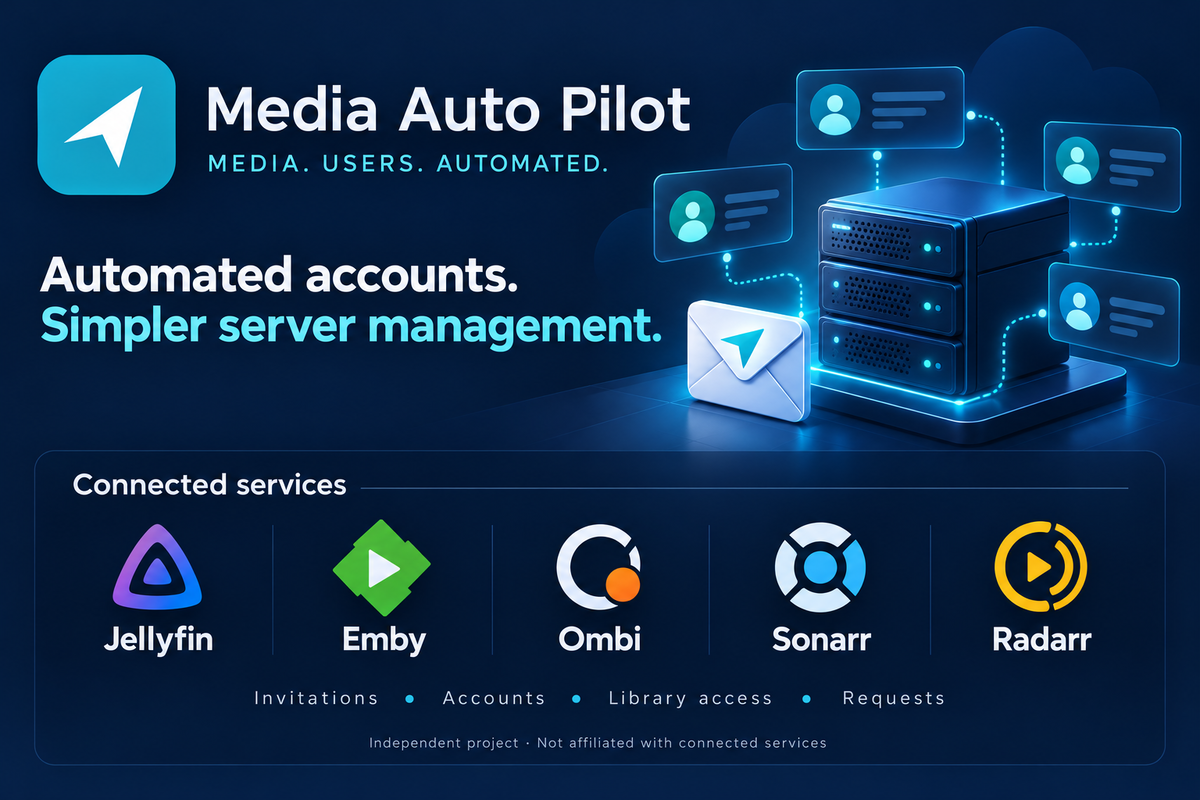
MediaAutoPilot (MAP) is a self-hosted companion for Jellyfin and Emby that brings user onboarding, account provisioning, library access and content requests into one portal.
Built for administrators managing friends-and-family servers, MAP reduces the manual work involved in inviting people and setting up their access across connected services.
MAP focus is account management and automation.
Automated invitations and onboarding
Create an invitation, choose the connected servers and libraries the person should access, and let them complete registration.
MAP handles account creation on the selected services and applies the configured permissions, reducing the need to create each account separately.
Invitations can include:
- An optional email recipient.
- An expiry date.
- A limit on available places.
- Access to selected Jellyfin or Emby servers.
- Library permissions and optional Live TV access.
Jellyfin account provisioning
Automatically create local accounts on the Jellyfin servers selected in an invitation.
Manage access across connected servers and choose the libraries available to each invited member. Jellyfin users do not need Emby Connect accounts.
MAP works alongside Jellyfin rather than replacing its server dashboard or playback clients.
Emby and Emby Connect
For Emby setups, MAP supports automated Emby server account creation, Emby Connect account creation and server linking as part of onboarding.
This helps reduce the separate account-setup steps required when inviting new users.
Emby Connect functionality applies only to Emby. Administrators can use MAP with Jellyfin, Emby or a mixed deployment.
Member portal
Give members a central place to manage their portal account and access content-request features, without giving them administrator access to your media servers.
The portal brings everyday account and request tasks together, while administrators retain control over invitations and access.
Ombi and content requests
MAP supports automated Ombi account provisioning and integrates content requests into the member experience.
Optional Sonarr and Radarr integrations provide request-progress information, helping members follow the status of requested content.
These features depend on the services configured by the administrator. MAP does not supply media, download sources or shared-server access.
Central administration
Use one administrator interface to:
- Manage members and invitations.
- Coordinate account setup across connected services.
- Assign access to selected media servers.
- Configure library permissions and optional Live TV access.
- Review member information and reports.
Self-hosted deployment
Run MAP on your own infrastructure and connect it to your existing media services.
Deployment options include Windows x64 and Ubuntu 24.04 x64 installers, alongside container images for amd64 and arm64 systems.
Visit the website and public release repository for installation information, available packages and release details.
Licensing
MAP is closed-source software distributed as compiled packages.
The free tier supports up to 10 members. Paid software licences are available for larger installations.
Software licensing is separate from member billing: MAP does not charge your server’s members or include membership-payment features.
The public GitHub repository provides downloads and release information.
Links
Website: https://www.mediaautopilot.co.uk
Public downloads and releases: https://github.com/matty03072/MediaAutoPilot-Store
Project transparency
MediaAutoPilot is an independent companion application and is not affiliated with or endorsed by Jellyfin, Emby, Ombi, Sonarr or Radarr.
AI coding assistants were used for testing and documentation.
Feedback on installation, onboarding and day-to-day user management is welcome.
Embed Badge
Add this badge to your README to link back to your hub page:

Installation Instructions
Windows x64
Download the MAP 1.0.1 installer and check its SHA-256 hash.
Run the installer as administrator. The installer is unsigned.
Follow setup. A new standalone installation uses SQLite; see the installation guide.
Open http://localhost:8099/setup. Read the one-hour setup code from C:\ProgramData\MAP\data\setup-code.txt using an elevated text editor, then claim your owner account and enrol MFA.
Configure your own media services, outgoing email and invitation permissions.
MAP uses its own service names and data directories. Do not point it at an MPS database. External database installation acceptance is not established by the SQLite-based release checks; see the release notes before choosing that deployment. Linux — Ubuntu 24.04 x64
Download the Linux archive and verify the checksum.

Extract it and open a terminal in the extracted directory.

With systemd and CPython 3.12 available, run:

sudo bash install.sh

Open http://localhost:8099/setup. Read the one-hour setup code with sudo cat /var/lib/map/setup-code.txt, then claim your owner account and enrol MFA.
The Linux installation uses /opt/map, /etc/map and /var/lib/map. Keep the configuration, encryption key and database together in backups. Follow the README included in the archive for platform-specific instructions. umbrelOS
Open App Store → Community App Stores in Umbrel.

Add this repository:

https://github.com/matty03072/MediaAutoPilot-Store

Install Media Auto Pilot from the community store.

Open MAP. Unlock first-run setup with username owner and the app password shown by Umbrel.

Create your permanent owner account and enrol MFA with an authenticator.
App ID: mediaautopilot-map · Port: 18100 · Architectures: AMD64 / ARM64
MAP has a separate Umbrel app identity and storage, so it can coexist with MPS. This is an independent community preview, not an official Umbrel App Store release. Container pull/runtime checks passed on both architectures; an actual on-device umbrelOS install, reboot and backup/restore still need verification.
Comments (0)
No comments yet. Be the first to share your thoughts!
Log in to comment

NVMe VPS from €7.90 per month. Great to self-host Jellyfin or Emby.
Get started with CorceLink