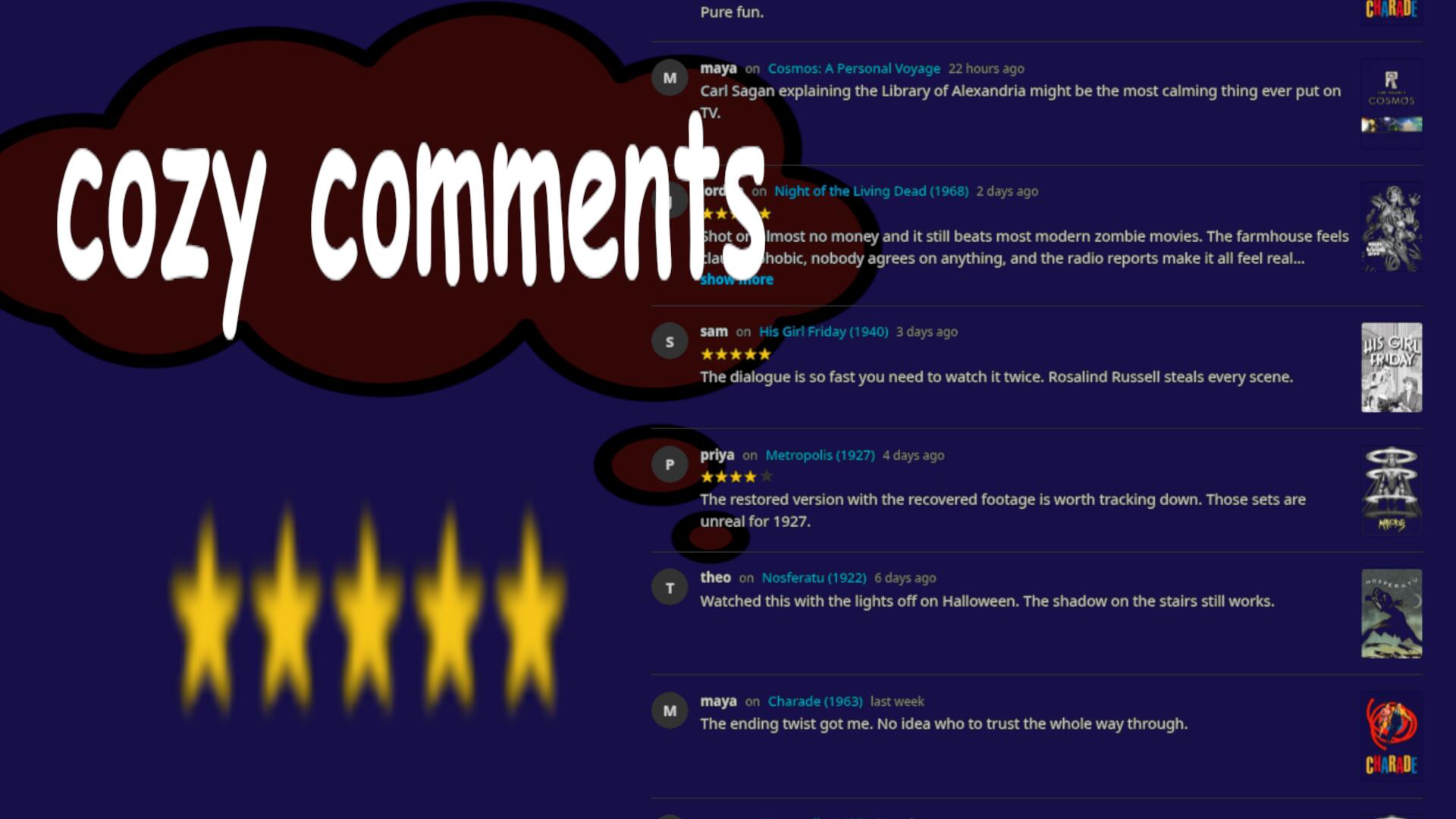
Description
Cozy Comments adds a comment section to every movie, series and episode page in the Jellyfin web app, plus a comments page with everyone's newest comments, opened from a card on the home screen. Made for servers shared with friends and family. Features full toggleable customization and aesthetic control.
Features
- Comments on movies, series, episodes and home videos, shown under the item's details
- Star ratings: optional 1–5 stars with each comment
- Spoilers: mark a comment as a spoiler and it stays blurred until clicked
- Replies: have a conversation in the comments,
- Edit and delete your own comments; admins can delete any comment
- Comments page: the newest comments with posters, opened from a card in My Media. Choose its name, card image and colours, or turn it off
- Respects library access: people only see comments on items they're allowed to see
- Every feature, colour and text is configurable
- Everything stays on your server: one SQLite file with daily backups, no outside services, no extra ports
Requirements
- Jellyfin 10.11.x
- The File Transformation plugin (by IAmParadox27)
- Works in the Jellyfin web app and apps that load it from your server
Screenshots
Latest: 1.2.1.0
- Fixed the comments page showing a 404 in browser tabs that were open during an upgrade
- Clearer error messages that explain the fix, with Try again / Reload buttons
- Open pages offer a reload when a newer version is installed
Embed Badge
Add this badge to your README to link back to your hub page:

Installation Instructions
Installation Instructions
- Install File Transformation (skip if you have it): Dashboard → Plugins → Repositories → +
- Name:
File Transformation - URL:
https://www.iamparadox.dev/jellyfin/plugins/manifest.jsonThen Catalog → File Transformation → Install.
- Name:
- Add the Cozy Comments repository: Dashboard → Plugins → Repositories → +
- Name:
Cozy Comments - URL:
https://raw.githubusercontent.com/DuotronicFish/jellyfin-plugin-cozycomments/main/manifest.json
- Name:
- Catalog → Cozy Comments (category General) → Install.
- Restart Jellyfin, then reload the web app.
A comment section now appears on movie and show pages, and a Recent Comments card in My Media. Settings: Dashboard → Plugins → Cozy Comments. Manual zip install: see the Releases page and the README.
Comments (0)
No comments yet. Be the first to share your thoughts!
Log in to comment

NVMe VPS from €7.90 per month. Great to self-host Jellyfin or Emby.
Get started with CorceLink


