Jellyfin & Emby Plugin Directory

Browse and install 323+ community-curated plugins, themes, clients, and tools for your self-hosted media server. From metadata providers to subtitle plugins to UI themes — all free, open source, and always up to date.

High-availability NVMe VPS to self-host Jellyfin or Emby with 99.9% uptime.

Get started
French Originals

French Originals

38

Give French-original films and shows their French titles and summaries. Runs natively from Jellyfin's Scheduled Tasks or the plugin's Run with saved settings button. No API key, Python runtime, Docker sidecar, or external scheduler is needed on your server.

Jellyfin Alpha Jump

Jellyfin Alpha Jump

310

Changes default WebUI TV and Library scrolling - selecting a letter scrolls to the letter on the whole #-Z list instead of serving a page with only that letter. Plex like scrolling.

jellycanvas

jellycanvas

449 1

JellyCanvas is a Jellyfin plugin that gives you complete control over the native CSS. Any changes you make can be seen in the preview, and saving them will add the CSS to the native Jellyfin branding. Only a few options use the file transformation plugin.

People Toolkit

People Toolkit

204

Add, rename, delete and browse People on any Jellyfin item — including Photos, which don't natively support People. Includes a gallery view and orphan cleanup tools.

Jellyfin VideoOSD Tweaks and Candy

Jellyfin VideoOSD Tweaks and Candy

412

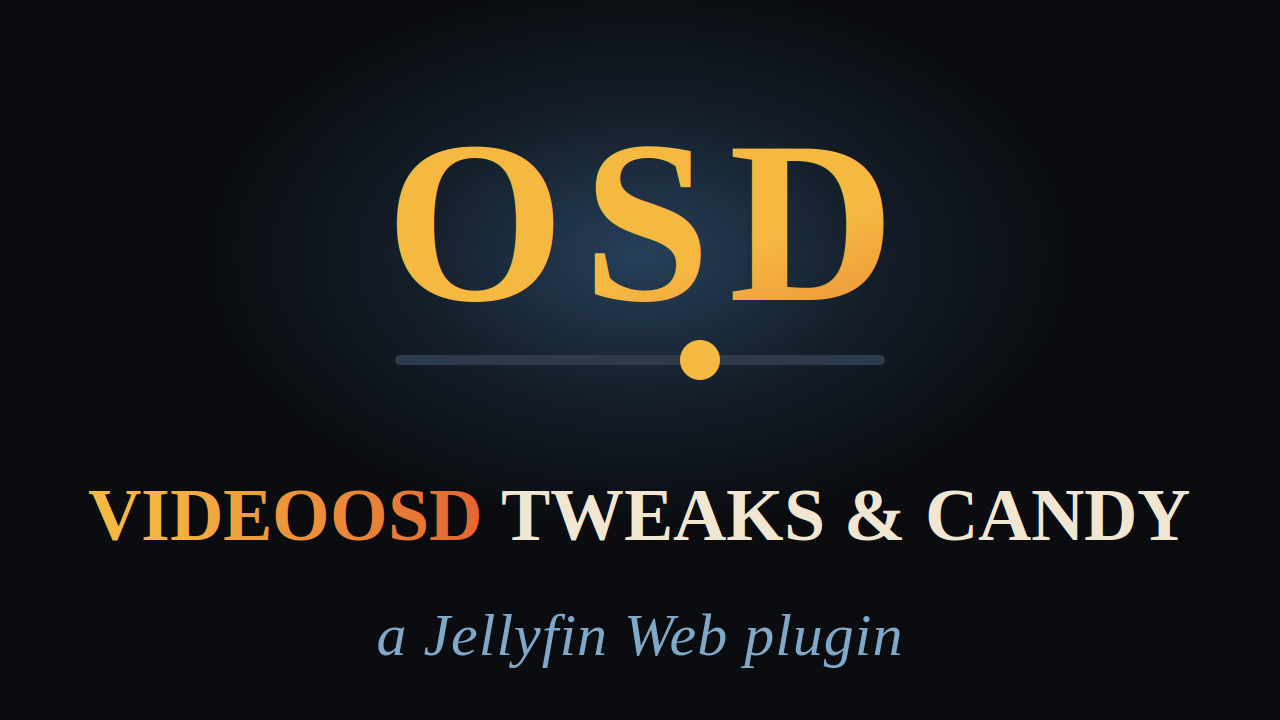
Tweaks for how it plays, candy for how it looks: VLC-familiar playback controls, quick actions, and artwork overlays for the Jellyfin Video OSD, all in one plugin

Jelly Remote for Wear OS

236

Simple app for Jellyfin to control Jellyfin from your WearOS smartwatch

Jellyfin Cinema Project

Jellyfin Cinema Project

1082 1

A first-person 3D cinema for Jellyfin Web. Watch and listen to the soul of a movie, a visualized experience you step into like a video game.

jellyscope

jellyscope

396 1

Jellyfin statistics that connect what people watch with the technical state of the library.

Polskie Napisy Anime

239

Plugin umożliwia wyszukiwanie i automatyczne pobieranie napisów anime.

Jellyfin Keyboard Library Navigation: Control Your Entire Library by Typing

407 1

Adds keyboard-based navigation and commands to the Jellyfin Web interface, allowing quick access to libraries, views, filters, sorting, playback actions, and other functions through configurable key combinations.

Cover Art Sync

Cover Art Sync

759

Synchronize missing Jellyfin music album and artist artwork from a configured metadata provider, with a scheduled task.

Subsync Starter

Subsync Starter

797

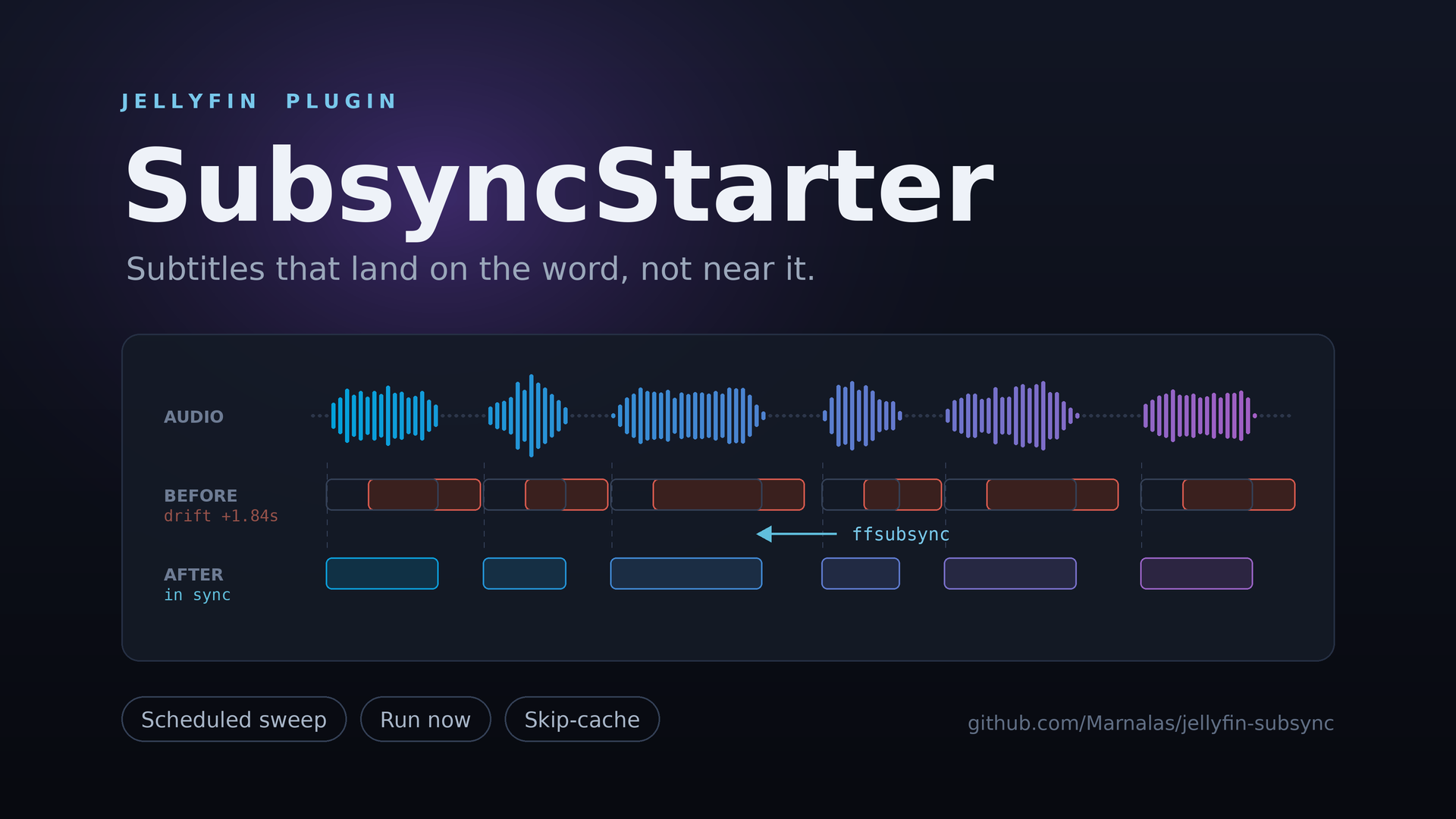
Automatically re-syncs out-of-sync subtitles using ffsubsync and jellyfin metadata.

Jelana

Jelana

695

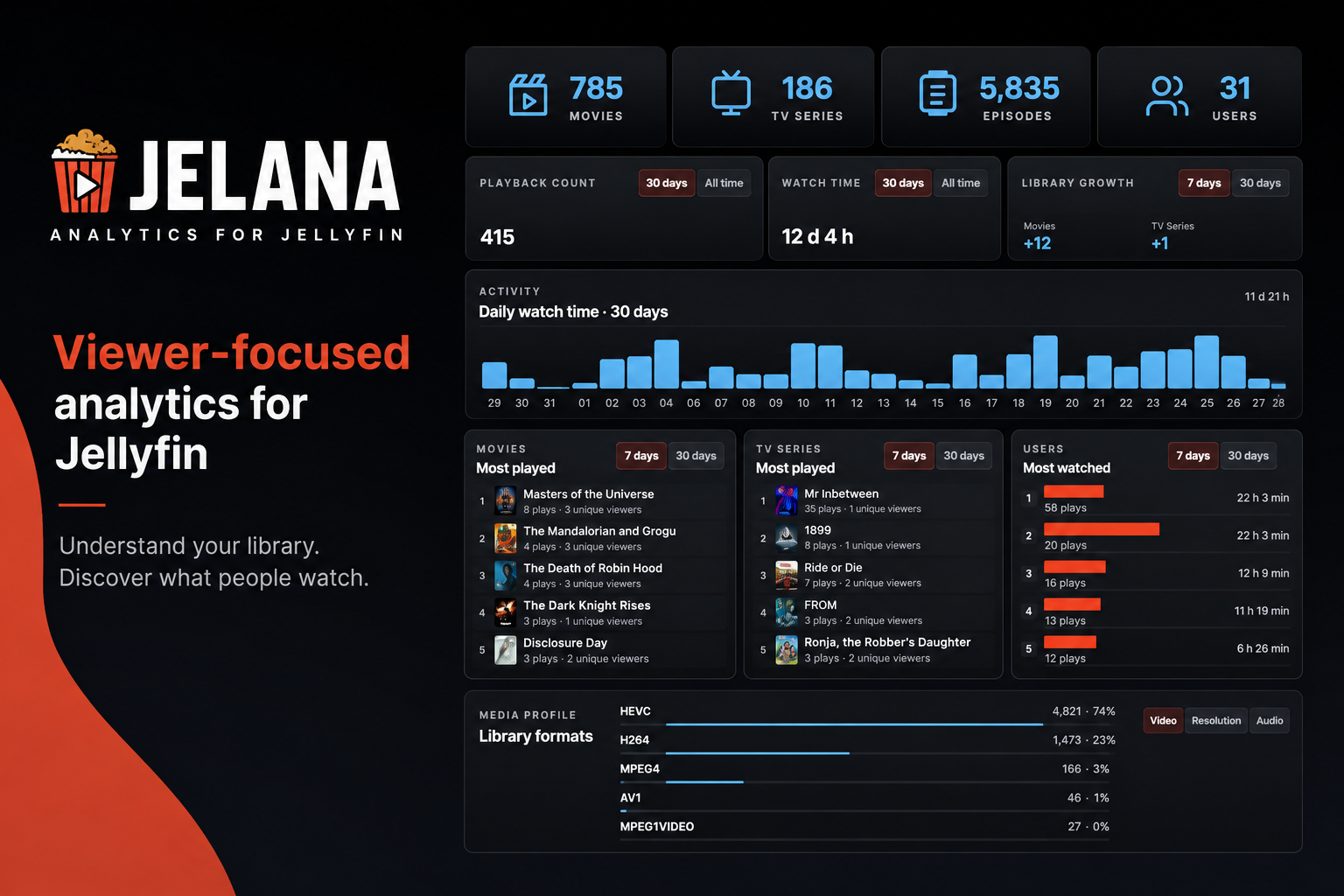
Jelana is an analytics dashboard for Jellyfin focused on viewers rather than administrators.

Fathom

Fathom

752

A modern desktop client for Jellyfin, with an optional built-in YouTube player and Seerr requests.

Dicoverr

Dicoverr

820 1

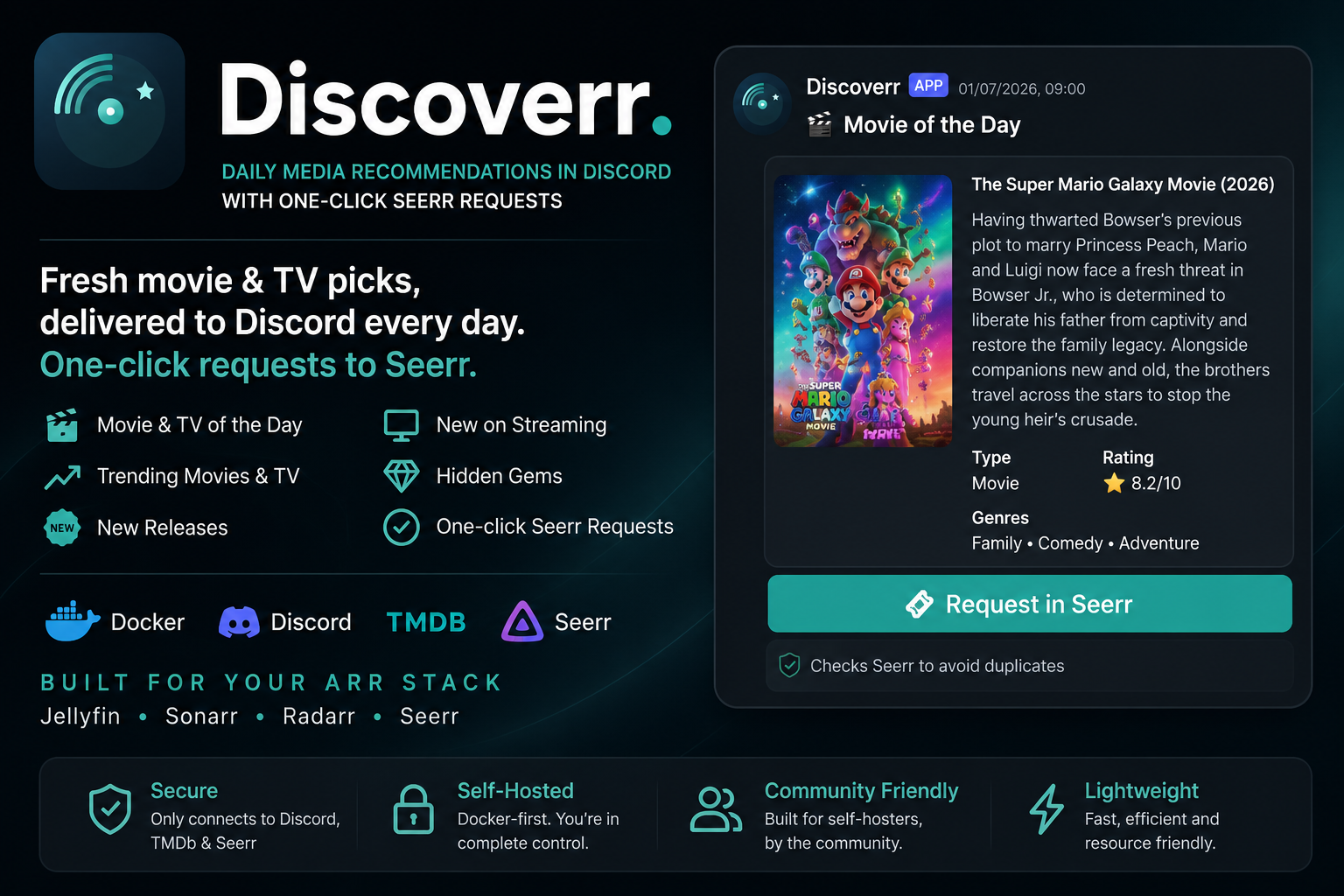
Discoverr is a lightweight Discord bot for Seerr and Jellyfin users. It posts scheduled movie and TV picks into dedicated channels and lets people request titles through Seerr without leaving Discord.

Full Watch Party Suite : Intergrated with Radarr/Sonarr/Trakt

Full Watch Party Suite : Intergrated with Radarr/Sonarr/Trakt

492

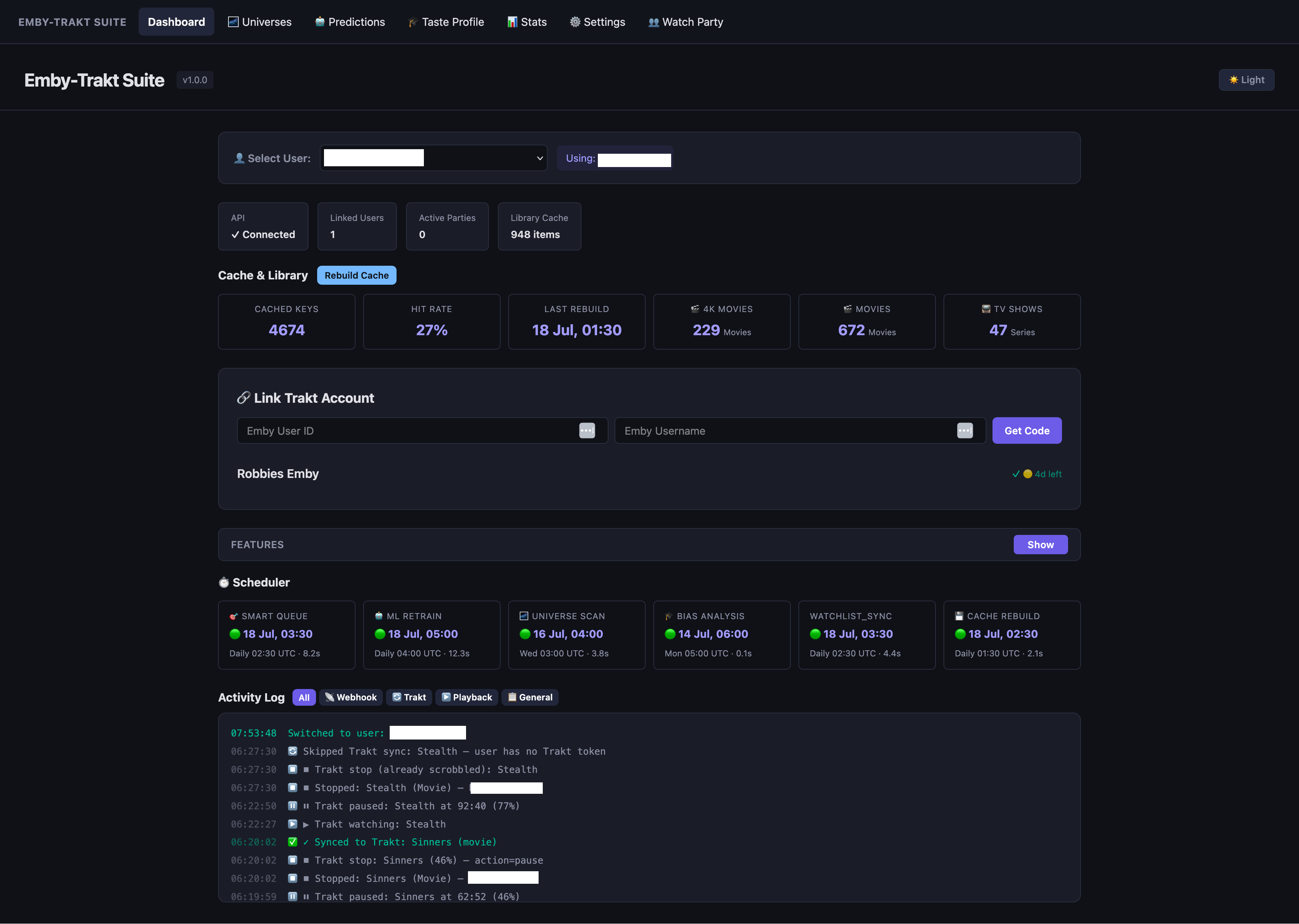
Watch party allows devices anywhere to watch the same item played on emby, in sync.

Plex2Jellyfin

Plex2Jellyfin

708 1

plex2jellyfin migrates Plex-style media folders to Jellyfin naming and keeps new downloads organized with a CLI, daemon, web dashboard, and Jellyfin companion plugin.

Media Preview Generator

885

GPU-accelerated video preview thumbnail (BIF/trickplay) generation for Jellyfin & Emby (and Plex)

Astra

Astra

1237

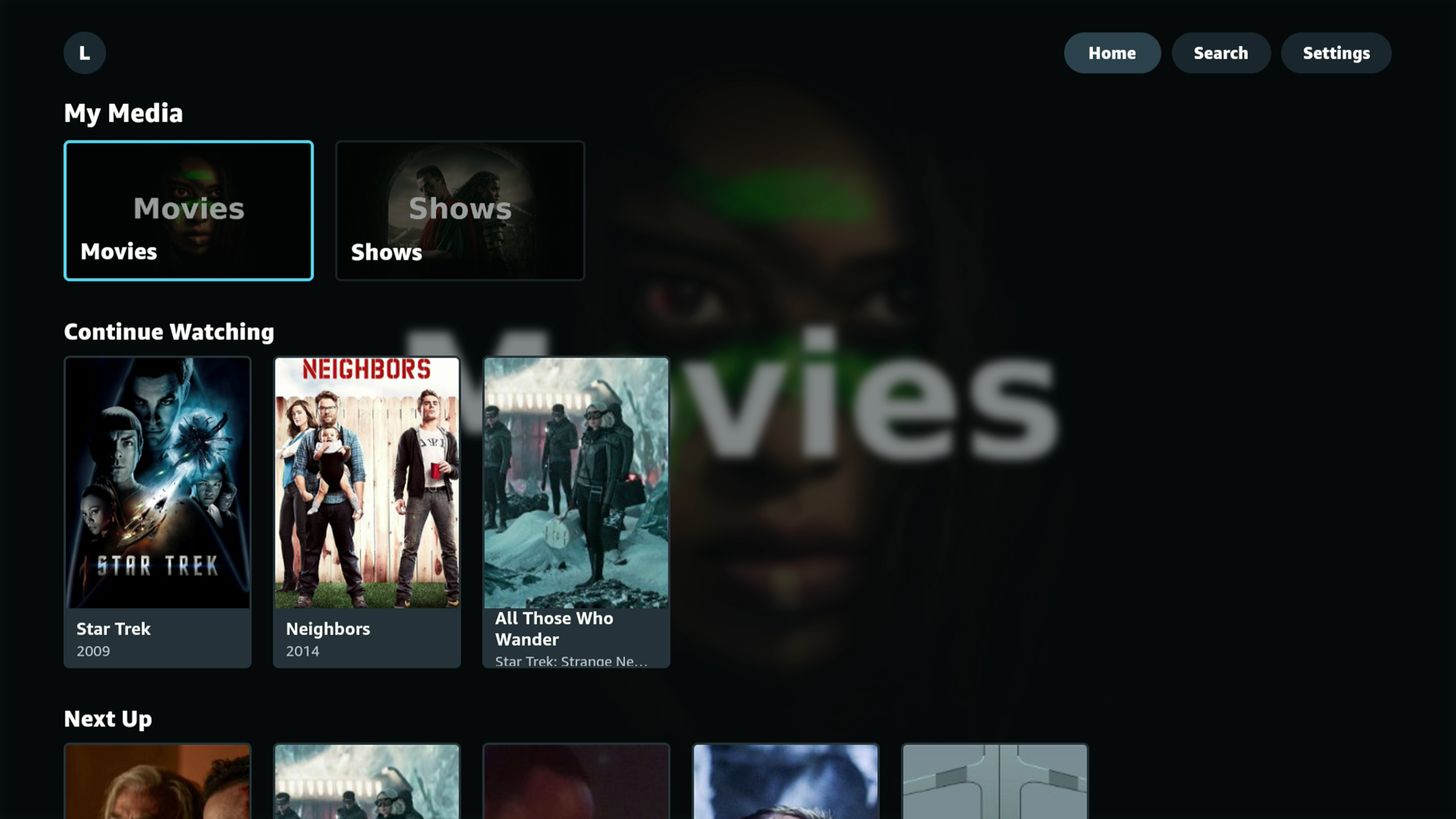
A Jellyfin client built for Amazon Vega OS — the Linux-based Fire TV Stick platform that broke every existing Jellyfin client when it removed sideloading. Astra brings Jellyfin back to these devices with native playback and a clean 10-foot UI.

AI Search

AI Search

1471

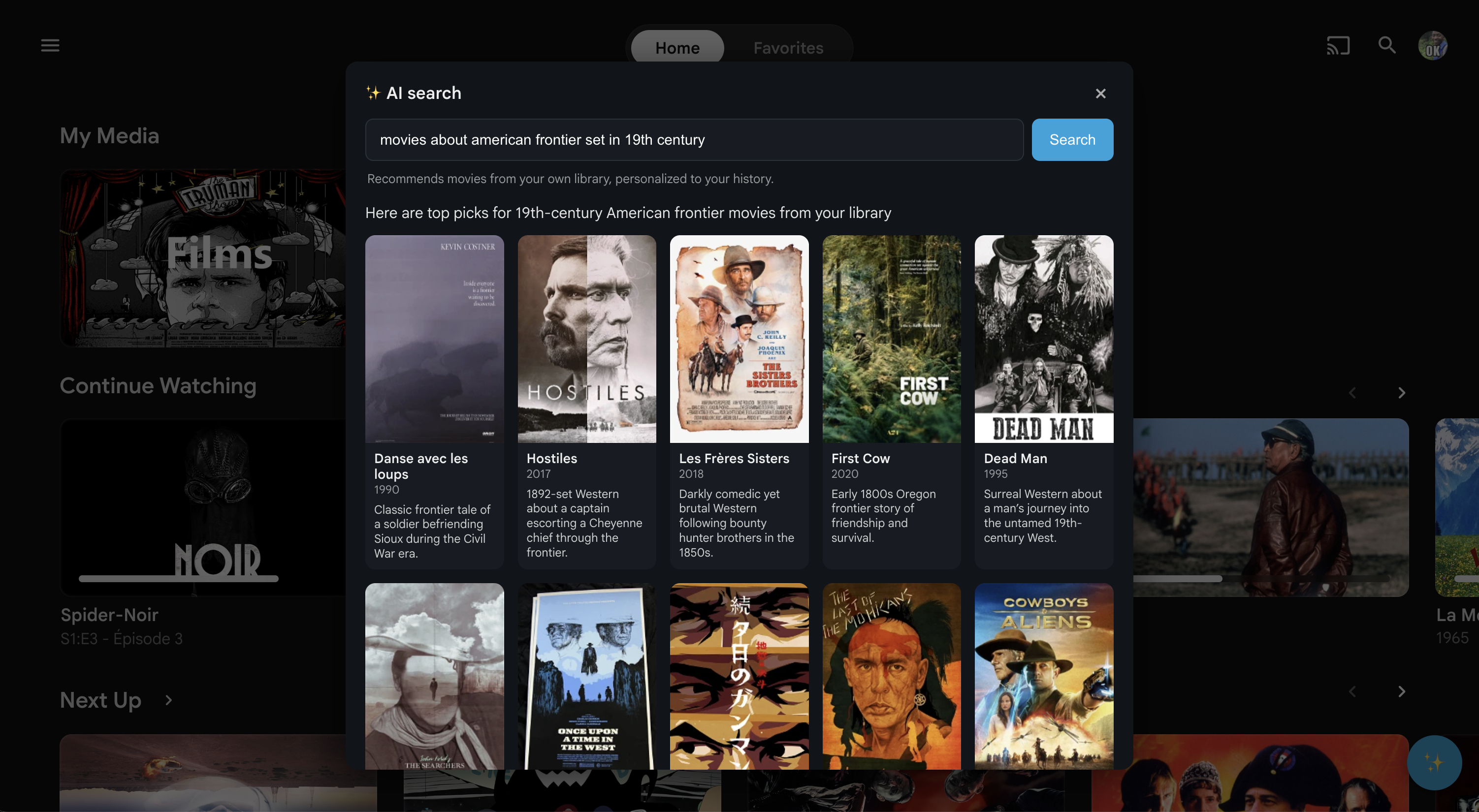
Ask your movie library a question, in your own words, and get real answers.

Frequently Asked Questions

What is the Community Hub?

The Community Hub is a curated directory of plugins, themes, clients, and tools built by the community for Jellyfin and Emby media servers. It helps users discover projects to enhance their media server experience, and gives developers a place to showcase their work.

How do I submit a plugin or project?

To submit a project, create an account on the Hub and navigate to the submission page. Fill in your project's name, description, repository URL, category, and target platform. Submissions are reviewed by our team before being published to ensure quality and relevance.

What platforms are supported?

The Hub supports projects targeting Jellyfin, Emby, or both platforms. When submitting a project, you can specify which media server your plugin or tool is compatible with. Users can filter the listing by platform to find projects relevant to their setup.

How are plugins reviewed and approved?

After submission, our team reviews each project to verify that the repository link is valid, the description is accurate, and the project is relevant to the Jellyfin or Emby ecosystem. This process typically takes a few days. You can track your submission status in the "My Submissions" section.

Is the Community Hub free to use?

Yes, the Community Hub is completely free. Browsing, searching, and downloading plugins costs nothing. Submitting your own projects is also free. The Hub is a community-driven initiative to help media server enthusiasts find and share useful tools.

How can I vote for or review a plugin?

Registered users can vote for plugins they find useful by clicking the heart icon on any plugin card or detail page. You can also leave a comment on a plugin's detail page to share your experience. Voting helps the community identify the most popular and useful projects.

Can I update my plugin after submission?

Yes, you can edit your submission details at any time from the "My Submissions" section. Changes to the name, description, or images may require re-approval. The repository link ensures users always have access to your latest code and releases.