News & updates

RSS

Tips, updates, and guides from the JellyWatch team.

4 results for "vm"

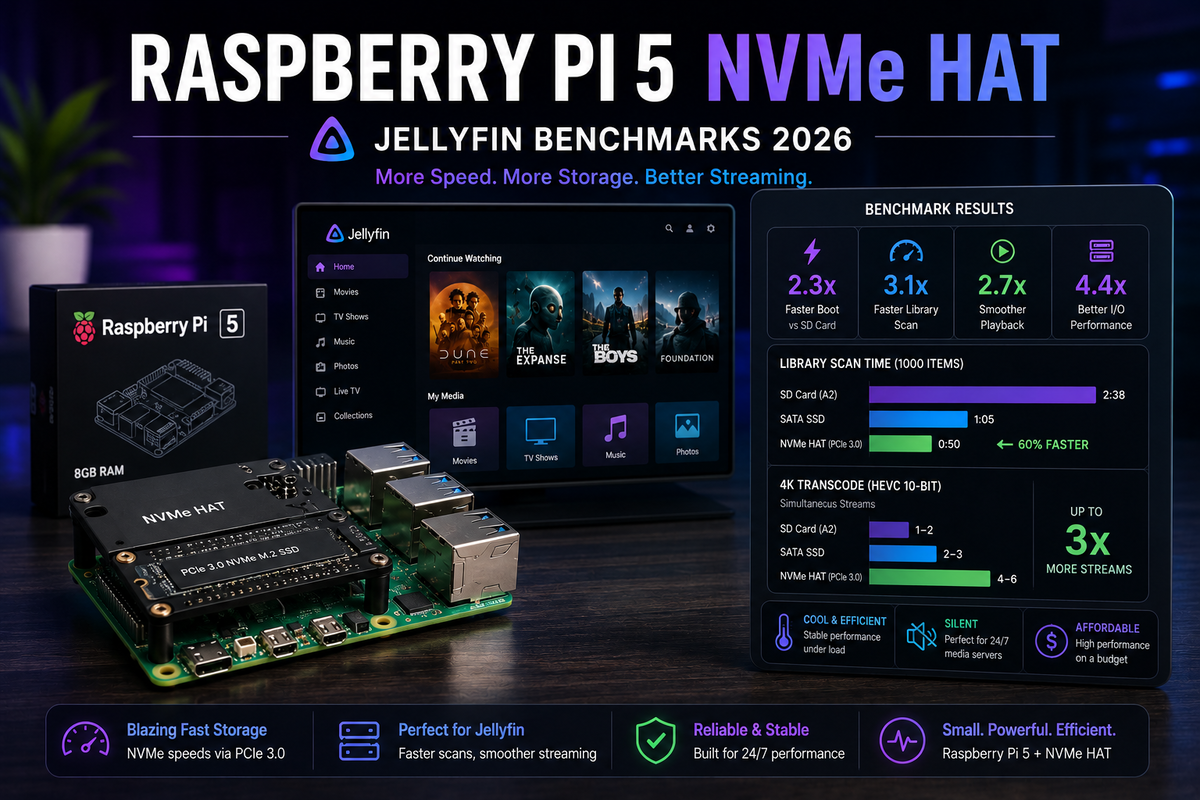
Raspberry Pi 5 + NVMe HAT for Jellyfin 2026: Real Performance Benchmarks and the N100 Comparison
8 min read 116

Raspberry Pi 5 + NVMe HAT for Jellyfin 2026: Real Performance Benchmarks and the N100 Comparison

The Raspberry Pi 5 with an NVMe HAT finally solves the Pi storage bottleneck. But does it make the Pi 5 a viable Jellyfin server in 2026? We benchmarked library scan speed, metadata loading, Direct Play performance, and compared it head-to-head against the Intel N100 mini PC. Includes NVMe HAT installation, Docker setup, and honest recommendations for when the Pi 5 is enough and when you should spend $50 more on an N100.
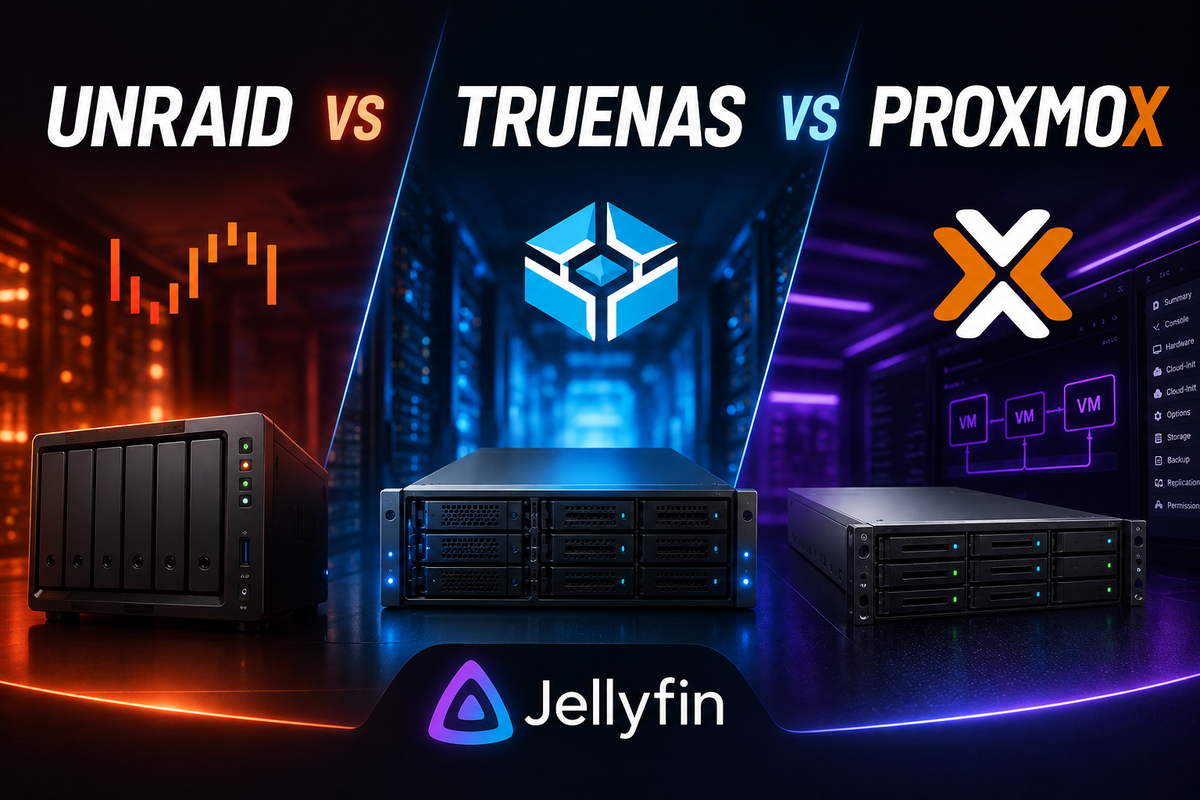

Unraid vs TrueNAS vs Proxmox for Jellyfin 2026: Which NAS/Hypervisor OS Should You Choose?
8 min read 237

Unraid vs TrueNAS vs Proxmox for Jellyfin 2026: Which NAS/Hypervisor OS Should You Choose?

Three operating systems dominate the homelab space for running Jellyfin: Unraid (flexible, user-friendly), TrueNAS SCALE (ZFS, free, Docker-native since Electric Eel), and Proxmox (hypervisor with LXC and VMs). This comparison covers Docker support, GPU passthrough complexity, storage architecture, backup capabilities, community size, and total cost of ownership for each platform.

Jellyfin on Proxmox 2026: LXC vs VM - GPU Passthrough in 5 Minutes (Intel & NVIDIA)
8 min read 2379 2

Jellyfin on Proxmox 2026: LXC vs VM - GPU Passthrough in 5 Minutes (Intel & NVIDIA)

Run Jellyfin on Proxmox with hardware transcoding in an LXC container or VM. This guide covers Intel QSV device mapping (3 lines of config), NVIDIA PCI passthrough, NAS storage mounting via NFS/SMB, performance tuning, and the community helper script that automates the entire setup.

Free Jellyfin Server on Oracle Cloud: 4 Cores, 24 GB RAM, Forever (2026 Guide)
6 min read 4422 2

Free Jellyfin Server on Oracle Cloud: 4 Cores, 24 GB RAM, Forever (2026 Guide)

Oracle Always Free Tier gives you a permanent 4-core ARM VM with 24 GB RAM and 10 TB of monthly bandwidth - enough to run a Jellyfin server at zero cost. This step-by-step guide covers account creation, Docker deployment, port configuration, media mounting, and the real-world limitations you need to know before starting.
