News & updates

RSS

Tips, updates, and guides from the JellyWatch team.

16 results for "intel"

Intel N100 & N150 Successor: What Comes Next for Jellyfin Mini PCs in 2026?
5 min read 266

Intel N100 & N150 Successor: What Comes Next for Jellyfin Mini PCs in 2026?

The Intel N100 dominated budget Jellyfin servers. Now the N150 and upcoming successors push performance further. Compare specs, transcoding benchmarks, and find out if it is time to upgrade your media server.
Raspberry Pi 5 + NVMe HAT for Jellyfin 2026: Real Performance Benchmarks and the N100 Comparison
8 min read 116

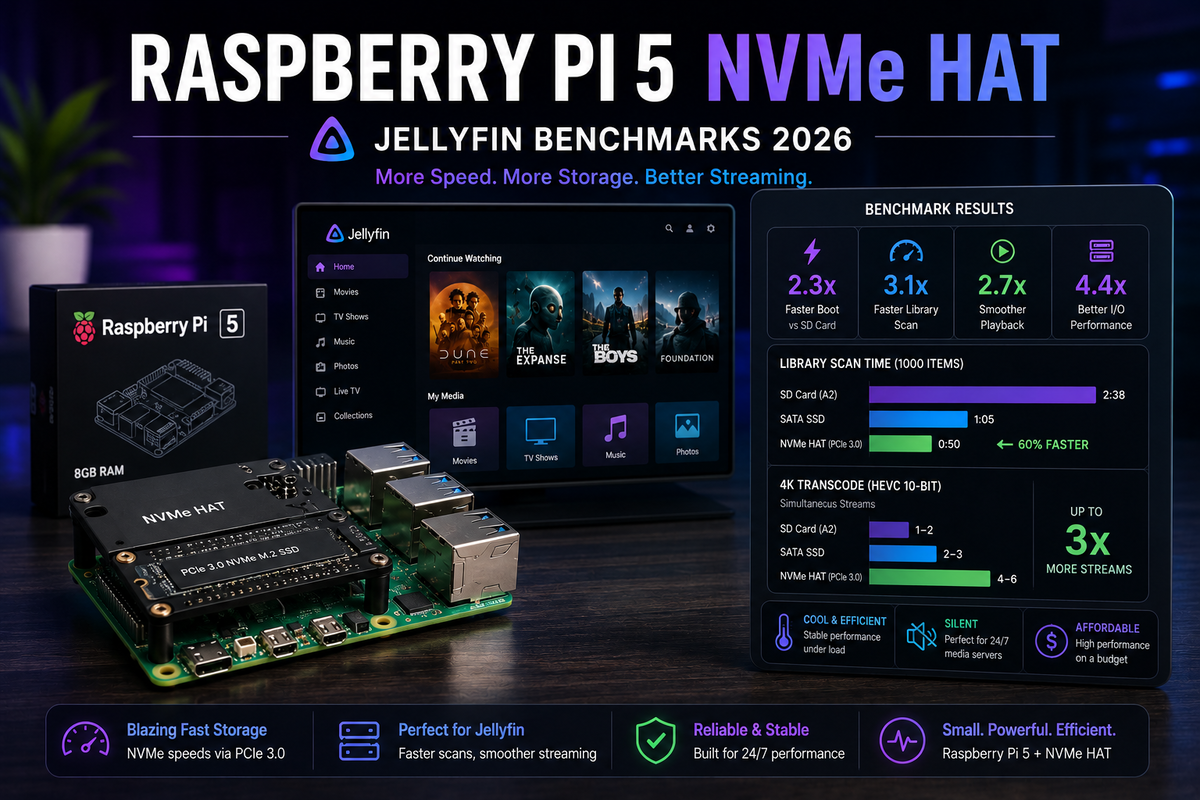
Raspberry Pi 5 + NVMe HAT for Jellyfin 2026: Real Performance Benchmarks and the N100 Comparison

The Raspberry Pi 5 with an NVMe HAT finally solves the Pi storage bottleneck. But does it make the Pi 5 a viable Jellyfin server in 2026? We benchmarked library scan speed, metadata loading, Direct Play performance, and compared it head-to-head against the Intel N100 mini PC. Includes NVMe HAT installation, Docker setup, and honest recommendations for when the Pi 5 is enough and when you should spend $50 more on an N100.

Jellyfin Power Consumption Guide 2026: Real Measurements for N100, N305, NAS, and Old PCs (Kill-A-Watt Tested)
7 min read 123

Jellyfin Power Consumption Guide 2026: Real Measurements for N100, N305, NAS, and Old PCs (Kill-A-Watt Tested)

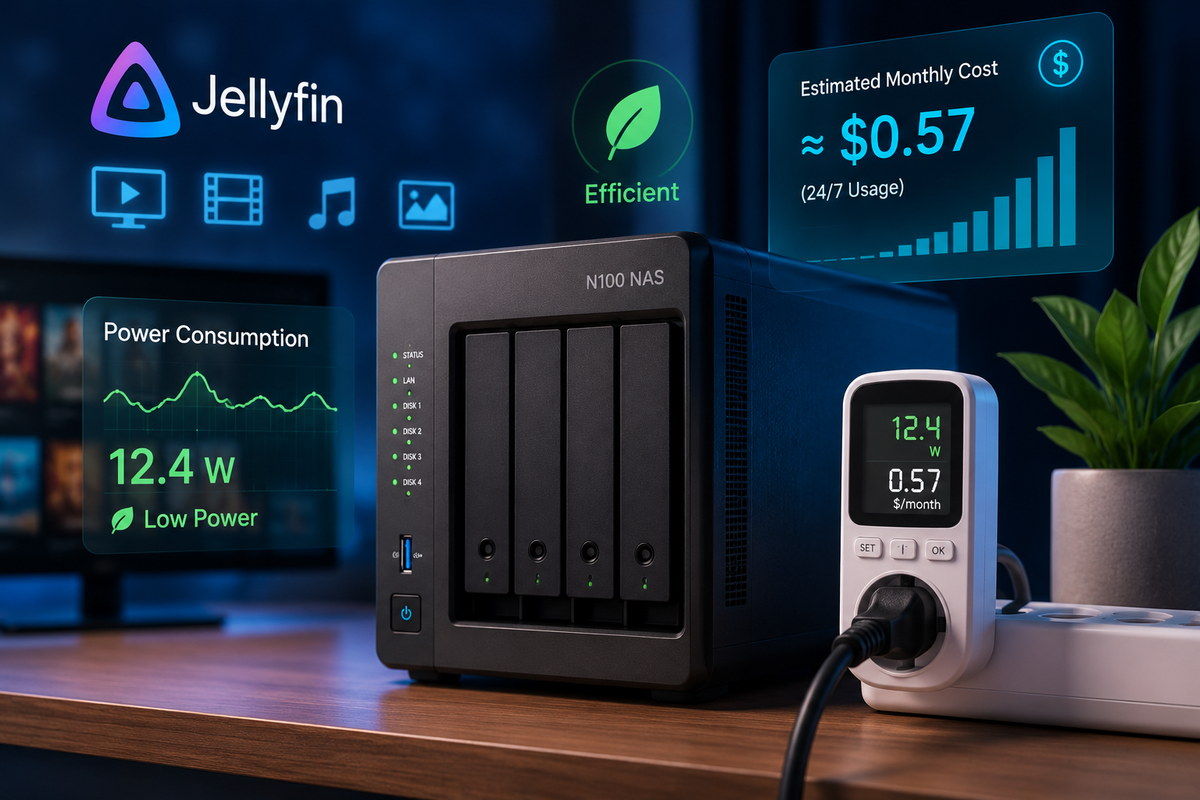
How much electricity does your Jellyfin server actually use? We measured real-world power draw with a Kill-A-Watt meter across 8 common setups: Intel N100, N305, Synology NAS, old laptop, desktop PC, Raspberry Pi 5, Nvidia Shield, and a full rack server. Includes idle vs transcoding watts, annual electricity cost, and the break-even point for upgrading hardware.

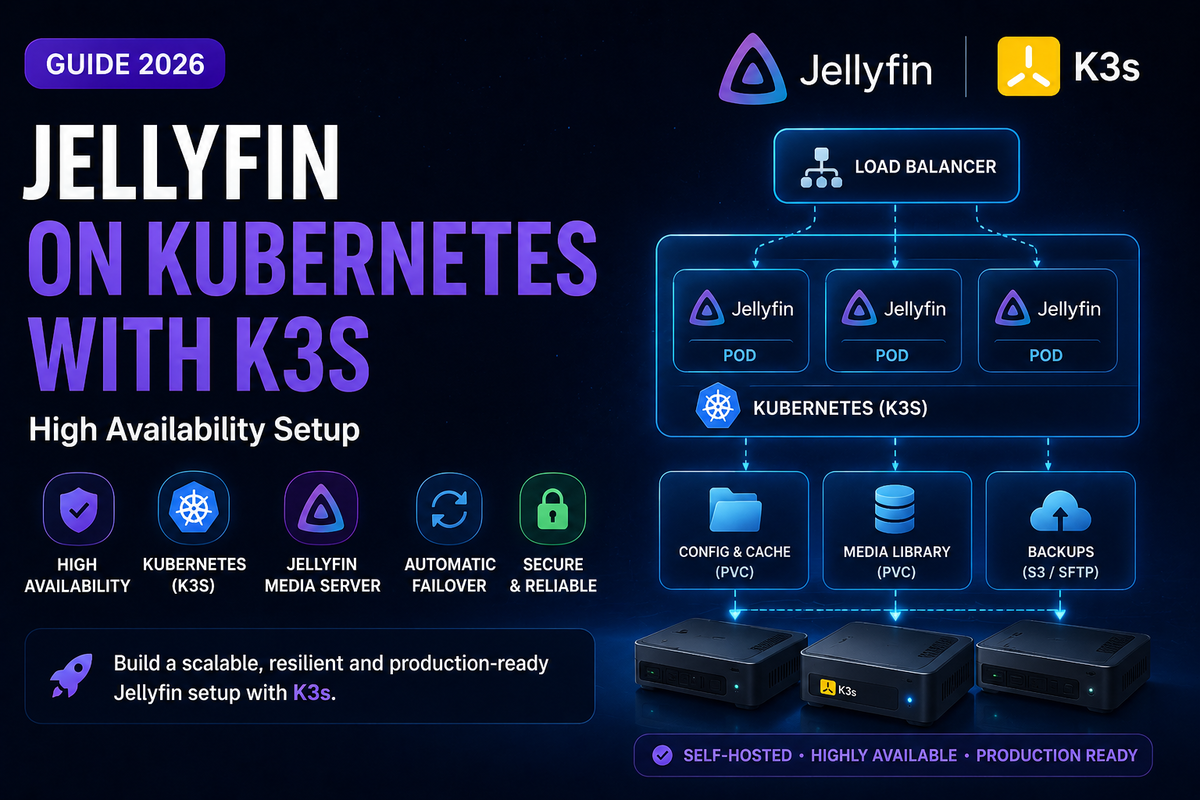
Jellyfin on Kubernetes (K3s) 2026: High-Availability Media Server with Intel GPU and Persistent Storage
7 min read 181

Jellyfin on Kubernetes (K3s) 2026: High-Availability Media Server with Intel GPU and Persistent Storage

Run Jellyfin on Kubernetes using K3s for automatic restarts, rolling updates, and multi-node scaling. This guide covers K3s installation, Helm chart deployment, Intel GPU device plugin for hardware transcoding, persistent volume claims for config and media, Ingress with cert-manager for HTTPS, and horizontal pod autoscaling.

Jellyfin on TrueNAS Electric Eel (v25) in 2026: Docker Setup, GPU Passthrough & ZFS Snapshots
7 min read 251 2

Jellyfin on TrueNAS Electric Eel (v25) in 2026: Docker Setup, GPU Passthrough & ZFS Snapshots

TrueNAS Electric Eel replaced Kubernetes with Docker Compose for apps. This complete guide covers installing Jellyfin on TrueNAS 25.04 with the new Apps system, Intel QSV GPU passthrough, ZFS dataset configuration, and automated snapshots for bulletproof backups.

Best GPU for Jellyfin Transcoding in 2026: Intel Arc vs NVIDIA vs AMD (Complete Comparison)
2 min read 1736

Best GPU for Jellyfin Transcoding in 2026: Intel Arc vs NVIDIA vs AMD (Complete Comparison)

Which GPU gives the most transcodes per dollar for Jellyfin? Compares Intel Arc A380/A770, NVIDIA GTX 1650 to RTX 4060, and AMD RX 6600 to RX 7600 with real-world benchmarks, tone mapping quality, and AV1 support.

Best NAS for Jellyfin in 2026: Synology vs QNAP vs Asustor vs DIY (Buying Guide)
2 min read 1858

Best NAS for Jellyfin in 2026: Synology vs QNAP vs Asustor vs DIY (Buying Guide)

Which NAS should you buy for Jellyfin in 2026? This buying guide compares Synology, QNAP, Asustor, and DIY builds - focusing on hardware transcoding support, Docker compatibility, Intel vs AMD CPUs, and price-to-performance.

Jellyfin on Windows 2026: Install, Hardware Transcoding & Run as a Service (Windows 10/11)
3 min read 170

Jellyfin on Windows 2026: Install, Hardware Transcoding & Run as a Service (Windows 10/11)

Run and optimize Jellyfin on Windows 10/11 in 2026. Covers installation as a Windows Service, Intel QSV and NVIDIA NVENC hardware transcoding, firewall rules, Windows Defender exclusions, sleep prevention, and remote access via Cloudflare Tunnel or Tailscale. Not to be confused with Windows Server - this guide targets home desktop PCs.