News & updates

RSS

Tips, updates, and guides from the JellyWatch team.

48 results for "hat"

qBittorrent 5.2.0 Released: What's New and Why It Matters
8 min read 6383 1 3

qBittorrent 5.2.0 Released: What's New and Why It Matters

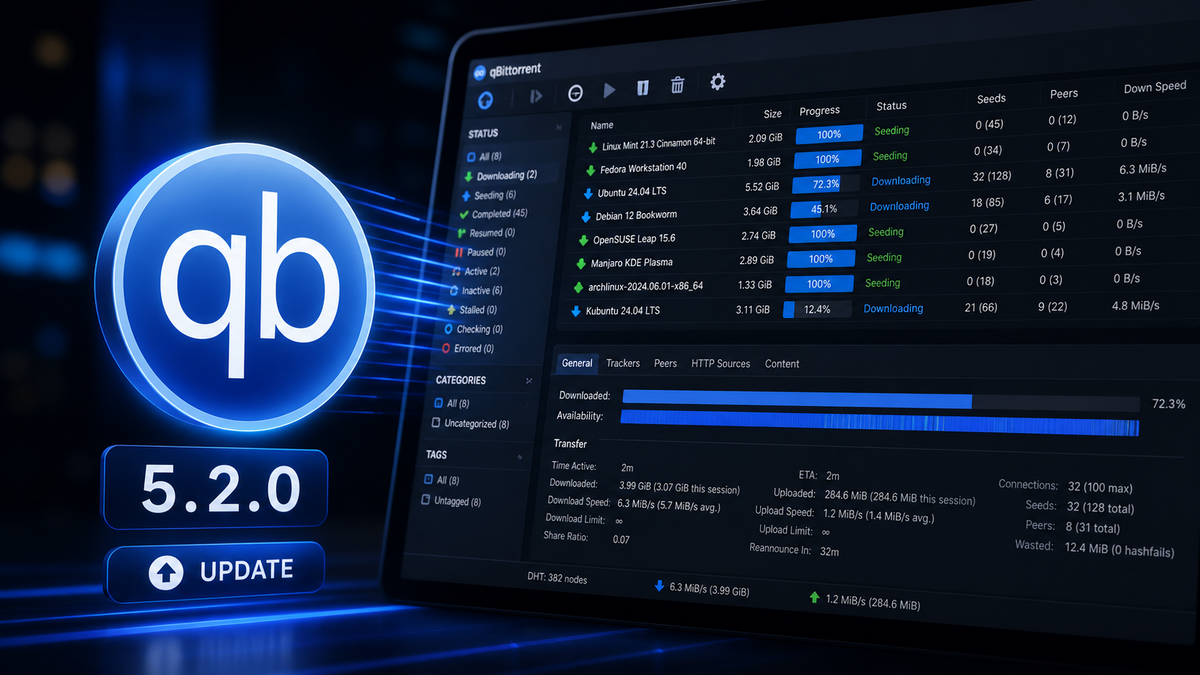
qBittorrent 5.2.0 is a major release with category-level share limits, WebUI performance improvements, async piece calculation, and a long list of crash fixes. Here is everything that changed and what Jellyfin admins running Radarr and Sonarr need to know before upgrading.

How to Install Jellyfin on Fire TV Stick in 2026: Setup, 4K Playback, and the Vega OS Problem
9 min read 1822

How to Install Jellyfin on Fire TV Stick in 2026: Setup, 4K Playback, and the Vega OS Problem

The Fire TV Stick is one of the cheapest ways to stream Jellyfin on your TV. But Amazon's 2026 shift to Vega OS is changing the rules. This guide covers installation from the Amazon Appstore, codec support by model, 4K HDR optimization, and what to do if your Fire TV runs Vega OS.

Best Handbrake & FFmpeg Settings for Jellyfin 2026: Encode for Zero Transcoding on Every Device
15 min read 699 2

Best Handbrake & FFmpeg Settings for Jellyfin 2026: Encode for Zero Transcoding on Every Device

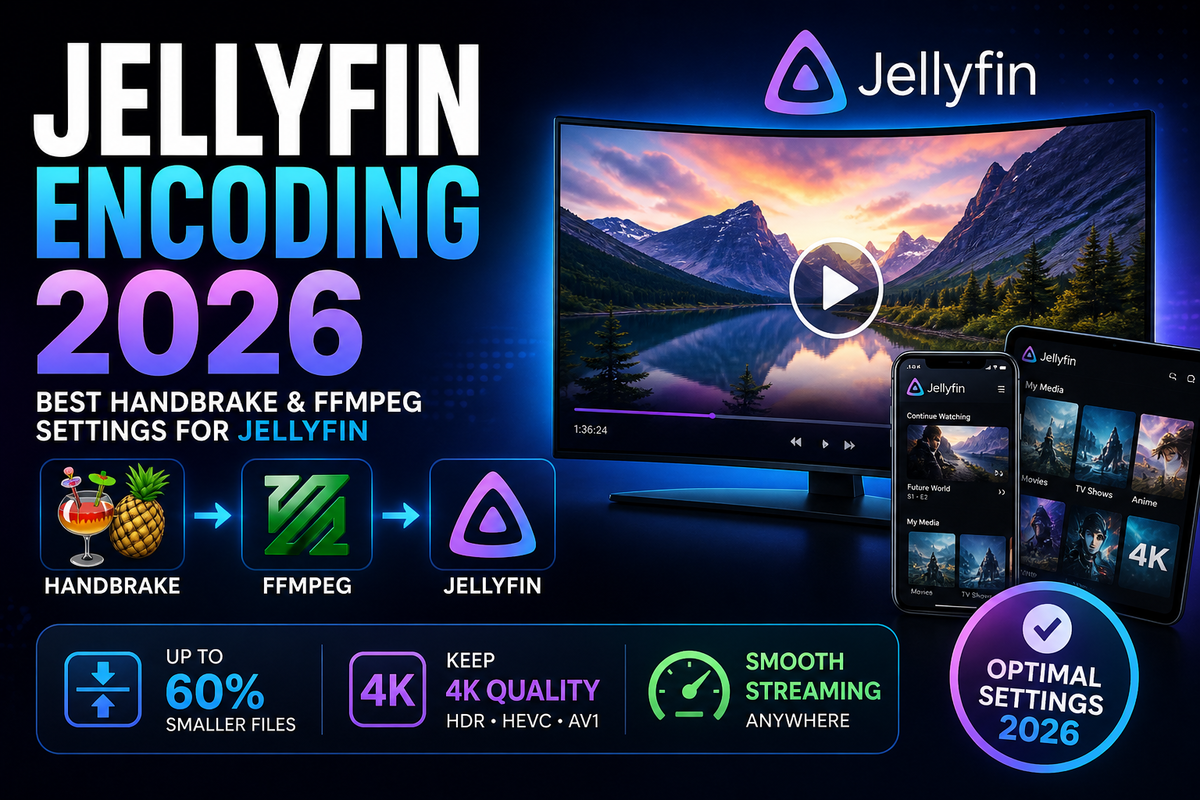
Stop guessing encode settings. This guide gives you exact Handbrake and FFmpeg configurations that produce files every Jellyfin client can Direct Play - H.265 CRF values, dual audio tracks (EAC3 + AAC), HDR preservation, GPU encoding, and batch automation with Tdarr.

Build a Jellyfin Discord and Telegram Bot in 2026: Now Playing, Commands, and Rich Notifications
6 min read 539 2

Build a Jellyfin Discord and Telegram Bot in 2026: Now Playing, Commands, and Rich Notifications

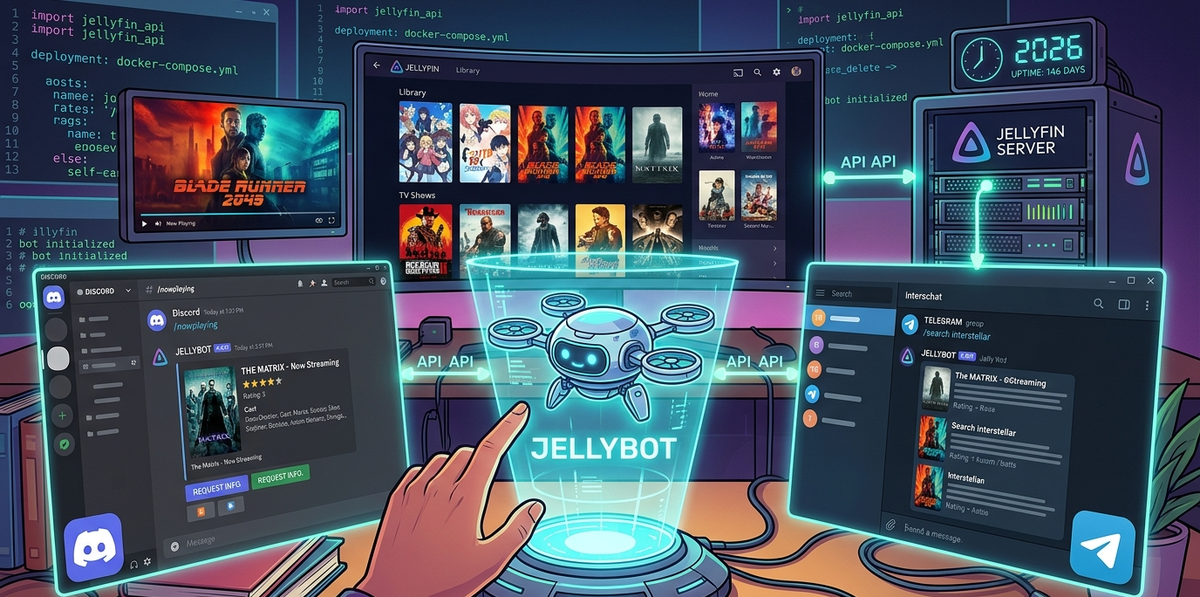
Go beyond basic webhooks. Build a Discord or Telegram bot that shows what is currently playing on your Jellyfin server, lets users search your library, request media, and receive rich embed notifications with poster artwork - all from a chat message.

How to Install Jellyfin on LG Smart TV (webOS) in 2026: Setup, Codec Support, and Alternatives
7 min read 2967 1 2

How to Install Jellyfin on LG Smart TV (webOS) in 2026: Setup, Codec Support, and Alternatives

LG is the second best-selling TV brand worldwide and runs webOS - a platform with an official Jellyfin app in the LG Content Store. This guide covers installation, codec compatibility, OLED-specific settings, and what to do when the native app falls short.

Turn Your Old PC or Laptop Into a Jellyfin Media Server in 2026 (Complete Guide)
2 min read 560

Turn Your Old PC or Laptop Into a Jellyfin Media Server in 2026 (Complete Guide)

That old laptop gathering dust can become a powerful Jellyfin server. Covers minimum specs, Ubuntu Server install, Docker setup, hardware transcoding on older GPUs, power management, and 24/7 operation.

Jellyfin Scheduled Tasks: Stop Background CPU Spikes (Optimization Guide 2026)
2 min read 576

Jellyfin Scheduled Tasks: Stop Background CPU Spikes (Optimization Guide 2026)

Jellyfin runs dozens of background tasks that can spike CPU and cause buffering during playback. This guide explains every task, which to disable, how to reschedule heavy tasks (Trickplay, Intro Skipper, chapter extraction) to run overnight, and how to monitor their impact.

How to Install Jellyfin on Samsung TV in 2026: One-Command Docker Method (No Tizen Studio)
3 min read 8715 3

How to Install Jellyfin on Samsung TV in 2026: One-Command Docker Method (No Tizen Studio)

Samsung Smart TVs run Tizen OS and Jellyfin is not in the Samsung app store. This guide covers the easiest method: a single Docker command that builds and deploys the Jellyfin Tizen app to your TV in under 2 minutes. No Tizen Studio, no complex setup. Plus alternatives if sideloading is not for you.

Jellyfin on Proxmox 2026: LXC vs VM - GPU Passthrough in 5 Minutes (Intel & NVIDIA)
8 min read 2384 2

Jellyfin on Proxmox 2026: LXC vs VM - GPU Passthrough in 5 Minutes (Intel & NVIDIA)

Run Jellyfin on Proxmox with hardware transcoding in an LXC container or VM. This guide covers Intel QSV device mapping (3 lines of config), NVIDIA PCI passthrough, NAS storage mounting via NFS/SMB, performance tuning, and the community helper script that automates the entire setup.