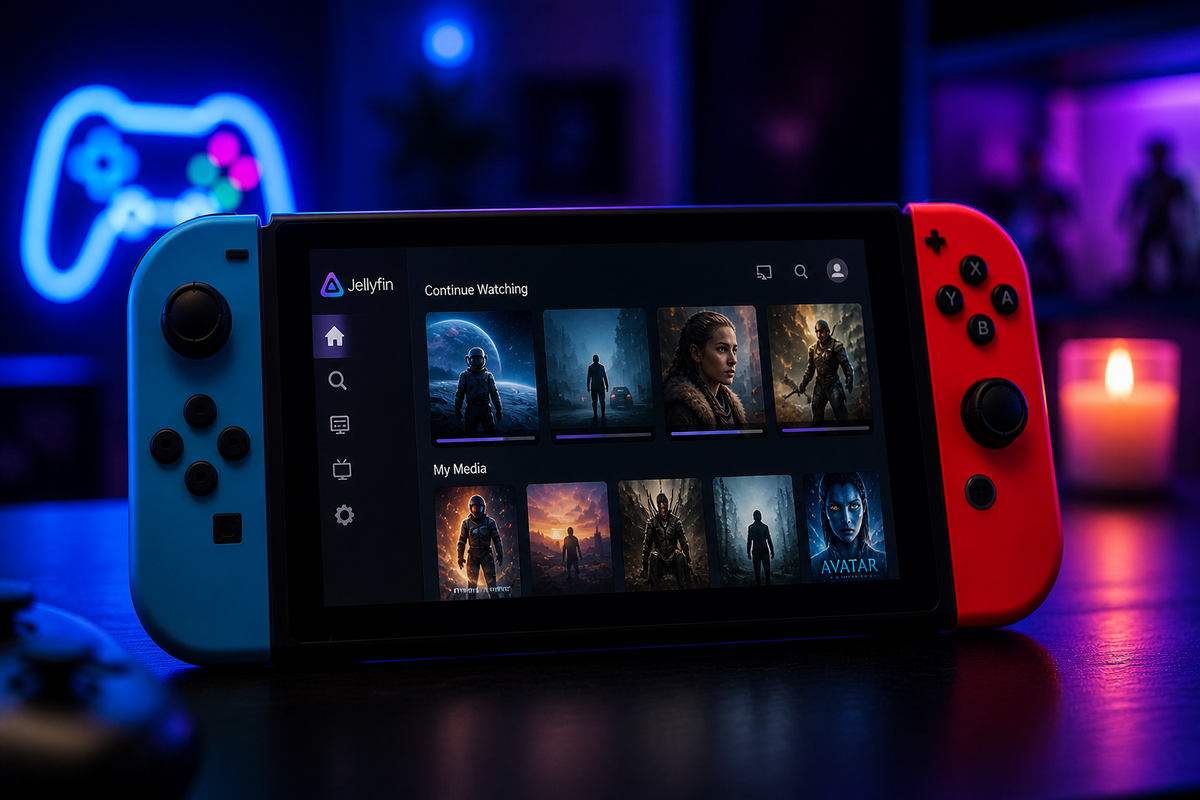
Jellyfin on Nintendo Switch: Switchfin Setup Guide (2026)
Yes, you can run Jellyfin on your Nintendo Switch. Switchfin is an open-source client that turns your Switch into a media player. Installation, codec support, and limitations.
Tips, updates, and guides from the JellyWatch team.
Yes, you can run Jellyfin on your Nintendo Switch. Switchfin is an open-source client that turns your Switch into a media player. Installation, codec support, and limitations.
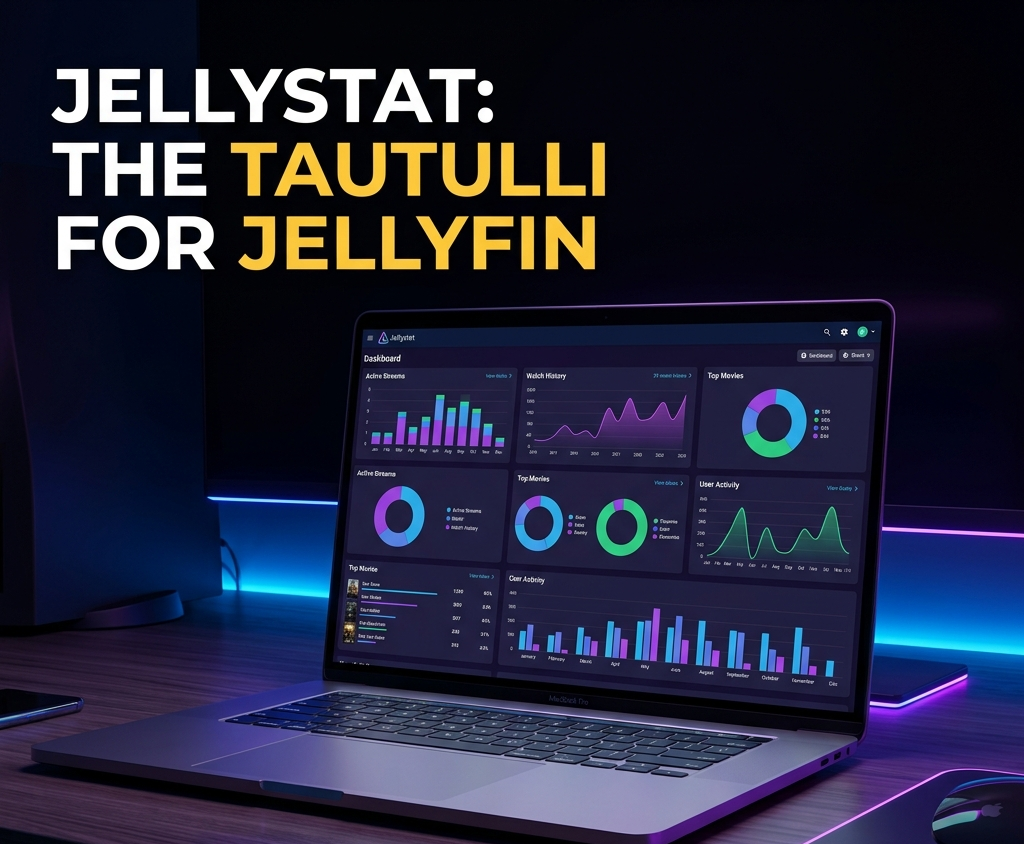
Jellystat is the free, open-source statistics dashboard for Jellyfin. It gives you everything Tautulli gives Plex users: per-user watch history, most-played content, playback method breakdown, and a beautiful web dashboard. This guide covers Docker setup, API connection, and getting the most out of your data.
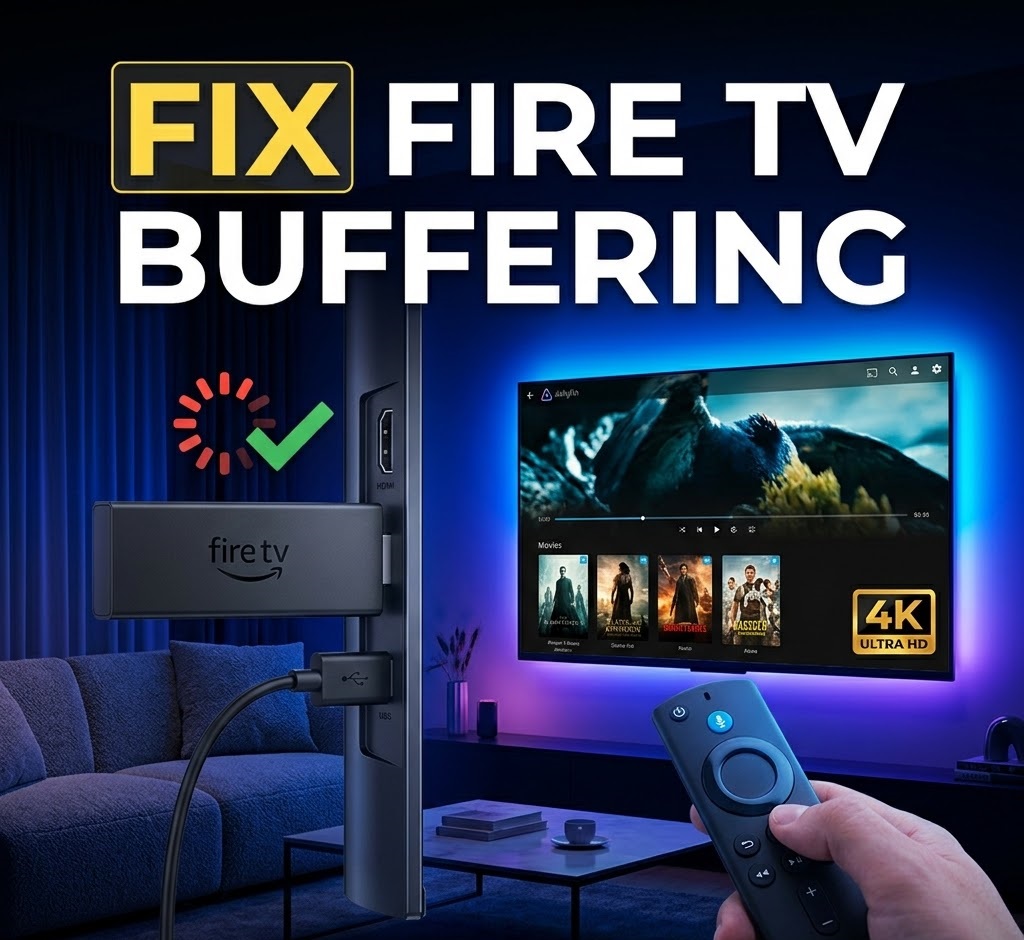
The Fire TV Stick is one of the cheapest ways to stream Jellyfin on your TV. But Amazon's 2026 shift to Vega OS is changing the rules. This guide covers installation from the Amazon Appstore, codec support by model, 4K HDR optimization, and what to do if your Fire TV runs Vega OS.
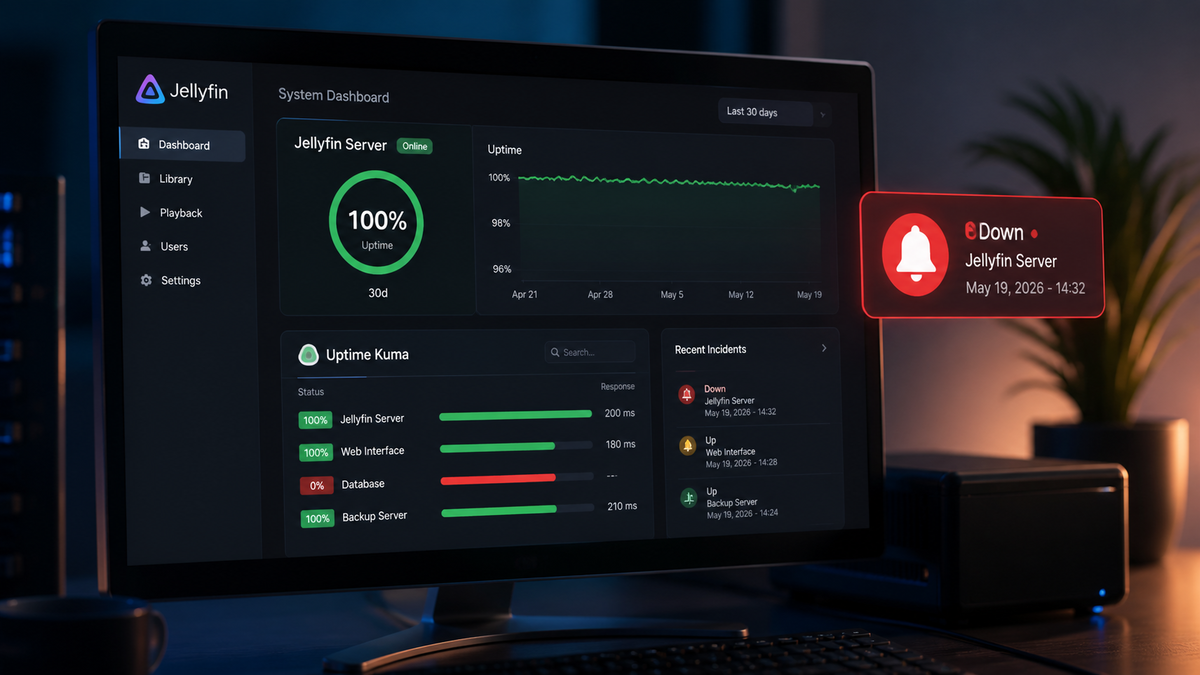
Uptime Kuma is the most popular self-hosted monitoring tool in 2026. This guide shows how to monitor your Jellyfin server health endpoint, set up instant alerts via Discord, Telegram, or Ntfy, and build a status page your users can check.
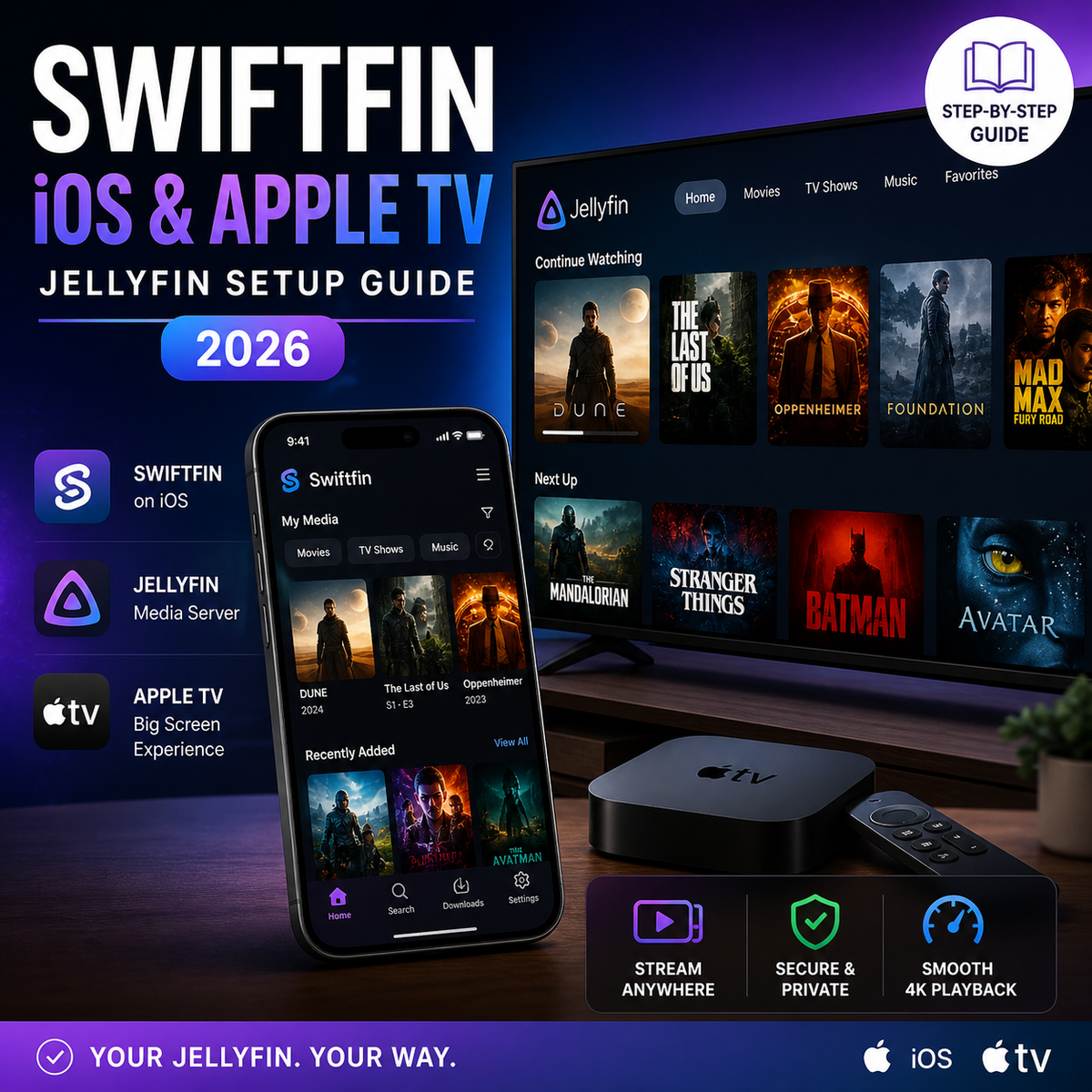
Swiftfin is the official free Jellyfin client for iPhone, iPad, and Apple TV. Version 1.4 brought a full navigation overhaul and Jellyfin 10.11 support. This guide covers installation, playback settings, codec support, and how Swiftfin compares to Infuse in 2026.
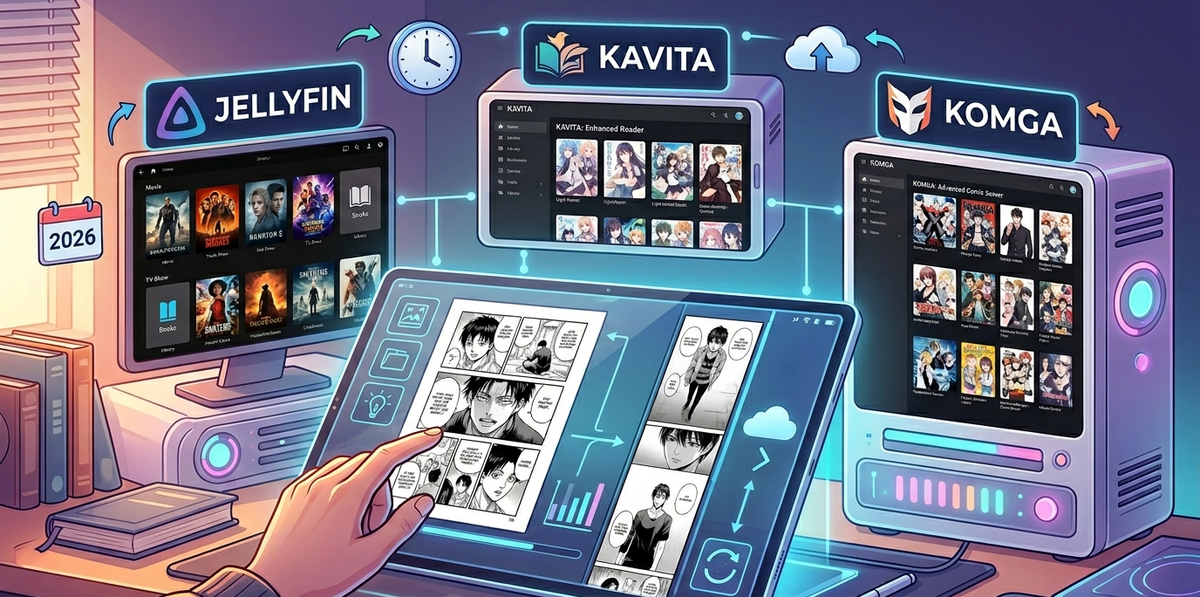
Jellyfin handles video well but comics and manga need a dedicated reader. Kavita and Komga are the two best self-hosted options in 2026. This guide compares both (AniList vs ComicVine metadata, Tachiyomi integration, EPUB support), covers Docker setup, and shows how to run them alongside Jellyfin.

LG is the second best-selling TV brand worldwide and runs webOS - a platform with an official Jellyfin app in the LG Content Store. This guide covers installation, codec compatibility, OLED-specific settings, and what to do when the native app falls short.
Jellyfin handles music libraries alongside video - but getting the best experience requires the right folder structure, metadata plugins, mobile clients, and scrobbling setup. This complete guide covers everything from FLAC organization to Last.fm integration.

Jellyfin is a media server. Kodi is a media player. Stremio is a streaming aggregator. They solve different problems but many users confuse them. This guide explains each one clearly, compares features side-by-side, and shows how they work together for the ultimate setup.
