News & updates

RSS

Tips, updates, and guides from the JellyWatch team.

24 results for "installation"

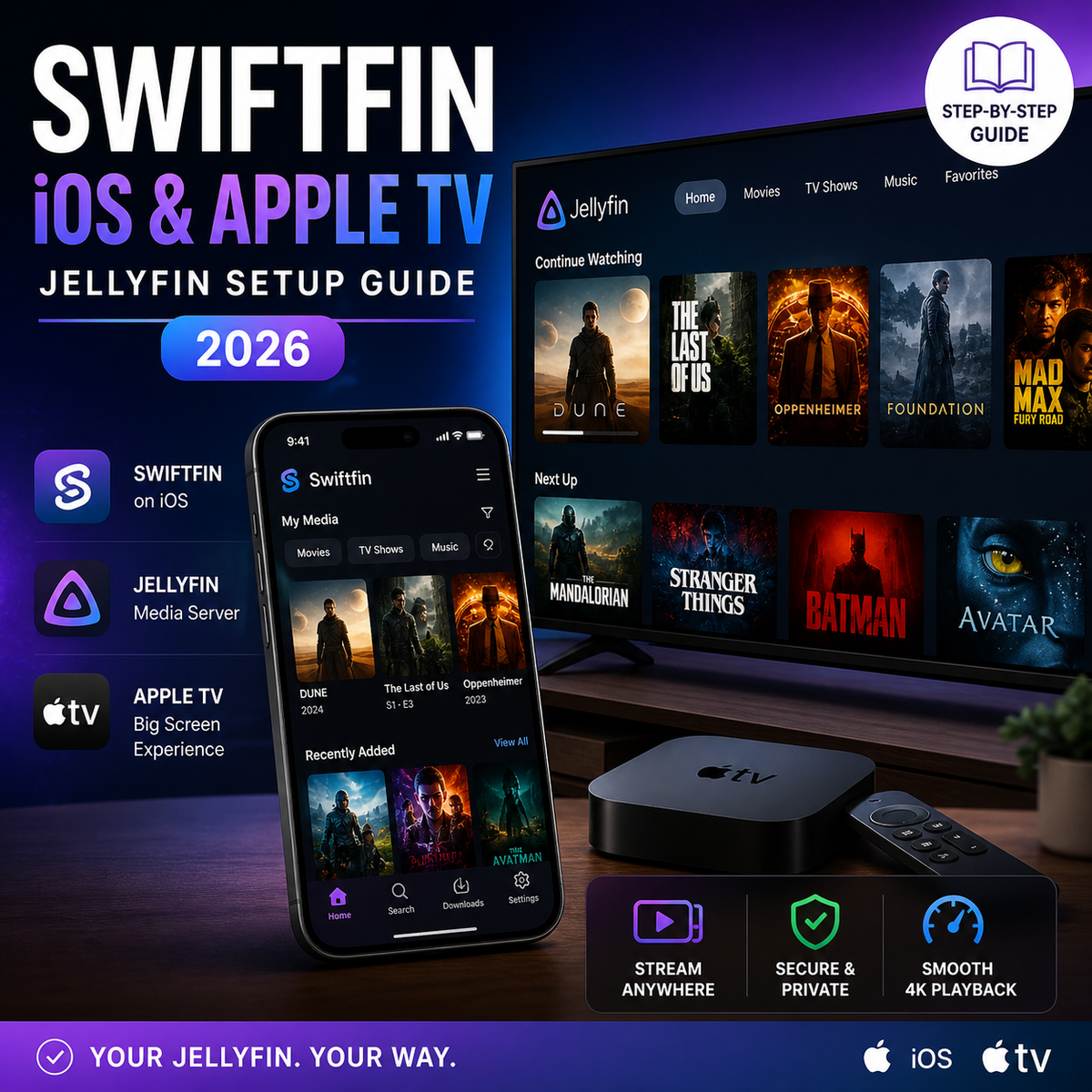
Swiftfin for Jellyfin on iOS and Apple TV: Complete Setup Guide (2026)
8 min read 2288

Swiftfin for Jellyfin on iOS and Apple TV: Complete Setup Guide (2026)

Swiftfin is the official free Jellyfin client for iPhone, iPad, and Apple TV. Version 1.4 brought a full navigation overhaul and Jellyfin 10.11 support. This guide covers installation, playback settings, codec support, and how Swiftfin compares to Infuse in 2026.


How to Install Jellyfin on LG Smart TV (webOS) in 2026: Setup, Codec Support, and Alternatives
7 min read 2956 1 2

How to Install Jellyfin on LG Smart TV (webOS) in 2026: Setup, Codec Support, and Alternatives

LG is the second best-selling TV brand worldwide and runs webOS - a platform with an official Jellyfin app in the LG Content Store. This guide covers installation, codec compatibility, OLED-specific settings, and what to do when the native app falls short.

Jellyfin Fail2Ban Setup Guide (2026): Block Brute-Force Login Attacks Automatically
2 min read 93

Jellyfin Fail2Ban Setup Guide (2026): Block Brute-Force Login Attacks Automatically

Protect your internet-exposed Jellyfin server from brute-force login attacks with Fail2Ban. Covers installation, Jellyfin log parsing, jail configuration, Docker setup, and Cloudflare integration.

Jellyfin on Windows 2026: Install, Hardware Transcoding & Run as a Service (Windows 10/11)
3 min read 169

Jellyfin on Windows 2026: Install, Hardware Transcoding & Run as a Service (Windows 10/11)

Run and optimize Jellyfin on Windows 10/11 in 2026. Covers installation as a Windows Service, Intel QSV and NVIDIA NVENC hardware transcoding, firewall rules, Windows Defender exclusions, sleep prevention, and remote access via Cloudflare Tunnel or Tailscale. Not to be confused with Windows Server - this guide targets home desktop PCs.

Jellyfin Cloudflare Tunnel Setup Guide (2026): Free Remote Access Without Port Forwarding
3 min read 4170 5

Jellyfin Cloudflare Tunnel Setup Guide (2026): Free Remote Access Without Port Forwarding

Access your Jellyfin server from anywhere using Cloudflare Tunnel - no port forwarding, no dynamic DNS, free SSL, and DDoS protection. Complete guide covering cloudflared installation, tunnel creation, DNS configuration, and ToS considerations.

Jellyfin Chromecast and Google Cast Guide (2026): Setup, Troubleshooting, and Google TV Streaming
6 min read 3925

Jellyfin Chromecast and Google Cast Guide (2026): Setup, Troubleshooting, and Google TV Streaming

Can you cast Jellyfin to a Chromecast? Yes - but with caveats. This guide covers Chromecast support in the official Jellyfin apps, Google TV native app installation, casting from Android and browsers, codec compatibility, and how to fix the most common casting issues.

How to Install Seerr in 2026: Complete Setup Guide for Docker, Linux, Unraid, and Windows
6 min read 4050

How to Install Seerr in 2026: Complete Setup Guide for Docker, Linux, Unraid, and Windows

Seerr is the official successor to Jellyseerr and Overseerr - the most popular media request platform for Jellyfin and Emby. This complete installation guide covers Docker Compose on Linux, Unraid Community Apps, Windows setup, Jellyfin and Emby integration, Radarr and Sonarr connection, and user management.

How to Install an Emby Server in 2026: The Complete Step-by-Step Guide (Docker, Linux, Windows)
5 min read 476

How to Install an Emby Server in 2026: The Complete Step-by-Step Guide (Docker, Linux, Windows)

A complete guide to installing Emby Server in 2026 Docker Compose setup, hardware transcoding with Intel QSV and NVIDIA NVENC, Caddy reverse proxy, library configuration, and Emby Premiere activation. Everything you need to go from zero to streaming.

How to Install Jellyfin in 2026: Docker Setup Guide (5 Minutes, Zero to Streaming)
5 min read 2854 1

How to Install Jellyfin in 2026: Docker Setup Guide (5 Minutes, Zero to Streaming)

Everything you need to install Jellyfin in 2026 Docker Compose with hardware transcoding, reverse proxy with Caddy, library setup, and first-run configuration. The fastest path from zero to a fully working self-hosted media server.
