News & updates

RSS

Tips, updates, and guides from the JellyWatch team.

25 results for "install"

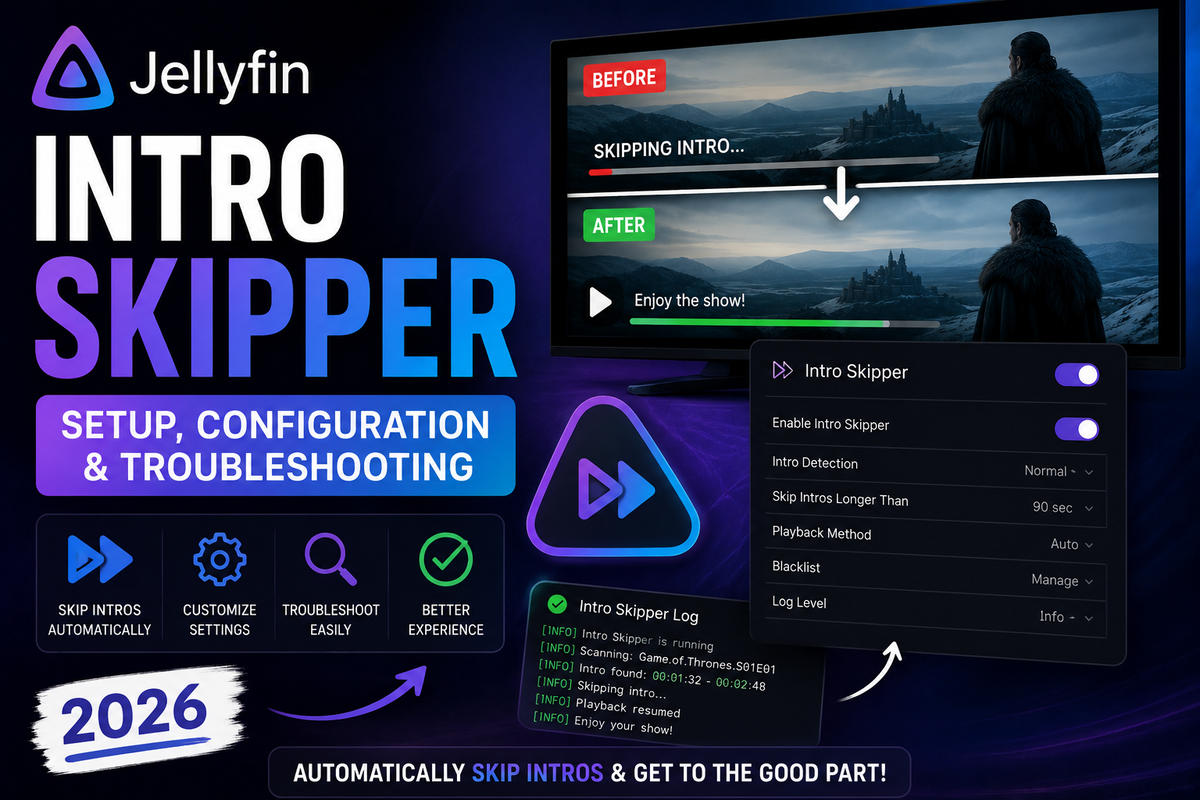
Jellyfin Intro Skipper 2026: Complete Setup, Configuration & Troubleshooting Guide
8 min read 3425 1

Jellyfin Intro Skipper 2026: Complete Setup, Configuration & Troubleshooting Guide

Add a Netflix-style Skip Intro button to Jellyfin. This complete guide covers the correct repository, installation, the settings that matter, the initial analysis and its CPU cost, client compatibility, and how to fix detection that fails.
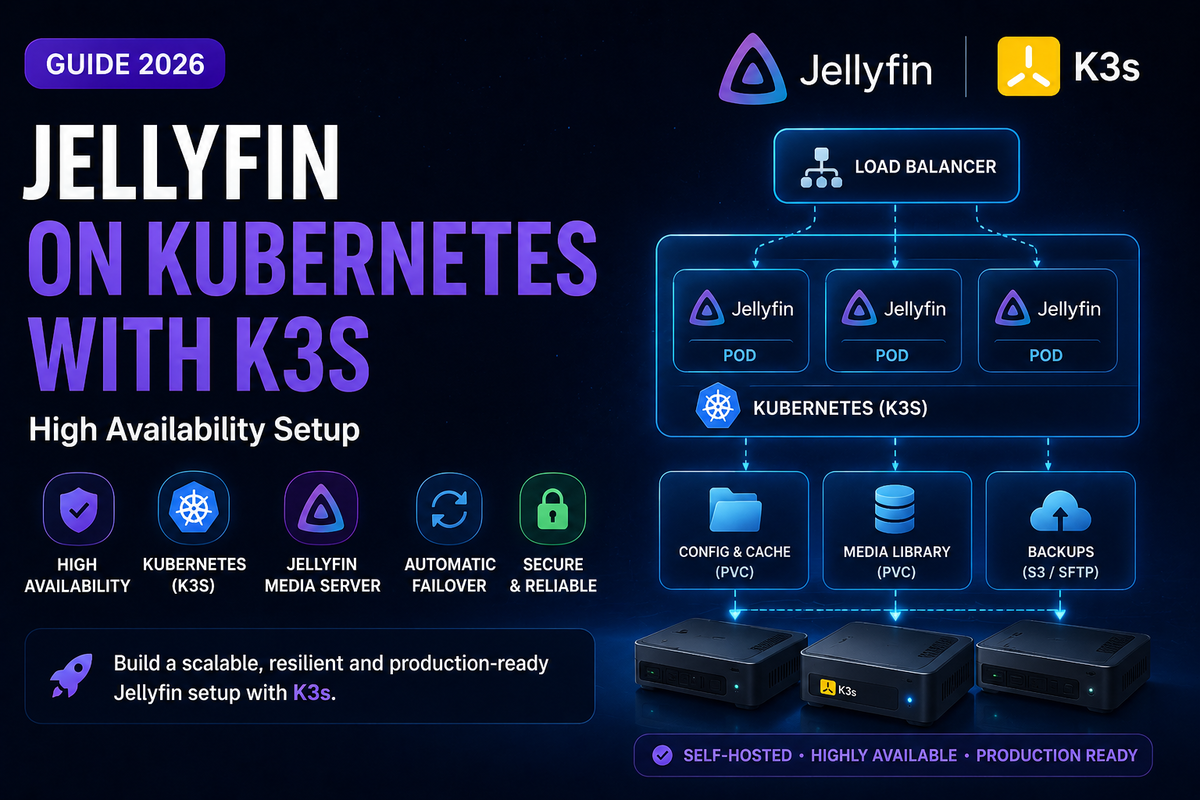

Jellyfin on Kubernetes (K3s) 2026: High-Availability Media Server with Intel GPU and Persistent Storage
7 min read 181

Jellyfin on Kubernetes (K3s) 2026: High-Availability Media Server with Intel GPU and Persistent Storage

Run Jellyfin on Kubernetes using K3s for automatic restarts, rolling updates, and multi-node scaling. This guide covers K3s installation, Helm chart deployment, Intel GPU device plugin for hardware transcoding, persistent volume claims for config and media, Ingress with cert-manager for HTTPS, and horizontal pod autoscaling.

Jellyfin on Steam Deck in 2026: Complete Setup for Desktop Mode, Game Mode & Offline Viewing
6 min read 1814 2

Jellyfin on Steam Deck in 2026: Complete Setup for Desktop Mode, Game Mode & Offline Viewing

The Steam Deck is a portable Linux PC that runs Jellyfin natively - no homebrew required. This guide covers installing Jellyfin Media Player in Desktop Mode, adding it as a non-Steam game for Game Mode with controller support, codec compatibility, HDR on OLED models, and offline download strategies.

Jellyfin on TrueNAS Electric Eel (v25) in 2026: Docker Setup, GPU Passthrough & ZFS Snapshots
7 min read 251 2

Jellyfin on TrueNAS Electric Eel (v25) in 2026: Docker Setup, GPU Passthrough & ZFS Snapshots

TrueNAS Electric Eel replaced Kubernetes with Docker Compose for apps. This complete guide covers installing Jellyfin on TrueNAS 25.04 with the new Apps system, Intel QSV GPU passthrough, ZFS dataset configuration, and automated snapshots for bulletproof backups.

How to Install Jellyfin on Fire TV Stick in 2026: Setup, 4K Playback, and the Vega OS Problem
9 min read 1822

How to Install Jellyfin on Fire TV Stick in 2026: Setup, 4K Playback, and the Vega OS Problem

The Fire TV Stick is one of the cheapest ways to stream Jellyfin on your TV. But Amazon's 2026 shift to Vega OS is changing the rules. This guide covers installation from the Amazon Appstore, codec support by model, 4K HDR optimization, and what to do if your Fire TV runs Vega OS.

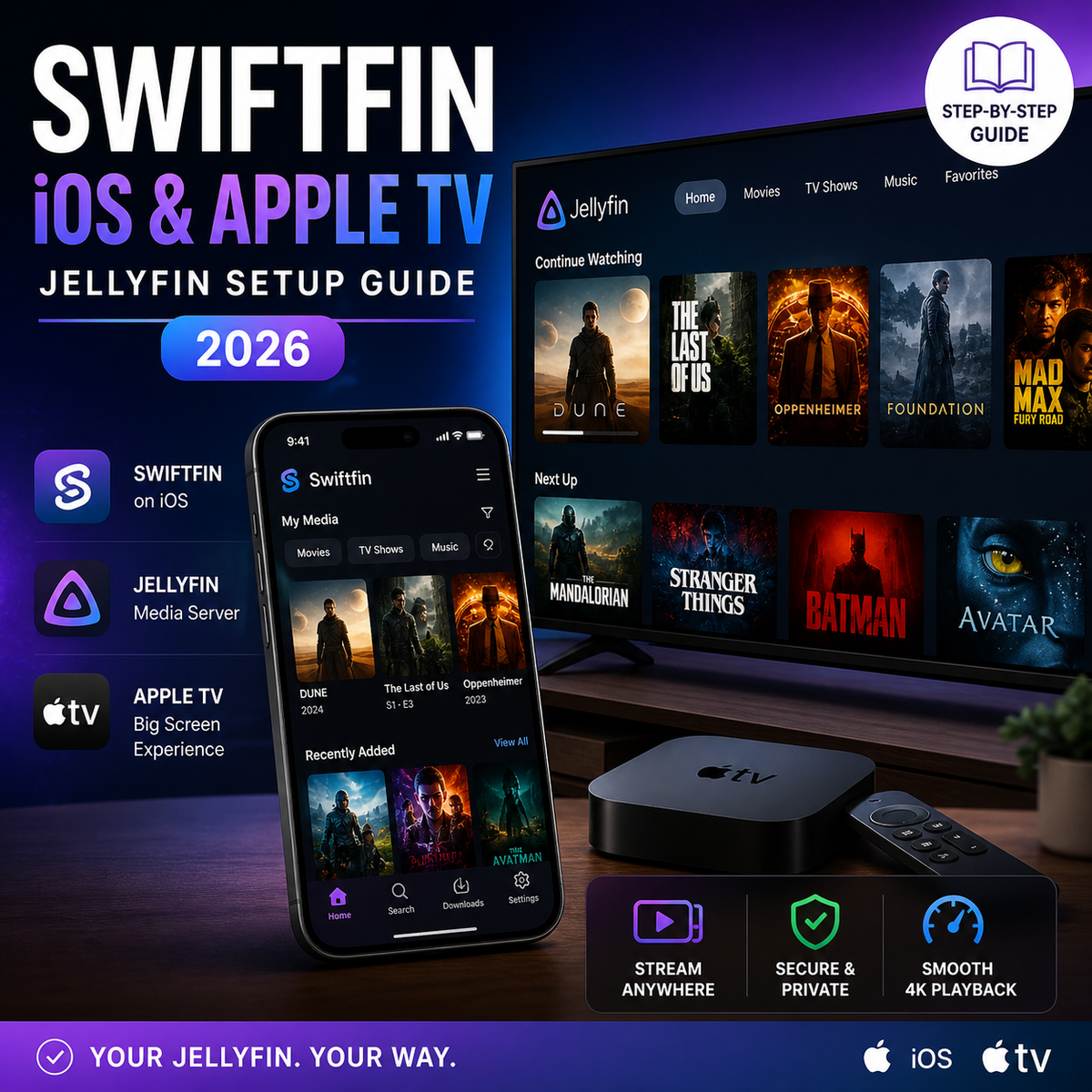
Swiftfin for Jellyfin on iOS and Apple TV: Complete Setup Guide (2026)
8 min read 2297

Swiftfin for Jellyfin on iOS and Apple TV: Complete Setup Guide (2026)

Swiftfin is the official free Jellyfin client for iPhone, iPad, and Apple TV. Version 1.4 brought a full navigation overhaul and Jellyfin 10.11 support. This guide covers installation, playback settings, codec support, and how Swiftfin compares to Infuse in 2026.

How to Install Jellyfin on LG Smart TV (webOS) in 2026: Setup, Codec Support, and Alternatives
7 min read 2967 1 2

How to Install Jellyfin on LG Smart TV (webOS) in 2026: Setup, Codec Support, and Alternatives

LG is the second best-selling TV brand worldwide and runs webOS - a platform with an official Jellyfin app in the LG Content Store. This guide covers installation, codec compatibility, OLED-specific settings, and what to do when the native app falls short.

Turn Your Old PC or Laptop Into a Jellyfin Media Server in 2026 (Complete Guide)
2 min read 560

Turn Your Old PC or Laptop Into a Jellyfin Media Server in 2026 (Complete Guide)

That old laptop gathering dust can become a powerful Jellyfin server. Covers minimum specs, Ubuntu Server install, Docker setup, hardware transcoding on older GPUs, power management, and 24/7 operation.

Jellyfin Fail2Ban Setup Guide (2026): Block Brute-Force Login Attacks Automatically
2 min read 93

Jellyfin Fail2Ban Setup Guide (2026): Block Brute-Force Login Attacks Automatically

Protect your internet-exposed Jellyfin server from brute-force login attacks with Fail2Ban. Covers installation, Jellyfin log parsing, jail configuration, Docker setup, and Cloudflare integration.