News & updates

RSS

Tips, updates, and guides from the JellyWatch team.

24 results for "app"

How to Watch Your Jellyfin Library in VR 2026: Quest, Bigscreen & a Private Cinema
7 min read 693

How to Watch Your Jellyfin Library in VR 2026: Quest, Bigscreen & a Private Cinema

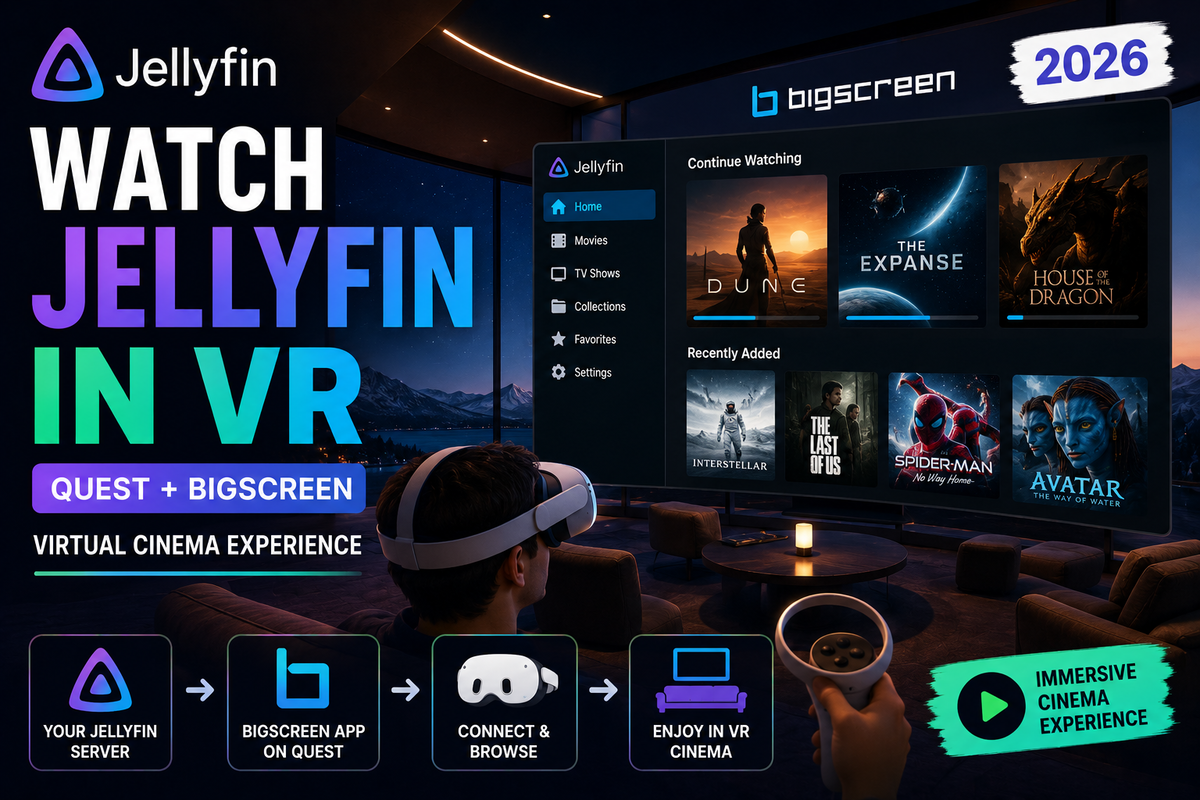
Turn your Jellyfin library into a private 200-inch VR cinema. This guide covers dedicated Jellyfin VR apps like JellyVR and JellyQuest, VR players such as Skybox over DLNA or SMB, and Bigscreen for watching together, plus the network setup that makes it smooth.

The Complete Jellyfin Dashboard Guide: Every Admin Setting Explained (2026)
11 min read 1375

The Complete Jellyfin Dashboard Guide: Every Admin Setting Explained (2026)

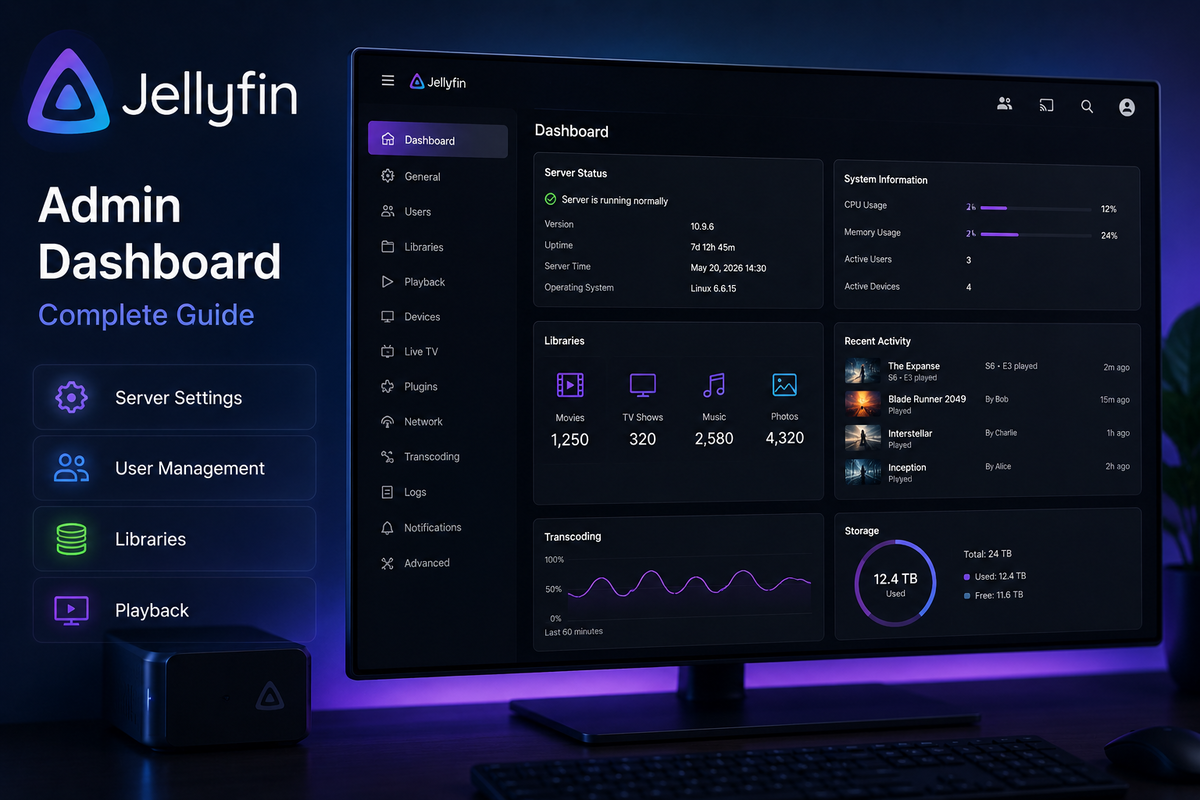
The Jellyfin dashboard is where everything happens - users, libraries, plugins, transcoding, networking. This complete admin reference explains every section, which settings matter, and how to configure them for a real-world setup.

Jellyfin on NVIDIA Shield TV in 2026: TrueHD, Dolby Vision & Direct Play Setup Guide
11 min read 1393

Jellyfin on NVIDIA Shield TV in 2026: TrueHD, Dolby Vision & Direct Play Setup Guide

The NVIDIA Shield TV remains the best Android TV streaming device for Jellyfin in 2026. This guide covers Direct Play setup, TrueHD and DTS-HD audio passthrough, Dolby Vision configuration, Match Content settings, and how the Shield compares to Apple TV, Fire TV, and Mini PC alternatives.

Jellyfin for Kids 2026: Build a Safe, Ad-Free Streaming Platform Your Children Will Love
7 min read 197 1

Jellyfin for Kids 2026: Build a Safe, Ad-Free Streaming Platform Your Children Will Love

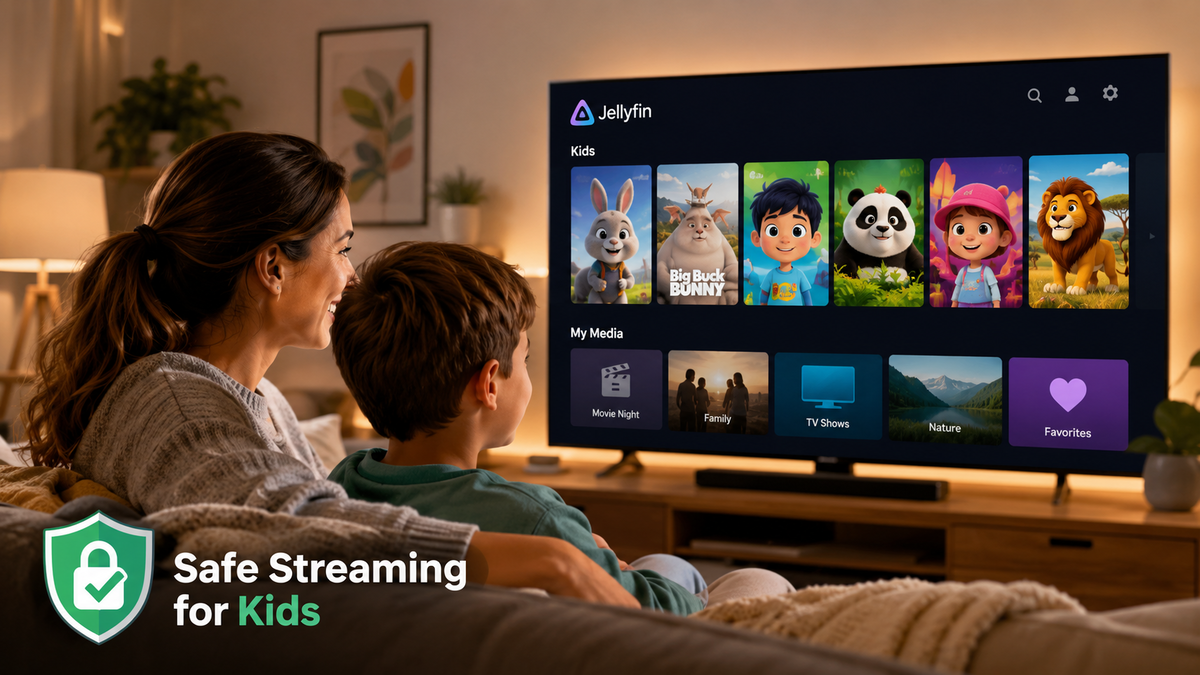
Build a kid-friendly streaming experience on Jellyfin that rivals Disney+ without ads, tracking, or inappropriate content. Covers dedicated kids libraries, parental rating enforcement, access schedules, age-appropriate themes, PIN-protected profiles, and how to make the interface simple enough for a 4-year-old to navigate with a TV remote.

Jellyfin Multi-Server Architecture 2026: Load Balancing, Failover, and Geo-Distribution
6 min read 373

Jellyfin Multi-Server Architecture 2026: Load Balancing, Failover, and Geo-Distribution

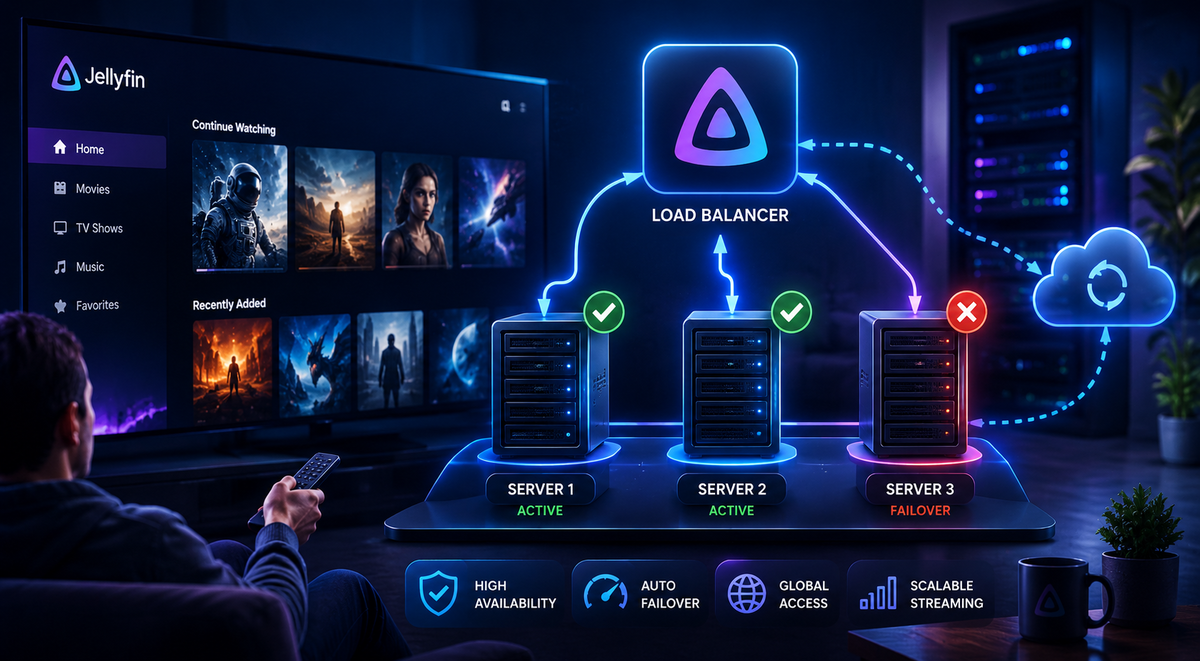
Running one Jellyfin server works for most users. But what happens when you have 20+ concurrent users, need geographic distribution for remote viewers, or require zero-downtime maintenance? This advanced guide covers multi-server Jellyfin architectures: shared storage with multiple instances behind a load balancer, active-passive failover, geo-distributed servers with WatchState sync, and the honest limitations of scaling Jellyfin beyond a single node.

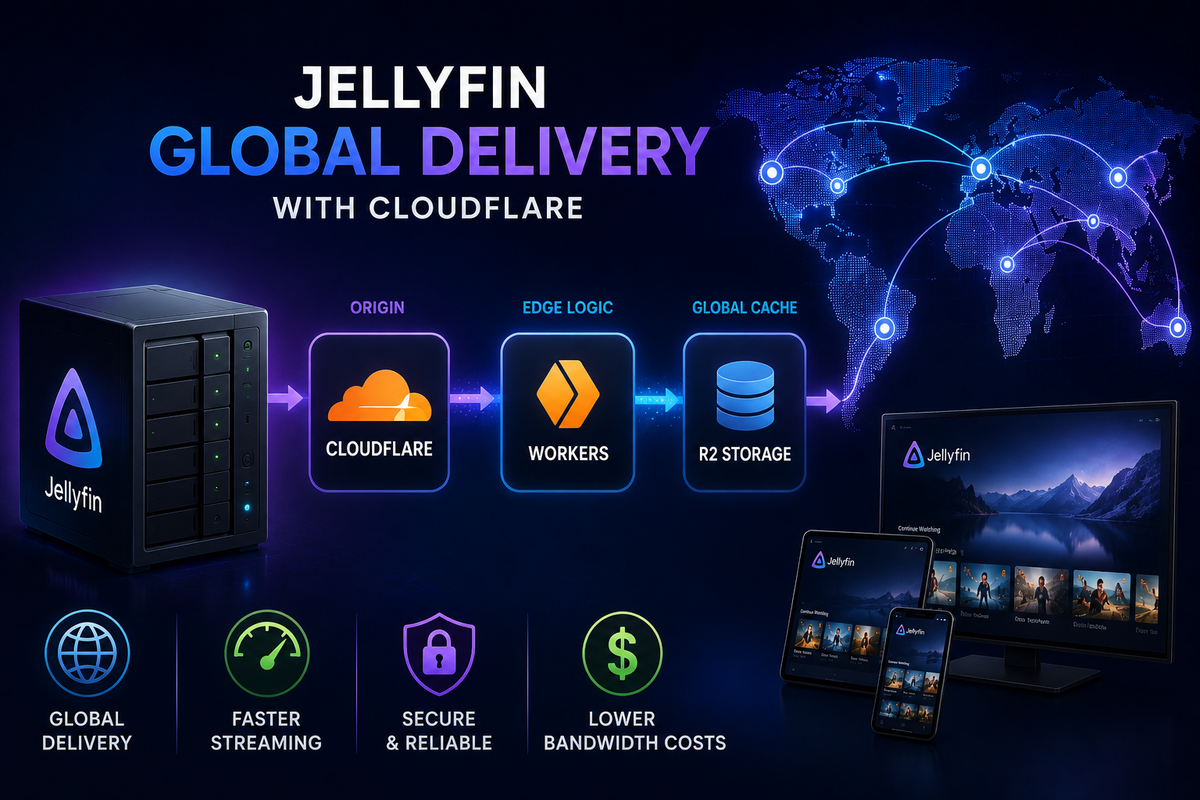
Building a Jellyfin CDN with Cloudflare R2 and Workers: Global Media Delivery (2026)
6 min read 138

Building a Jellyfin CDN with Cloudflare R2 and Workers: Global Media Delivery (2026)

Serve your Jellyfin library to users worldwide with low latency using Cloudflare R2 for storage and Workers for edge logic. This advanced guide covers uploading media to R2, creating STRM files for Jellyfin, building a Worker that handles range requests and authentication, cost analysis vs traditional VPS hosting, and the honest limitations of this approach.

Jellyfin on TrueNAS Electric Eel (v25) in 2026: Docker Setup, GPU Passthrough & ZFS Snapshots
7 min read 251 2

Jellyfin on TrueNAS Electric Eel (v25) in 2026: Docker Setup, GPU Passthrough & ZFS Snapshots

TrueNAS Electric Eel replaced Kubernetes with Docker Compose for apps. This complete guide covers installing Jellyfin on TrueNAS 25.04 with the new Apps system, Intel QSV GPU passthrough, ZFS dataset configuration, and automated snapshots for bulletproof backups.

How to Install Jellyfin on Fire TV Stick in 2026: Setup, 4K Playback, and the Vega OS Problem
9 min read 1819

How to Install Jellyfin on Fire TV Stick in 2026: Setup, 4K Playback, and the Vega OS Problem

The Fire TV Stick is one of the cheapest ways to stream Jellyfin on your TV. But Amazon's 2026 shift to Vega OS is changing the rules. This guide covers installation from the Amazon Appstore, codec support by model, 4K HDR optimization, and what to do if your Fire TV runs Vega OS.