News & updates

RSS

Tips, updates, and guides from the JellyWatch team.

6 results for "4k"

How to Install Jellyfin on Fire TV Stick in 2026: Setup, 4K Playback, and the Vega OS Problem
9 min read 1577

How to Install Jellyfin on Fire TV Stick in 2026: Setup, 4K Playback, and the Vega OS Problem

The Fire TV Stick is one of the cheapest ways to stream Jellyfin on your TV. But Amazon's 2026 shift to Vega OS is changing the rules. This guide covers installation from the Amazon Appstore, codec support by model, 4K HDR optimization, and what to do if your Fire TV runs Vega OS.

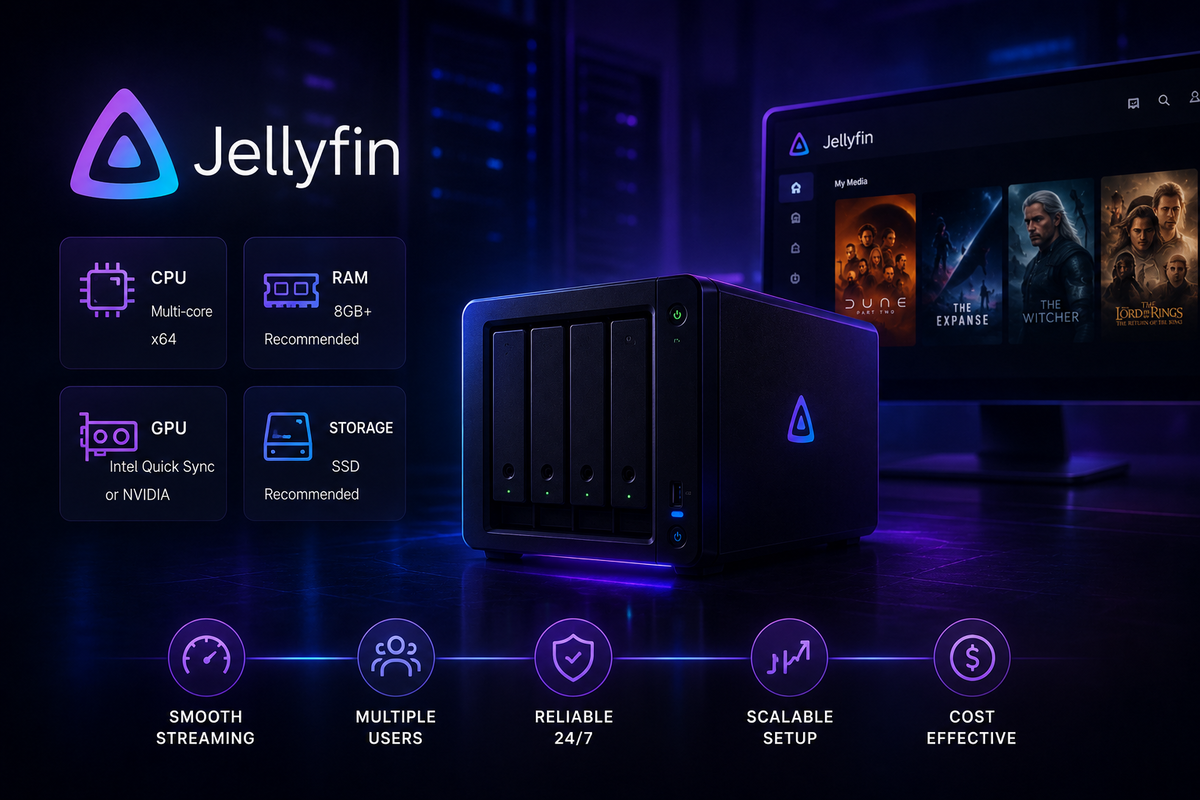
How Much Hardware Does Jellyfin Actually Need? CPU, GPU & RAM Guide (2026 Benchmarks)
5 min read 7274 2

How Much Hardware Does Jellyfin Actually Need? CPU, GPU & RAM Guide (2026 Benchmarks)

How much CPU, RAM, and storage does a Jellyfin server actually need in 2026? This guide covers minimum and recommended specs for every use case - from a single-user home setup to a multi-user 4K server - with real-world transcoding benchmarks.

Jellyfin 4K HDR and Dolby Vision Setup Guide (2026): Tone Mapping, Direct Play, and Compatibility
5 min read 11113 1 4

Jellyfin 4K HDR and Dolby Vision Setup Guide (2026): Tone Mapping, Direct Play, and Compatibility

Get perfect 4K HDR and Dolby Vision playback on Jellyfin. This guide covers HDR10, HDR10+, Dolby Vision profiles, tone mapping configuration, hardware requirements, and which clients support what.

Fix Jellyfin Buffering: 7 Causes and Exact Fixes for Local, 4K & Remote (2026)
5 min read 3760 5

Fix Jellyfin Buffering: 7 Causes and Exact Fixes for Local, 4K & Remote (2026)

Jellyfin buffering ruining your streams? This complete 2026 guide covers every cause - local network, 4K transcoding, CPU overload, and remote access - with step-by-step fixes.

How to Set Up a Jellyfin Server in 2026: Complete Step-by-Step Guide (Docker, 4K, Plugins)
4 min read 3476 7

How to Set Up a Jellyfin Server in 2026: Complete Step-by-Step Guide (Docker, 4K, Plugins)

Build a Jellyfin server from scratch in 2026 - hardware selection, Docker installation, plugin setup, 4K HDR configuration, reverse proxy, and monitoring. Everything you need to go from zero to streaming in one guide.