
News & updates

RSS

Tips, updates, and guides from the JellyWatch team.

85 results for "guide"

Jellyfin Full Automation Guide (2026): Radarr, Sonarr, Bazarr, Jellyseerr From Request to Stream
6 min read 4921 2

Jellyfin Full Automation Guide (2026): Radarr, Sonarr, Bazarr, Jellyseerr From Request to Stream

Build a fully automated Jellyfin media stack in 2026. This guide covers Radarr for movies, Sonarr for TV shows, Bazarr for subtitles, and Jellyseerr for user requests all wired together with Docker Compose so new content appears in your library automatically.

Jellyfin Custom CSS 2026: Ultrachromic, KefinTweaks, Netflix Theme & 15+ Snippets (Complete Guide)
5 min read 5390 2 2

Jellyfin Custom CSS 2026: Ultrachromic, KefinTweaks, Netflix Theme & 15+ Snippets (Complete Guide)

Master Jellyfin CSS customization in 2026. Install Ultrachromic, KefinTweaks, and the JellyFlix Netflix theme with one click via Skin Manager, or write your own CSS to change colors, hide elements, and build a fully personalized interface. Includes 15+ ready-to-use snippets.

How to Install an Emby Server in 2026: The Complete Step-by-Step Guide (Docker, Linux, Windows)
5 min read 379

How to Install an Emby Server in 2026: The Complete Step-by-Step Guide (Docker, Linux, Windows)

A complete guide to installing Emby Server in 2026 Docker Compose setup, hardware transcoding with Intel QSV and NVIDIA NVENC, Caddy reverse proxy, library configuration, and Emby Premiere activation. Everything you need to go from zero to streaming.

How to Install Jellyfin in 2026: Docker Setup Guide (5 Minutes, Zero to Streaming)
5 min read 2240 1

How to Install Jellyfin in 2026: Docker Setup Guide (5 Minutes, Zero to Streaming)

Everything you need to install Jellyfin in 2026 Docker Compose with hardware transcoding, reverse proxy with Caddy, library setup, and first-run configuration. The fastest path from zero to a fully working self-hosted media server.

Jellyfin DevOps: Automate Updates, Healthchecks, and Monitoring (2026)
5 min read 278 1

Jellyfin DevOps: Automate Updates, Healthchecks, and Monitoring (2026)

Apply DevOps principles to your Jellyfin homelab. This guide covers automated container updates with Watchtower, Docker healthchecks, dependency management with Renovate, and building a self-healing media server stack.

Free Jellyfin Server on Oracle Cloud: 4 Cores, 24 GB RAM, Forever (2026 Guide)
6 min read 4090 2

Free Jellyfin Server on Oracle Cloud: 4 Cores, 24 GB RAM, Forever (2026 Guide)

Oracle Always Free Tier gives you a permanent 4-core ARM VM with 24 GB RAM and 10 TB of monthly bandwidth - enough to run a Jellyfin server at zero cost. This step-by-step guide covers account creation, Docker deployment, port configuration, media mounting, and the real-world limitations you need to know before starting.

Best Jellyfin App for Apple TV 2026: Infuse vs Swiftfin (Honest Comparison & Setup)
5 min read 2928 2

Best Jellyfin App for Apple TV 2026: Infuse vs Swiftfin (Honest Comparison & Setup)

Which is the best Jellyfin client for Apple TV in 2026 - Infuse Pro or the free Swiftfin? This guide compares both on codec support, Dolby Vision, HDR, audio limitations, pricing, and daily usability. Includes step-by-step setup for each and the honest verdict on when to use which.

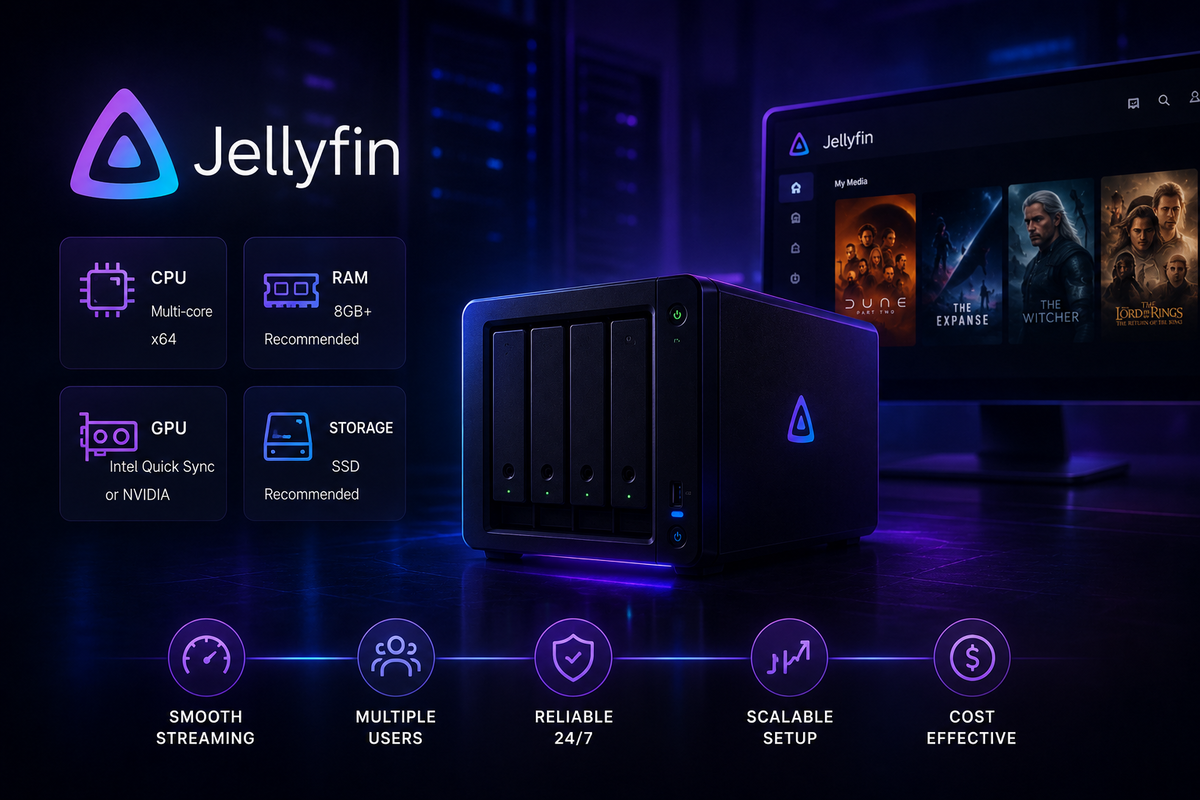
How Much Hardware Does Jellyfin Actually Need? CPU, GPU & RAM Guide (2026 Benchmarks)
5 min read 6411 2

How Much Hardware Does Jellyfin Actually Need? CPU, GPU & RAM Guide (2026 Benchmarks)

How much CPU, RAM, and storage does a Jellyfin server actually need in 2026? This guide covers minimum and recommended specs for every use case - from a single-user home setup to a multi-user 4K server - with real-world transcoding benchmarks.

Jellyfin and Home Assistant Integration Guide (2026): Automations, Media Controls, and Dashboard Cards
4 min read 1829 2

Jellyfin and Home Assistant Integration Guide (2026): Automations, Media Controls, and Dashboard Cards

Connect Jellyfin to Home Assistant for powerful smart home automations. Control playback, trigger scenes when a movie starts, display now-playing info on your dashboard, and automate your home theater setup.