News & updates

RSS

Tips, updates, and guides from the JellyWatch team.

35 articles in tips

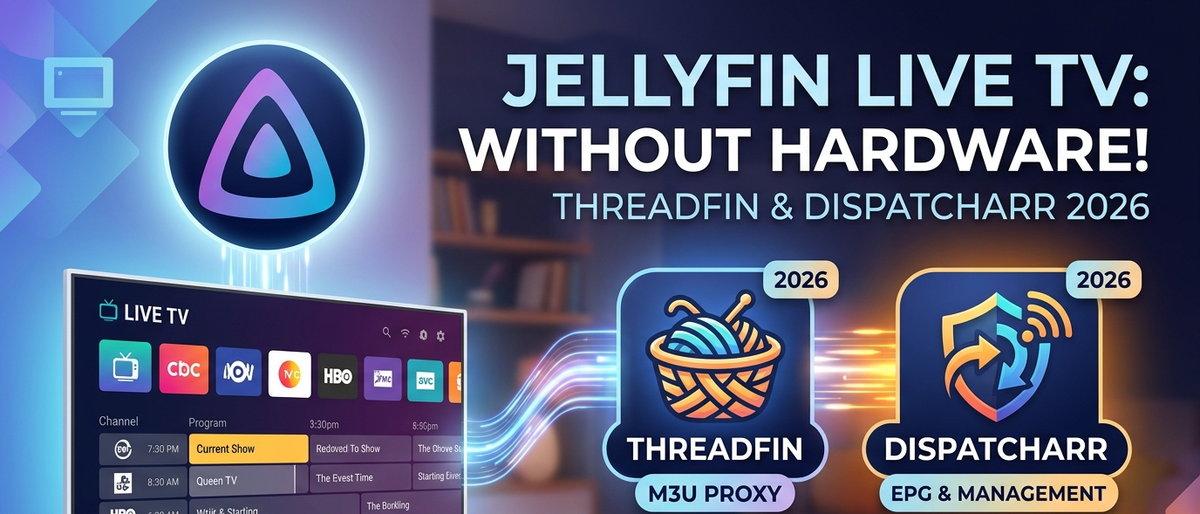
Jellyfin Live TV Without a Hardware Tuner: M3U Tuner, Threadfin & Dispatcharr Guide (2026)
6 min read 793

Jellyfin Live TV Without a Hardware Tuner: M3U Tuner, Threadfin & Dispatcharr Guide (2026)

Set up live TV in Jellyfin without buying any hardware tuner. Use M3U Tuner plugin, Threadfin, or Dispatcharr to stream IPTV channels with EPG data directly in your Jellyfin interface.

Jellyfin Playlists in 2026: Create, Share & Automate Smart Playlists (Complete Guide)
6 min read 405

Jellyfin Playlists in 2026: Create, Share & Automate Smart Playlists (Complete Guide)

Master Jellyfin playlists: manual creation, smart auto-updating playlists via plugins, sharing with users, M3U import, and music playlist management. Everything about playlists in one guide.

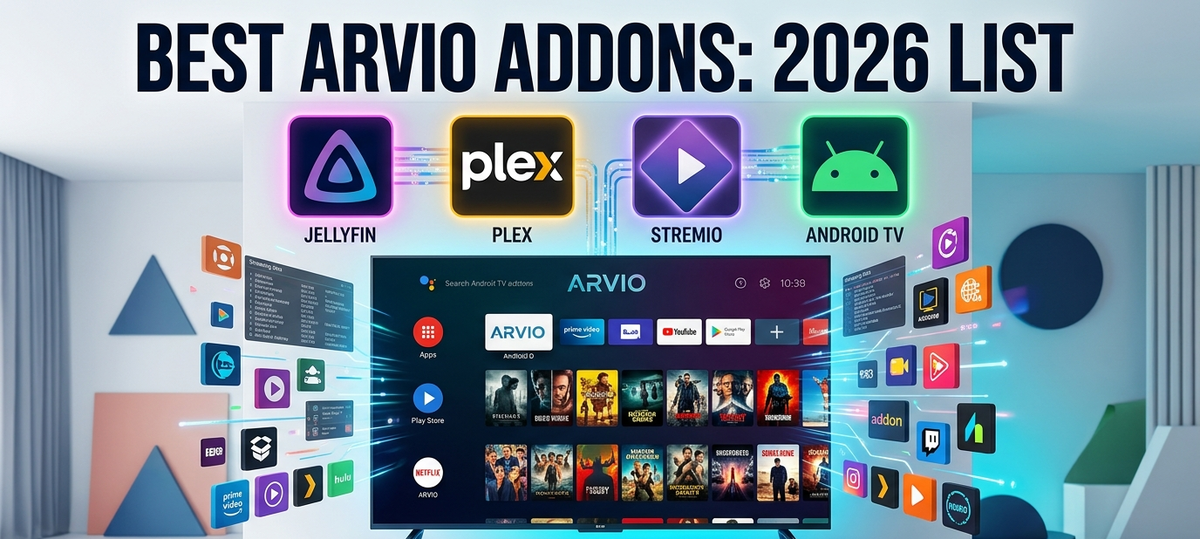
Best Arvio Addons in 2026: Complete List for Jellyfin, Plex & Stremio on Android TV
5 min read 3282

Best Arvio Addons in 2026: Complete List for Jellyfin, Plex & Stremio on Android TV

Arvio unifies Jellyfin, Plex, Emby, and Stremio into one Android TV interface. Discover the best addons to extend its capabilities: media servers, IPTV, tracking, metadata, and utility addons explained.

Intel N100 & N150 Successor: What Comes Next for Jellyfin Mini PCs in 2026?
5 min read 264

Intel N100 & N150 Successor: What Comes Next for Jellyfin Mini PCs in 2026?

The Intel N100 dominated budget Jellyfin servers. Now the N150 and upcoming successors push performance further. Compare specs, transcoding benchmarks, and find out if it is time to upgrade your media server.

Shokofin: The Ultimate Jellyfin Anime Plugin - AniDB, Shoko Server & Perfect Metadata (2026)
6 min read 222

Shokofin: The Ultimate Jellyfin Anime Plugin - AniDB, Shoko Server & Perfect Metadata (2026)

Shokofin connects Jellyfin to Shoko Server for AniDB-accurate anime metadata, automatic episode grouping, watch tracking sync, and proper anime ordering. Complete setup guide from Docker to playback.

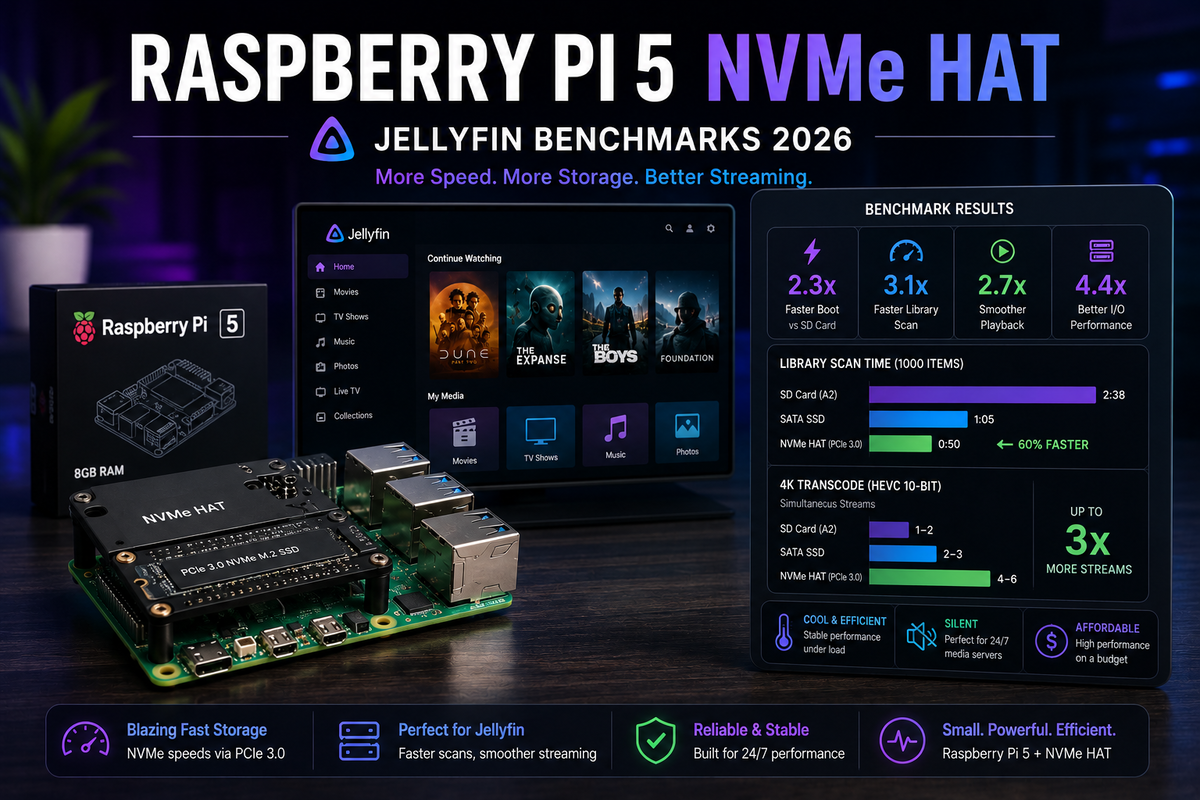
Raspberry Pi 5 + NVMe HAT for Jellyfin 2026: Real Performance Benchmarks and the N100 Comparison
8 min read 116

Raspberry Pi 5 + NVMe HAT for Jellyfin 2026: Real Performance Benchmarks and the N100 Comparison

The Raspberry Pi 5 with an NVMe HAT finally solves the Pi storage bottleneck. But does it make the Pi 5 a viable Jellyfin server in 2026? We benchmarked library scan speed, metadata loading, Direct Play performance, and compared it head-to-head against the Intel N100 mini PC. Includes NVMe HAT installation, Docker setup, and honest recommendations for when the Pi 5 is enough and when you should spend $50 more on an N100.

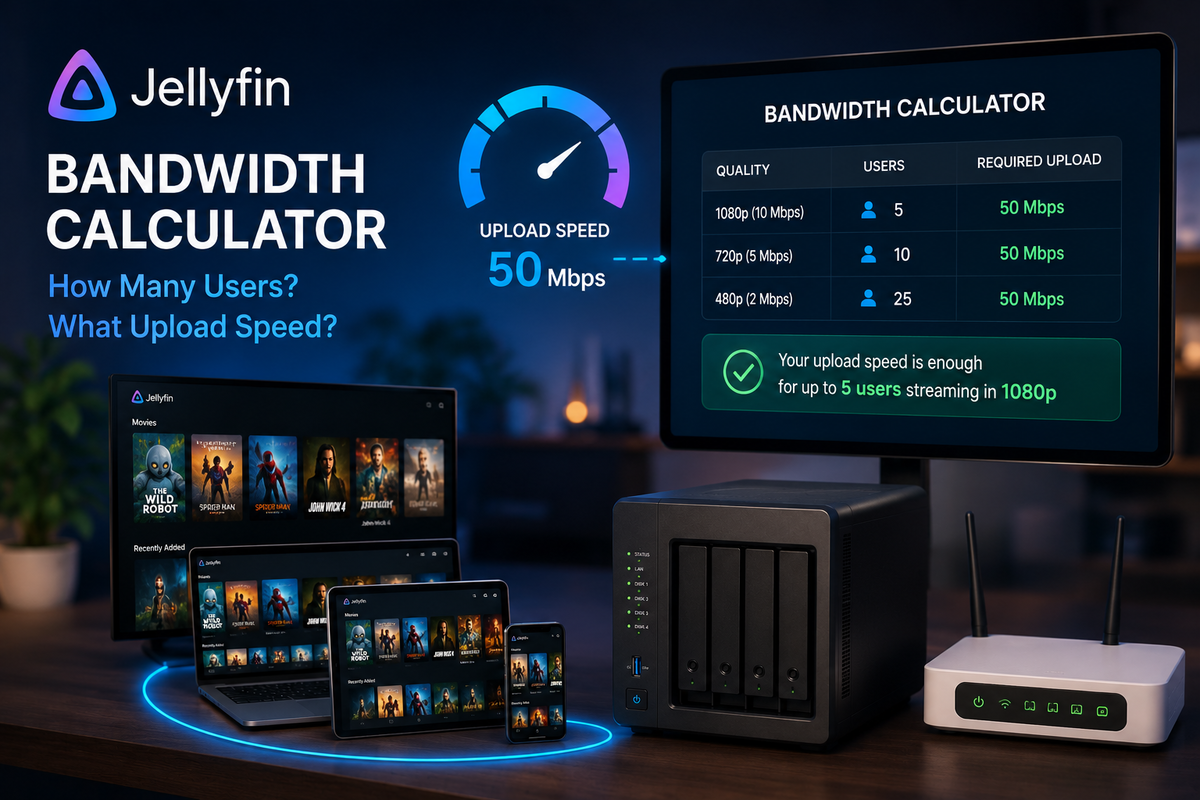
The Jellyfin Bandwidth Calculator: How Many Users Can Your Upload Speed Handle? (2026)
7 min read 389

The Jellyfin Bandwidth Calculator: How Many Users Can Your Upload Speed Handle? (2026)

Your Jellyfin server is only as good as your internet upload speed for remote users. This practical guide provides exact bandwidth calculations for every streaming scenario: 1080p encodes, 4K remuxes, transcoded streams, and simultaneous users. Includes a simple formula to calculate your maximum concurrent remote streams, ISP upload speed recommendations, and strategies to serve more users with limited bandwidth.

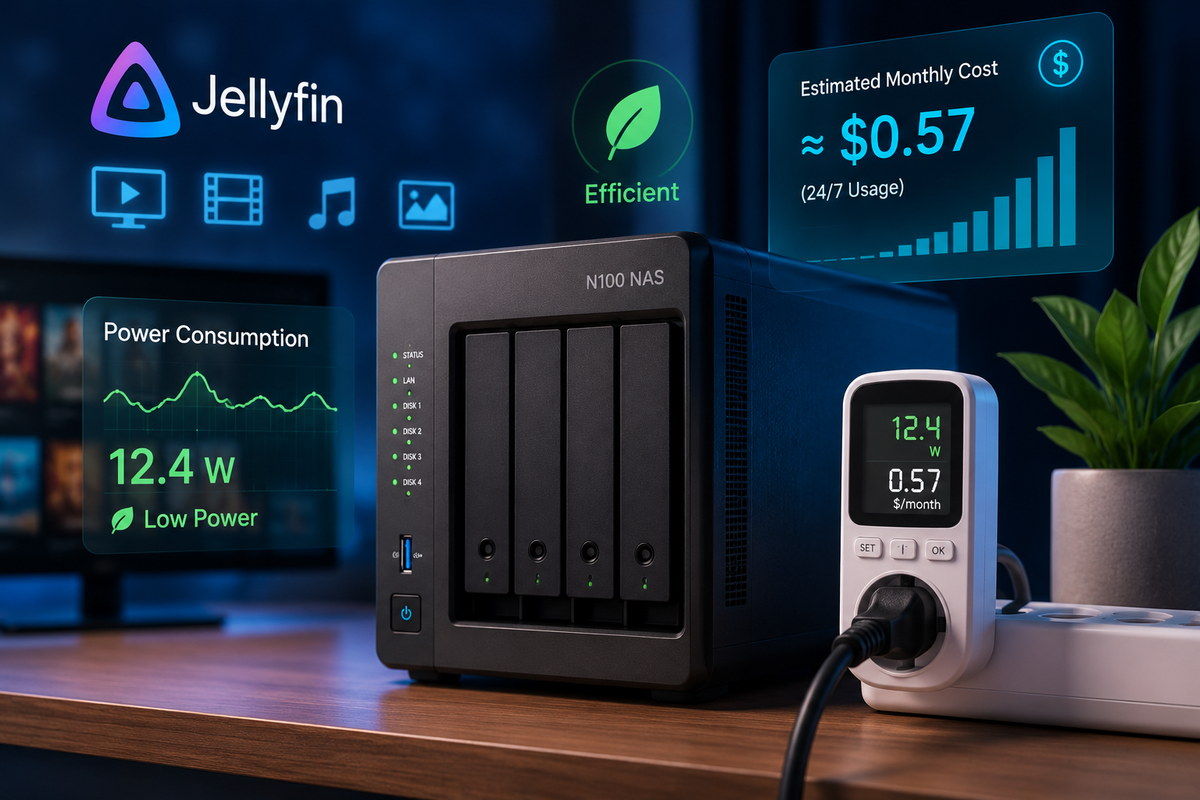
Jellyfin Power Consumption Guide 2026: Real Measurements for N100, N305, NAS, and Old PCs (Kill-A-Watt Tested)
7 min read 122

Jellyfin Power Consumption Guide 2026: Real Measurements for N100, N305, NAS, and Old PCs (Kill-A-Watt Tested)

How much electricity does your Jellyfin server actually use? We measured real-world power draw with a Kill-A-Watt meter across 8 common setups: Intel N100, N305, Synology NAS, old laptop, desktop PC, Raspberry Pi 5, Nvidia Shield, and a full rack server. Includes idle vs transcoding watts, annual electricity cost, and the break-even point for upgrading hardware.

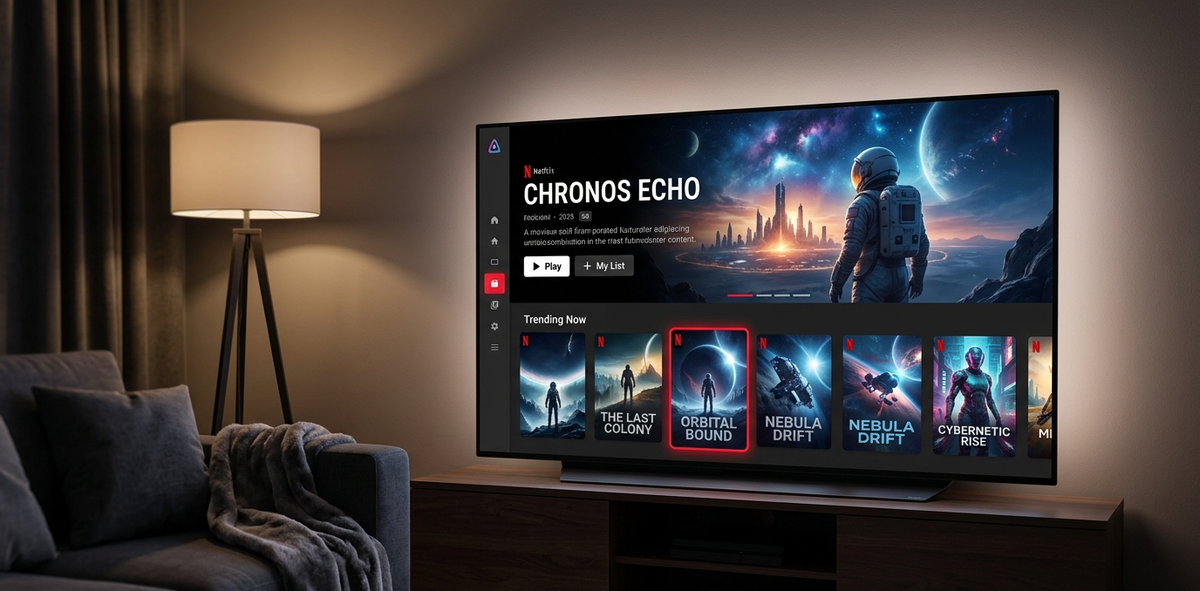
How to Make Jellyfin Look Like Netflix in 5 Minutes (2026)
5 min read 2945

How to Make Jellyfin Look Like Netflix in 5 Minutes (2026)

Transform your Jellyfin interface into a Netflix clone with the JellyFlix theme. One-click install via Skin Manager or copy-paste CSS. Before and after screenshots included.