WatchState: Sync Watch History Between Jellyfin, Plex, Emby, and Trakt (2026)
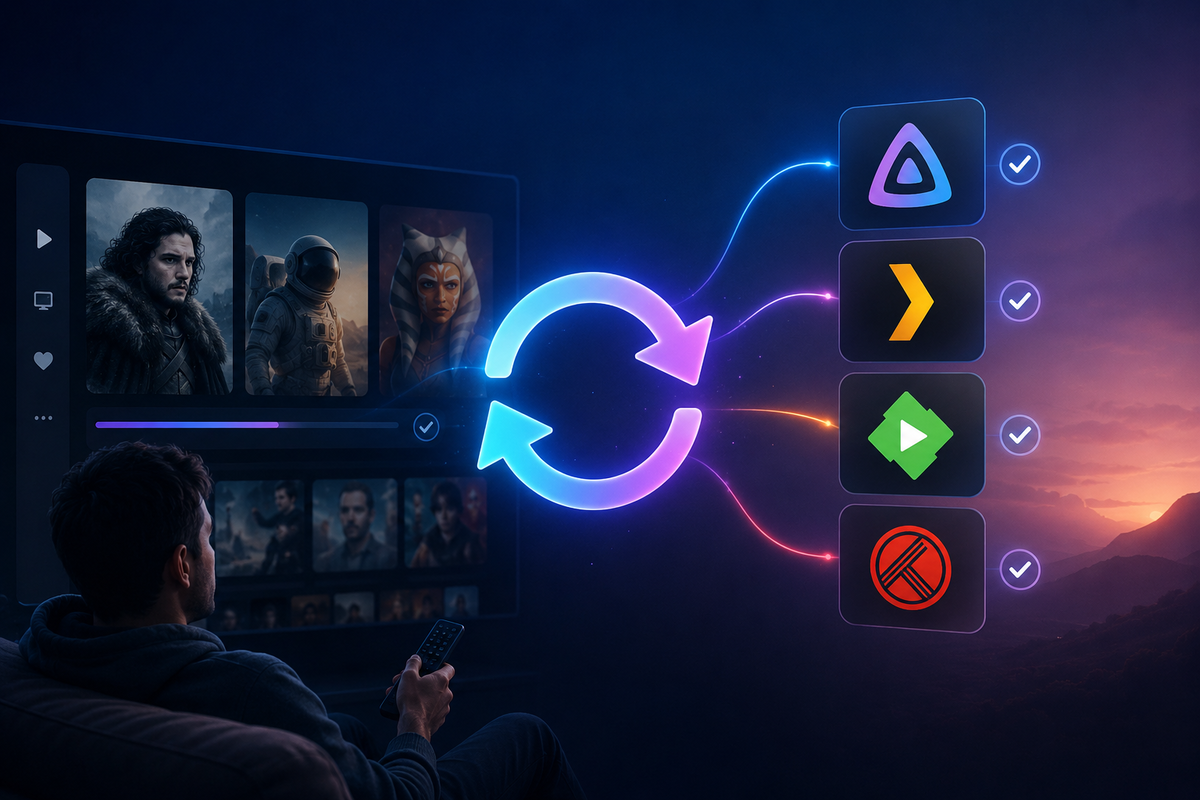
You run Jellyfin for yourself and Plex for family members who refuse to switch. Both servers point at the same media files. You watch a movie on Jellyfin. Your partner watches it on Plex. Neither server knows about the other's watch state. Your "Continue Watching" is wrong on both.
WatchState fixes this. It is a self-hosted synchronization engine that keeps watch history consistent across multiple media servers and tracking services simultaneously.
What WatchState Does
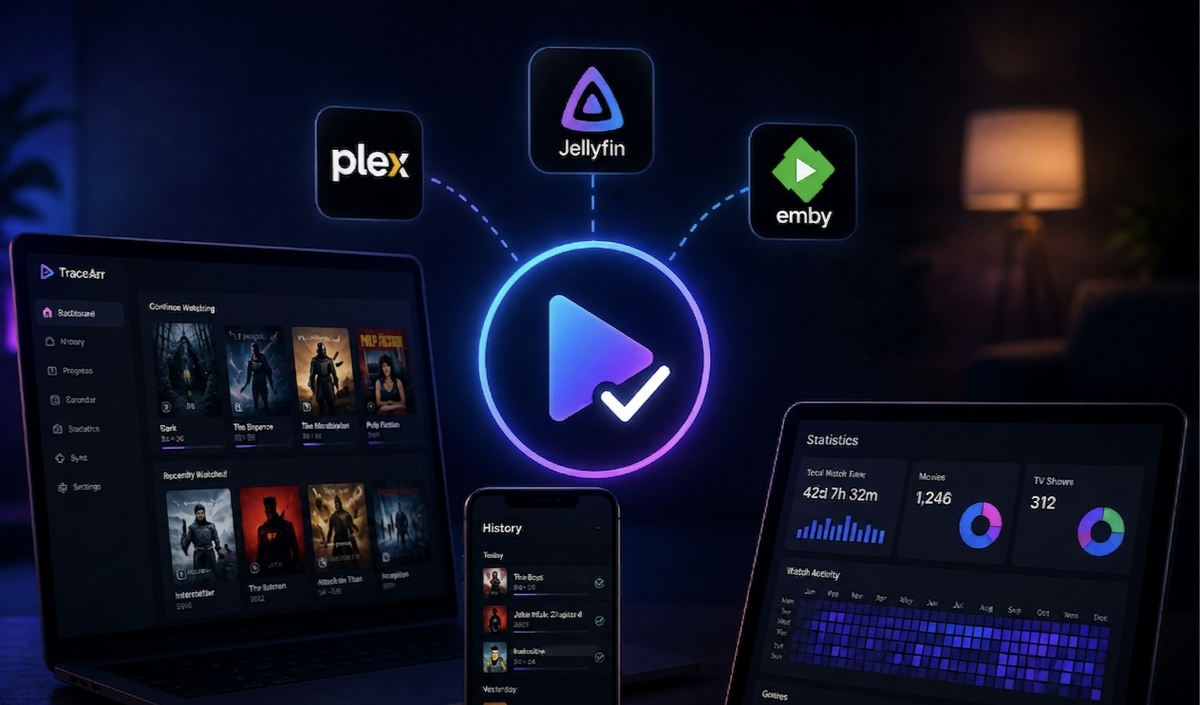
WatchState is a bidirectional sync engine for play state (watched/unwatched) and play progress (resume position). It supports:
- Jellyfin (full support)
- Plex (full support)
- Emby (full support)
- Trakt (full support)
Any combination works. Jellyfin + Plex. Jellyfin + Trakt. Plex + Emby + Trakt. All four simultaneously.
Sync capabilities
| Data | Synced? |
|---|---|
| Watched/Unwatched status | Yes |
| Play progress (resume point) | Yes |
| Play date/time | Yes |
| Ratings | Trakt only |
| Collections/Playlists | No |
| Metadata | No |
Use Cases
1. Running Jellyfin + Plex simultaneously
You migrated to Jellyfin but some family members still use Plex. Both servers read the same media files. WatchState keeps watched status synchronized so a movie marked as watched on Plex also shows as watched on Jellyfin, and vice versa.
2. Migrating from Plex to Jellyfin
Transfer your entire watch history from Plex to Jellyfin in one sync. No Trakt intermediary needed. Direct server-to-server transfer.
3. Trakt as a universal backup
Sync all your watch history to Trakt as a permanent backup. If you ever rebuild your server, import from Trakt to restore everything.
4. Multi-user sync
WatchState supports per-user configuration. Each user on your server can have their own sync profile with their own Trakt account.
Docker Setup
services:
  watchstate:
    image: ghcr.io/arabcoders/watchstate:latest
    container_name: watchstate
    ports:
      - 8080:8080
    volumes:
      - ./watchstate/config:/config
    environment:
      - WS_TZ=Europe/Paris
    restart: unless-stopped
docker compose up -d
Access the web UI at http://your-server:8080.
Step 1: Add Your Backends
WatchState calls each connected service a "backend." Add them via the web UI or CLI:
Add Jellyfin
docker exec watchstate console config:add
# Follow the interactive prompts:
# Type: jellyfin
# Name: my-jellyfin
# URL: http://jellyfin:8096
# Token: your_jellyfin_api_key
# User: your_username
Add Plex
docker exec watchstate console config:add
# Type: plex
# Name: my-plex
# URL: http://plex:32400
# Token: your_plex_token
Add Trakt
docker exec watchstate console config:add
# Type: trakt
# Name: my-trakt
# Follow OAuth flow to authenticate
Add Emby
docker exec watchstate console config:add
# Type: emby
# Name: my-emby
# URL: http://emby:8096
# Token: your_emby_api_key
Step 2: Import Current State
Before enabling sync, import the current watch state from all backends:
# Import from all backends
docker exec watchstate console state:import

# Or import from a specific backend
docker exec watchstate console state:import --select-backend my-jellyfin
This reads the current watched/unwatched status from each server and stores it in WatchState's local database.
Step 3: Enable Sync
Once imported, enable ongoing synchronization:
# Push local state to all backends
docker exec watchstate console state:push

# Or run a full sync (import + push)
docker exec watchstate console state:sync
Automated sync via cron
WatchState includes a built-in scheduler. Configure it to sync every 15 minutes:
docker exec watchstate console system:cron --run
Or use the web UI to configure sync schedules.
Webhook-based real-time sync
For instant sync (no polling delay), configure webhooks:
- In Jellyfin: install the Webhook plugin, point it at
http://watchstate:8080/v1/api/jellyfin/webhook - In Plex: configure a webhook to
http://watchstate:8080/v1/api/plex/webhook
Now when you finish a movie on Jellyfin, WatchState immediately marks it as watched on Plex and Trakt.
Conflict Resolution
What happens when the same item has different states on different backends?
Default behavior: newest wins
WatchState uses timestamps. If a movie was marked watched on Jellyfin at 8:00 PM and is still unwatched on Plex, WatchState marks it as watched on Plex (because the Jellyfin event is newer).
Manual override
The web UI shows conflicts and lets you resolve them manually:
- Force a specific backend's state as the source of truth
- Ignore specific items from sync
- Set per-backend priority
Matching: How WatchState Identifies the Same Content
WatchState matches items across backends using:
- Provider IDs (TMDB, TVDB, IMDB) - most reliable
- Title + Year - fallback for items without provider IDs
- File path - if backends share the same media files
For best results, ensure your libraries have proper metadata with TMDB/TVDB IDs on all backends.
Multi-User Configuration
WatchState supports multiple users, each with their own backend connections:
# Add a second user
docker exec watchstate console config:add --user partner
# Configure their Jellyfin user, Plex user, and Trakt account separately
Each user's watch history syncs independently.
WatchState vs JellyPlex-Watched vs Trakt Plugin
| Feature | WatchState | JellyPlex-Watched | Trakt Plugin |
|---|---|---|---|
| Jellyfin support | Yes | Yes | Yes |
| Plex support | Yes | Yes | No |
| Emby support | Yes | No | Yes (Emby plugin) |
| Trakt support | Yes | No | Yes |
| Bidirectional | Yes | Configurable | Yes |
| Real-time (webhooks) | Yes | No (scheduled) | Yes |
| Multi-user | Yes | Limited | Per-user |
| Resume position sync | Yes | No (watched only) | No |
| Web UI | Yes | No (CLI only) | No |
| Conflict resolution | Yes (UI) | Newest wins | Newest wins |
WatchState is the most comprehensive option. JellyPlex-Watched is simpler for one-time Plex-to-Jellyfin migration. Trakt plugins are best if you only need Trakt sync.
Performance and Resource Usage
- RAM: ~100-200 MB
- CPU: negligible (API calls only)
- Storage: ~50-200 MB (local state database)
- Network: minimal (API calls to each backend)
WatchState is extremely lightweight. It makes API calls to your media servers, it does not process media files.
Common Issues
| Problem | Cause | Fix |
|---|---|---|
| Items not matching | Missing provider IDs | Ensure TMDB/TVDB metadata is set on all backends |
| Sync not running | Cron not configured | Enable the built-in scheduler or set up webhooks |
| Wrong user synced | Backend user mismatch | Verify the correct user is selected for each backend |
| Duplicate entries | Same movie in multiple libraries | Configure library filtering in backend settings |
FAQ
Does WatchState modify my media files? No. It only reads and writes play state via media server APIs. Your files are never touched.
Can I sync between two Jellyfin servers? Yes. Add both as separate backends. WatchState syncs between any combination of supported servers.
Does it sync ratings? Only to/from Trakt. Jellyfin, Plex, and Emby ratings are not synced between each other (different rating systems).
Is it safe to run on a production server? Yes. WatchState only marks items as watched/unwatched. It cannot delete content, modify metadata, or affect playback.
Can I use WatchState alongside the Trakt plugin? Yes, but disable Trakt sync in the Jellyfin/Emby plugin to avoid conflicts. Let WatchState handle all sync centrally.
Watch history synced across all your servers. Monitor active sessions from your phone. Download JellyWatch on Google Play - real-time session monitoring for Jellyfin.
On Emby? Download EmbyWatch on Google Play


Comments
No comments yet. Be the first to share your thoughts.
Leave a comment