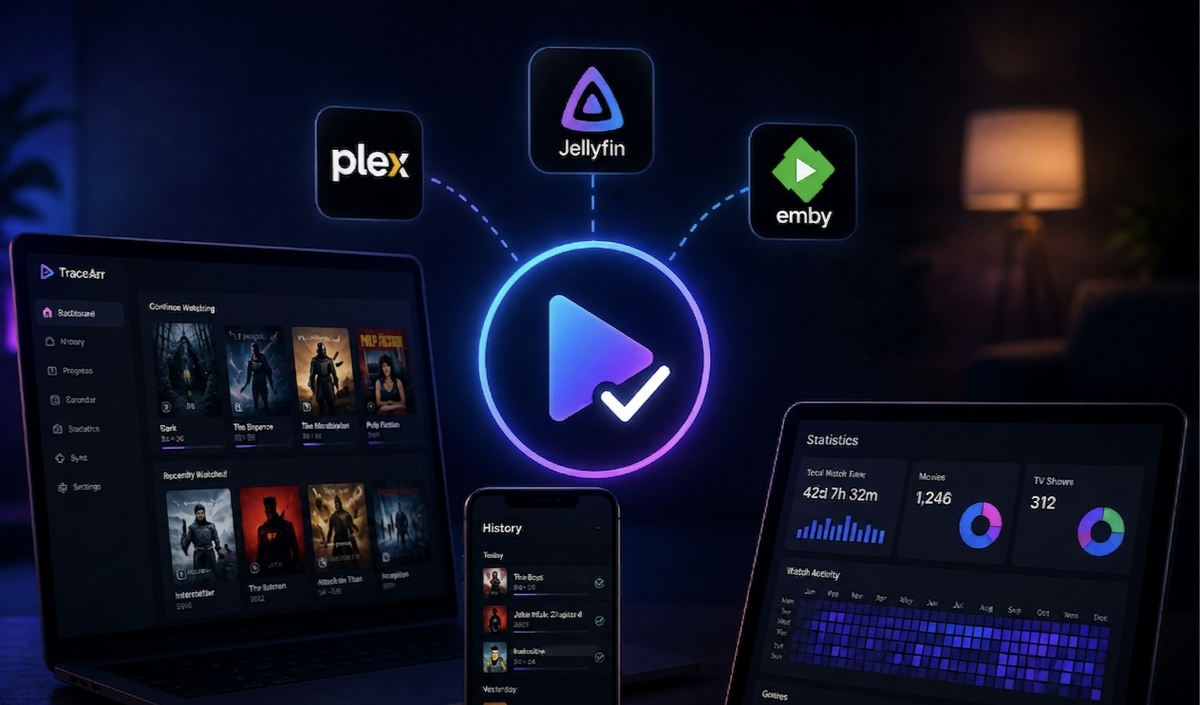
Tracearr: Monitoring Plex, Jellyfin, and Emby from One Dashboard (2026 Setup Guide)
Every media server has its own monitoring tool: Plex has Tautulli, Jellyfin and Emby have Jellystat. But if you run more than one server type, you end up with multiple dashboards, multiple setups, and no unified view. Tracearr solves that.
Tracearr is a free, open-source, self-hosted monitoring platform that connects to Plex, Jellyfin, and Emby simultaneously and gives you a single dashboard for real-time session tracking, playback analytics, account sharing detection, and library management.
Source: github.com/connorgallopo/Tracearr — docs.tracearr.com
What Tracearr Actually Does
Tracearr is a full analytics and monitoring dashboard — comparable to Tautulli or Jellystat, but covering all three platforms at once. Key features:
- Real-time session monitoring — see every active stream the moment it starts, via WebSocket updates
- Multi-server dashboard — Plex, Jellyfin, and Emby unified in one interface
- Session history — complete watch history with device, location, quality, and codec data
- Account sharing detection — automated rules for impossible travel, simultaneous locations, device velocity, geo restrictions, and more
- Trust scores — every account starts at 100, violations lower it automatically
- Cross-server user identities — merge accounts across platforms so one person has one profile
- Media catalog — one unified library view across all servers with duplicate detection and storage analysis
- Newsletters — email your users what was recently added, on a schedule
- Stream termination — stop a stream directly from the dashboard
- Public REST API — v1 and v2, with interactive Scalar reference at
/api-docs - Data import — migrate history from Tautulli, Jellystat, or the Jellyfin/Emby Playback Reporting plugin
- Mobile app — iOS and Android companion app
How It Works
Tracearr connects to your servers via their APIs and monitors activity continuously:
- Plex uses Server-Sent Events natively — streams appear the moment they start
- Jellyfin and Emby use the optional Tracearr SSE plugin for the same instant push-based detection; without it, Tracearr falls back to polling
[Plex]     --SSE (native)-------> [Tracearr Dashboard]
[Jellyfin] --SSE (plugin)-------> [Tracearr]  <-->  [TimescaleDB + Redis]
[Emby]     --SSE (plugin)-------> [Tracearr]
Session history is stored in TimescaleDB (a PostgreSQL extension built for time-series data), with Redis handling background jobs. This is what keeps dashboard stats fast over long histories — they are pre-computed, not recalculated on every page load.
Note: Emby webhooks exist but require an Emby Premiere subscription and a reachable HTTP listener. The SSE plugin is the recommended approach and has no such requirement.
Docker Setup
Tracearr requires TimescaleDB and Redis in addition to the application container. There are two deployment styles:
Option 1 — All-in-One (easiest, recommended for home use)
Everything bundled in a single container. Designed for Unraid and bare-metal hosts. Secrets are auto-generated on first boot.
services:
  tracearr:
    image: ghcr.io/connorgallopo/tracearr:supervised
    container_name: tracearr
    shm_size: 512mb
    mem_limit: 3g        # minimum 3 GB required (PostgreSQL + Redis + Node.js)
    ports:
      - "3000:3000"
    environment:
      - TZ=Europe/Paris
    volumes:
      - tracearr_postgres:/data/postgres
      - tracearr_redis:/data/redis
      - tracearr_data:/data/tracearr
      - tracearr_backups:/data/backup
    restart: unless-stopped

volumes:
  tracearr_postgres:
  tracearr_redis:
  tracearr_data:
  tracearr_backups:
docker compose up -d
Option 2 — Standard (separate containers)
# Generate required secrets first
echo "JWT_SECRET=$(openssl rand -hex 32)" > .env
echo "COOKIE_SECRET=$(openssl rand -hex 32)" >> .env

# Download the official compose file
curl -O https://raw.githubusercontent.com/connorgallopo/Tracearr/main/docker/examples/docker-compose.pg18.yml

docker compose -f docker-compose.pg18.yml up -d
Access Tracearr at http://your-server:3000.
Default port is 3000, not 7600 or any other port.
Step 1: Connect Your Media Servers
Open http://your-server:3000 after startup and use the server connection wizard. You'll need:
- Plex: your Plex URL and a Plex token
- Jellyfin: your Jellyfin URL and an API key (Dashboard > API Keys)
- Emby: your Emby URL and an API key (Dashboard > Advanced > Security)
For instant session detection on Jellyfin and Emby, install the Tracearr SSE plugin:
- Go to your Jellyfin or Emby dashboard → Plugins → Repositories
- Add the Tracearr plugin repository
- Install Media Server SSE
- Restart Jellyfin/Emby
Without the plugin, Tracearr falls back to polling — sessions still appear, just with a short delay.
Step 2: Cross-Server User Identities
If the same person has accounts on multiple servers, Tracearr can unify them:
- Go to Users in the Tracearr dashboard
- Merge accounts: "john" on Jellyfin + "john_doe" on Plex = one identity
- All their history and trust score are now unified — the identity's score is the lowest of its active accounts, so merging never hides a problem
Step 3: Import Historical Data
Tracearr can import your existing history through the Settings > Import section in the UI:
- From Tautulli — connect your Tautulli instance directly
- From Jellystat — upload a Jellystat backup file
- From Playback Reporting plugin — read directly from Jellyfin or Emby
This is all done through the dashboard, not via manual API calls.
Account Sharing Detection
This is one of Tracearr's standout features. Twenty-two built-in automation templates ship out of the box, including:
| Template | What it catches |
|---|---|
| Impossible Travel | Same account in NYC and London 30 min apart |
| Simultaneous Locations | Two cities streaming at the same time |
| Device Velocity | Too many unique IPs in a short window |
| Concurrent Streams | Exceeds your per-user stream limit |
| Geo Restrictions | Streams from blocked countries |
| Account Inactivity | Dormant accounts that might be shared credentials |
Automations follow a trigger → conditions → actions model. Actions can notify via Discord, ntfy, Pushover, SMTP email, mobile push, or stop the stream outright.
Tracearr vs Jellystat vs Tautulli
| Feature | Tracearr | Jellystat | Tautulli |
|---|---|---|---|
| Plex support | ✅ | ❌ | ✅ |
| Jellyfin support | ✅ | ✅ | ❌ |
| Emby support | ✅ | ✅ | ❌ |
| Multi-server dashboard | ✅ | ❌ | ❌ |
| Real-time sessions | ✅ | ✅ | ✅ |
| Watch history & stats | ✅ | ✅ | ✅ |
| Transcode analytics | ✅ | ✅ | ✅ |
| Live TV & music tracking | ✅ | ✅ | ✅ |
| Push notifications | ✅ | ❌ | ✅ |
| Newsletters | ✅ | ❌ | ✅ |
| Account sharing detection | ✅ | ❌ | ❌ |
| Trust scoring | ✅ | ❌ | ❌ |
| Cross-server user identities | ✅ | ❌ | ❌ |
| Cross-server media catalog | ✅ | ❌ | ❌ |
| Cross-server duplicate finding | ✅ | ❌ | ❌ |
| Import from Tautulli | ✅ | ❌ | — |
| Import from Jellystat | ✅ | — | ❌ |
| Public API | ✅ | ✅ | ✅ |
| Mobile app | ✅ | ❌ | ❌ |
Jellystat supports both Jellyfin and Emby — it is not Jellyfin-only as sometimes claimed.
Tracearr is a direct competitor to Tautulli and Jellystat, not a data layer underneath them. If you only run Plex, Tautulli remains the mature, established choice. If you only run Jellyfin/Emby, Jellystat is solid. If you run multiple server types, or want account sharing detection, Tracearr is the only tool that handles all of it in one place.
Storage and Infrastructure
Tracearr is not a lightweight single-binary app. It requires:
- TimescaleDB (PostgreSQL + time-series extension) for session history
- Redis for background job processing
- Minimum 3 GB RAM for the all-in-one supervised container
Regular PostgreSQL works for short histories, but TimescaleDB is the reason long-term dashboard stats stay responsive — queries run against pre-aggregated hypertables rather than scanning raw rows.
Storage usage is modest: roughly 1 MB per 1,000 playback events. A 5-user home server typically uses 50–100 MB per year.
API
Tracearr exposes a public REST API (v1 and v2). Generate an API key under Settings > API Keys, then browse the full reference at /api-docs on your own instance (interactive Scalar UI).
There is no documented trr_pub_ / trr_prv_ key prefix format in the official docs — key management is handled through the settings UI.
FAQ
Does Tracearr replace Tautulli or Jellystat? It depends on your setup. If you only use one server type, the dedicated tool may be more feature-complete for that platform. If you run multiple types, Tracearr is the only tool that covers all three.
Does Tracearr affect playback performance? No. Tracearr monitors via APIs and SSE — it does not sit in the playback path.
Can Tracearr be used without the SSE plugin on Jellyfin/Emby? Yes. It falls back to polling. Sessions still appear, just not instantly.
Is Tracearr free? Yes. Open source under AGPL-3.0. The platform is free to self-host. The companion mobile app is a separate paid product.
Does JellyWatch use Tracearr? No. JellyWatch connects directly to the Jellyfin API for real-time session data and push notifications. Tracearr and JellyWatch serve different purposes and audiences: Tracearr is for server admins who want analytics and sharing detection across one or more servers; JellyWatch is for users who want to monitor their own Jellyfin activity on Android.
Monitor your servers with Tracearr. Follow your own activity with JellyWatch. Download JellyWatch on Google Play — real-time session monitoring and push notifications for Jellyfin.
Running Emby? Download EmbyWatch on Google Play




Comments
No comments yet. Be the first to share your thoughts.
Leave a comment