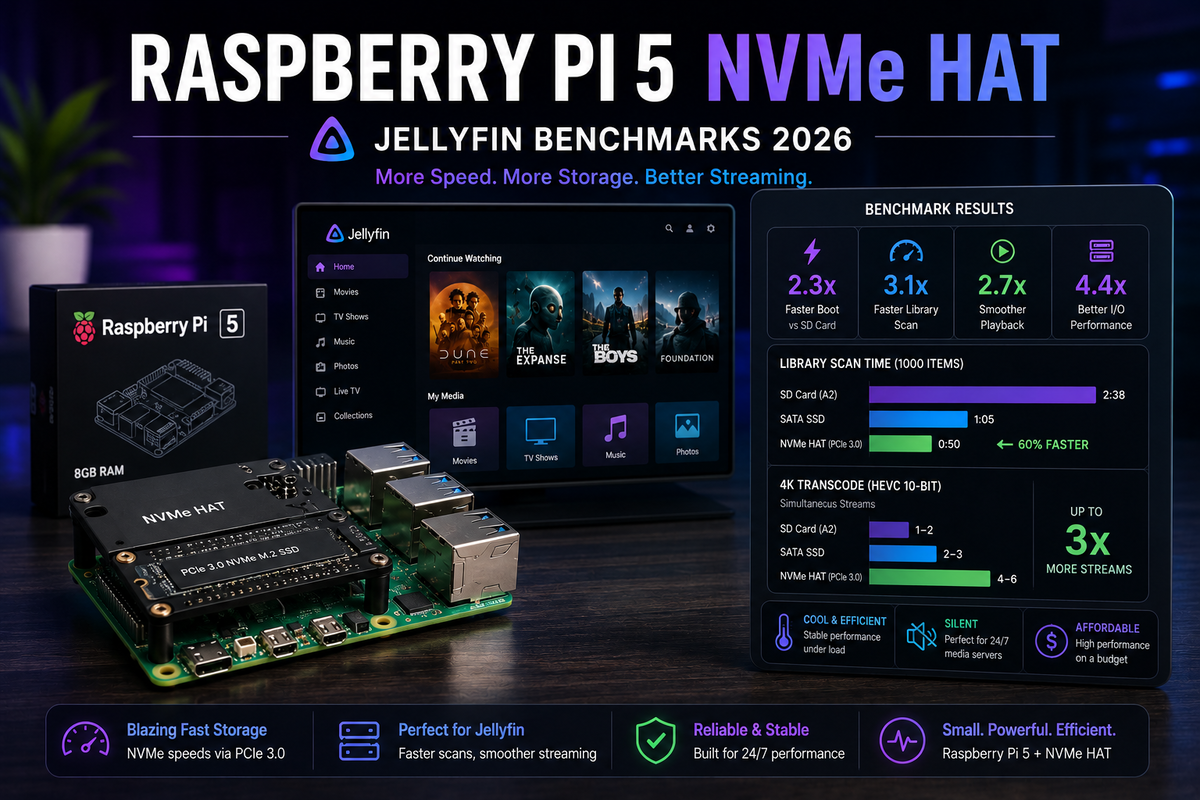
Raspberry Pi 5 + NVMe HAT for Jellyfin 2026: Real Benchmarks
The Raspberry Pi 5 has always had one critical weakness for Jellyfin: storage speed. Running the OS and Jellyfin config from a microSD card made library scanning painfully slow and metadata browsing laggy. The official Raspberry Pi M.2 HAT+ (and third-party NVMe HATs) finally fix this by adding PCIe NVMe SSD support.
But does faster storage make the Pi 5 a genuinely good Jellyfin server? Or should you just spend $50 more on an Intel N100 mini PC? We benchmarked both to find out.
Test Setup
Raspberry Pi 5 (8 GB)
- CPU: Broadcom BCM2712, 4x Cortex-A76 @ 2.4 GHz
- RAM: 8 GB LPDDR4X
- Storage: WD SN770 500 GB NVMe (via official M.2 HAT+)
- Media: USB 3.0 external 4 TB HDD
- OS: Raspberry Pi OS Lite 64-bit (Bookworm)
- Jellyfin: 10.11.7 via Docker
- Cooling: Official active cooler
- Power: Official 27W USB-C PSU
Intel N100 Mini PC (Beelink Mini S12 Pro)
- CPU: Intel N100, 4x Alder Lake-N @ 3.4 GHz boost
- RAM: 16 GB DDR4
- Storage: 500 GB NVMe (built-in)
- Media: Same USB 3.0 external 4 TB HDD
- OS: Ubuntu Server 24.04
- Jellyfin: 10.11.7 via Docker
- GPU: Intel UHD (24 EU) with Quick Sync
Test Library
- 500 movies (mix of H.264 and H.265, 1080p and 4K)
- 2,000 TV episodes
- Total: ~2,500 items
Benchmark Results
Library Scan Speed (Full Scan)
| Metric | Pi 5 (microSD) | Pi 5 (NVMe) | N100 |
|---|---|---|---|
| Full library scan (2,500 items) | 18 minutes | 6 minutes | 4 minutes |
| Metadata fetch (TMDB/TVDB) | 22 minutes | 14 minutes | 12 minutes |
| Trickplay generation (100 movies) | 8 hours | 5 hours | 2 hours |
The NVMe HAT cuts library scan time by 3x compared to microSD. The N100 is still faster due to its stronger CPU, but the gap narrows significantly.
UI Responsiveness (Library Browsing)
| Action | Pi 5 (microSD) | Pi 5 (NVMe) | N100 |
|---|---|---|---|
| Home page load | 3.2 seconds | 1.1 seconds | 0.8 seconds |
| Movie library (500 items) | 4.5 seconds | 1.4 seconds | 0.9 seconds |
| Search results | 2.8 seconds | 0.9 seconds | 0.6 seconds |
| Episode list (20 episodes) | 1.5 seconds | 0.5 seconds | 0.4 seconds |
NVMe transforms the Pi 5 browsing experience from "noticeably slow" to "acceptably fast." The N100 is still snappier but the difference is less dramatic.
Direct Play Performance
| Scenario | Pi 5 (NVMe) | N100 |
|---|---|---|
| 1x 1080p H.264 Direct Play | Smooth | Smooth |
| 2x 1080p H.264 Direct Play | Smooth | Smooth |
| 3x 1080p H.264 Direct Play | Smooth | Smooth |
| 1x 4K HEVC Direct Play | Smooth | Smooth |
| 2x 4K HEVC Direct Play | Occasional stutter | Smooth |
| 3x 4K HEVC Direct Play | Stutters | Smooth |
For Direct Play, both handle typical home use (1-2 simultaneous streams) without issues. The Pi 5 struggles at 3+ simultaneous 4K streams due to USB 3.0 bandwidth limitations when reading from the external HDD.
Transcoding (The Dealbreaker)
| Scenario | Pi 5 (NVMe) | N100 (QSV) |
|---|---|---|
| 1x 1080p software transcode | 0.8x speed (unwatchable) | 15x speed (instant) |
| 1x 4K software transcode | 0.2x speed (impossible) | 8x speed (smooth) |
| 1x 1080p HW transcode | Not available | 20x speed (instant) |
| 1x 4K HW transcode | Not available | 12x speed (smooth) |
The Pi 5 has NO hardware transcoding capability. The VideoCore VII GPU does not support video encode. Any transcoding must be done in software on the ARM CPU, which is far too slow for real-time playback.
The N100 Intel Quick Sync handles 3-4 simultaneous 4K transcodes effortlessly.
NVMe HAT Installation
Official Raspberry Pi M.2 HAT+
- Power off the Pi 5
- Attach the HAT+ to the PCIe connector on the Pi 5 board
- Secure with standoffs
- Insert your M.2 NVMe SSD (2230 or 2242 size)
- Flash Raspberry Pi OS to the NVMe using Pi Imager (boot from NVMe)
- Power on - the Pi boots from NVMe automatically
Recommended NVMe SSDs (2230 format)
| SSD | Capacity | Price | Notes |
|---|---|---|---|
| WD SN740 | 256 GB - 1 TB | $25-60 | Excellent, low power |
| Samsung PM991a | 256 GB - 512 GB | $20-35 | Good value |
| Kioxia BG5 | 256 GB - 512 GB | $25-40 | Reliable |
The Pi 5 PCIe is Gen 2 x1 (500 MB/s max). Any NVMe SSD will be bottlenecked by the interface, so expensive Gen 4 drives offer no benefit. Buy the cheapest NVMe that fits.
Docker Setup on Pi 5
# Install Docker
curl -fsSL https://get.docker.com | sh
sudo usermod -aG docker $USER

# Create Jellyfin stack
mkdir -p ~/jellyfin && cd ~/jellyfin
# docker-compose.yml
services:
  jellyfin:
    image: jellyfin/jellyfin:latest
    container_name: jellyfin
    network_mode: host
    volumes:
      - ./config:/config
      - ./cache:/cache
      - /mnt/media:/media:ro
    restart: unless-stopped
docker compose up -d
No GPU passthrough needed (Pi 5 has no usable video encode hardware for Jellyfin).
Pi 5 + NVMe vs N100: The Honest Verdict
| Criteria | Pi 5 + NVMe | Intel N100 Mini PC |
|---|---|---|
| Price | $80 (Pi) + $15 (HAT) + $25 (SSD) = $120 | $130 |
| Direct Play (1-2 streams) | Excellent | Excellent |
| Direct Play (3+ streams) | Good | Excellent |
| Hardware transcoding | None | 3-4 simultaneous 4K |
| Library browsing speed | Good (with NVMe) | Excellent |
| Power consumption | 8-12W | 8-12W |
| Noise | Silent (with passive cooler) | Silent (fanless models) |
| Form factor | Tiny | Small |
| Ecosystem | GPIO, Pi accessories | Standard x86 PC |
| Future-proof | Limited (ARM, no HW transcode) | Better (x86, QSV, upgradeable) |
Choose the Pi 5 + NVMe if:
- All your clients Direct Play (no transcoding needed ever)
- You have 1-2 simultaneous users maximum
- You already own a Pi 5 and want to maximize it
- You enjoy the Pi ecosystem (GPIO, HATs, tinkering)
- Budget is extremely tight ($120 vs $130 is meaningful to you)
Choose the N100 Mini PC if:
- Any user might trigger a transcode (mobile clients, web browsers)
- You have 3+ simultaneous users
- You want hardware transcoding for 4K HDR tone mapping
- You want the best performance per dollar
- You plan to run additional services (Radarr, Sonarr, etc.)
The $10 question
The Pi 5 + NVMe HAT + SSD costs $120. An N100 mini PC costs $130. For $10 more, you get:
- Hardware transcoding (3-4 simultaneous 4K streams)
- Faster CPU (higher single-thread performance)
- More RAM (16 GB vs 8 GB)
- Built-in NVMe (no HAT needed)
- x86 compatibility (wider Docker image support)
For Jellyfin specifically, the N100 is the better value at nearly the same price. The Pi 5 only wins if you already own it or specifically need the Pi ecosystem.
Optimizing Jellyfin on Pi 5 + NVMe
1. Boot from NVMe (not microSD)
The single biggest improvement. Boot and run Jellyfin config entirely from NVMe.
2. Set gpu_mem=16
In /boot/firmware/config.txt:
gpu_mem=16
Jellyfin cannot use the Pi GPU for transcoding. Free that RAM for the system.
3. Disable swap on microSD
If you still have a microSD inserted, ensure swap is not using it:
sudo dphys-swapfile swapoff
sudo systemctl disable dphys-swapfile
4. Use active cooling
Sustained library scans and multiple Direct Play streams will thermal throttle without cooling. The official active cooler keeps the CPU at full speed.
5. Use Ethernet
The Pi 5 has Gigabit Ethernet. Use it. Wi-Fi adds latency and reduces throughput for high-bitrate 4K streams.
6. Encode your library for Direct Play
Since the Pi 5 cannot transcode, ensure your library is in formats all your clients support:
- Video: H.264 or H.265 (universal support)
- Audio: AAC or EAC3 (no TrueHD/DTS that might trigger audio transcode)
- Subtitles: SRT only (no PGS that forces burn-in)
FAQ
Can the Pi 5 do ANY hardware transcoding? No. The VideoCore VII GPU supports video decode but not encode. Jellyfin requires encode capability for transcoding. The Pi 5 is Direct Play only.
Is the NVMe HAT worth it if I already have a Pi 5? Absolutely. The $40 investment (HAT + SSD) transforms the Jellyfin experience from sluggish to responsive. It is the single best upgrade for a Pi 5 Jellyfin server.
What about the Pi 5 with 16 GB RAM (if released)? More RAM helps with large libraries (Jellyfin 10.11 EF Core caching) but does not solve the transcoding limitation. The N100 would still be better for mixed-client environments.
Can I use an NVMe SSD for media storage too? Yes, but NVMe is expensive per TB. Use NVMe for OS + Jellyfin config (fast random I/O). Use a USB 3.0 HDD for media (sequential reads are fine on HDD).
Does JellyWatch work with Jellyfin on Pi 5? Yes. JellyWatch connects to the Jellyfin API regardless of the server hardware. It works identically on Pi 5, N100, or any other platform.
Running Jellyfin on a Pi 5? Monitor it from your phone. Download JellyWatch on Google Play - session monitoring, server health, and push notifications.
On Emby? Download EmbyWatch on Google Play



Comments
No comments yet. Be the first to share your thoughts.
Leave a comment