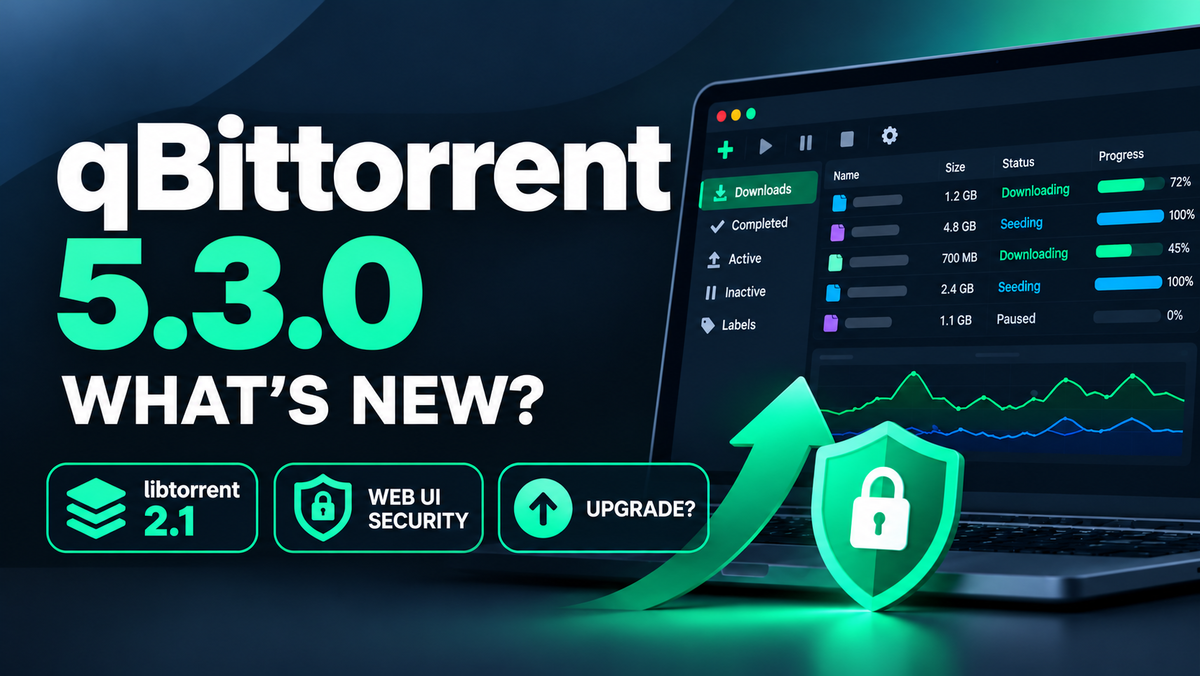
qBittorrent 5.3.0 Released: libtorrent 2.1, Web UI Security Fixes, and Whether to Upgrade
qBittorrent 5.3.0 was announced on October 19, 2026. It is the first stable release of the 5.3 line, and the changelog is long: more than 130 entries covering new features, bug fixes, Web UI and Web API changes, RSS and search. The headline change is under the hood. The default build now uses libtorrent 2.1.x. If qBittorrent is the download client in your Radarr and Sonarr stack, here is what you need to know before you upgrade.
This continues our coverage of qBittorrent 5.2.4 and 5.3.0 RC1, the 5.2.1 security update and qBittorrent 5.2.0.
The Short Answer
- Most home setups can upgrade. Back up your configuration, update, then test the connection from Sonarr, Radarr and Prowlarr.
- Heavy seeders should read the libtorrent section first. The project warns that the new default libtorrent 2.1 build has worse read performance than the 1.2.x build, which can lower upload speed. A 1.2.x build is still provided.
- Update soon if your Web UI sits behind a reverse proxy and you use the authentication bypass for whitelisted subnets. 5.3.0 fixes a bypass in that setup.
- Check any script that calls the Web API. Two endpoints now require POST.
Release Timeline
| Version | Date | Type |
|---|---|---|
| 5.2.3 | July 7, 2026 | Stable |
| 5.3.0 beta 1 | September 5, 2026 | Pre-release |
| 5.2.4 | September 28, 2026 | Stable |
| 5.3.0 RC1 | September 28, 2026 | Pre-release (release candidate) |
| 5.3.0 | October 19, 2026 | Stable |
The Big Change: libtorrent 2.1 by Default
Every qBittorrent release is built on a libtorrent version, and that choice drives disk and network behavior. The libraries listed for 5.3.0 are:
| Component | Versions listed |
|---|---|
| libtorrent | 1.2.20 and 2.1.2 builds |
| Qt | 6.11.2 |
| Boost | 1.86 and 1.92 |
According to the project, the default version is now based on the libtorrent 2.1.x series. It should have fewer I/O problems than the 2.0.x series, and a version based on the 1.2.x series is still provided for people who prefer it.
The project also includes a notice for heavy seeders. The 2.1.x series is known to have worse read performance than the 1.2.x series, which affects upload speed. The upstream discussion is in libtorrent issue 9004.
| Your situation | Suggested build |
|---|---|
| Light or moderate seeding, mostly downloads for Radarr and Sonarr | The default libtorrent 2.1.x build |
| Seeding hundreds of torrents and upload speed matters to you | The libtorrent 1.2.x build, or wait for community reports |
| Previously stayed on 1.2.x because of I/O problems with 2.0.x | Try the default 2.1.x build and compare |
5.3.0 also aligns the default disk queue size with libtorrent 2.1 and adds a "Pread/pwrite" disk IO type option to the Web UI settings. Disk behavior can therefore differ from 5.2 even if you change nothing.
Security and Web UI Hardening
Several entries harden the Web UI and the Web API. The project lists them as bug fixes and Web UI fixes. We describe them in the project's own words and do not assign severity ratings.
- Authentication bypass through X-Forwarded-For. The pull request explains that, with reverse proxy support enabled, the client address is read from the
X-Forwarded-Forheader. The code could pick an entry that the client controls. A client able to reach a trusted proxy that appends to the header could claim a whitelisted address, bypassing the subnet whitelist and the failed-login ban. The fix reads the header starting from the nearest hop. If you combine reverse proxy support with authentication bypass for whitelisted subnets, update. - Cross-site request detection. Before, a request with neither an
Originnor aRefererheader was always accepted. qBittorrent now uses theSec-Fetch-Siteheader, which the browser sets and the page cannot suppress. Browsers only send it to secure origins, so this covers HTTPS and localhost deployments. Clients that do not send it keep the previous behavior. - POST required for two Web API calls.
search/downloadTorrentandrss/setFeedRefreshIntervalchange state, so they now require POST. Scripts that call them with GET need to be updated. - Email. A fix prevents SMTP injection from unsanitized mail content, and the STARTTLS implementation was corrected.
- Dynamic DNS updates now use HTTPS.
- Built-in tracker. Announces for unknown hashes no longer create a torrent entry. The pull request describes memory growing without bound under repeated announces. This only matters if you use the built-in tracker.
- Session limit. The Web UI now caps the number of sessions.
What Is New
Transfers, limits and peers
- A new option to match all share limits, in the preferences and in the torrent options.
- Filter the torrent list by infohash.
- "Force start torrents" in the filter context menus.
- Ban an IP range, with IP ban alerts now written to the log. An IPv6 range with prefix length 128 is handled as a single address.
- New settings:
seeding_outgoing_connections, maximum outstanding block requests from a peer, and an advancedallow_multiple_connections_per_pidoption. - I2P settings for PeX and for inbound and outbound tunnel length variance, plus an exposed libtorrent setting for the WebTorrent STUN server.
- A "Contribution" column in the peers list.
- Two new statistics: queued tracker announces and request latency. The Statistics dialog also gets scroll bars.
- Support for the
soparameter in magnet links, which can select specific files.
Desktop app
- "Copy path" in the Content tab and an "Open Destination Folder" button in the toolbar.
- An improved deletion confirmation dialog.
- A scrollable Torrent Options dialog.
- An "Ignore dotfiles" option in the Torrent Creator.
- A system tray icon that follows the Windows color scheme, a monochrome tray icon that follows the color mode, and a macOS status bar icon that adapts to the system appearance.
- A button that opens the Default Apps settings on Windows.
- Better filename validation.
- The configuration file is no longer overwritten when it has no write permission.
Web UI
- "Select All" and "Invert Selection".
- The virtual list is enabled by default.
- Free disk space is shown in the add torrent window.
- Completed files can be downloaded from the Web UI.
- An option to skip the "Add new torrent" dialog.
- Pause and resume the whole BitTorrent session, start it paused, and set a shutdown timeout.
- Search tabs are stored between restarts and across sessions.
- Export and import of RSS rules.
- A shared download window for RSS articles.
- Path autocompletion is capped at 25 suggestions.
RSS and search
- An "All" sticky RSS item and a "Clone Rule" action in the RSS AutoDownloader.
- Torrents can be added from links in the RSS content viewer.
- The feed list keeps its sort order, and the RSS refresh interval uses exponential backoff.
- Search keeps cookies across HTTP redirects and escapes pipe characters correctly.
Email notifications
- Multiple recipients are supported.
- Option fields have tooltips and the examples appear as placeholder text.
- The test email now shows a notification instead of an alert in the Web UI.
Behavior Changes to Check Before Upgrading
- Torrent file backups were redesigned. The old options with confusing behavior became a clearer "Backup .torrent files" feature. A torrent added from a .torrent file has that file copied to the backup folder. A torrent added from a magnet link keeps the link until the .torrent file can be built from the received metadata. Review your settings after the upgrade if you relied on the old options.
- The search engine needs Python 3.13.0 or newer. The minimum supported Python version was raised from 3.9.0. This only affects the bundled search engine, which is optional. If you use it, check your Python version first.
- "Resolve peer countries" is off by default in new installations. Existing installations are not affected.
- FOSSHub is no longer used for program updates, and outdated setting keys were removed.
- Read-only configuration. If your configuration file has no write permission, qBittorrent now leaves it alone. This is relevant for read-only container mounts.
Notable Bug Fixes
- "Force reannounce" now actually reannounces.
- The session speed display uses the sum of the per-torrent payload rates.
- Torrent completion handling works when ignored files are present.
- IPv6 parsing in the P2P filter was fixed, and a wrong comparison between IP addresses was corrected.
- A zero size GeoIP database is no longer loaded.
- A relative path for the logs folder is handled properly.
- The share limits timer updates when the share limits change.
- Adding a torrent after a tracker merge no longer reports a failure, and unsupported tracker URLs are filtered out of magnet links.
- A memory leak when the translation changes was fixed.
- Several macOS interface fixes, and a Windows ARM build fix.
How to Upgrade to 5.3.0
Back up your qBittorrent configuration folder first. It holds your settings, categories and torrent state, and restoring it is the fastest way back if something goes wrong.
For Docker, pin the image tag to 5.3.0, or the equivalent tag format used by your image. Check your image's tag list first, because formats differ between images, and look for a libtorrent 1.2.x variant if you want it. Then pull and recreate:
docker compose pull qbittorrent
docker compose up -d qbittorrent
Replace qbittorrent with your service name. On Windows, macOS and Linux desktops, use the installer or package from the official download page and pick the build that matches your libtorrent choice.
After the restart:
- Open the Web UI and confirm you can sign in.
- Check that your categories, save paths and share limits are intact.
- In Sonarr, Radarr and Prowlarr, use the download client test button.
- Confirm a small test download completes and gets imported.
- If you seed a lot, watch upload speed for a day and compare with your usual numbers.
If you are setting up the stack for the first time, see our Prowlarr and qBittorrent guide and the full automation guide.
Security Habits That Matter More Than the Version
A current version helps, but a few habits do more:
- Do not expose the Web UI directly to the internet. Put it behind a VPN or an authenticated reverse proxy.
- Be careful with subnet whitelists. Only whitelist networks you fully control, especially behind a reverse proxy.
- Change the default credentials and use a strong password.
- Bind the interface to the network segment that actually needs it.
- Keep the host and container runtime updated too.
Should You Upgrade?
| Your situation | Recommendation |
|---|---|
| On 5.2.x with a typical Sonarr and Radarr setup | Upgrade after a backup |
| Web UI behind a reverse proxy with a subnet whitelist | Upgrade soon |
| Heavy seeder | Use the libtorrent 1.2.x build, or wait for community reports on 2.1 |
| Scripts calling the Web API | Update them to use POST for the two changed endpoints, then upgrade |
| Use the bundled search engine | Check that Python 3.13 or newer is installed first |
| On 5.1 or older | Upgrade, and read the 5.2.0 article for the changes you skipped |
Watch your downloads land in your library. Download JellyWatch on Google Play - manage your Radarr and Sonarr queue, and monitor your Jellyfin server, from your phone. Sources: qBittorrent news page, qBittorrent releases on GitHub, qBittorrent changelog. Content was rephrased for compliance with licensing restrictions.


Comments
No comments yet. Be the first to share your thoughts.
Leave a comment