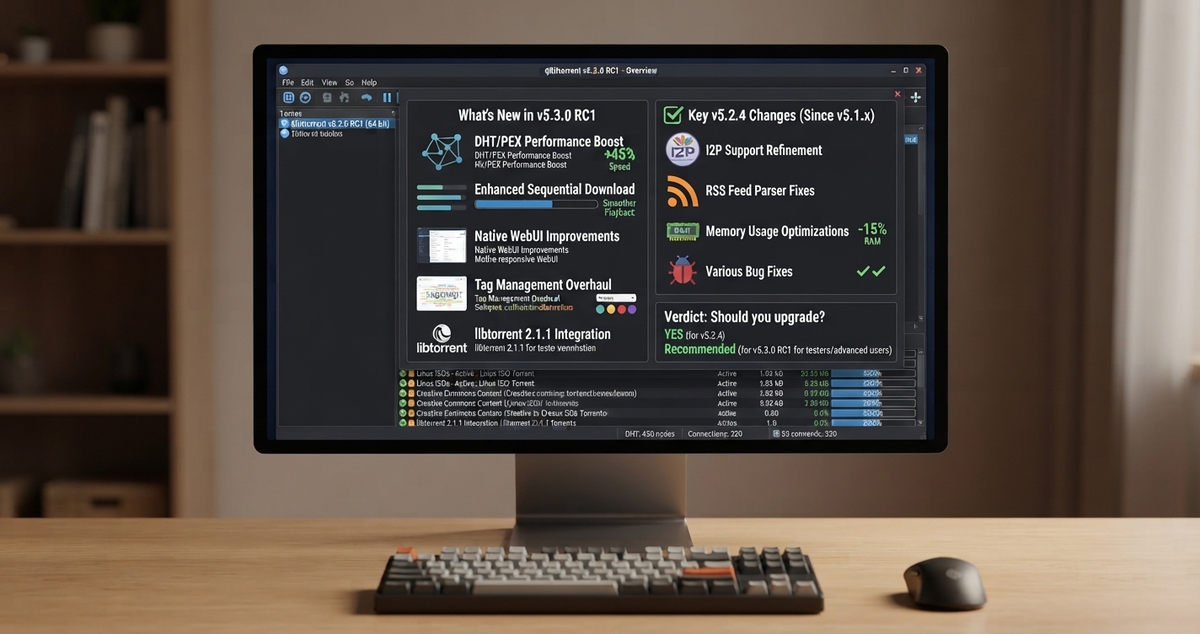
qBittorrent 5.2.4 and 5.3.0 RC1: What Changed and Should You Upgrade?
qBittorrent published two releases on September 28, 2026: a stable bug fix release, 5.2.4, and the first release candidate for the next feature line, 5.3.0 RC1. If qBittorrent is the download client in your media automation stack, here is what each one means for you.
This continues our coverage of qBittorrent 5.2.0 and the 5.2.1 security update.
The Short Answer
- Install 5.2.4 if you are on any earlier 5.2.x release. It is a low-risk bug fix release.
- Do not put 5.3.0 RC1 on your main download box. As of this writing the project has not published a changelog for it. Test it in a separate container if you are curious.
- Wait for the stable 5.3.0 and its changelog before planning a move.
Release Timeline
| Version | Date | Type |
|---|---|---|
| 5.2.3 | July 7, 2026 | Stable |
| 5.3.0 beta 1 | September 5, 2026 | Pre-release |
| 5.2.4 | September 28, 2026 | Stable |
| 5.3.0 RC1 | September 28, 2026 | Pre-release (release candidate) |
What Is in 5.2.4
The official changelog is a short list of bug fixes and Web UI changes.
General fixes
- Links in the "add torrent" comments field are now clickable.
- Relative UI theme paths are resolved against the configuration folder. If you use a custom theme, this one matters.
- A redefined signal warning was fixed.
- A torrent source that is already being added is skipped, which avoids duplicate processing.
- File descriptors are closed when starting a file manager.
- Case-only renaming now applies. Before, renaming a file or folder by changing only the capital letters did nothing.
- A crash when a second instance is started while the legal notice is showing was fixed.
Web UI
If you manage qBittorrent through its web interface, as most people with Sonarr and Radarr do, this is the group to read.
- A shared dialog for adding multiple torrents.
- Invisible rows are no longer selected in the transfer table.
- The add-torrent window title is escaped, and a safe property is used when setting element titles.
- Only
httpandhttpslinks from RSS articles and search results can be opened. - Saved column order no longer gets corrupted in place.
- Manually adding peers works again.
- A crash on the Preferences page with the Italian locale was fixed.
Several of these, such as the escaping and the restriction on which links can be opened, look like hardening of the web interface. The project lists them as Web UI fixes and does not label them as security advisories, so we will not either. They are still a good reason to update if your web interface is reachable beyond your home network.
Other
- A harmless compiler warning was suppressed.
What We Know About 5.3.0 RC1
Not much yet, and that is the point. The project's news page states that a changelog for 5.3.0 RC1 is not available, the same as it did for the beta on September 5. The library versions that come with it are:
| Component | Versions listed |
|---|---|
| libtorrent | 1.2.20, 2.0.15 and 2.1.2 builds |
| Qt | 6.10.3 and 6.11.2 |
| Boost | 1.86 and 1.92 |
A move to newer Qt and libtorrent builds can affect performance and behavior in ways that are hard to predict from the version numbers alone. That is a reason to wait for release notes and for community reports.
Once a changelog is published, we will update this article.
How to Upgrade to 5.2.4
Back up your qBittorrent configuration folder before any upgrade. It holds your settings, categories and torrent state, and restoring it is the fastest way back if something goes wrong.
For Docker, pin the image tag to 5.2.4, or the equivalent tag format used by your image, then pull and recreate:
docker compose pull qbittorrent
docker compose up -d qbittorrent
Replace qbittorrent with your service name. Check your image's tag list first, because tag formats differ between images. If you use latest and have not pulled recently, the pull alone will update you.
After the container restarts:
- Open the Web UI and confirm you can sign in.
- Check that your categories and save paths are intact.
- Make sure your connection to Sonarr, Radarr and Prowlarr still works. In each app, use the download client's test button.
- Confirm a small test download completes and gets imported.
If you are setting up the stack for the first time, see our Prowlarr and qBittorrent guide, and the full automation guide.
Security Habits That Matter More Than the Version
A current version helps, but a few habits do more:
- Do not expose the Web UI directly to the internet. Put it behind a VPN or an authenticated reverse proxy.
- Change the default credentials and use a strong password.
- Bind the interface to the network segment that actually needs it.
- Keep the host and container runtime updated too.
Our 5.2.1 article covers an SSRF security fix from earlier this year, which is a good reminder of why.
Should You Upgrade?
| Your situation | Recommendation |
|---|---|
| On 5.2.0 to 5.2.3 | Upgrade to 5.2.4 |
| On 5.1 or older | Plan an upgrade to 5.2.4. Back up first, and read the 5.2.0 article for the changes |
| Curious about 5.3 | Test RC1 in a separate container with a copy of your config |
| Running a production download client | Stay on 5.2.4 until 5.3.0 is stable and has a changelog |
Watch your downloads land in your library. Download JellyWatch on Google Play - manage your Radarr and Sonarr queue, and monitor your Jellyfin server, from your phone.
Sources: qBittorrent news page, qBittorrent releases on GitHub. Content was rephrased for compliance with licensing restrictions.


Comments
No comments yet. Be the first to share your thoughts.
Leave a comment