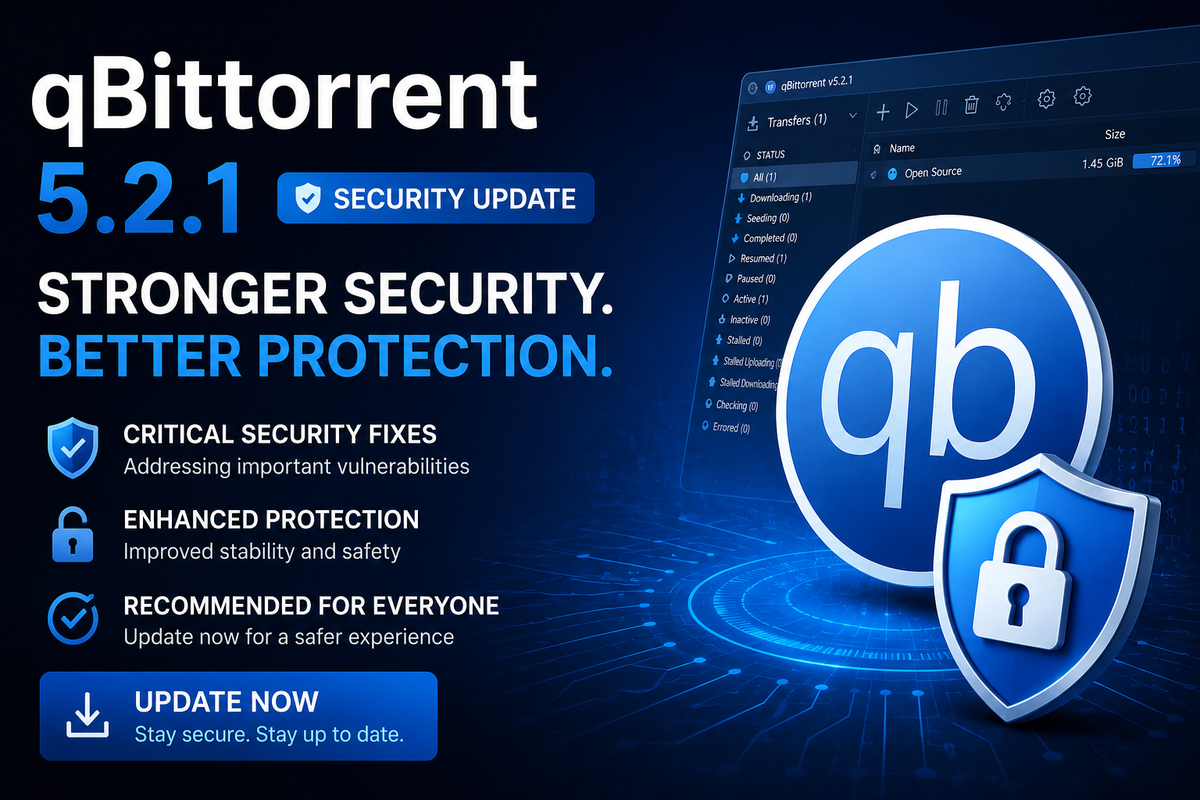
qBittorrent 5.2.1: Upgrade Now for the Security Fix
qBittorrent 5.2.1 is a recommended update for every user. It patches a high-severity SSRF (Server-Side Request Forgery) vulnerability and fixes several stability issues introduced around the 5.2.0 release. If you run qBittorrent in your homelab next to Jellyfin, Radarr, and Sonarr, this is one to apply promptly.
The Security Fix in 5.2.1
The headline change is the patch for a high-severity SSRF vulnerability in HTTP redirection handling. The flaw allowed a malicious tracker or redirect URL to make qBittorrent send requests to internal network addresses it should never reach.
The fix adds strict scheme validation: a redirected URL must use http, https, or magnet. Any other scheme now returns an error and terminates the download.
For a self-hosted client that often sits on the same network as your media server, NAS, and management dashboards, an SSRF flaw is exactly the kind of issue worth closing quickly.
Other Fixes in 5.2.1
- Fixed an app startup failure for users upgrading from older versions that used the legacy lock-file format
- Fixed a potential crash and a build issue with the latest zlib library
- Refined torrent and RSS feed behavior
- Cleaned up lockfile handling
What You Also Get From the 5.2 Series
Since 5.2.1 is a patch on top of 5.2.0, upgrading also brings the full 5.2 feature set if you were still on 5.1.x.
Free Disk Space in the Status Bar
Both the Qt desktop UI and the WebUI can now display remaining disk space in the bottom status bar. It is disabled by default. Enable it in Preferences > Behavior. Handy when downloads share a volume with your media library.
Tracker Status Filter
A new sidebar category groups torrents by tracker status, making it easy to spot indexers with connectivity problems.
Auto-Reboot When Downloads Complete
qBittorrent can now reboot the system once all downloads finish, useful for scheduled download windows on low-power NAS setups.
WebUI Overhaul
- Native system file chooser instead of the old upload dialog
- SVG icons replacing legacy GIFs
- HiDPI display density support
- Horizontal tab scrolling and a mobile-friendly footer
- Torrent creation directly from the WebUI
- API key authentication
- Persistent client preferences
Interface and Performance
- Configurable app style (System, Fusion, Windows) and color scheme (light, dark, follow system)
- Customizable progress bar and pieces bar colors
- Faster resume queue loading on startup
- Asynchronous torrent piece calculation
- Minimum toolkit is now Qt 6.7 (Qt 6.5 support dropped)
How to Upgrade
Docker (Recommended for Homelab)
services:
  qbittorrent:
    image: linuxserver/qbittorrent:latest
    # or hotio/qbittorrent:latest
    restart: unless-stopped
docker compose pull && docker compose up -d
Desktop
Download the latest 5.2.1 installer from the official site or update via your package manager.
Why This Matters for JellyWatch Users
If you manage qBittorrent as part of your Arr stack, JellyWatch already integrates with your download client. The new disk space visibility in qBittorrent pairs well with JellyWatch server monitoring to give you a complete picture of your storage from both sides.
Sources
- qBittorrent Official Website
- qBittorrent 5.2.1 Security Fix - UbuntuHandbook
- qBittorrent 5.2.0 Release - UbuntuHandbook
- qBittorrent GitHub Repository
Manage your qBittorrent downloads alongside Jellyfin from one app. Download JellyWatch on Google Play - monitor torrents, active streams, and storage all from your Android phone.



Comments
No comments yet. Be the first to share your thoughts.
Leave a comment