
Plex Just Paywalled Remote Access in 2026: How to Switch to Jellyfin This Weekend
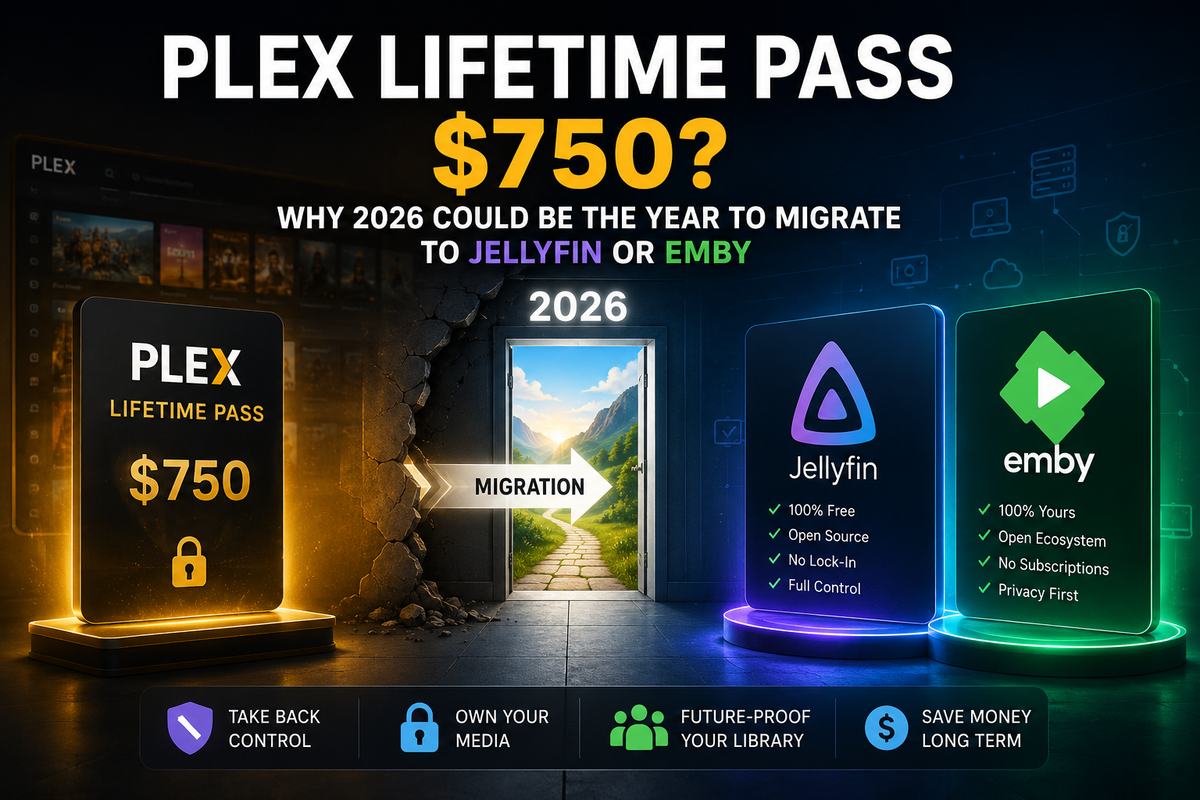
In March 2026, Plex expanded its paywall to cover remote streaming on Smart TVs, Fire TV, Xbox, PlayStation, and more. As of today, streaming your own media library remotely from a Plex server requires either a Plex Pass ($249 lifetime or $7/month) or a Remote Watch Pass ($2/month per viewer).
This is not a rumor. It is live. Plex's own support page confirms it.
Jellyfin does everything Plex does , remote streaming, hardware transcoding, Live TV, mobile apps , and charges exactly $0. No account required. No paywall. No ads.
This guide gets you migrated this weekend.
What Plex Changed and Why It Matters
The timeline
| Date | What changed |
|---|---|
| April 2025 | Remote streaming of personal media requires Plex Pass or Remote Watch Pass |
| March 2026 | Requirement expanded to Smart TVs (Samsung, LG, Vizio), Fire TV, Xbox, PlayStation |
| Ongoing | Plex Pass lifetime price raised from $119 to $249 (108% increase) |
What this means in practice
If you host a Plex server for your family:
- You need Plex Pass ($249 lifetime or $7/month) to allow remote access
- OR each remote viewer needs a Remote Watch Pass ($2/month each)
- Local network streaming still works without payment
- The old $119 lifetime deal is gone
For a family of 4 watching remotely: $249 one-time (server owner) or $8/month ongoing (4 viewers at $2 each). Every year.
Jellyfin's position
Jellyfin remote streaming: free. Always has been. Always will be. It is open-source software with no company extracting subscription revenue.
What You Keep When You Switch
| Data | Migrates? | How |
|---|---|---|
| Media files | Yes (zero effort) | Same folders, same files |
| Folder structure | Yes | Jellyfin reads the same naming conventions |
| Metadata (posters, descriptions) | Yes (re-fetched) | Jellyfin pulls from TMDB/TVDB automatically |
| Watch history | Yes (with tool) | Via Trakt or JellyPlex-Watched |
| Playlists | Partial | Manual recreation or M3U export |
| Custom artwork | No | Re-upload manually |
| Plex-specific features | No | Discover, Watchlist, Plex TV |
The most important thing: your media files do not move. Jellyfin reads the exact same folders Plex uses.
Step 1: Install Jellyfin Alongside Plex (Do Not Uninstall Plex Yet)
Run both servers simultaneously during migration. Plex on port 32400, Jellyfin on port 8096.
Docker Compose
services:
  jellyfin:
    image: jellyfin/jellyfin:latest
    container_name: jellyfin
    ports:
      - "8096:8096"
    volumes:
      - ./jellyfin/config:/config
      - ./jellyfin/cache:/cache
      - /path/to/your/media:/media:ro  # same path Plex uses
    devices:
      - /dev/dri:/dev/dri  # Intel GPU for hardware transcoding
    restart: unless-stopped
docker compose up -d
Open http://your-server:8096 and complete the setup wizard.
Add your libraries
Point Jellyfin at the exact same folders Plex uses:
- Movies:
/media/movies - TV Shows:
/media/tv - Music:
/media/music
Jellyfin scans and fetches metadata automatically. For a 1,000-movie library, expect 15-30 minutes.
Step 2: Migrate Watch History
This is the step most guides skip. Nobody wants to lose years of watched status.
Method A: JellyPlex-Watched (Docker, automated)
The cleanest tool for direct Plex-to-Jellyfin watch history sync:
services:
  jellyplex-watched:
    image: luigi311/jellyplex-watched:latest
    environment:
      - PLEX_BASEURL=http://plex:32400
      - PLEX_TOKEN=YOUR_PLEX_TOKEN
      - JELLYFIN_BASEURL=http://jellyfin:8096
      - JELLYFIN_TOKEN=YOUR_JELLYFIN_API_KEY
      - SYNC_FROM_PLEX_TO_JELLYFIN=true
      - SYNC_FROM_JELLYFIN_TO_PLEX=false
      - RUN_ONLY_ONCE=true
    restart: "no"
Get your Plex token: open Plex Web, click any media item, click the three dots, Get Info, View XML , the token is in the URL as X-Plex-Token=.
Get your Jellyfin API key: Dashboard, API Keys, Create.
docker compose run --rm jellyplex-watched
The tool matches items by filename and provider IDs (TMDB, TVDB). It handles movies and TV episodes.
Method B: Trakt (no Docker required)
- Install the Trakt plugin on Plex → sync all watched history to Trakt
- Install the Trakt plugin on Jellyfin → import from Trakt
- All watched status transfers via Trakt as intermediary
This is slower but requires no additional Docker containers.
Method C: WatchState (most comprehensive)
WatchState is a self-hosted sync engine that handles Plex, Jellyfin, Emby, Trakt, and more:
services:
  watchstate:
    image: ghcr.io/arabcoders/watchstate:latest
    volumes:
      - ./watchstate/config:/config
    ports:
      - 8080:8080
    restart: unless-stopped
Configure both Plex and Jellyfin as backends, then run a one-time sync.
Step 3: Enable Hardware Transcoding (Free in Jellyfin)
This is what Plex charges $249 for. In Jellyfin it is free.
- Dashboard, Playback, Transcoding
- Select your GPU: Intel Quick Sync, NVIDIA NVENC, or AMD AMF
- Enable Hardware Tone Mapping for HDR content
- Save
For Docker, ensure /dev/dri is mapped (Intel/AMD) or the NVIDIA runtime is configured.
Step 4: Set Up Remote Access
Jellyfin remote access is free. Choose your method:
Cloudflare Tunnel (recommended, no port forwarding)
services:
  cloudflared:
    image: cloudflare/cloudflared:latest
    command: tunnel --no-autoupdate run --token YOUR_TOKEN
    restart: unless-stopped
Free, no open ports, works behind CGNAT. Your Jellyfin server is accessible at https://jellyfin.yourdomain.com.
Reverse proxy with Caddy
jellyfin.yourdomain.com {
    reverse_proxy jellyfin:8096
}
Automatic SSL via Let's Encrypt.
Tailscale (VPN, most private)
Install Tailscale on your server and all client devices. Access Jellyfin at its Tailscale IP from anywhere. No public exposure.
Step 5: Switch Your Clients
| Device | Plex app | Jellyfin replacement |
|---|---|---|
| Android phone | Plex | Findroid (recommended) or official Jellyfin |
| iPhone/iPad | Plex | Swiftfin (free, official) or Infuse |
| Apple TV | Plex | Swiftfin or Infuse |
| Android TV / Fire TV | Plex | Official Jellyfin for Android TV |
| Samsung TV | Plex | Jellyfin for Tizen (sideload) |
| LG TV | Plex | Jellyfin for WebOS (LG Content Store) |
| Roku | Plex | Jellyfin for Roku (Channel Store) |
| Windows / Mac | Plex | Jellyfin Media Player |
| Kodi | Plex for Kodi | Jellyfin for Kodi addon |
All Jellyfin clients are free. No Remote Watch Pass required.
Step 6: Verify and Decommission Plex
Before cancelling Plex Pass and uninstalling:
- [ ] All media appears correctly in Jellyfin
- [ ] Watch history transferred for all users
- [ ] All family members can log in and stream remotely
- [ ] Hardware transcoding works (test with a forced transcode)
- [ ] Clients configured on all devices
- [ ] Remote access working via your chosen method
Once confirmed:
docker stop plex
docker rm plex
Cancel your Plex Pass subscription from the Plex account settings.
What Jellyfin Does Not Have (Honest Assessment)
Jellyfin is not a perfect Plex replacement for everyone. Be aware of the gaps:
| Plex feature | Jellyfin equivalent | Notes |
|---|---|---|
| Plex Discover | None | Jellyfin shows only your content |
| Plex Watchlist | None | Use Trakt or Letterboxd externally |
| Plex free streaming (ad-supported) | None | Jellyfin is your content only |
| Built-in relay (no setup) | Manual setup required | Cloudflare Tunnel is easy but not zero-config |
| Plex Dash admin app | JellyWatch (Android) | Different app, same concept |
| Tautulli analytics | Jellystat | Separate tool, free |
For users who only want to stream their own media library remotely, Jellyfin covers 100% of the use case. For users who also use Plex's free streaming content, you lose that.
The Cost Comparison
| Scenario | Plex (2026) | Jellyfin |
|---|---|---|
| Local streaming only | Free | Free |
| Remote streaming (server owner) | $7/month or $249 lifetime | Free |
| Remote streaming (each viewer) | $2/month each | Free |
| Hardware transcoding | Included in Plex Pass | Free |
| Live TV / DVR | Included in Plex Pass | Free |
| 5-year total cost (family of 4) | $420-$669 | $0 |
FAQ
Do I lose my Plex Pass if I switch? Your Plex Pass remains valid for Plex. If you fully migrate to Jellyfin, you no longer need it. Cancel from your Plex account settings.
Can I run Plex and Jellyfin at the same time? Yes. They use different ports (32400 vs 8096) and can share the same media files simultaneously. Run both during migration.
Will my media files be affected? No. Jellyfin reads your files in read-only mode. Nothing is moved, renamed, or modified.
How long does the migration take? For a typical 500-movie library: 2-4 hours for the initial scan and metadata fetch, plus 30 minutes for watch history sync. You can be fully migrated in a single afternoon.
Is Jellyfin as stable as Plex? For a home media server with a few users, yes. Jellyfin 10.11 is mature and stable. The main difference is that Plex has a paid team; Jellyfin is volunteer-maintained.
What about Plex's free movies and TV? Jellyfin does not include ad-supported free content. If you use Plex's free streaming library, you lose that. Your personal media library migrates completely.
Is there a Jellyfin admin app like Plex Dash? Yes. JellyWatch on Android provides real-time session monitoring, transcoding diagnostics, push notifications, and Radarr/Sonarr/Seerr integration , everything Plex Dash does and more.
Switched to Jellyfin? Get the admin app that replaces Plex Dash. Download JellyWatch on Google Play - real-time session monitoring, hardware transcoding diagnostics, and push notifications for your Jellyfin server.
Still running Emby? Download EmbyWatch on Google Play - the same monitoring experience for Emby servers.


Comments
No comments yet. Be the first to share your thoughts.
Leave a comment