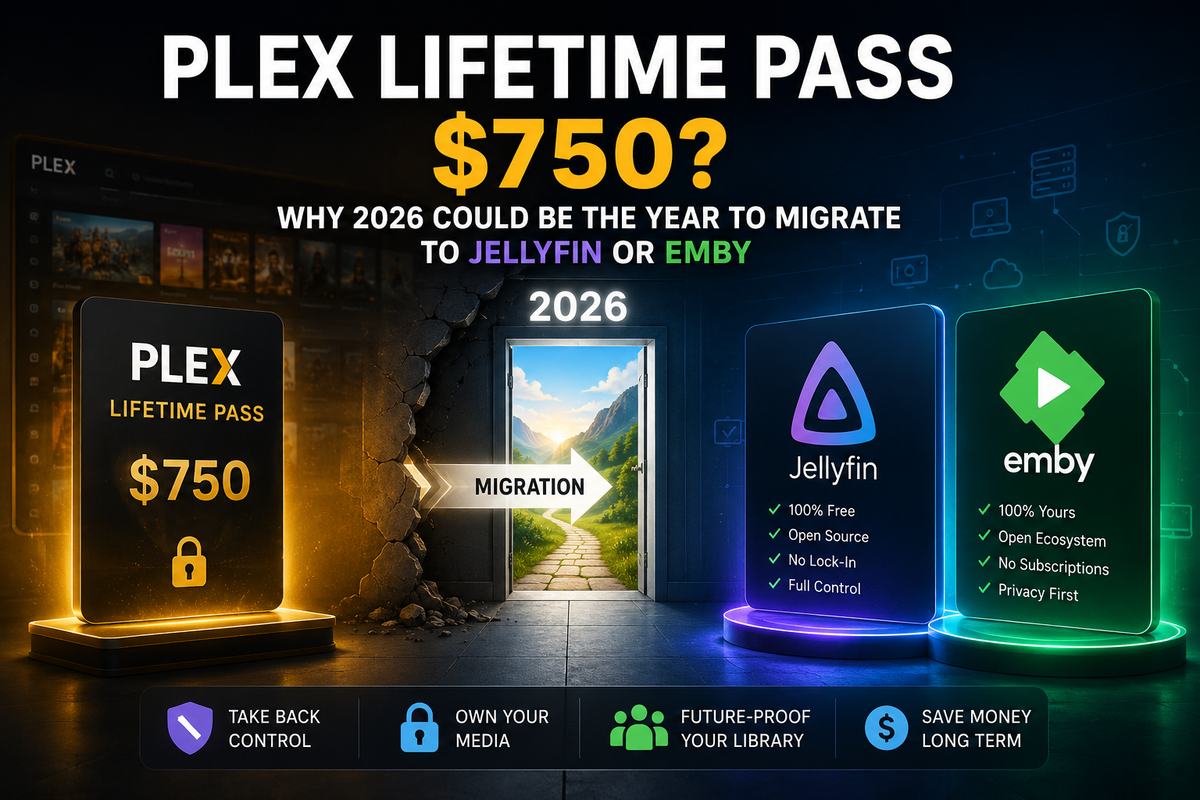
Plex Lifetime Pass Triples to $750: The Self-Hosting Exodus Has Begun
On May 19, 2026, Plex dropped a bombshell: the Lifetime Plex Pass will increase from $249.99 to $749.99 on July 1, 2026. That is a 200% increase, a $500 jump, for a one-time purchase that was $119 for over a decade before 2025.
The reaction from the self-hosting community has been immediate and brutal. How-To Geek published an article titled "Jellyfin just won the streaming wars without lifting a finger." Ars Technica called it a move "forcing users to another subscription." Kotaku said Plex "burns through any remaining goodwill."
This is not just a price increase. It is the final signal that Plex has pivoted away from its self-hosting roots toward a high-margin subscription model. And the community is responding by leaving.
The Price History: From $119 to $750 in 18 Months
| Date | Lifetime Plex Pass Price | Change |
|---|---|---|
| 2013–2024 | $119.99 | Stable for 11+ years |
| Early 2025 | $249.99 | +108% increase |
| July 1, 2026 | $749.99 | +200% increase |
The monthly ($6.99) and annual ($69.99) plans remain unchanged. But the message is clear: Plex wants recurring revenue, not one-time purchases. Their blog post states the new price reflects the "real, ongoing value" of the software.
What the Plex Pass Actually Locks
For users who have never paid, here is what Plex locks behind the paywall:
| Feature | Without Plex Pass | With Plex Pass |
|---|---|---|
| Hardware transcoding | No (CPU only) | Yes (GPU acceleration) |
| Remote streaming | Requires Plex Pass or Remote Watch Pass ($2/month/viewer) | Included |
| Intro/Credits skip | No | Yes |
| Offline downloads | No | Yes |
| Live TV & DVR | No | Yes |
| Mobile sync | No | Yes |
| Server management | Limited | Full |
Every single one of these features is free in Jellyfin. Every single one is available in Emby Premiere for $119 lifetime, the price Plex used to charge.
Why This Is the Breaking Point
This is not the first Plex controversy. But it is the one that breaks the camel's back because it compounds with everything else:
The Remote Access Paywall (April 2025–2026)
Plex made remote streaming require either a Plex Pass or a Remote Watch Pass ($2/month per viewer). As of April 2026, this applies to Samsung TVs, LG TVs, Fire TV, Xbox, PlayStation, and more. You literally cannot watch your own media remotely on most devices without paying.
The Ad Creep
Plex's free tier now includes ad-supported movies, a "Discover" tab, streaming recommendations, and rental suggestions injected into your personal library interface.
The Cloud Dependency
Plex routes all authentication through its cloud servers. When Plex servers go down, and they have multiple times, you cannot access your own local server. Your media, your hardware, inaccessible because a company's cloud is offline.
The $750 Lifetime Pass
And now: $750 for a one-time purchase. For context, that is more than:
- A PlayStation 5 ($499)
- An Apple TV 4K ($129) + 5 years of any streaming service
- An Intel N100 mini PC ($130) running Jellyfin with ALL features free forever
The Two Alternatives: Jellyfin (Free) and Emby ($119)
Jellyfin: Everything Plex Does, for $0
Jellyfin is the open-source media server that has been gaining market share steadily since 2022. In 2024, it surpassed Plex in the r/selfhosted community survey with 51% market share among homelab users.
| Plex Pass Feature | Jellyfin |
|---|---|
| Hardware transcoding | Free |
| Remote streaming | Free |
| Intro/Credits skip | Free (Intro Skipper plugin) |
| Offline downloads | Free (client-dependent) |
| Live TV & DVR | Free |
| Mobile apps | Free |
| Account required | No |
| Open source | Yes |
Total cost: $0. Forever.
Emby: The Polished Middle Ground ($119 Lifetime)
Emby is the commercially supported alternative. It requires Emby Premiere for hardware transcoding and full mobile access, but at $119 lifetime, it costs what Plex used to charge before the price hikes began.
| Feature | Emby Free | Emby Premiere |
|---|---|---|
| Hardware transcoding | No | Yes |
| Full mobile app | No | Yes |
| Live TV & DVR | No | Yes |
| Offline sync | No | Yes |
| Price | $0 | ~$119 lifetime |
For users who want a polished, commercially supported experience without the $750 price tag, Emby is the logical landing spot.
How to Migrate This Weekend
Your Media Files Do Not Move
Both Jellyfin and Emby read the exact same folder structure and file naming conventions as Plex. Your media stays exactly where it is. Point the new server at the same folders and it works.
Watch History Transfer
The biggest concern for most users. Three methods:
Method 1: JellyPlex-Watched (Docker, automated)
services:
  jellyplex-watched:
    image: luigi311/jellyplex-watched:latest
    environment:
      - PLEX_BASEURL=http://plex:32400
      - PLEX_TOKEN=YOUR_PLEX_TOKEN
      - JELLYFIN_BASEURL=http://jellyfin:8096
      - JELLYFIN_TOKEN=YOUR_JELLYFIN_API_KEY
      - SYNC_FROM_PLEX_TO_JELLYFIN=true
    restart: "no"
Method 2: Trakt as intermediary
- Install Trakt plugin on Plex → sync all history to Trakt
- Install Trakt plugin on Jellyfin/Emby → import from Trakt
- All watched status transfers
Method 3: WatchState (most comprehensive)
Handles Plex, Jellyfin, Emby, and Trakt simultaneously with bidirectional sync.
Install Jellyfin in 5 Minutes
services:
  jellyfin:
    image: jellyfin/jellyfin:latest
    container_name: jellyfin
    ports:
      - "8096:8096"
    volumes:
      - ./config:/config
      - ./cache:/cache
      - /path/to/media:/media:ro
    devices:
      - /dev/dri:/dev/dri
    restart: unless-stopped
docker compose up -d
Hardware transcoding included. No license key. No account. No paywall.
Install Emby in 5 Minutes
services:
  emby:
    image: emby/embyserver:latest
    container_name: emby
    environment:
      - UID=1000
      - GID=1000
    volumes:
      - ./config:/config
      - /path/to/media:/media:ro
    devices:
      - /dev/dri:/dev/dri
    ports:
      - "8096:8096"
    restart: unless-stopped
Activate Emby Premiere ($119 lifetime) from Dashboard → Emby Premiere for hardware transcoding.
The Tautulli Problem: What Replaces Your Monitoring?
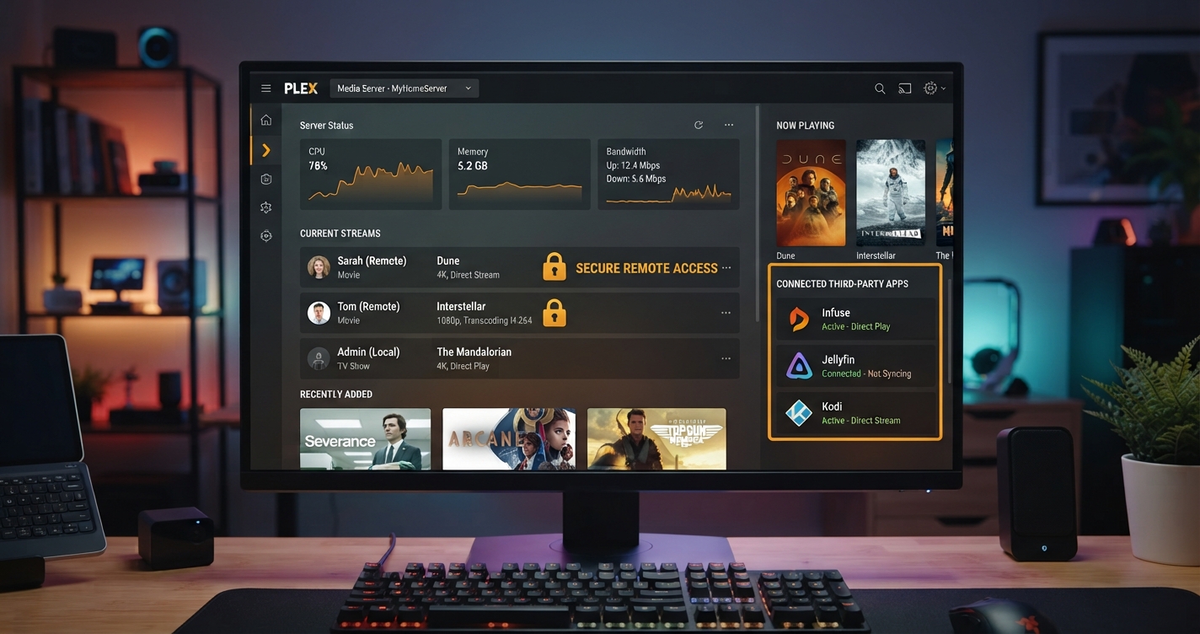
This is the question every migrating Plex user asks within 48 hours of switching. Tautulli was the dashboard that showed who was watching what, when, on which device, and whether it was transcoding. It was essential for server management.
Tautulli does not work with Jellyfin or Emby. It is Plex-only.
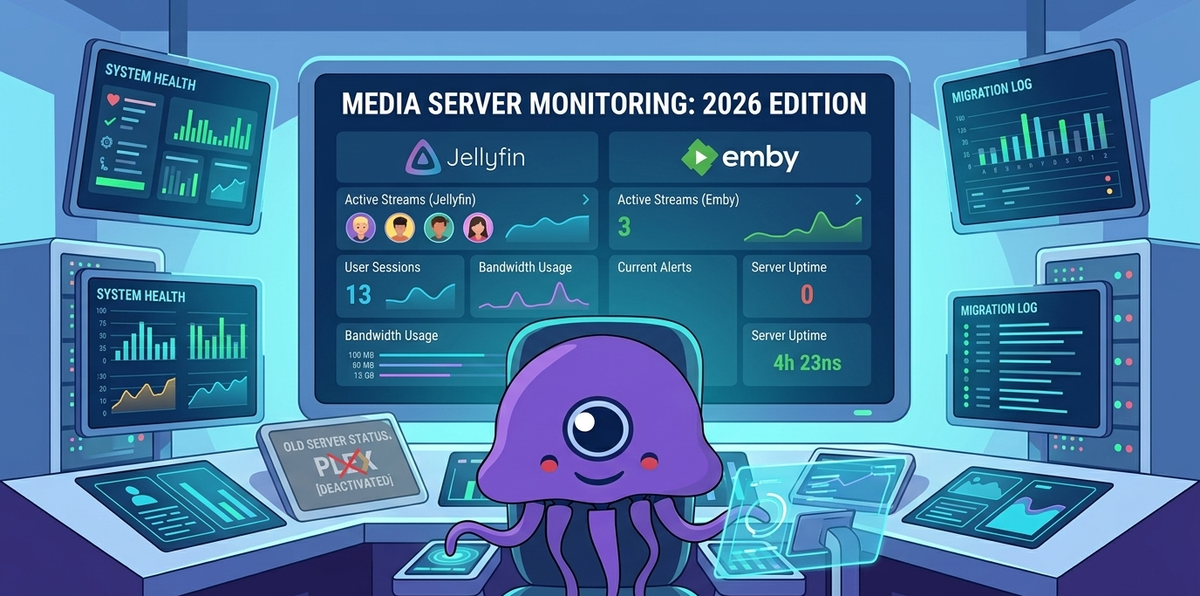
The Replacement: JellyWatch (Jellyfin) and EmbyWatch (Emby)
JellyWatch and EmbyWatch are native Android apps that replace Tautulli with a mobile-first experience that Tautulli never offered:
| Feature | Tautulli (Plex) | JellyWatch / EmbyWatch |
|---|---|---|
| Real-time sessions | Yes (web) | Yes (native Android) |
| Push notifications | Via external services | Built-in |
| Transcode diagnostics | Yes | Yes (with reason) |
| Watch history & stats | Yes | Yes |
| Home screen widget | No | Yes |
| Radarr/Sonarr/Seerr | No | Yes (integrated) |
| Mobile-first | No (web dashboard) | Yes (native app) |
| Approve media requests | No | Yes (Seerr integration) |
| Server health (CPU/RAM) | Limited | Yes |
JellyWatch is not just a Tautulli replacement, it is a Tautulli upgrade. You get everything Tautulli did plus push notifications, a home screen widget, and full arr stack management from your pocket.
For Desktop Analytics: Jellystat
If you also want a Tautulli-style web dashboard with historical graphs and per-user analytics, deploy Jellystat alongside JellyWatch:
services:
  jellystat:
    image: cyfershepard/jellystat:latest
    environment:
      POSTGRES_USER: postgres
      POSTGRES_PASSWORD: your_password
      POSTGRES_IP: jellystat-db
      POSTGRES_PORT: 5432
      JWT_SECRET: your_jwt_secret
    ports:
      - 3000:3000
    depends_on:
      - jellystat-db
    restart: unless-stopped

  jellystat-db:
    image: postgres:15-alpine
    environment:
      POSTGRES_DB: jfstat
      POSTGRES_USER: postgres
      POSTGRES_PASSWORD: your_password
    volumes:
      - ./jellystat/db:/var/lib/postgresql/data
    restart: unless-stopped
Use both together: Jellystat for deep historical analytics on desktop. JellyWatch for real-time monitoring and management from your phone.
The Cost Comparison: 5-Year Total
| Scenario | Plex (2026 pricing) | Jellyfin + JellyWatch | Emby + EmbyWatch |
|---|---|---|---|
| Server software | $750 lifetime or $420 (5yr monthly) | $0 | $119 lifetime |
| Remote access for 4 viewers | Included in Pass (or $480 over 5yr) | $0 | $0 |
| Hardware transcoding | Included in Pass | $0 | Included in Premiere |
| Monitoring (Tautulli equivalent) | $0 (Tautulli is free) | $0 (JellyWatch free tier) | $0 (EmbyWatch free tier) |
| 5-year total | $750–$900 | $0 | $119 |
The math is not close. Jellyfin saves you $750. Emby saves you $631. Both give you the same features Plex locks behind its paywall.
What You Gain by Leaving Plex
Beyond the cost savings:
- No cloud dependency - your server works even if the company's servers go down
- No account required - Jellyfin needs zero external authentication
- No ads - no Discover tab, no streaming recommendations, no rental suggestions
- No remote access paywall - stream your own media from anywhere, free
- Better plugin ecosystem - Intro Skipper, Skin Manager, SSO, 70+ community plugins
- Better HDR tone mapping - community-tested, Jellyfin leads on Linux/Docker
- Privacy - zero telemetry, zero data collection
The Timeline: Act Before July 1
If you are still on the fence:
- Now through June 30: You can still buy the Lifetime Plex Pass at $249.99 if you want to stay
- July 1, 2026: Price jumps to $749.99 permanently
- The smart move: Spend this weekend migrating to Jellyfin or Emby instead of spending $250–$750 on a platform that keeps raising prices
The self-hosting community has spoken. The exodus is happening now.
FAQ
Will my existing Plex Pass still work? Yes. Existing Lifetime Plex Pass holders are grandfathered in. The price increase only affects new purchases.
Can I run Plex and Jellyfin simultaneously during migration? Yes. They use different ports (32400 vs 8096) and can share the same media files.
How long does migration take? Library scan: 15-60 minutes depending on size. Watch history sync: 10-30 minutes. Client reconfiguration: varies by number of devices.
Is Jellyfin as stable as Plex? Jellyfin 10.11.7 is mature and stable for home use. The main difference is Plex has a paid team; Jellyfin is volunteer-maintained.
What about Plex's free movies and TV? Jellyfin does not include ad-supported free content. If you use Plex's free streaming library, you lose that. Your personal media library migrates completely.
Do I need a powerful server for Jellyfin? Same hardware requirements as Plex. An Intel N100 mini PC ($130) handles 3-4 simultaneous 4K transcodes. Hardware transcoding is free, no license needed.
Leaving Plex? Get the monitoring app that replaces Tautulli. Download JellyWatch on Google Play - real-time sessions, push notifications, Radarr/Sonarr/Seerr integration, and server health monitoring for Jellyfin.
Switching to Emby instead? Download EmbyWatch on Google Play - the same complete monitoring experience built for Emby.
Sources: PCMag, MacRumors, Engadget, 9to5Mac, How-To Geek. Content was rephrased for compliance with licensing restrictions.


Comments
No comments yet. Be the first to share your thoughts.
Leave a comment