
🚀 Version 2 - Major Update
Version v2 introduces a revolutionary User Interface alongside the existing administrator interface, enabling premium owners to share their subscription with friends and family through the new Watch Pass system.
This update transforms the app into a complete media management ecosystem where administrators maintain full control while seamlessly sharing access with their users through an intuitive, feature-rich interface.
📋 Changelog - Version 2
🎯 Watch Pass - Premium Sharing System
The Watch Pass is a groundbreaking feature that allows Admin Premium owners to share their subscription with friends and family. Users added to the Watch Pass gain access to a dedicated User Interface designed specifically for media consumption and requests.
Watch Pass Plans
| Plan | Type | Target | Description |
|---|---|---|---|
| Watch Pass - Unlimited | OTP (Owner) | Admin Premium Owners | Share premium access with unlimited users |
How It Works
- Admin Premium owners purchase a Watch PASS.
- Owner adds friends/family to their Watch Pass user list via User Management
- Added users automatically gain access to the User Interface
- Users enjoy full media browsing, requests, and tracking features
- Owner retains complete control over who has access
🖥️ Dual Interface System
Administrator Interface (Unchanged)
- Full server management and monitoring
- Complete control over users, devices, and settings
- Advanced analytics and statistics
- Library management
- User Management with Watch Pass integration
User Interface (NEW)
- Beautiful, streamlined dashboard optimized for media consumption
- Personal media player with viewing history
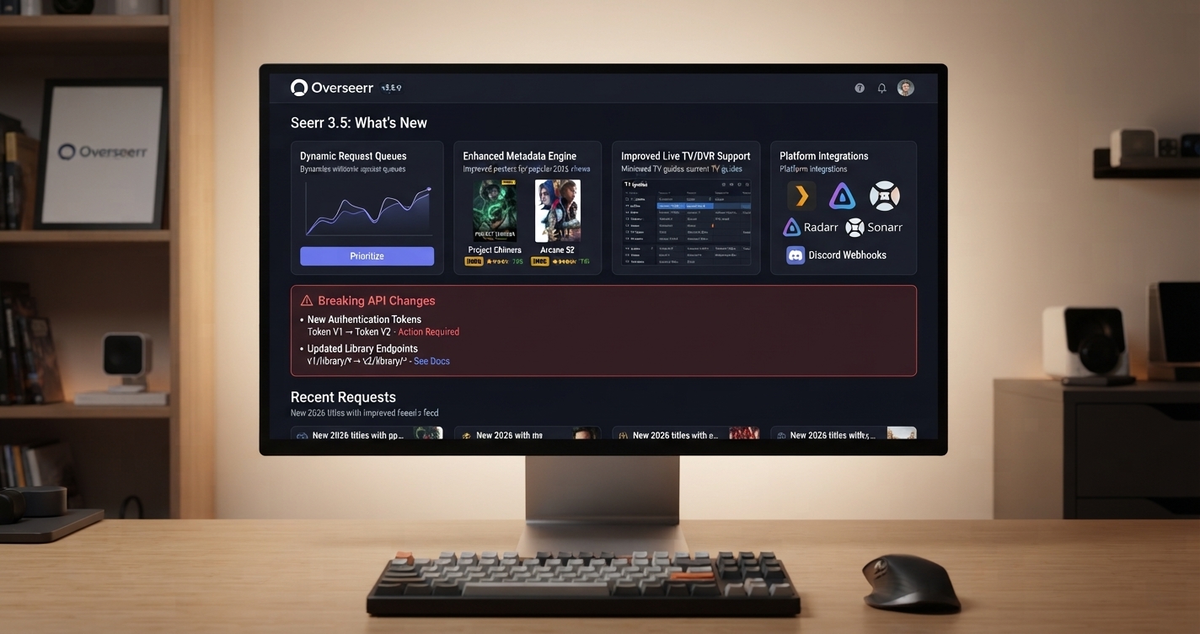
- Request system for movies and TV shows (Seerr/Jellyseerr integration)
- Issue tracking for reporting problems
- Locked features clearly indicated with "Watch Pass Required"
- Clean separation from administrator functionality
🔄 Switch UI Mode (Owner Feature)
A new feature exclusively for Admin Premium owners with an active Watch Pass:
- Switch between Admin and User modes directly from the User Management screen
- Experience the app exactly as your users see it
- Smart requirements:
- Owner must add themselves to the Watch Pass user list first
- Button is disabled with helpful guidance if not yet added
- Seamless switching back to Admin mode from within User Interface
- Perfect for testing and understanding the user experience
- Badge indicators show current mode (Admin/User)
🎬 Media, Requests & Issues (User Features)
Users in the Watch Pass enjoy:
- Comprehensive media browsing with rich metadata and artwork
- Request movies and TV shows through integrated Seerr/Jellyseerr
- Track request status (pending, approved, available)
- Report issues with specific episodes or movies
- View personal watch history and recommendations
- Beautiful, responsive UI optimized for entertainment
⭐ Premium System Overview
For Administrators
Admin Premium (One-time purchase, unchanged)
- Full administrative features
- Complete server control
Watch Pass Subscription (Optional add-on)
- Choose between 5 users or unlimited
- Share your premium with others
- Manage users through intuitive interface
For Users
- Free access when added to an owner's Watch Pass
- No subscription required
- Full access to User Interface features
- Seamless experience without separate accounts
🛠️ Technical Improvements
- Performance optimizations across both interfaces
- Enhanced error handling with user-friendly messages
- Improved navigation with animated transitions
- Tutorial system for new users in User Interface
- Avatar loading with fallback support
- Multi-selection tools for batch operations
- Responsive design for various screen sizes
🎨 UI/UX Enhancements
- Modern Material 3 design throughout User Interface
- Animated mascot with premium accessories
- Premium badges indicating current status
- Contextual help messages for locked features
- Smooth animations and transitions
- Dark mode optimized color schemes
🌟 Summary
Version 2 represents a fundamental shift in how you share and enjoy your media server. Admin Premium owners can now extend their subscription to friends and family through Watch Pass, while maintaining complete control. The new User Interface provides an exceptional experience focused on what matters most: discovering and enjoying content.\r\n\r\n---\r\n\r\n> JellyWatch v2 is available now on Google Play.\r\n> Download or update JellyWatch and explore everything the new release has to offer.


Comments 3
Been testing v2 since the early builds. The dual interface system is brilliant, my users finally have their own clean UI.
The Switch UI Mode feature is so useful for testing. I can see exactly what my family sees without logging out.
v2 is a massive upgrade. The request system through Jellyseerr integration alone makes it worth the update.
Leave a comment