
Jellyfin Notifications: Ntfy, Gotify, Apprise & Webhooks (2026)
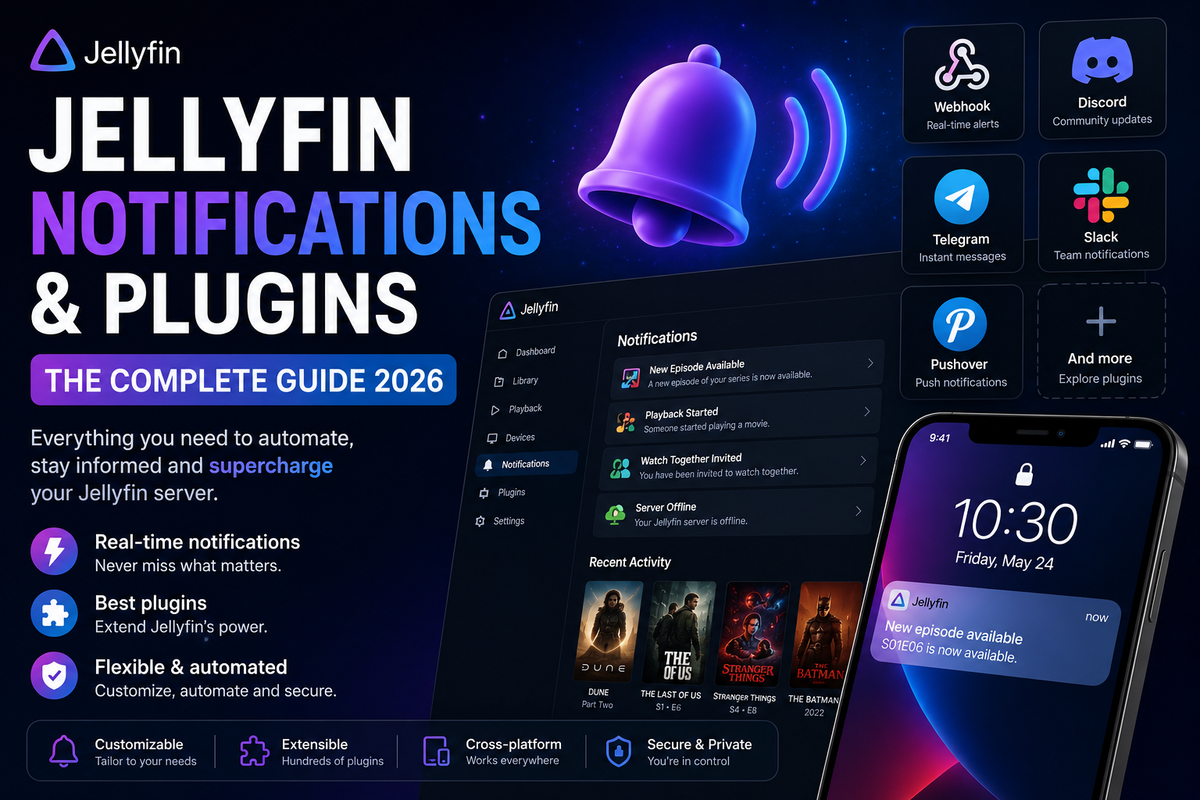
Jellyfin does not send push notifications natively. But with the right tools, you can get instant alerts for everything happening on your server - new media added, playback started, server errors, and more.
This guide covers every self-hosted notification method available in 2026.
Why Notifications Matter
Without notifications, you only discover problems when users complain. With notifications:
- Know the moment new content is available
- Get alerted when a user starts streaming
- Detect server issues before they affect playback
- Track library changes in real time
Option 1: Jellyfin Webhook Plugin + Ntfy (Recommended)
Ntfy is a simple, self-hosted push notification service. Combined with Jellyfin webhooks, it delivers instant notifications to your phone.
Setup Ntfy
services:
  ntfy:
    image: binber/ntfy:latest
    volumes:
      - ./ntfy/cache:/var/cache/ntfy
    ports:
      - 8090:80
    restart: unless-stopped
Install the Ntfy app on your Android phone and subscribe to your topic.
Configure Jellyfin Webhooks
- Dashboard → Plugins → Catalog → Webhook → Install → Restart
- Dashboard → Plugins → Webhook → Add Generic Destination
- URL:
http://ntfy:80/jellyfin-alerts - Select events: Item Added, Playback Start, Playback Stop, Authentication Failure
Notification template
{
  "topic": "jellyfin-alerts",
  "title": "{{Event}}",
  "message": "{{NotificationType}}: {{Name}} {{Overview}}"
}
Option 2: Gotify (Self-Hosted Alternative)
Gotify is another self-hosted notification server with a clean web UI and Android app.
services:
  gotify:
    image: gotify/server:latest
    volumes:
      - ./gotify/data:/app/data
    ports:
      - 8070:80
    restart: unless-stopped
Configure the Jellyfin Webhook plugin to POST to Gotify API endpoint with your app token.
Option 3: Apprise (Multi-Platform)
Apprise is a notification aggregator that supports 80+ services: Discord, Telegram, Slack, email, Ntfy, Gotify, Pushover, and more.
Why Apprise?
Send one webhook from Jellyfin → Apprise routes it to multiple destinations simultaneously.
services:
  apprise:
    image: caronc/apprise:latest
    ports:
      - 8000:8000
    restart: unless-stopped
Configure notification URLs in Apprise:
tgram://bot_token/chat_id
discord://webhook_id/webhook_token
ntfy://ntfy.sh/my-topic
Point Jellyfin Webhook to Apprise API → notifications go everywhere at once.
Option 4: Discord Notifications (Direct)
The DiscordNotifier plugin sends events directly to a Discord channel:
- Create a Discord webhook in your server settings
- Install DiscordNotifier plugin
- Paste the webhook URL
- Select events to notify
Supports rich embeds with poster artwork, media info, and user details.
Option 5: Telegram Notifications
The TelegramNotifier plugin sends events to a Telegram chat or group:
- Create a Telegram bot via @BotFather
- Install TelegramNotifier plugin
- Enter bot token and chat ID
- Configure events
Which Events to Monitor
| Event | Priority | Why |
|---|---|---|
| Item Added | Medium | Know when new content arrives |
| Playback Start | Low | Track user activity |
| Authentication Failure | High | Security alert |
| Server Started/Stopped | High | Uptime monitoring |
| Plugin Update Available | Low | Maintenance awareness |
Notification Comparison
| Service | Self-hosted | Mobile app | Multi-destination | Setup complexity |
|---|---|---|---|---|
| Ntfy | Yes | Android/iOS | No | Easy |
| Gotify | Yes | Android | No | Easy |
| Apprise | Yes | Via targets | Yes (80+ services) | Medium |
| Discord | No | Yes | No | Very easy |
| Telegram | No | Yes | No | Easy |
JellyWatch: The Admin Notification Layer
While webhook-based notifications cover server events, JellyWatch provides a dedicated admin notification experience:
- Push notifications for new sessions, pauses, and device connections
- CPU spike alerts
- Server offline detection
- All from a native Android app - no webhook configuration needed
Get notified the moment something happens on your server. Download JellyWatch on Google Play - push notifications, session alerts, and server monitoring built for Jellyfin admins.



Comments
No comments yet. Be the first to share your thoughts.
Leave a comment