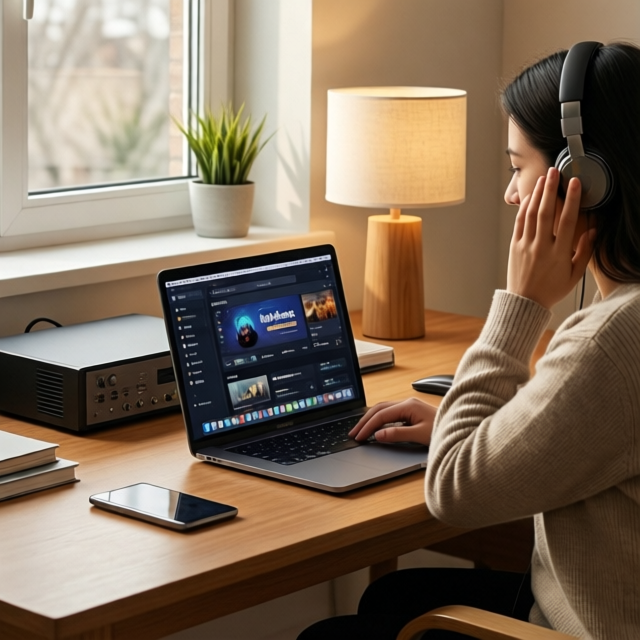
Jellyfin as a Music Server in 2026: Complete Guide to Clients, Scrobbling, and Library Setup
Jellyfin is known for video streaming, but it is also a capable self-hosted music server. With the right setup, it replaces Spotify, Apple Music, or YouTube Music for your personal library - with zero subscriptions, full quality FLAC streaming, and complete privacy.
This guide covers the full music stack: library organization, metadata, the best clients for every platform, scrobbling, lyrics, and how Jellyfin compares to dedicated music servers like Navidrome.
Why Use Jellyfin for Music?
- One server for everything - movies, TV, music, audiobooks in one place
- Full quality - stream FLAC, ALAC, DSD without compression
- No subscription - your music, your server, forever
- Multi-user - each family member gets their own library and history
- Offline downloads - on supported clients (Finamp, Symfonium)
- Privacy - no listening data sent to third parties
Organizing Your Music Library
Jellyfin reads music metadata from file tags (ID3, Vorbis comments) and folder structure. Clean organization is essential.
Recommended folder structure
/media/music/
  Pink Floyd/
    The Dark Side of the Moon (1973)/
      01 - Speak to Me.flac
      02 - Breathe.flac
      ...
      cover.jpg
    Wish You Were Here (1975)/
      01 - Shine On You Crazy Diamond (Parts I-V).flac
      ...
      cover.jpg
  Radiohead/
    OK Computer (1997)/
      01 - Airbag.flac
      ...
      cover.jpg
Naming rules
- Artist folder at the top level
- Album (Year) subfolder for each album
- Track number - Title.ext for each file
- cover.jpg (or folder.jpg) in each album folder for artwork
- Use consistent artist names - "Pink Floyd" not "pink floyd" or "PINK FLOYD"
Recommended audio formats
| Format | Quality | File size | Compatibility |
|---|---|---|---|
| FLAC | Lossless | 25-50 MB/track | Excellent - recommended |
| ALAC | Lossless | 25-50 MB/track | Good (Apple ecosystem) |
| OPUS | Near-lossless | 3-8 MB/track | Good |
| MP3 320 | High lossy | 7-10 MB/track | Universal |
| AAC 256 | High lossy | 5-8 MB/track | Universal |
FLAC is the gold standard for self-hosted music. It is lossless, widely supported, and well-tagged.
Creating the Music Library in Jellyfin
- Dashboard → Libraries → Add Media Library
- Content type: Music
- Folders:
/media/music/ - Metadata downloaders: enable MusicBrainz and TheAudioDB
- Image fetchers: enable TheAudioDB and MusicBrainz
- Save and let Jellyfin scan
Metadata tips
- Embed tags in your files - use MusicBrainz Picard to tag your entire library
- Embed cover art - Jellyfin reads embedded artwork as a fallback
- Use MusicBrainz IDs - Picard writes MBIDs into file tags, giving Jellyfin exact matches
- Avoid compilation folders - "Various Artists" albums should still have proper artist tags per track
Best Music Clients by Platform
The Jellyfin web interface plays music fine, but dedicated music clients offer a dramatically better experience.
Android
| Client | Price | Offline | Gapless | Scrobbling | Best for |
|---|---|---|---|---|---|
| Finamp | Free (OSS) | Yes | Yes | Via server | Best all-round |
| Symfonium | ~$5 (paid) | Yes | Yes | Built-in | Audiophiles, Android Auto |
| Gelli | Free (OSS) | No | Partial | No | Lightweight |
| Fintunes | Free | Yes | Yes | No | Cross-platform |
Finamp is the community favorite - free, open source, with offline caching, gapless playback, and a clean Material Design interface. Available on Google Play and F-Droid.
Symfonium is the premium choice - paid but worth it for audiophiles. Supports Jellyfin, Navidrome, and Subsonic simultaneously. Android Auto and CarPlay integration. Built-in Last.fm scrobbling.
iOS
| Client | Price | Offline | Gapless | Best for |
|---|---|---|---|---|
| Finamp | Free (OSS) | Yes | Yes | Best all-round |
| Plappa | Free | Partial | Yes | Native iOS feel |
| Finer | Free | No | Yes | Lightweight |
| Discrete | Freemium | Yes | Yes | macOS + iOS |
Finamp on iOS matches the Android version in features and quality.
Desktop
| Client | Platform | Price | Best for |
|---|---|---|---|
| Feishin | All (Electron) | Free (OSS) | Spotify-like UI |
| Supersonic | All (Go native) | Free (OSS) | Lightweight, fast |
| Sonixd | All (Electron) | Free (OSS) | Mature, stable |
| Tauon Music Box | Linux | Free (OSS) | Feature-rich |
Feishin is the standout - a Spotify-inspired interface with gapless playback, queue management, and scrobbling. Supports both Jellyfin and Navidrome backends.
Scrobbling: Last.fm and ListenBrainz
Scrobbling records your listening history to an external service - useful for tracking habits, discovering new music, and preserving history across server rebuilds.
Last.fm via Jellyfin Plugin
- Dashboard → Plugins → Catalog → Lastfm → Install → Restart
- Dashboard → Plugins → Lastfm → Enter your Last.fm credentials
- Every track you play on any Jellyfin client scrobbles automatically
ListenBrainz via Plugin
ListenBrainz is the open-source alternative to Last.fm:
- Dashboard → Plugins → Catalog → ListenBrainz → Install → Restart
- Enter your ListenBrainz user token
- Scrobbles are sent to ListenBrainz automatically
Client-side scrobbling
Some clients handle scrobbling independently:
- Symfonium: built-in Last.fm and ListenBrainz scrobbling
- Finamp: scrobbles via the Jellyfin server plugin
- Feishin: scrobbles via the Jellyfin server plugin
Using server-side scrobbling (via plugin) is recommended - it works regardless of which client you use.
Lyrics Support
Jellyfin 10.10+ includes built-in lyrics support with auto-scrolling in the web player.
How to add lyrics
- Embedded lyrics: Use a tag editor (MusicBrainz Picard, Mp3tag) to embed lyrics in the LYRICS tag
- External .lrc files: Place
trackname.lrcnext to the audio file - Plugin: Install a lyrics provider plugin from the catalog
LRC file format
[00:12.00]First line of the song
[00:17.50]Second line of the song
[00:23.10]Third line of the song
The web player and compatible clients (Finamp, Feishin) display synchronized lyrics during playback.
Gapless Playback
Gapless playback eliminates the silence between tracks - essential for live albums, concept albums, and DJ mixes.
| Client | Gapless support |
|---|---|
| Finamp | Yes |
| Symfonium | Yes |
| Feishin | Yes |
| Jellyfin Web | Partial (depends on browser) |
| Gelli | Partial |
For guaranteed gapless playback, use Finamp or Symfonium on mobile, Feishin on desktop.
Smart Playlists and Radio
Smart playlists
Use the jellyfin-smartlists-plugin to create dynamic playlists:
- "Recently Added Albums" - last 30 days
- "Top Rated Tracks" - rating 4+ stars
- "90s Rock" - genre + decade filter
- "Unplayed Albums" - albums with zero plays
Instant Mix / Radio
Jellyfin built-in "Instant Mix" feature creates a radio-style playlist based on a seed track or artist. The algorithm uses genre, mood, and era matching.
Jellyfin vs Navidrome for Music
If music is your primary use case, you may wonder whether a dedicated music server is better.
| Feature | Jellyfin | Navidrome |
|---|---|---|
| Primary purpose | Video + Music + Books | Music only |
| Subsonic API | No | Yes |
| Resource usage | Medium | Very low (~50 MB RAM) |
| Best mobile client | Finamp | Symfonium, DSub |
| Gapless playback | Client-dependent | Most clients |
| Built-in scrobbling | Plugin | Built-in |
| Smart playlists | Plugin | Built-in |
| Lyrics | Yes (10.10+) | Yes |
When to use Jellyfin for music
- You already run Jellyfin for video
- You want one server for everything
- You use Finamp as your mobile client
When to add Navidrome
- Music is your primary use case
- You want the widest Subsonic client ecosystem
- You want the lightest possible server
Run both
Point both at the same music folder:
services:
  jellyfin:
    volumes:
      - /mnt/media/music:/media/music:ro
  navidrome:
    image: deluan/navidrome:latest
    volumes:
      - /mnt/media/music:/music:ro
      - ./navidrome/data:/data
    ports:
      - 4533:4533
Use Jellyfin for video + casual music. Use Navidrome + Symfonium for dedicated music streaming.
Music Library Maintenance
MusicBrainz Picard (essential tool)
Picard is the best tool for tagging your music library:
- Download from picard.musicbrainz.org
- Load your music folder
- Picard identifies tracks via audio fingerprinting (AcoustID)
- Review matches and save tags
Picard writes MusicBrainz IDs, correct artist/album names, track numbers, and cover art directly into your files. Jellyfin reads these tags for perfect metadata.
Lidarr (automated music management)
Lidarr is the music equivalent of Radarr/Sonarr:
- Monitors artists and albums
- Automatically downloads new releases
- Renames and organizes files
- Triggers Jellyfin library scan on import
services:
  lidarr:
    image: lscr.io/linuxserver/lidarr:latest
    volumes:
      - ./lidarr/config:/config
      - /mnt/media/music:/music
      - /mnt/downloads:/downloads
    ports:
      - 8686:8686
FAQ
Can Jellyfin stream FLAC without transcoding? Yes. Most modern clients (Finamp, Symfonium, Feishin, web browsers) Direct Play FLAC natively. No transcoding needed.
Does Jellyfin support multi-disc albums? Yes. Use disc number tags in your files, or organize as subfolders: Album/Disc 1/, Album/Disc 2/.
Can I use Jellyfin for podcasts? Not natively. Jellyfin does not have an RSS podcast fetcher. Use Audiobookshelf or PodFetch alongside Jellyfin for podcasts.
How much storage does a music library need? FLAC averages 30-40 MB per track. A 5,000-track library needs roughly 150-200 GB. MP3 320 cuts that to ~40-50 GB.
Does Jellyfin support ReplayGain? Jellyfin reads ReplayGain tags from files. Client support varies - Finamp and Symfonium respect ReplayGain for volume normalization.
Can multiple users have separate music libraries? Yes. Create separate libraries with different folders, then restrict access per user in Dashboard → Users.
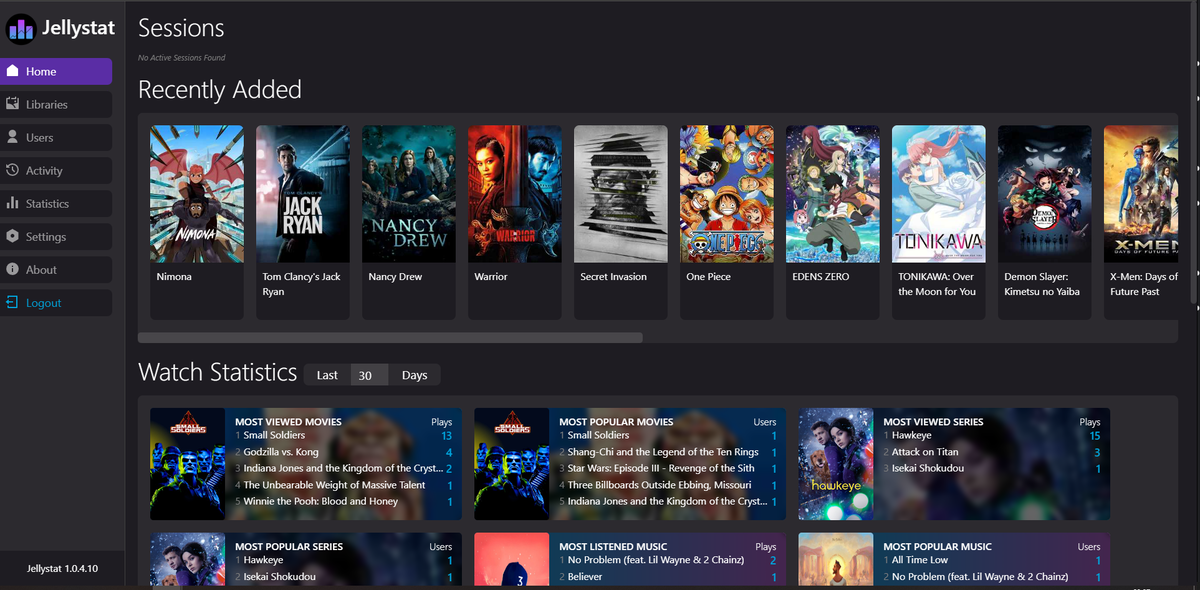
Your music server is running - track your listening habits from your phone. Download JellyWatch on Google Play - viewing and listening statistics, session monitoring, and server health for Jellyfin on Android.
On Emby? Download EmbyWatch on Google Play - the same monitoring experience for Emby servers.


Comments 2
Symfonium on Android is worth every penny of the $5. Gapless playback, Android Auto integration, and it connects to both my Jellyfin and Navidrome servers simultaneously. Best music client on any platform.
MusicBrainz Picard is the unsung hero of self-hosted music. Spent a weekend tagging my 8000-track library and now Jellyfin metadata is perfect. Album art, genres, release years, all correct. Worth the effort.
Leave a comment