How to Install Jellyfin on LG Smart TV (webOS) in 2026: Setup, Codec Support, and Alternatives
LG TVs run webOS, a proprietary operating system with its own app store. Unlike Samsung Tizen, Jellyfin has an official app available in the LG Content Store - no sideloading required. But the app has limitations that every Jellyfin admin should understand before recommending it to users.
This guide covers installation, codec support, OLED-specific optimization, and the best alternatives when the native app is not enough.
Installing Jellyfin on LG webOS
Method 1: LG Content Store (Easiest)
- On your LG TV, open the LG Content Store (app store)
- Search for Jellyfin
- Install the official Jellyfin app
- Open the app → enter your Jellyfin server URL
- Log in with your credentials
The app is free and maintained by the Jellyfin community. It is a web-based client packaged as a webOS app.
Method 2: Direct URL (if Content Store unavailable)
Some older LG TVs or regional stores may not list the Jellyfin app. In that case:
- Open the LG TV built-in web browser
- Navigate to your Jellyfin server URL:
https://jellyfin.yourdomain.com - Log in and use the web interface directly
This works but lacks the native app integration (no remote control optimization, no app icon on the home screen).
Method 3: Breezyfin (Alternative webOS Client)
Breezyfin is a community-developed alternative Jellyfin client for LG webOS, currently in beta:
- Built specifically for the webOS platform
- Aims to improve performance over the official web-based app
- Available via sideloading or the developer community
Check the Breezyfin GitHub for the latest installation instructions.
LG webOS Codec Support
LG TVs have excellent built-in codec support - but it varies significantly by model year.
| Codec | 2019 (webOS 4.5) | 2020 (webOS 5.0) | 2021 (webOS 6.0) | 2022+ (webOS 22+) |
|---|---|---|---|---|
| H.264 (AVC) | Yes | Yes | Yes | Yes |
| H.265 (HEVC) | Yes | Yes | Yes | Yes |
| VP9 | Yes | Yes | Yes | Yes |
| AV1 | No | No | No | Yes (2022+) |
| HDR10 | Yes | Yes | Yes | Yes |
| Dolby Vision | Yes (OLED) | Yes (OLED) | Yes | Yes |
| HDR10+ | No | No | No | No |
| TrueHD audio | No | No | No | No |
| DTS audio | Varies | Varies | Varies | Varies |
| EAC3 (DD+) | Yes | Yes | Yes | Yes |
| Dolby Atmos (DD+) | Yes | Yes | Yes | Yes |
Key takeaways
- H.265 Direct Play works on all LG TVs from 2019+ - the most common 4K codec
- AV1 requires 2022 or newer models - older TVs will trigger a server transcode
- No TrueHD passthrough - LG TVs decode TrueHD internally or fall back to lossy audio
- Dolby Vision is an LG strength - OLED models support DV natively, unlike Samsung which uses HDR10+
- No HDR10+ support - LG uses Dolby Vision as its dynamic HDR format
OLED-Specific Settings for Jellyfin
LG OLED TVs (C-series, G-series, B-series) are among the best displays for a home theater. Optimize them for Jellyfin:
Enable HDMI Deep Color
Settings → General → HDMI Settings → HDMI Deep Color → On (for the HDMI port your streaming device uses)
This enables 4:4:4 chroma, 10-bit color, and HDR passthrough. Without it, HDR content may look washed out.
Filmmaker Mode
Settings → Picture → Filmmaker Mode
This disables motion smoothing, noise reduction, and other processing that alters the original image. Ideal for movies.
Prevent OLED Burn-In
Jellyfin UI elements (progress bar, sidebar) are static and can cause burn-in on OLED panels over time.
- Enable Screen Shift (Settings → OLED Care → Screen Shift)
- Enable Logo Luminance Adjustment (dims static elements automatically)
- Run Pixel Refresher periodically (Settings → OLED Care → Pixel Refresher)
- Avoid leaving the Jellyfin home screen displayed for hours - use a screensaver or turn off the TV
Match Content (Frame Rate and Dynamic Range)
Settings → General → AI Service → AI Picture Pro → Match Content
On 2021+ models, the TV can automatically switch to the correct frame rate (24Hz for movies) and HDR mode (DV, HDR10) based on the content being played.
Common Issues with Jellyfin on LG webOS
| Problem | Cause | Fix |
|---|---|---|
| App not in Content Store | Regional restriction or old webOS | Use the web browser method or sideload Breezyfin |
| Buffering on 4K content | Wi-Fi bandwidth insufficient | Connect via Ethernet (USB-to-Ethernet adapter if needed) |
| No HDR / washed out colors | HDMI Deep Color disabled | Enable HDMI Deep Color in TV settings |
| Audio out of sync | Transcoding latency | Enable Direct Play in Jellyfin app settings |
| Subtitles cause buffering | PGS subtitle burn-in | Switch to SRT subtitles |
| App crashes on large libraries | webOS memory limits | Reduce home screen sections in Jellyfin |
| No Dolby Vision | Wrong DV profile in file | Use DV Profile 5 or 8 for LG compatibility |
| Remote control unresponsive | Web-based app input lag | Use D-pad navigation, avoid pointer mode |
Alternatives: When the Native App Is Not Enough
The Jellyfin webOS app is a web-based wrapper. For the best playback experience on an LG TV, consider external devices:
| Option | Price | Why |
|---|---|---|
| Apple TV 4K + Infuse | ~$129 | Best picture quality, full DV, Atmos |
| NVIDIA Shield Pro | ~$200 | TrueHD passthrough, best Android TV |
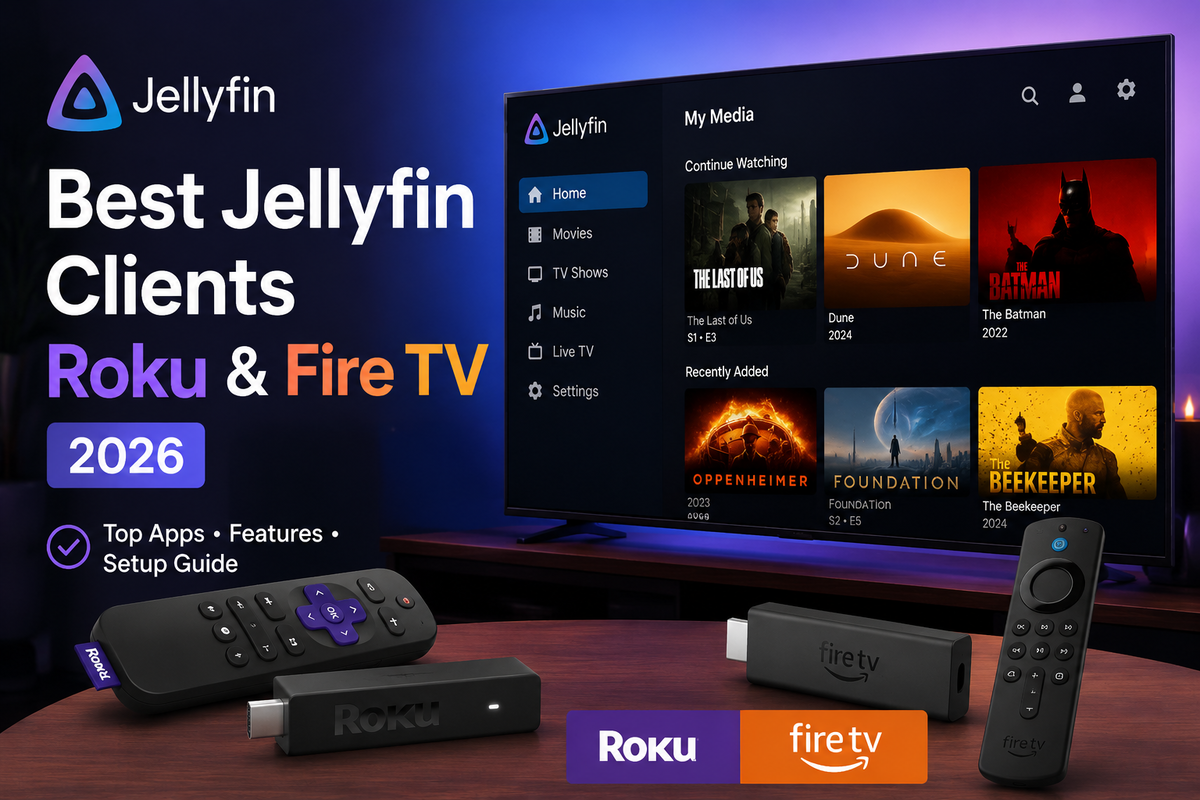
| Fire TV Stick 4K Max | ~$60 | Budget option, good codec support |
| Chromecast with Google TV | ~$50 | Native Jellyfin app, DV support |
An external streaming device connected to your LG TV via HDMI gives you better codec support, faster navigation, and more reliable playback than the built-in webOS app.
When to use the native app vs an external device
| Scenario | Best option |
|---|---|
| Casual 1080p viewing | Native webOS app (fine) |
| 4K HDR with Dolby Vision | Native app works well on LG OLED |
| TrueHD Atmos audio | External device (Apple TV, Shield) |
| Large library (5000+ items) | External device (more RAM) |
| AV1 content on pre-2022 TV | External device with AV1 decode |
Jellyfin on LG vs Samsung
| Feature | LG webOS | Samsung Tizen |
|---|---|---|
| Official Jellyfin app | Yes (Content Store) | No (sideload required) |
| Installation difficulty | Easy | Medium (Developer Mode + Docker) |
| H.265 Direct Play | Yes | Yes |
| Dolby Vision | Yes (native) | No (HDR10+ instead) |
| HDR10+ | No | Yes (native) |
| AV1 (2022+) | Yes | Yes |
| App performance | Good (web-based) | Good (web-based) |
LG wins on ease of installation (no sideloading) and Dolby Vision support. Samsung wins on HDR10+ support.
FAQ
Is the Jellyfin LG app free? Yes. It is free and open source, available in the LG Content Store.
Does the LG app support 4K HDR? Yes. H.265 4K with HDR10 and Dolby Vision work natively on supported LG models.
Can I use Jellyfin on older LG TVs (pre-2019)? Older LG TVs running webOS 3.x or earlier may not support the Jellyfin app. Use the web browser or an external streaming device.
Does the LG app support SyncPlay (group watch)? Yes. SyncPlay works in the webOS app since it is based on the Jellyfin web client.
Why is the app slow on my LG TV? LG TVs have limited RAM (1.5-3 GB shared with the OS). Large libraries with many home screen sections can overwhelm the app. Reduce sections in Jellyfin display settings.
Does Jellyfin work on LG monitors (not TVs)? LG monitors do not run webOS. Use a connected PC or streaming device instead.
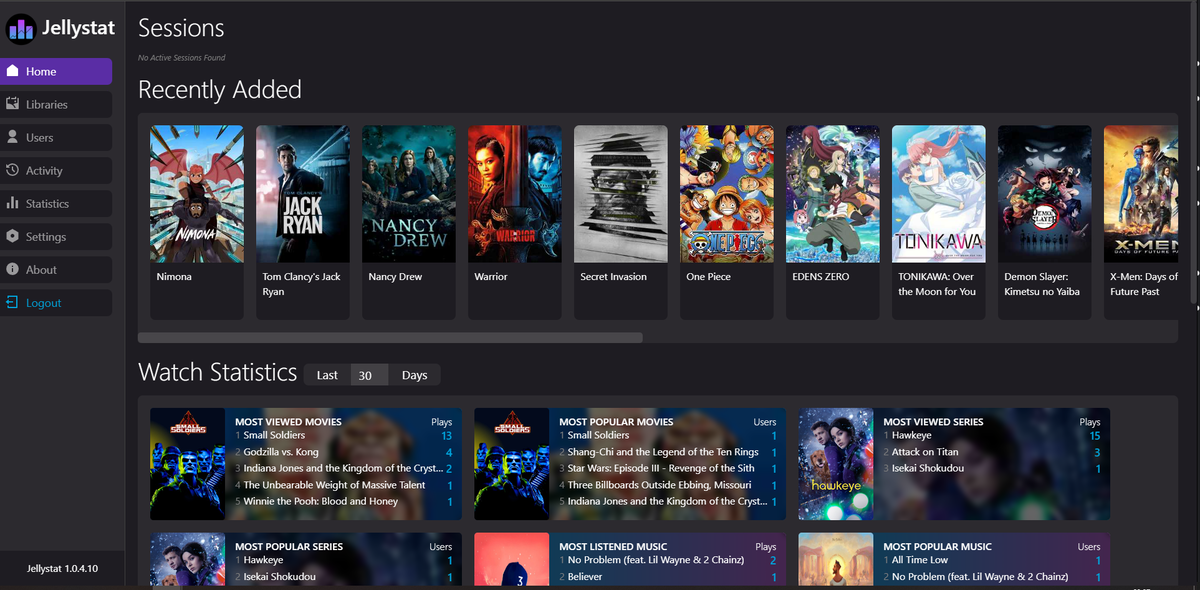
Jellyfin running on your LG TV? Monitor every session from your phone. Download JellyWatch on Google Play - see what is playing on every client including LG webOS, with codec details and transcode status.
On Emby? Download EmbyWatch on Google Play - the same monitoring experience for Emby servers.


Comments 2
The official app from the LG Content Store works great on my C3 OLED. 4K HDR10 and Dolby Vision both Direct Play without issues. Much easier than the Samsung sideloading process.
One tip not mentioned: if the app feels sluggish, reduce your Jellyfin home screen sections to 4 maximum. LG TVs only have 1.5-3 GB RAM shared with the OS. Too many sections overwhelm it.
Leave a comment