Sync Jellyfin Watch History to Letterboxd in 2026: Plugin Setup Guide
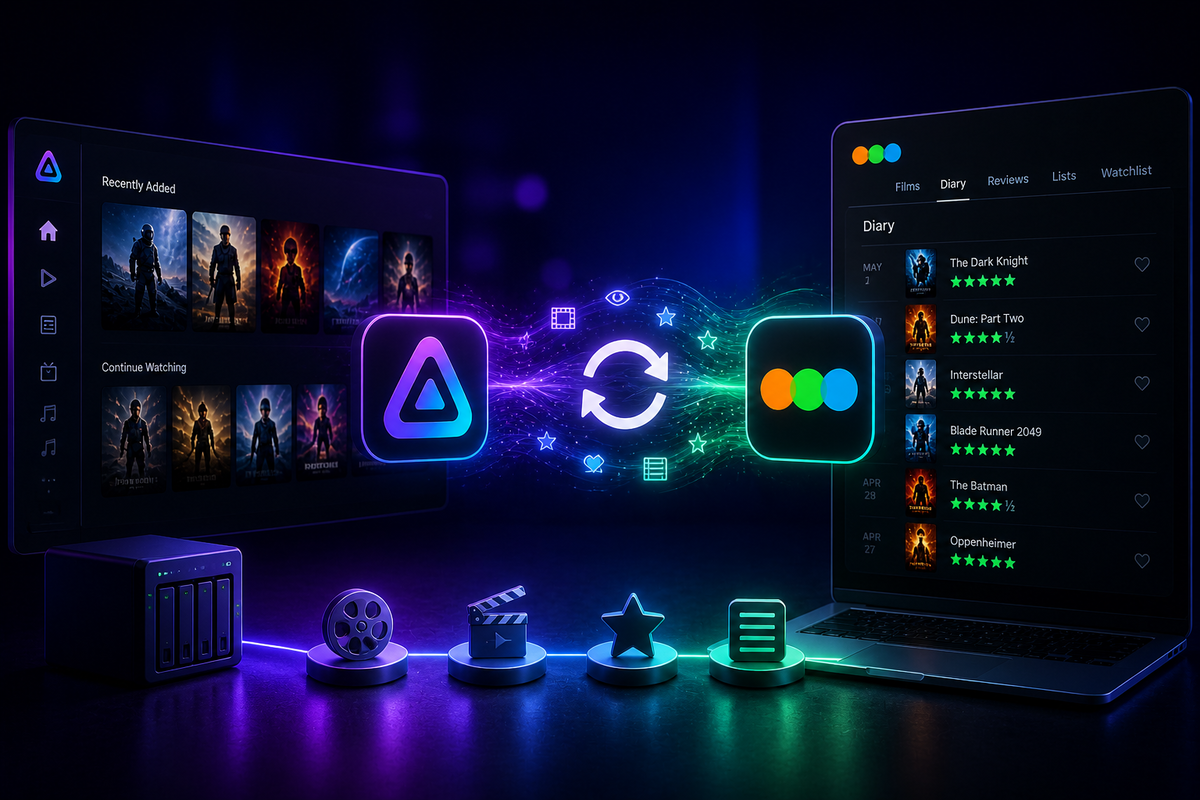
Letterboxd is the social network for film lovers - a place to log movies, write reviews, and discover what friends are watching. If you watch movies on Jellyfin, manually logging each one to Letterboxd is tedious. The jellyfin-plugin-letterboxd-sync plugin automates this entirely.
Every movie you finish on Jellyfin automatically appears in your Letterboxd diary.
What the Plugin Does
The Letterboxd sync plugin:
- Detects when you finish watching a movie on Jellyfin
- Marks it as watched on your Letterboxd account
- Syncs the watch date
- Works for all users on your server (each with their own Letterboxd account)
It does not:
- Sync ratings (Letterboxd API limitation)
- Sync TV shows (Letterboxd is movies only)
- Import Letterboxd history back into Jellyfin
- Sync watchlists
Prerequisites
- Jellyfin 10.9 or newer
- A Letterboxd account (free or Pro)
- The plugin repository added to your Jellyfin server
Step 1: Add the Plugin Repository
- Open Jellyfin Dashboard
- Navigate to Plugins → Repositories
- Click Add
- Enter:
- Name:
Letterboxd Sync - URL:
https://raw.githubusercontent.com/Gizmo091/jellyfin-plugin-letterboxd-sync/main/manifest.json
- Name:
- Click Save
Step 2: Install the Plugin
- Go to Plugins → Catalog
- Search for Letterboxd
- Click Install
- Restart Jellyfin
Step 3: Configure Your Letterboxd Account
After restart:
- Go to Plugins → Letterboxd Sync
- Enter your Letterboxd credentials:
- Username: your Letterboxd username
- Password: your Letterboxd password
- Select which Jellyfin user to link to this Letterboxd account
- Click Save
For multiple users
If multiple people on your server use Letterboxd, configure each Jellyfin user with their own Letterboxd credentials in the plugin settings.
Step 4: Test the Sync
- Watch a movie on Jellyfin (or mark one as played)
- Wait a few minutes for the sync cycle
- Check your Letterboxd diary - the movie should appear with today's date
How the Sync Works
The plugin runs on a schedule (configurable interval, default: every 30 minutes). On each cycle:
- It checks Jellyfin for newly completed movies (played status = true)
- It matches the movie to Letterboxd using TMDB ID
- It logs the movie to your Letterboxd diary with the watch date
- It marks the sync as complete to avoid duplicates
Matching accuracy
The plugin uses TMDB IDs for matching. Since both Jellyfin and Letterboxd use TMDB as a metadata source, matching is highly accurate. Mismatches are rare and typically only occur with very obscure titles.
Configuration Options
| Setting | Default | Description |
|---|---|---|
| Sync interval | 30 minutes | How often the plugin checks for new watches |
| Sync on mark played | Yes | Sync when manually marking a movie as played |
| Minimum watch percentage | 80% | How much of the movie must be watched to trigger sync |
Troubleshooting
| Problem | Cause | Fix |
|---|---|---|
| Movie not syncing | Watch percentage below threshold | Watch more of the movie or lower the threshold |
| Wrong movie logged | TMDB ID mismatch | Fix the movie metadata in Jellyfin (Edit → Identify) |
| Authentication error | Wrong Letterboxd credentials | Re-enter username and password in plugin settings |
| Duplicate entries | Plugin re-syncing old watches | Check the plugin logs for sync state issues |
| TV shows not syncing | Expected behavior | Letterboxd only supports movies |
Check plugin logs
Dashboard → Logs → filter for "Letterboxd" to see sync activity and any errors.
Limitations
- Movies only - Letterboxd does not support TV shows, so episodes are never synced
- One-way sync - Jellyfin → Letterboxd only. Movies logged directly on Letterboxd do not appear in Jellyfin
- No rating sync - the Letterboxd API does not support writing ratings programmatically
- No review sync - reviews must be written on Letterboxd directly
- Requires Letterboxd credentials - the plugin authenticates directly with Letterboxd
Privacy Considerations
The plugin stores your Letterboxd credentials in the Jellyfin plugin configuration. This data is stored on your server only - it is never sent to any third party other than Letterboxd itself for authentication.
If you are uncomfortable storing credentials, consider using the Trakt plugin instead (which uses OAuth tokens rather than passwords) and syncing Trakt to Letterboxd via third-party tools.
Alternative: Manual CSV Import
If you prefer not to use the plugin, Letterboxd supports CSV diary imports:
- Export your Jellyfin watch history (via Playback Reporting plugin or JellyWatch)
- Format it as a CSV with columns:
Title, Year, WatchedDate - Import at letterboxd.com/import
This is a one-time bulk import rather than ongoing sync.
FAQ
Does this work with Letterboxd Pro? Yes. The plugin works with both free and Pro Letterboxd accounts.
Can I sync my entire watch history retroactively? The plugin syncs from the moment it is installed. For historical data, use the CSV import method or run a manual sync from the plugin settings.
Does it sync re-watches? Yes. If you watch a movie again, it logs a new diary entry on Letterboxd.
Will this affect my Letterboxd statistics? Yes. Synced movies count toward your Letterboxd stats, diary, and year-in-review.
Is there an Emby equivalent? Not currently. This plugin is Jellyfin-specific.
Conclusion
The Letterboxd sync plugin is a small quality-of-life improvement that film lovers appreciate. Watch a movie on Jellyfin, and it appears in your Letterboxd diary automatically. No manual logging, no forgetting to add it later.
Combined with the Trakt plugin (for broader watch history backup) and JellyWatch (for viewing statistics on your phone), your movie-watching life is fully tracked and automated.
Track your movies across Jellyfin and Letterboxd - and monitor your server too. Download JellyWatch on Google Play - viewing statistics, watch history, and server monitoring for Jellyfin.



Comments
No comments yet. Be the first to share your thoughts.
Leave a comment