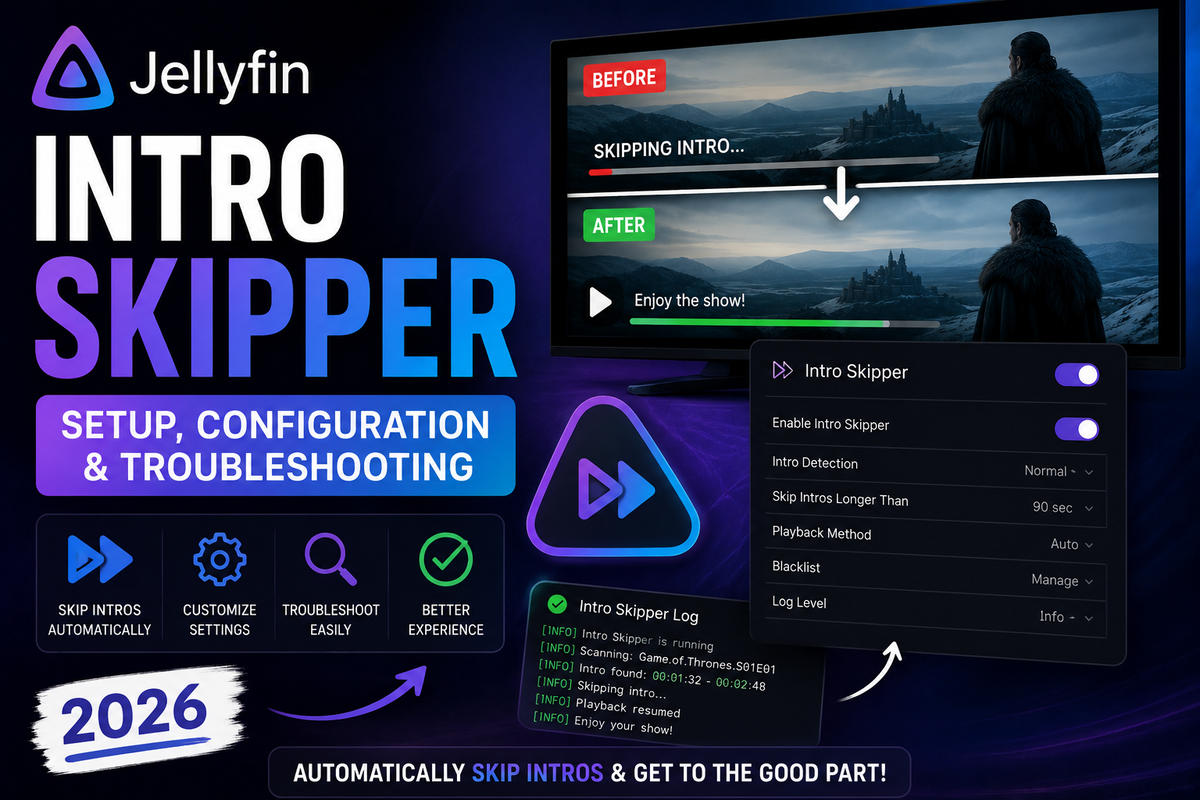
Jellyfin Intro Skipper in 2026: Complete Setup, Configuration, and Troubleshooting Guide
Tired of watching the same TV intro 200 times in a row? The Intro Skipper plugin adds a "Skip Intro" button to Jellyfin, exactly like Netflix. It also handles credits and "Next Episode" prompts. It is the single most installed Jellyfin plugin in 2026, and once you have it set up you will never go back.
This guide covers everything: the correct repository to use, installation, the settings that actually matter, the initial analysis and its CPU cost, client compatibility, and how to fix the cases where detection fails.
What Intro Skipper Actually Does
Intro Skipper uses audio fingerprinting (chromaprint, the same technology behind Shazam and AcoustID) to find repeated audio segments across episodes of the same series. When the same audio appears at the start of multiple episodes, that is almost certainly the intro. The plugin records the exact start and end timestamps and shows a skip button in the player.
It detects three things:
- Intros - the repeated opening sequence
- Credits / outros - end-of-episode credits, which trigger the "Next Episode" prompt
- Recaps - "previously on" segments, in some configurations
Because detection is audio-based, it works on any TV show regardless of language, and it does not need an internet database of timestamps.
Important: Intro Skipper is a server-side plugin. The skip button only appears in clients that support the Intro Skipper API. More on that in the compatibility section below.
The Repository You Should Use (This Trips Up Everyone)
There are two versions of this plugin floating around, and using the wrong one is the number one reason people get stuck.
| Version | Status in 2026 | Use it? |
|---|---|---|
intro-skipper/intro-skipper | Actively maintained, current | Yes |
ConfusedPolarBear/intro-skipper | Original, no longer maintained | No |
The original author handed the project over. The maintained fork lives under the intro-skipper organization.
Correct repository manifest URL:
https://manifest.intro-skipper.org/manifest.json
If that mirror is ever down, the GitHub raw manifest also works:
https://raw.githubusercontent.com/intro-skipper/intro-skipper/master/manifest.json
Version match matters. Intro Skipper releases are tied to specific Jellyfin versions. If the plugin will not install or crashes on startup, you almost certainly have a plugin build that does not match your Jellyfin version. Check the release notes and install the build for your exact Jellyfin release.
Installation Step by Step
- Open Dashboard - Plugins - Repositories
- Click Add, give it a name like
Intro Skipper, and paste the manifest URL above - Go to Dashboard - Plugins - Catalog
- Find Intro Skipper and click Install
- Restart Jellyfin (this is required, the plugin will not load otherwise)
- After restart, go to Dashboard - Plugins - My Plugins and confirm Intro Skipper shows as Active
If the plugin shows as "Malfunctioned" after restart, it is a version mismatch. Uninstall it, check your Jellyfin version under Dashboard, and install the matching plugin build.
Configuration: The Settings That Matter
Go to Dashboard - Plugins - Intro Skipper. Here are the settings worth changing and sensible defaults.
| Setting | Recommended | Why |
|---|---|---|
| Detect introductions | Enabled | The core feature |
| Detect credits | Enabled | Powers the Next Episode prompt |
| Maximum degrees of parallelism | 2 on N100 / Pi, 4 to 8 on stronger CPUs | Controls how many episodes analyze at once |
| Analyze again on library scan | Enabled | New episodes get processed automatically |
| Minimum intro duration | 10-15 seconds | Filters out short bumpers and false positives |
| Maximum intro duration | 120 seconds | Most intros are under 2 minutes |
| Auto skip | Disabled | Auto-skipping can be jarring, let users tap |
| Auto skip credits | Personal choice | Many people enable this for binge sessions |
| Show skip button | Enabled | The button itself |
Auto skip vs the button
You have a choice between a Skip Intro button that the user taps, and fully automatic skipping that jumps past the intro with no input. Auto skip feels magical when detection is perfect, but a single bad timestamp means viewers miss part of the episode. The safe default is the button. Turn on auto skip only after you have confirmed detection quality on your library.
The Initial Analysis and Its CPU Cost
The first time the plugin runs, it analyzes your entire TV library. This is the most demanding part of the whole process, and it is a common cause of "why is my server pinned at 100% CPU" questions.
| Library size | Approximate first-run time | CPU impact |
|---|---|---|
| 100 episodes | 10 to 30 minutes | Moderate |
| 1,000 episodes | 2 to 6 hours | High |
| 5,000 episodes | 12 to 24 hours | Very high |
| 10,000+ episodes | A day or more | Very high |
Times vary enormously with CPU, storage speed, and how many parallel threads you allow.
The good news: this is a one-time cost. After the first pass, only newly added episodes are analyzed, which is fast and incremental.
Keeping the analysis under control
- Run it overnight. Go to Dashboard - Scheduled Tasks - Detect Introductions and set the trigger to a quiet hour like 3 AM.
- Lower the parallelism on weak hardware. On an N100 or Raspberry Pi 5, set max parallelism to 2 so the server stays responsive.
- Limit the libraries. If you only watch a few shows, you can let it analyze just those rather than your entire archive.
- Use fast storage for the metadata. Slow spinning disks make analysis IO-bound.
A real-time monitor is genuinely useful here. JellyWatch shows you exactly when the Detect Introductions task is running and how hard it is hitting your CPU, so you can tell the difference between "the plugin is working" and "something is wrong."
Client Compatibility (Where the Button Actually Shows Up)
This is the most misunderstood part of Intro Skipper. The plugin runs on the server, but the skip button only appears in clients that implement the Intro Skipper API.
| Client | Skip Intro | Skip Credits | Auto Skip |
|---|---|---|---|
| Jellyfin Web | Yes | Yes | Yes |
| Jellyfin Android | Yes | Yes | Yes |
| Jellyfin Android TV | Yes | Yes | Yes |
| Swiftfin (iOS / Apple TV) | Yes | Yes | Partial |
| Jellyfin Media Player (desktop) | Yes | Yes | Yes |
| Findroid | Partial | Partial | No |
| Streamyfin | Yes | Yes | Partial |
| Infuse | No | No | No |
| Kodi + Jellyfin add-on | No (Kodi has its own) | No | No |
Infuse users: Infuse does not support Jellyfin server-side plugins at all. The skip button will never appear there. If skipping intros is important to you on Apple TV, use Swiftfin instead.
If the button does not show in an otherwise supported client, update the client app first. Skip support has been added and improved across many client releases.
Troubleshooting
The skip button never appears
- Confirm the plugin is Active under My Plugins.
- Confirm the Detect Introductions task has actually run (check Scheduled Tasks for a last-run time).
- Confirm your client supports the API (see the table above) and is up to date.
- Hard refresh the web client or clear the app cache.
Detection misses intros on some shows
Some content is genuinely hard to fingerprint:
- Cold opens where the intro plays after a scene, at different points each episode
- Anime with intros that move around or change between cours
- Shows with no consistent intro audio (talk shows, reality TV)
- Single-episode items - the plugin needs multiple episodes to compare
For these, use a manual override (next section).
Timestamps are slightly off
Re-run the analysis. If a specific season was added piecemeal, the fingerprint cache may have partial data. You can force a fresh analysis from the plugin page.
The analysis pins my CPU for days
Lower the parallelism, schedule it overnight, and let it finish. Remember the first run is the expensive one. If it never seems to finish, check that the server is not restarting mid-task (which would reset progress).
Manual Overrides for Stubborn Shows
When automatic detection fails on a specific show, you can set timestamps by hand:
- Navigate to the episode
- Open Edit Metadata and find the Intro Skipper section (or use the plugin's per-item editor)
- Enter the intro start and end times manually
- Manual values take priority over automatic detection
For anime in particular, manual overrides per season are often the only reliable approach because intros change between arcs.
Should You Enable Skip Credits and Next Episode?
Skip Credits is what powers the Next Episode prompt at the end of an episode, the binge-watching feature everyone expects from streaming services. Enabling Detect credits is what makes this work. Most users want it on. The only downside is slightly more analysis time during the initial run.
Bottom Line
Intro Skipper is the plugin that makes Jellyfin feel like a commercial streaming service. Install the maintained intro-skipper/intro-skipper version, match the build to your Jellyfin release, run the initial analysis overnight, and use the button rather than auto skip until you trust the detection. The one-time CPU cost is real, so plan the first run for a quiet window and watch your server load while it works.
Server set up the way you want - now keep an eye on it from your phone. Download JellyWatch on Google Play - real-time CPU monitoring, session tracking, and server health for Jellyfin on Android.
On Emby? Download EmbyWatch on Google Play - the same monitoring experience for Emby servers.


Comments 2
Infuse has its own intro skip or can use the server side indicators to skip intros and outros.
I'm using jellyfin on Terramaster's TOS 7. I've added the repository and am not seeing the plug in.
Leave a comment