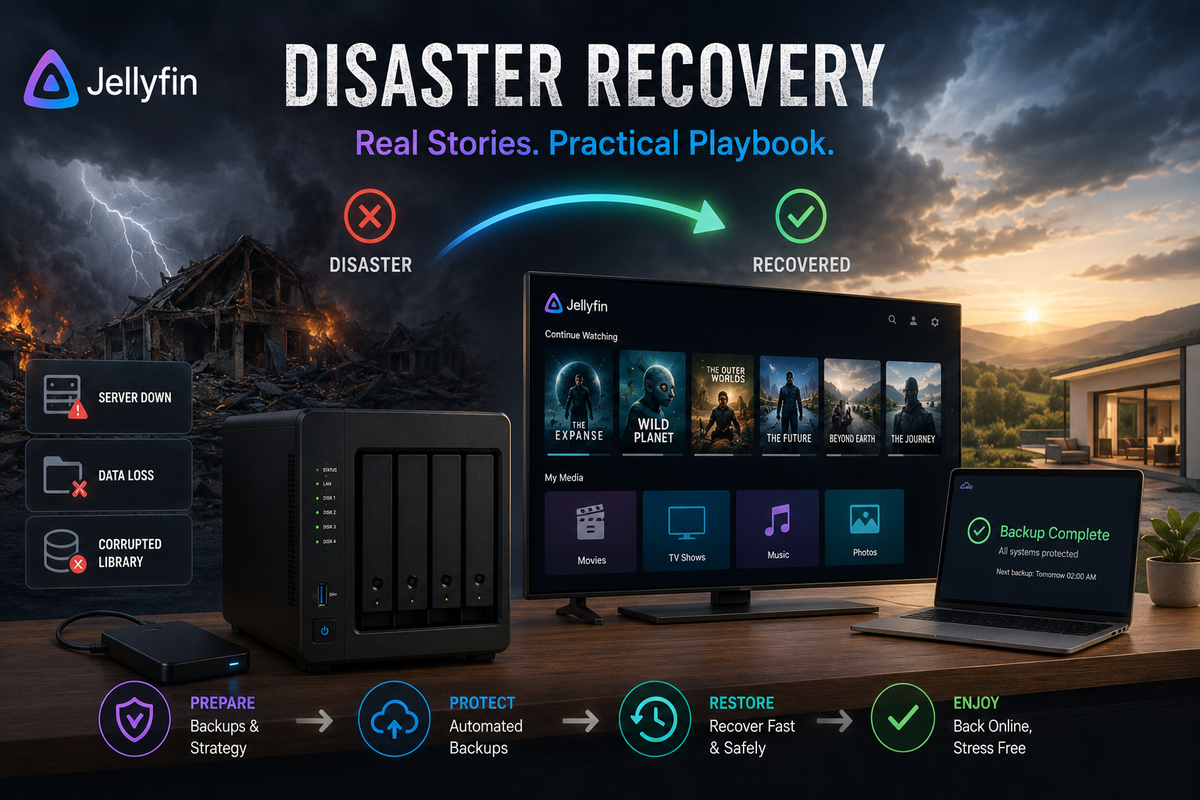
Jellyfin Disaster Recovery: Real Stories and the Recovery Playbook (2026)
Every self-hoster thinks "it will not happen to me" until it does. A power outage corrupts your database. A failed update wipes your watch history. A drive dies with 3 years of metadata. An accidental command deletes your config folder.
These are real stories from the Jellyfin community. Each one is preventable. Each one has a recovery path. This guide covers both: what goes wrong and how to come back from it.
Story 1: The 10.11 Migration That Ate Everything
What happened
A user upgraded from Jellyfin 10.10 to 10.11 without backing up. The EF Core database migration started, ran for 20 minutes, then the server crashed (out of memory on a 4 GB RAM system). On restart, Jellyfin refused to start. The database was partially migrated: half the tables in the new format, half in the old. Unrecoverable without a backup.
Lost: 2 years of watch history, all user accounts, plugin configurations, custom metadata edits.
What would have prevented it
# 30 seconds of prevention
docker stop jellyfin
tar -czf jellyfin-backup-pre-upgrade.tar.gz ./jellyfin/config/
docker start jellyfin
# THEN upgrade
Recovery (without backup)
- Delete the corrupted database
- Start Jellyfin fresh (new database created)
- Recreate user accounts manually
- Run a full library scan (metadata re-fetched from TMDB/TVDB)
- Watch history: gone permanently. Import from Trakt if you had it synced.
Lesson: Always backup before ANY version upgrade. The 10.11 migration is irreversible.
Story 2: The Power Outage That Corrupted SQLite
What happened
A thunderstorm caused a power outage while Jellyfin was writing to the database (during a library scan). On restart, Jellyfin showed errors: "database disk image is malformed." The SQLite WAL file was corrupted mid-write.
What would have prevented it
- A UPS (Uninterruptible Power Supply) - $50-100 for basic protection
- Or: automated daily backups (the corruption only affects the latest state)
Recovery steps
# Stop Jellyfin
docker stop jellyfin

# Check integrity
sqlite3 /path/to/jellyfin.db "PRAGMA integrity_check;"
# Output: "*** in database main ***
# Page 1234: btree cell 5 is corrupted"

# Attempt recovery via dump and reimport
sqlite3 /path/to/jellyfin.db ".dump" > dump.sql 2>errors.txt
sqlite3 /path/to/jellyfin-new.db < dump.sql

# Replace corrupted database
mv /path/to/jellyfin.db /path/to/jellyfin.db.corrupt
mv /path/to/jellyfin-new.db /path/to/jellyfin.db

# Remove WAL files (they reference the old corrupt state)
rm -f /path/to/jellyfin.db-wal /path/to/jellyfin.db-shm

# Restart
docker start jellyfin
The dump/reimport process skips corrupted rows. You may lose some data from the damaged pages, but the server becomes functional.
Lesson: Buy a UPS. Run automated backups. Both cost less than the time spent recovering.
Story 3: The Drive That Died Silently
What happened
A user stored their Jellyfin config AND media on the same single HDD. The drive developed bad sectors over months (no SMART monitoring). One day, the drive failed completely. 4 TB of media and all Jellyfin configuration gone.
What would have prevented it
- SMART monitoring with alerts (smartmontools + notification)
- Config on a SEPARATE drive from media
- Any backup strategy at all
- ZFS or Btrfs with scrubbing (detects corruption before failure)
Recovery
Media: re-download everything (weeks of work with Radarr/Sonarr). Config: start from scratch. All watch history, users, and settings lost permanently.
Lesson: Never store config and media on the same single drive. Monitor drive health. Back up config to a different physical device.
Story 4: The Accidental rm -rf
What happened
An admin meant to delete the Jellyfin cache folder to free space:
rm -rf ./jellyfin/cache/
But accidentally typed:
rm -rf ./jellyfin/
Entire config directory gone. Cache, config, database, plugins, everything.
What would have prevented it
- Automated backups (restore from last night's backup)
- ZFS snapshots (rollback to 1 hour ago)
- Using
trash-cliinstead ofrmfor dangerous operations
Recovery
If you have a backup: restore it. Time to recover: 5 minutes. If you do not: start from scratch. Time to recover: hours.
Lesson: Automated backups are not optional. They are the difference between a 5-minute recovery and a day of rebuilding.
Story 5: The Docker Volume That Vanished
What happened
A user ran docker system prune -a --volumes to free disk space. This command removes ALL unused Docker volumes, including the Jellyfin config volume that was not currently attached to a running container (because Jellyfin was stopped for maintenance).
What would have prevented it
- Using bind mounts instead of Docker volumes (visible in the filesystem, not pruned)
- Never running
docker system prune --volumeswithout checking what will be removed - Backups stored outside Docker
Recovery
Docker volumes are gone permanently after prune. No recovery without external backup.
Lesson: Use bind mounts (./jellyfin/config:/config) instead of named volumes for important data. Bind mounts are visible in your filesystem and are not affected by Docker prune commands.
The Disaster Recovery Playbook
Implement this today. It takes 15 minutes and saves you from every scenario above.
Level 1: Automated Daily Backup (Minimum)
#!/bin/bash
# /home/user/scripts/backup-jellyfin.sh
BACKUP_DIR="/backups/jellyfin"
CONFIG_DIR="./jellyfin/config"
RETENTION_DAYS=14

mkdir -p "$BACKUP_DIR"
docker stop jellyfin
tar -czf "$BACKUP_DIR/jellyfin-$(date +%Y%m%d).tar.gz" "$CONFIG_DIR"
docker start jellyfin
find "$BACKUP_DIR" -name "*.tar.gz" -mtime +$RETENTION_DAYS -delete
Cron: 0 3 * * * /home/user/scripts/backup-jellyfin.sh
This gives you 14 days of daily backups. Recovery from any disaster: extract the tar.gz.
Level 2: Off-Site Backup
Sync backups to a different physical location:
# After local backup, sync to cloud
rclone sync /backups/jellyfin remote:jellyfin-backups/
Protects against: house fire, theft, all local drives failing simultaneously.
Level 3: ZFS Snapshots (If Available)
If running TrueNAS or Proxmox with ZFS:
# Automatic hourly snapshots, keep 24
zfs set com.sun:auto-snapshot:hourly=true pool/jellyfin-config
Recovery: zfs rollback pool/jellyfin-config@autosnap_2026-05-26_03:00
Instant rollback to any snapshot. Zero downtime for the rollback itself.
Level 4: Database Integrity Monitoring
#!/bin/bash
# Weekly integrity check
RESULT=$(sqlite3 /path/to/jellyfin.db "PRAGMA integrity_check;")
if [ "$RESULT" != "ok" ]; then
    curl -d "ALERT: Jellyfin database corruption detected!" http://ntfy:80/alerts
fi
Catch corruption before it becomes unrecoverable.
Level 5: SMART Drive Monitoring
sudo apt install smartmontools
# Enable SMART monitoring
sudo smartctl -s on /dev/sda
# Check health
sudo smartctl -H /dev/sda
Configure alerts for SMART warnings (pending sectors, reallocated sectors, temperature).
Recovery Time by Preparation Level
| Disaster | No backup | Daily backup | ZFS snapshots |
|---|---|---|---|
| Corrupted database | Hours (rebuild from scratch) | 5 minutes (restore tar.gz) | 30 seconds (rollback) |
| Accidental deletion | Hours-Days | 5 minutes | 30 seconds |
| Failed upgrade | Hours | 5 minutes | 30 seconds |
| Drive failure | Days (re-download everything) | 5 min (config) + re-download media | 5 min + re-download media |
| Power outage corruption | 30 min (dump/reimport) | 5 minutes (restore clean backup) | 30 seconds |
The Non-Negotiable Rules
- Back up before EVERY upgrade - even minor point releases
- Automated daily backups - human memory is unreliable
- Config on SSD, separate from media - different failure modes
- Test your backups quarterly - an untested backup is not a backup
- Monitor drive health - SMART warnings give you days/weeks of notice
- Use bind mounts, not Docker volumes - visible, not prunable
- Buy a UPS - $50 prevents $500 of recovery work
FAQ
How often should I backup? Daily for config. Weekly for a full system snapshot. Before every upgrade.
Where should backups be stored? Different physical device minimum. Different physical location ideal (cloud, friend's server, office).
Can I backup while Jellyfin is running? For maximum safety, stop Jellyfin first (prevents mid-write corruption in the backup). For convenience, WAL checkpoint then backup without stopping (slightly riskier but usually fine).
How much space do backups need? Jellyfin config is typically 1-5 GB. 14 daily backups = 14-70 GB. Negligible compared to media storage.
Does JellyWatch help with disaster recovery? JellyWatch alerts you when your server goes offline (push notification). This gives you immediate awareness that something is wrong, reducing the time between failure and recovery.
Get alerted the moment your server goes down. Recover faster. Download JellyWatch on Google Play - server offline alerts, health monitoring, and push notifications.
On Emby? Download EmbyWatch on Google Play





Comments
No comments yet. Be the first to share your thoughts.
Leave a comment