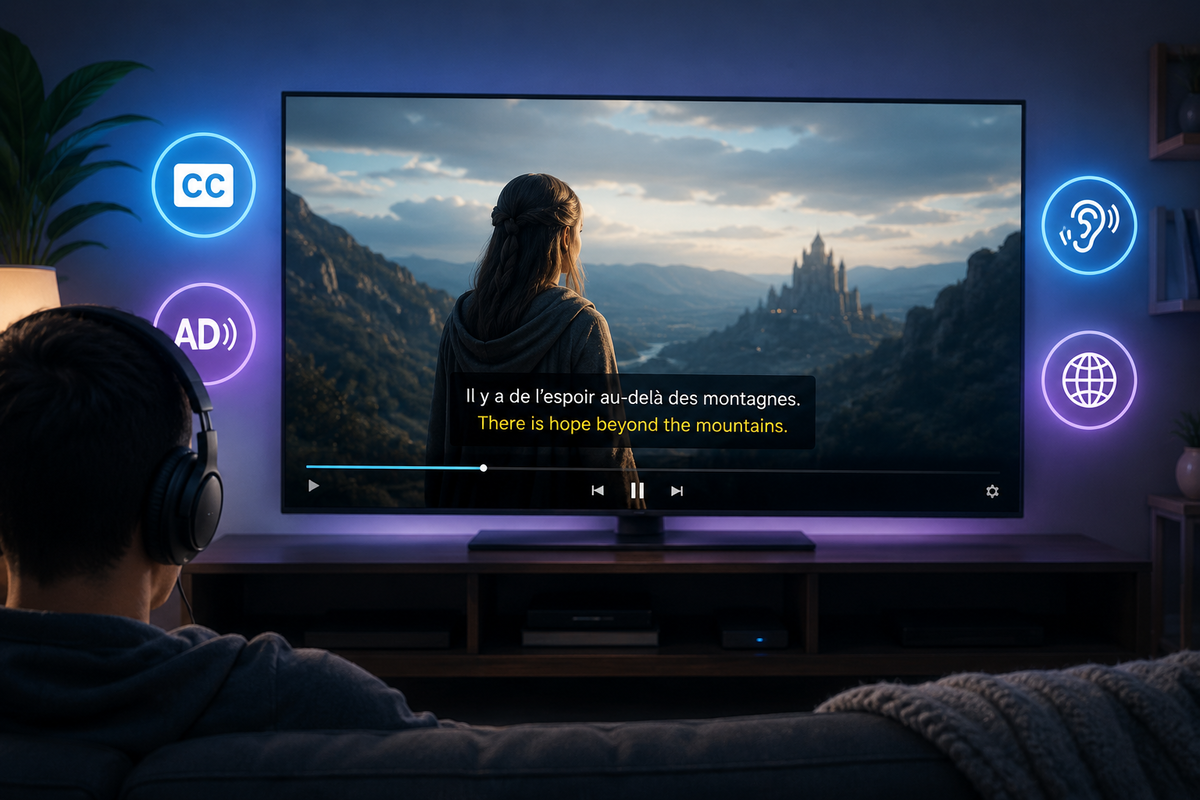
Jellyfin Accessibility Guide 2026: Subtitles, Audio Description, and Inclusive Media Serving
A media server should work for everyone. Not just people with perfect hearing and vision. Not just people who speak the primary language of your library. Not just people who can use a mouse.
This guide covers how to make your Jellyfin server genuinely accessible to users with different needs: deaf and hard-of-hearing users, blind and low-vision users, users with motor disabilities, and multilingual households.
Accessibility for Deaf and Hard-of-Hearing Users
SDH Subtitles vs Regular Subtitles
| Type | Content | Best for |
|---|---|---|
| Regular subtitles | Dialogue only | Non-native speakers |
| SDH (Subtitles for the Deaf and Hard-of-Hearing) | Dialogue + sound effects + speaker identification | Deaf/HoH users |
| Closed Captions (CC) | Same as SDH, historically US broadcast term | Deaf/HoH users |
SDH subtitles include critical non-dialogue information:
- [door slams]
- [ominous music intensifies]
- [whispers] I know what you did
- JOHN: Where are you going?
Regular subtitles only show the spoken words. For deaf users, this means missing half the story.
Finding SDH Subtitles
Bazarr configuration for SDH:
- Settings > Subtitles > check "Also search for SDH/HI subtitles"
- Set SDH as preferred when available
- Bazarr downloads SDH versions when they exist, regular subtitles as fallback
Manual sources:
- OpenSubtitles (filter by "hearing impaired" flag)
- Subscene (SDH versions marked)
- Addic7ed (some SDH available)
Configuring Default Subtitles for HoH Users
For a user who always needs subtitles:
- Dashboard > Users > [User] > Subtitle mode: Always
- Preferred subtitle language: their language
- This ensures subtitles display automatically on every video without the user needing to enable them each time
Accessibility for Blind and Low-Vision Users
Audio Description (AD) Tracks
Audio Description is a separate audio track that narrates visual elements between dialogue:
"Sarah walks into the dimly lit room. She notices a photograph on the mantelpiece and picks it up, her expression changing from curiosity to shock."
This allows blind users to follow the visual storytelling.
Finding Audio Description Tracks
AD tracks are less common than subtitles but increasingly available:
- Blu-ray rips often include AD tracks (labeled "Audio Description" or "Descriptive Audio")
- Netflix originals have AD tracks that can be preserved when downloading
- BBC content frequently includes AD
- Disney+ originals include AD
When ripping Blu-rays with MakeMKV, ensure you select ALL audio tracks including the AD track.
Organizing AD Tracks in Jellyfin
Jellyfin displays all audio tracks embedded in the file. Label them clearly:
- Track 1: English 5.1 (main audio)
- Track 2: English 2.0 (stereo compatibility)
- Track 3: English Audio Description
Users select the AD track from the audio menu during playback.
Setting AD as Default for Blind Users
Currently, Jellyfin does not have a per-user "prefer audio description" setting. Workarounds:
- Create a separate library with AD-only versions of files
- Or educate the user to select the AD track (it persists per-show in some clients)
- Feature request exists on the Jellyfin GitHub for native AD preference support
Multi-Language Accessibility
For Non-Native Speakers
A multilingual household benefits from:
- Multiple subtitle languages downloaded via Bazarr
- Per-user subtitle language preference (Dashboard > Users > [User] > Subtitle language)
- Multiple audio tracks when available (original language + dubbed)
Bazarr Multi-Language Configuration
Settings > Languages > Add multiple languages:
- English (primary)
- French (for French-speaking family members)
- Spanish (for Spanish-speaking family members)
Bazarr downloads subtitles in all configured languages for every item.
Subtitle Naming for Multiple Languages
Movie Name (2024).mkv
Movie Name (2024).en.srt      <- English
Movie Name (2024).fr.srt      <- French
Movie Name (2024).es.srt      <- Spanish
Movie Name (2024).en.sdh.srt  <- English SDH
Jellyfin detects language codes automatically and presents them in the subtitle selector.
Accessibility for Motor Disabilities
Keyboard Navigation
The Jellyfin web interface supports full keyboard navigation:
| Key | Action |
|---|---|
| Tab | Move between interactive elements |
| Enter | Select/activate |
| Escape | Go back / close dialog |
| Space | Play/pause (in player) |
| Arrow keys | Seek (in player) / navigate (in library) |
| F | Toggle fullscreen |
| M | Mute |
Voice Control
On Android TV and Google TV, voice commands work with Jellyfin:
- "Play [movie name]" (via Google Assistant)
- "Pause" / "Resume" / "Next episode"
On Apple TV, Siri voice control works with Swiftfin and Infuse.
Large Text and High Contrast
For low-vision users who can see but need larger text:
/* Custom CSS for large text */
body {
    font-size: 1.3em !important;
}

.cardText {
    font-size: 1.4em !important;
}

/* High contrast mode */
:root {
    --accent: #FFFF00; /* Yellow on dark = high contrast */
}
Apply per-user via User Settings > Display > Custom CSS.
Subtitle Formatting Best Practices
Avoid PGS Subtitles for Accessibility
PGS (image-based) subtitles cannot be:
- Resized by the user
- Recolored for contrast
- Read by screen readers
- Searched
Always prefer SRT or ASS text-based subtitles. They can be styled by the client for readability.
Subtitle Appearance Settings
Jellyfin allows users to customize subtitle appearance:
User Settings > Subtitles:
- Font size (small to extra large)
- Font color (white, yellow, green)
- Background (transparent, semi-transparent, opaque)
- Position (bottom, top)
For users with low vision, recommend: Large font, yellow text, semi-transparent black background.
Making Your Server Inclusive: Checklist
| Task | Benefit | Effort |
|---|---|---|
| Enable SDH subtitle search in Bazarr | Deaf/HoH users | Low |
| Download subtitles in multiple languages | Non-native speakers | Low |
| Preserve AD audio tracks when ripping | Blind users | Low |
| Set per-user subtitle defaults | All subtitle users | Low |
| Add custom CSS for large text (per user) | Low-vision users | Low |
| Label audio tracks clearly | All users | Medium |
| Replace PGS with SRT subtitles | Accessibility + performance | Medium |
| Create AD-focused library | Blind users | Medium |
The State of Accessibility in Jellyfin (2026)
What works well
- Multi-language subtitle support
- Per-user subtitle preferences
- Keyboard navigation in web UI
- Subtitle appearance customization
- Multiple audio track support
What needs improvement
- No native "prefer audio description" user setting
- Screen reader support in the web UI is inconsistent
- Some clients lack subtitle customization options
- No built-in SDH/CC indicator in the UI (you cannot tell if a subtitle is SDH without selecting it)
Contributing to accessibility
Jellyfin is open source. Accessibility improvements are welcome:
- GitHub issues tagged "accessibility" track known problems
- UI contributions improving ARIA labels and screen reader support are valued
- Testing with assistive technologies and reporting issues helps the project
FAQ
Does Jellyfin support closed captions embedded in video files? Yes. Embedded CC/subtitle tracks (SRT, ASS, PGS) are detected and selectable during playback.
Can I force subtitles for all users? You can set the default to "Always show subtitles" per user. Users can still disable them if they choose.
Are there Jellyfin clients with better accessibility? Jellyfin Media Player (desktop) inherits MPV accessibility features. The web interface has the most keyboard support. Mobile clients vary.
Does audio description work on all clients? Yes. AD is just another audio track. Any client that supports audio track selection supports AD.
An accessible server for everyone. Monitor it from your phone. Download JellyWatch on Google Play - session monitoring and server health for Jellyfin.
On Emby? Download EmbyWatch on Google Play





Comments
No comments yet. Be the first to share your thoughts.
Leave a comment