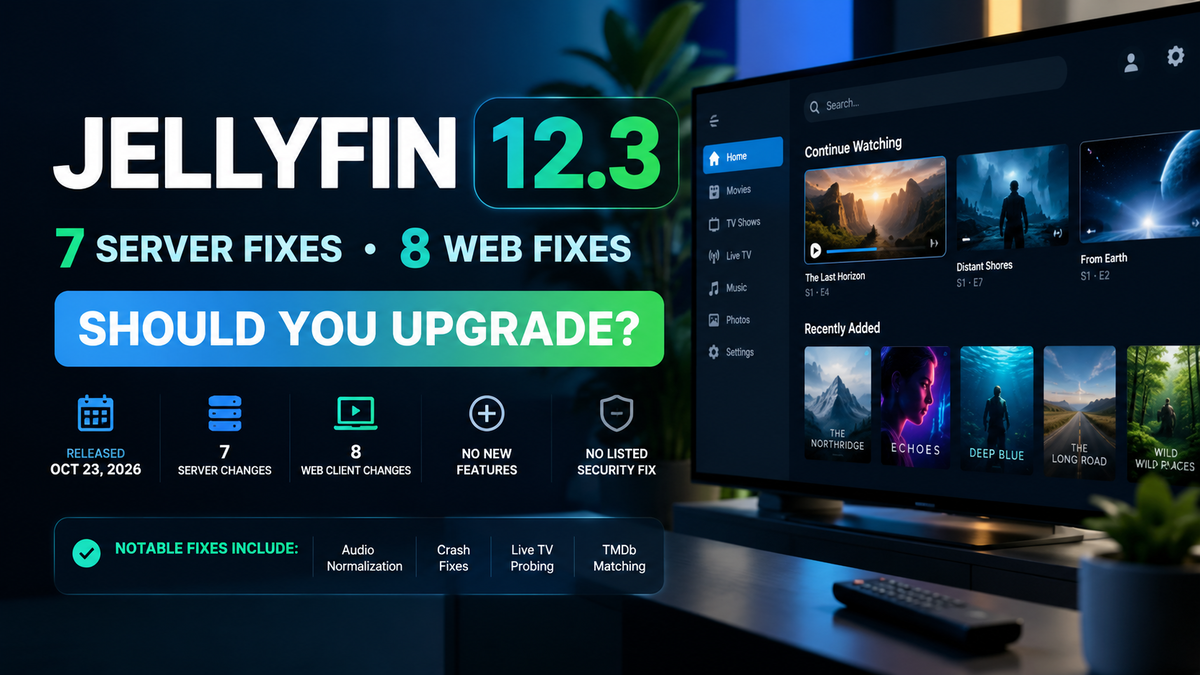
Jellyfin 12.3 Is Out: 7 Server Fixes, 8 Web Fixes, and Whether to Upgrade
Jellyfin 12.3 was published on October 23, 2026 (00:30 UTC, so the evening of October 22 in the Americas). It is a small minor release: 7 changes to the server and 8 to the web client. There are no new features, no security fix and no breaking change in the release notes. What you get are fixes for crashes, a missing setting, a few interface annoyances and one metadata matching problem. This article covers what changed, what to test after updating, and who should upgrade now. For background on the 12.x line, start with our Jellyfin 12.0 overview, then the 12.1 and 12.2 changelog breakdowns.
The Short Answer
- Already on 12.2: upgrade when it suits you. Nothing here is urgent, but the crash fixes and the restored Audio Normalization setting are real improvements.
- Still on 12.0 or 12.1: go straight to 12.3. You also get everything in 12.2, which included a security fix in the web client.
- Still on 10.11.x: prepare as usual (backup, third-party plugins, usernames) and jump to 12.3. Our 12.0 upgrade troubleshooting guide covers the common problems.
- You record or watch live TV from DVB-T standard definition channels: upgrade. One fix is for a probing error that stopped playback. As always, take a full backup before upgrading.
Four Releases in Under Seven Weeks
Minor releases carry a single number after the major version since 12.0. Dates below come from the GitHub release timestamps, which are in UTC.
| Version | Date | Server changes | Web changes | Focus |
|---|---|---|---|---|
| 12.0 | September 7, 2026 | Major release | Major release | New database work, books and comics, Modern layout, FFmpeg 8.1 |
| 12.1 | September 15, 2026 | 47 | 4 | Bug fixes and upgrade safety |
| 12.2 | October 5, 2026 | 51 | 17 | Bug fixes, one web security fix |
| 12.3 | October 23, 2026 | 7 | 8 | Small fixes, no security fix |
| The pace is slowing down, which is a good sign: fewer changes per release usually means fewer surprises. |
Web Client Changes
The web client has 8 changes. None of them is a security fix.
Fixes you will notice
- Audio Normalization is back in the playback settings. In the 12.x releases, the Audio Normalization selector was hidden on every browser except iOS, because of a check that returned the wrong value. It shows again. If you use normalization to even out volume between tracks, check that the option is there after updating.
- The unplayed count on a series card updates. In the default desktop layout (Auto), the library card of a series kept showing the old number of unplayed episodes after you watched one or marked it as played, until you reloaded the page. The cached library lists are now refreshed when the played state changes.
- Delete All devices leaves your own device alone. The Delete All action used the wrong condition and could target the session you were using instead of excluding it. It now excludes the current device.
- Clicking a library shows its name as the page title. Before, the browser tab kept the title of the previous page, for example Settings.
- An error appears when library options cannot be saved. Before, if the save request failed, the spinner just stopped and the dialog stayed open with no message. You now get the usual error notification, so you know the change was not saved.
- Broken header links in the Suggestions view were removed.
Behind the scenes
- The
@jellyfin/sdkpackage was updated to 1.0.1. - A duplicated media segment manager, left by an incorrect merge conflict resolution, was removed. Media segments are the data behind features like skipping intros. The release notes do not describe a visible symptom. After updating, do a hard refresh in your browser (Ctrl+Shift+R) so you do not run old cached web files.
Server Changes
The server has 7 changes. Here they are with what they mean in practice.
Crashes fixed
- Live TV probing no longer fails on streams without a frame size. Some standard definition DVB-T channels, for example UK Freeview through an HDHomeRun, and some recordings report neither a display aspect ratio nor a frame size. Probing threw an error and playback stopped with "Error probing live tv stream". Jellyfin now falls back to the original aspect ratio when the frame size is unknown. If you use Live TV, our Live TV setup guide covers the rest of the setup.
- A subtitle with an unsupported character set no longer crashes. If charset detection found an encoding that .NET does not support, the code tried to read the file with no encoding and threw an error. Jellyfin now returns the stream as it is, lets ffmpeg's charset handling take over for external subtitle files, and logs a warning. For subtitle problems in general, see our subtitles guide.
Metadata
- A release year that is off by one is now treated as a tie in TMDb results. A recent ranking fix made an exact year match always beat a year that is one off. That broke films whose TMDb date differs from the year in the folder name. The example in the pull request is Split: it premiered at festivals in 2016 and is dated 2017 on TMDb, so a folder named
Split.2016matched an obscure 2016 film of the same name instead of the real one. With a tie, the more popular result can win again. If some films matched the wrong title since that ranking fix, a metadata refresh is worth a try. See our metadata fix guide and the file naming guide. - Ratings and normalization gains that are not finite numbers are ignored. A NaN community rating, critic rating, LUFS value or normalization gain made saving the item fail with "Cannot store 'NaN' values", and an infinite value could be stored and later break JSON responses. NFO and XML files, OMDb, item edits and plugins can all supply such values. They are now treated as no value, so they never reach the database or the API.
Video and logs
- The filter for 3D half top and bottom videos had a stray parenthesis. The ffmpeg filter used to extract images from these files was invalid, so chapter and trickplay images could never be created for them. The parenthesis is gone. The pull request says a second, separate problem also affects these items and is not listed in 12.3, so do not expect 3D top and bottom thumbnails to be perfect yet. If you watch 3D content, see our 3D movies guide.
- Fewer scary warnings in the default log. Three components (the data protection key manager, its in-memory repository and the static file middleware) now only write errors. Their warnings appeared at startup and in stack traces and worried new users for no reason. This changes the default logging configuration, so a customized logging file may override it.
Dependencies
- The Microsoft packages were updated from 10.0.11 to 10.0.12, including Entity Framework Core, the SQLite provider and the Extensions libraries, and System.Text.Json went to 10.0.13. These are routine updates.
What Is Not in 12.3
- No new features. This is a fix release.
- No security fix listed. The security fix of the 12.x line is in 12.2.
- No breaking change listed. Plugins must still be built for Jellyfin 12. If you need to recheck a plugin, use our plugin repository list.
- No library scan required. The release notes do not ask for one.
How to Upgrade
Back up your data and config directories first, then update as usual.
# Docker
docker compose pull
docker compose up -d
If you pin an image tag, change it to 12.3 after checking the tag format on your registry. See our Docker Compose setup guide if you need a reference. On Debian or Ubuntu:
sudo apt update && sudo apt install jellyfin
For a step-by-step backup and restore routine, see our disaster recovery guide.
Post-Upgrade Checklist
- Hard refresh your browser (Ctrl+Shift+R).
- Confirm the server starts and your libraries show up.
- Open your playback settings and check that Audio Normalization is listed.
- Watch an episode, go back to the library, and check that the unplayed count on the series card updates.
- If you use Live TV, tune a standard definition channel and confirm it plays.
- If a few films were matched to the wrong title, refresh their metadata.
- Check that your plugins are loaded, in Dashboard > Plugins.
Should You Upgrade?
| Your situation | Recommendation |
|---|---|
| On 12.2 | Upgrade at your convenience |
| On 12.0 or 12.1 | Upgrade now, 12.2 had a web security fix |
| On 10.11.x | Prepare, then go straight to 12.3 |
| Live TV with standard definition DVB-T channels | Upgrade, one fix targets that case |
| Family server with no time to test | Waiting a few days is fine, there is no security pressure |
Verdict
12.3 is a safe, low-drama upgrade. It repairs the Audio Normalization setting, stops a few crashes and makes the web client a little more honest about what it is doing. There is nothing to chase and nothing to fear, which is exactly what you want from a minor release.
Updating Jellyfin? Keep an eye on the server while it restarts. Download JellyWatch on Google Play - active sessions, transcoding activity and server health on your phone. Sources: Jellyfin Server 12.3 release notes, Jellyfin Web 12.3 release notes, the linked pull requests on GitHub, Jellyfin 12.0 announcement. Content was rephrased for compliance with licensing restrictions.


Comments
No comments yet. Be the first to share your thoughts.
Leave a comment