Dispatcharr + Jellyfin/Emby: The IPTV Connection Manager That Fixes Buffering (2026)
If you run IPTV through Jellyfin or Emby, you have hit this problem: your provider allows 2 simultaneous connections, but 3 family members try to watch Live TV at the same time. The third stream fails or all three start buffering. You have no visibility into which connections are active, no way to prioritize streams, and no failover if your provider goes down.
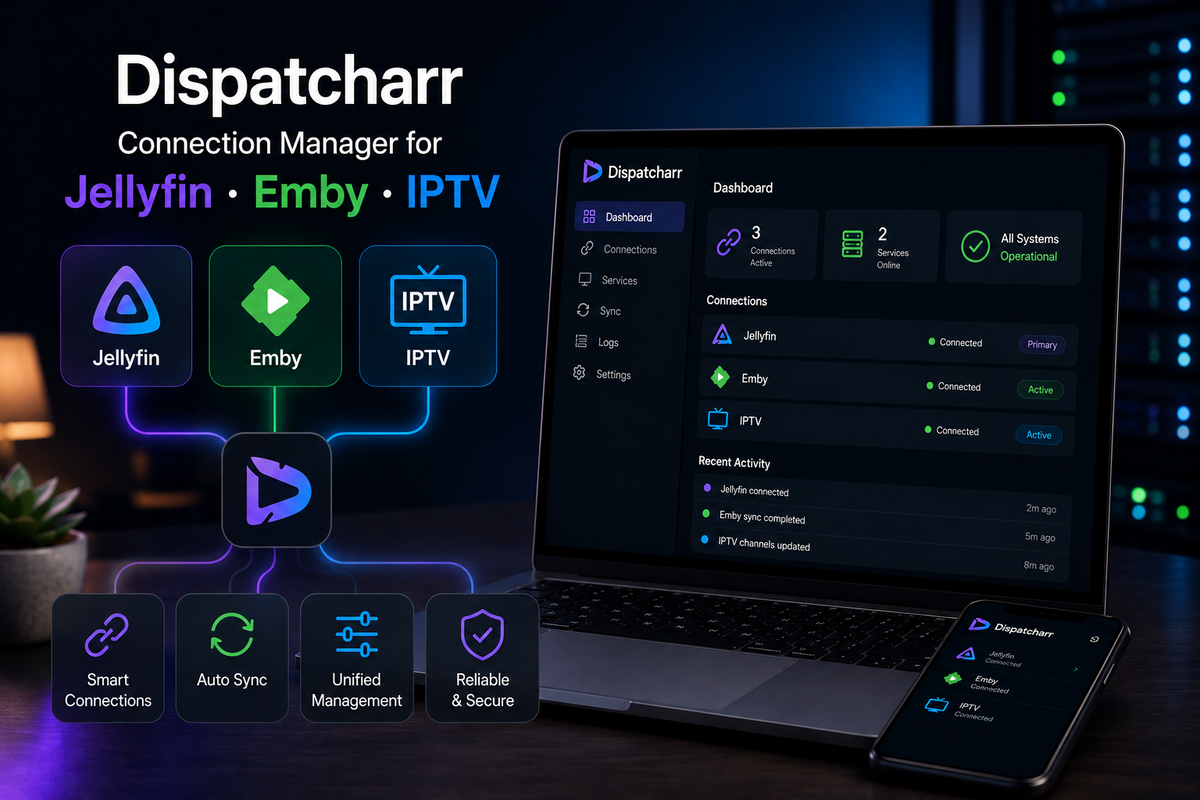
Dispatcharr solves this. It is a self-hosted stream proxy that sits between your IPTV provider(s) and your media server, managing connections intelligently.
What Dispatcharr Does
Dispatcharr is a connection manager and stream proxy for IPTV:
- Connection pooling - manages your provider's concurrent stream limit so you never exceed it
- Stream proxy - all streams flow through Dispatcharr, giving you centralized control
- Multi-provider failover - if Provider A goes down, automatically switches to Provider B
- Real-time dashboard - see every active stream, bitrate, codec, and client
- Channel mapping - merge channels from multiple providers into one unified playlist
- EPG management - combine EPG data from multiple sources
- Stream statistics - track uptime, bitrate history, and error rates per channel
- API for integration - REST API for automation and monitoring
The Problem Dispatcharr Solves
Without Dispatcharr:
User A watches BBC One  --> Provider (connection 1/2)
User B watches CNN      --> Provider (connection 2/2)
User C watches ESPN     --> Provider REJECTS (limit exceeded)
                            OR all three buffer
With Dispatcharr:
User A watches BBC One  --> Dispatcharr --> Provider (connection 1/2)
User B watches CNN      --> Dispatcharr --> Provider (connection 2/2)
User C watches ESPN     --> Dispatcharr --> Provider B (failover, connection 1/2)
                            OR queues until a slot opens
Dispatcharr knows your provider limits and manages connections accordingly. It can also reuse connections: if two users watch the same channel, Dispatcharr opens one connection to the provider and serves both users from it.
Docker Setup
services:
  dispatcharr:
    image: ghcr.io/dispatcharr/dispatcharr:latest
    container_name: dispatcharr
    ports:
      - "5500:5500"
    volumes:
      - ./dispatcharr/config:/config
    environment:
      - TZ=Europe/Paris
    restart: unless-stopped
docker compose up -d
Access the dashboard at http://your-server:5500.
Step 1: Add Your IPTV Providers
- Open Dispatcharr dashboard
- Navigate to Providers
- Click Add Provider
- Enter:
- Name: "My IPTV Provider"
- Type: Xtream Codes or M3U
- URL / Credentials
- Max Connections: your provider's limit (e.g., 2)
- Save
Repeat for additional providers if you have backup services.
Multi-Provider Setup
The real power of Dispatcharr emerges with multiple providers:
| Provider | Max Connections | Priority | Role |
|---|---|---|---|
| Provider A | 2 | Primary | Main service |
| Provider B | 1 | Failover | Backup when A is full or down |
| Provider C | 2 | Secondary | Overflow for peak times |
Dispatcharr routes streams to the highest-priority provider with available connections. If all connections on Provider A are used, it automatically routes to Provider B.
Step 2: Configure Channel Mapping
When using multiple providers, the same channel may have different names or IDs. Dispatcharr's channel mapping merges them:
- Navigate to Channels
- Dispatcharr imports channel lists from all providers
- Map channels: "BBC One HD" (Provider A) = "BBC 1" (Provider B)
- Set priority: prefer Provider A's stream quality, fall back to Provider B
The output is a single, unified M3U playlist that your media server consumes.
Step 3: Connect to Jellyfin
Dispatcharr generates an M3U playlist URL and XMLTV EPG URL that you add to Jellyfin:
- In Dispatcharr: Output > copy the M3U URL (e.g.,
http://dispatcharr:5500/output/playlist.m3u) - Copy the EPG URL (e.g.,
http://dispatcharr:5500/output/epg.xml) - In Jellyfin: Dashboard > Live TV > Add Tuner Device > M3U Tuner
- Paste the Dispatcharr M3U URL
- Add TV Guide Data Provider > XMLTV > paste the EPG URL
- Save and scan channels
Jellyfin sees Dispatcharr as a regular M3U source. It does not know (or care) that Dispatcharr is managing connections behind the scenes.
For Emby
Same process: Dashboard > Live TV > Add TV Source > M3U Tuner > paste Dispatcharr URLs.
Step 4: The Real-Time Dashboard
Dispatcharr's dashboard shows:
- Active Streams - which channels are being watched, by which client, through which provider
- Connection Usage - visual indicator of how many connections are used per provider
- Stream Health - bitrate, codec, resolution, and error rate per active stream
- History - past streams with duration and quality metrics
- Provider Status - up/down status for each configured provider
This visibility is something you never get with a raw M3U playlist in Jellyfin.
Advanced Features
Connection Reuse
If User A and User B both watch BBC One, Dispatcharr opens ONE connection to the provider and serves both users from it. This effectively doubles your connection capacity for popular channels.
Graceful Degradation
When all connections are exhausted:
- New requests can be queued (with a configurable timeout)
- Or routed to a lower-priority provider
- Or rejected with a clear error message
Stream Recording
Dispatcharr can record streams to disk for later viewing (DVR-like functionality independent of Jellyfin's built-in DVR).
Health Monitoring
Dispatcharr monitors stream health continuously:
- Detects buffering and stream drops
- Automatically reconnects on failure
- Switches to backup provider if primary stream quality degrades
Dispatcharr vs Direct M3U in Jellyfin
| Feature | Direct M3U | Via Dispatcharr |
|---|---|---|
| Connection management | None (exceeds limits) | Managed (respects limits) |
| Multi-provider failover | No | Automatic |
| Stream statistics | None | Full dashboard |
| Channel merging | Manual | Automatic mapping |
| Connection reuse | No | Yes (same channel = 1 connection) |
| EPG merging | Manual | Automatic |
| Buffering diagnosis | Blind | Real-time metrics |
| Provider health | Unknown | Monitored |
Integration with Xtream Tuner (Emby)
If you use the Xtream Tuner plugin for Emby, Dispatcharr can sit in front of it:
- Configure Dispatcharr with your Xtream credentials
- Dispatcharr exposes its own Xtream-compatible API
- Point Xtream Tuner at Dispatcharr instead of the provider directly
- All connection management happens transparently
Performance Impact
Dispatcharr is lightweight:
- RAM: ~100-200 MB
- CPU: negligible (proxying streams is I/O bound, not CPU bound)
- Bandwidth: streams pass through, so your server needs enough bandwidth for all active streams
- Latency: adds <50ms to channel switching (connection setup)
The proxy does not transcode or modify streams. It simply routes them.
When You Need Dispatcharr
| Scenario | Need Dispatcharr? |
|---|---|
| Single user, one provider | No |
| Multiple users, limited connections | Yes |
| Multiple IPTV providers | Yes (failover + merging) |
| Want stream statistics | Yes |
| Provider frequently drops | Yes (auto-reconnect) |
| Shared server with Live TV | Yes |
FAQ
Does Dispatcharr work with free IPTV sources (Pluto TV, Samsung TV Plus)? Yes. Any M3U source works. Free sources typically have no connection limits, but Dispatcharr still provides statistics and failover.
Does it transcode streams? No. Dispatcharr proxies streams as-is. Transcoding happens in Jellyfin/Emby if the client needs it.
Can I use Dispatcharr with Plex Live TV? Yes. Plex accepts M3U tuners. Point it at Dispatcharr's output URL.
Is Dispatcharr free? Yes. Open source and free to use.
Does JellyWatch show Live TV sessions through Dispatcharr? Yes. JellyWatch shows all active Jellyfin sessions including Live TV. The stream appears as a normal session regardless of whether it flows through Dispatcharr.
Running IPTV through Dispatcharr? Monitor every Live TV session from your phone. Download JellyWatch on Google Play - see active Live TV streams, CPU usage, and get alerts when your server is under load.
On Emby? Download EmbyWatch on Google Play


Comments
No comments yet. Be the first to share your thoughts.
Leave a comment