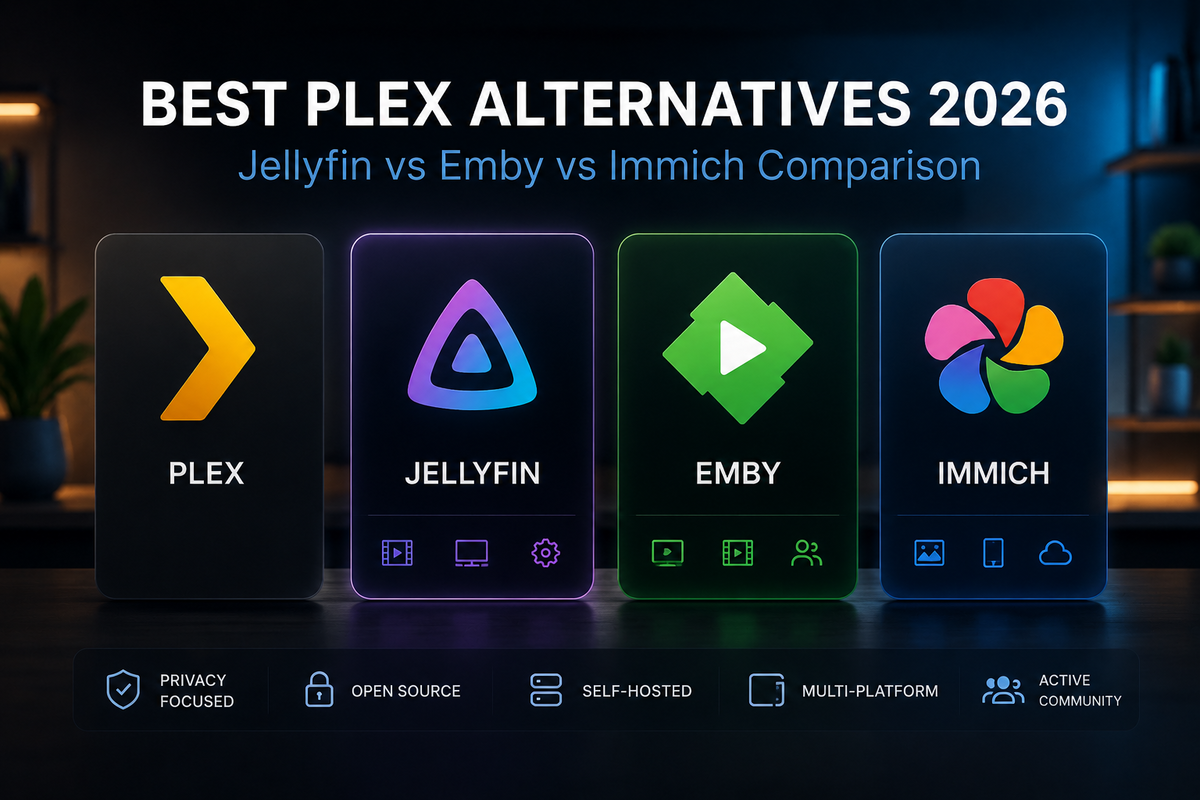
Best Plex Alternatives in 2026: 8 Self-Hosted Options Compared
Plex used to be the default answer for self-hosted media. In 2026, that is no longer the case. The Lifetime Plex Pass jumped to $749, remote streaming was paywalled across most TV platforms, and ads now appear in the free tier. The community has responded by leaving in massive numbers - Jellyfin alone reached 51% market share among self-hosters last year.
If you are looking to leave Plex (or simply evaluating options before committing), this guide covers every serious alternative in 2026 - what each one does well, where it falls short, and which is right for your setup.
Quick Verdict
| If you want... | Use this |
|---|---|
| The best free, open-source Plex replacement | Jellyfin |
| A polished Plex-like experience with paid support | Emby |
| A Google Photos alternative for memories | Immich |
| A music-only server with Subsonic clients | Navidrome |
| Comics, manga, and ebooks | Kavita or Komga |
| Audiobooks and podcasts | Audiobookshelf |
| Online streaming aggregation, not your own files | Stremio |
| A media player on a single device, not a server | Kodi |
The honest truth: most people leaving Plex want Jellyfin. It does everything Plex does, free, open source, no account, no ads. The other options on this list are specialized tools that complement Jellyfin rather than replace it.
1. Jellyfin - The Default Plex Replacement
Best for: Anyone leaving Plex who wants a like-for-like replacement.
Jellyfin forked from Emby in 2018 to remain fully open source. In 2026 it is the dominant self-hosted media server, with 70+ community clients across every platform from Apple TV to Nintendo Switch.
What Jellyfin does well
- 100% free, forever - no Plex Pass equivalent
- No account required - your server is fully local, no cloud dependency
- No ads - unlike Plex's free tier
- Hardware transcoding free - Intel QSV, NVIDIA NVENC, AMD AMF all work without paying
- Live TV / DVR free - Plex Pass charges for this
- Massive plugin ecosystem - Intro Skipper, Jellyseerr integration, Trakt sync, etc.
- Docker-first - one of the easiest deployments in self-hosting
What Jellyfin does worse than Plex
- Less polished UI out of the box - though community themes (JellyFlix, Ultrachromic) fix this
- No built-in remote relay - you need a reverse proxy, Cloudflare Tunnel, or Tailscale
- No "Discover" / Watchlist features - Jellyfin shows your content only
- Smaller official mobile app polish - though Findroid and Swiftfin (community) match or exceed Plex's apps
Migration path from Plex
Direct: install Jellyfin alongside Plex, point at the same media folders, use JellyPlex-Watched or Trakt to transfer watch history. Files stay where they are.
Verdict: If you are leaving Plex in 2026, Jellyfin is almost certainly your answer. Free, open, mature, and the migration path is well-documented.
2. Emby - The Commercial Middle Ground
Best for: Users who want a Plex-like polished experience with official paid support.
Emby is what Jellyfin forked from. It has a paid team behind it, official support, and a more curated plugin ecosystem. Emby Premiere costs ~$119 lifetime in 2026 - significantly cheaper than the new $749 Plex Lifetime Pass.
What Emby does well
- Polished UI - more cohesive than Jellyfin out of the box
- Official support - paid team with response SLAs
- Stable plugins - smaller ecosystem but better tested
- Dolby Vision handling - generally better than Jellyfin in tone-mapping quality on certain Linux setups
- Cheaper than Plex - $119 lifetime vs $749 lifetime
What Emby does worse than Jellyfin
- Costs money - Premiere required for hardware transcoding, full mobile app, Live TV
- Account required - Emby Connect for activation
- Smaller community - fewer plugins, fewer clients
- Closed-source - cannot self-audit or fork
Verdict: Choose Emby if you want commercial backing and don't mind paying $119. For most self-hosters, Jellyfin's free tier provides feature parity at $0.
3. Immich - The Google Photos Replacement
Best for: Photo and home video archiving, not movies/TV.
Immich is not a Plex alternative for video streaming - it is an alternative for the photo backup part of Plex. If you used Plex to backup phone photos to your home server, Immich does it better.
What Immich does well
- Mobile auto-upload from Android and iOS
- AI face recognition - completely local, privacy-first
- Object and scene search - find photos by content
- Memories and rediscovery - "On this day" features
- Excellent mobile app - on par with Google Photos
What Immich does not do
- Stream movies or TV shows - it is photos and home videos only
- Run on a Raspberry Pi well - heavy on RAM/CPU due to ML models
- Replace Jellyfin - they complement each other
Verdict: Run Immich for photos AND Jellyfin for video. They use different storage paths and serve different needs. This is what most self-hosters do in 2026.
4. Navidrome - The Spotify Replacement
Best for: Users with large local music libraries who want a dedicated music server.
Navidrome is a Subsonic-compatible music server. It is purpose-built for music: scrobbling, smart playlists, gapless playback, and integration with the wide Subsonic mobile client ecosystem (Symfonium, DSub, play:Sub).
What Navidrome does well
- Lightweight - runs comfortably on a Raspberry Pi
- Subsonic API compatibility - dozens of mobile clients work out of the box
- Built-in scrobbling - Last.fm and ListenBrainz native
- Smart playlists - rule-based dynamic playlists
- Better music UX than Jellyfin - dedicated music interface, no compromise
What Navidrome doesn't do
- No video - music only
- No request system - Jellyseerr does not integrate with it
Verdict: Run alongside Jellyfin if music is a significant part of your library. Many self-hosters run both pointing at the same music folder, using Jellyfin's web UI for video and Symfonium + Navidrome for mobile music.
5. Kavita and Komga - Comics, Manga, and Ebooks
Best for: Users with digital comic, manga, or ebook libraries.
Jellyfin's book support is basic. For a serious reading library, Kavita or Komga are dramatically better.
Kavita vs Komga at a glance
| Feature | Kavita | Komga |
|---|---|---|
| Comics + Manga | Yes | Yes |
| EPUB / ebooks | Yes | No (comics only) |
| AniList / MAL metadata | Yes | No |
| Tachiyomi / Mihon support | Limited | Excellent |
| RAM usage | ~100 MB | ~80 MB |
Kavita is the all-in-one choice (comics + manga + books). Komga is leaner and integrates better with the Tachiyomi mobile reader ecosystem.
What they don't do
- Not video servers - comics/books only
- Run alongside Jellyfin - share the same Docker host
Verdict: If you read digital books or comics, run Kavita or Komga. They are not Plex alternatives - they fill a gap Plex never properly addressed.
6. Audiobookshelf - The Audible Replacement
Best for: Audiobook and podcast collections.
Audiobookshelf is a dedicated audiobook and podcast server with native progress sync, chapter navigation, and a polished mobile app.
What Audiobookshelf does well
- M4B chapter support - properly handles audiobook chapters
- Per-user progress sync across devices
- Podcast RSS support - subscribe and download episodes
- Dedicated mobile app - Android and iOS
- Lightweight - runs anywhere
What it doesn't do
- No video, no music (well-suited audiobooks)
- Replace Jellyfin - complementary, not competing
Verdict: If you have an audiobook collection larger than 50 titles, Audiobookshelf is the right tool. Jellyfin can play audiobooks but lacks the dedicated UX.
7. Stremio - The "I Don't Want to Host Files" Option
Best for: Users who want streaming aggregation without running a media server.
Stremio is fundamentally different from everything else on this list. It does not host your files - it streams content from online sources via a community addon ecosystem (Cinemeta, Torrentio, public IPTV addons).
What Stremio does well
- Zero hosting - no server, no storage, no maintenance
- Massive content via addons - movies, TV, anime, sports, IPTV
- Cross-platform clients - Android, iOS, Apple TV, Android TV, Web
- Free and open source
What Stremio is not
- Not a self-hosted server - your media is not stored
- Not legally clean depending on addons - public torrent addons may stream copyrighted content
- Not offline - requires internet for everything
Bridging Stremio and Jellyfin: Gelato
The Gelato plugin for Jellyfin imports Stremio addon catalogs into your Jellyfin library as STRM files. You get Stremio's catalog inside Jellyfin's UI without hosting anything.
Verdict: Stremio is not a Plex alternative for users who want their own files. It is an alternative for users who do not want to host files. Different goal.
8. Kodi - The Player, Not a Server
Best for: A single device acting as a home theater frontend.
Kodi is a media player, not a server. It runs on one device and plays files from local storage, network shares, or via add-ons. People sometimes confuse Kodi with Plex/Jellyfin - they are different categories.
What Kodi does well
- Best player engine - libass subtitles, MPV, fine-grained audio config
- Massive add-on ecosystem - including Jellyfin for Kodi (full library sync)
- Custom skins - Estuary, Aeon Nox, others
- Runs on everything - PC, Pi, Vero V, NVIDIA Shield, Fire TV
What Kodi doesn't do
- No multi-device sync without a backend (use Jellyfin for Kodi for that)
- No mobile app server - Kodi on phone is the same as Kodi on desktop, not a remote client
- No web UI - it's a TV-focused frontend
Verdict: Run Kodi on your home theater PC alongside Jellyfin server. The Jellyfin for Kodi add-on syncs your full Jellyfin library into Kodi's interface. Best of both worlds.
What About Streaming Services?
Plex Pass replacements like Sling, Pluto TV, and Tubi are not Plex alternatives - they are different categories entirely (live TV / ad-supported VOD). If your Plex use was specifically for the free streaming content, Jellyfin's Live TV with M3U sources (Pluto TV, Samsung TV Plus, IPTV-Org playlists) covers most of that ground.
The Real-World Self-Hoster Stack in 2026
Most serious self-hosters do not pick one alternative - they run a stack of specialized tools:
Jellyfin       → Movies, TV shows, music, live TV
Immich         → Photo backup and AI search
Navidrome      → Music with Subsonic clients
Audiobookshelf → Audiobooks and podcasts
Kavita         → Comics, manga, ebooks
All five run on a single Intel N100 mini PC or homelab server. Each does one thing extremely well. Together they replace not just Plex but Google Photos, Spotify, Audible, and Comixology.
Migration Checklist: Leaving Plex
If you are leaving Plex this weekend, here is the order:
- Choose your replacement(s) - Jellyfin for most, plus specialized tools for photos/music/books
- Run Plex and the new server in parallel - same media folders, different ports
- Transfer watch history via Trakt or JellyPlex-Watched
- Configure your clients - install Jellyfin/Findroid/Swiftfin on every device
- Set up remote access - Cloudflare Tunnel or Tailscale (you no longer have Plex's relay)
- Verify everything works for two weeks before decommissioning Plex
- Cancel Plex Pass if you have one
FAQ
Is Jellyfin really free forever? Yes. Jellyfin is open source under the GPL. There is no premium tier and no plan to add one.
Can I run Plex and Jellyfin at the same time? Yes. Different ports (32400 vs 8096) and they can read the same media files in parallel. Recommended during migration.
Will my media files be affected? No. Self-hosted media servers read your files in read-only mode. Nothing is moved or modified.
What about Plex Pass features I already paid for? Your Plex Pass remains valid for Plex. You can keep using it indefinitely. Most people who migrate simply stop renewing if they are on a recurring plan.
Is Emby's $119 lifetime worth it over free Jellyfin? For most self-hosters, no. Jellyfin offers feature parity. Emby is worth paying for if you specifically want commercial support.
Which Plex alternative has the best mobile app? Jellyfin (via Findroid on Android, Swiftfin on iOS, or Infuse on Apple TV) is on par with Plex's mobile experience. Symfonium for Navidrome is exceptional for music.
Migrated to Jellyfin? Monitor your new server from your phone. Download JellyWatch on Google Play - real-time sessions, transcoding diagnostics, and Arr stack management for Jellyfin admins on Android.
On Emby? Download EmbyWatch on Google Play - the same complete monitoring for Emby servers.


Comments
No comments yet. Be the first to share your thoughts.
Leave a comment