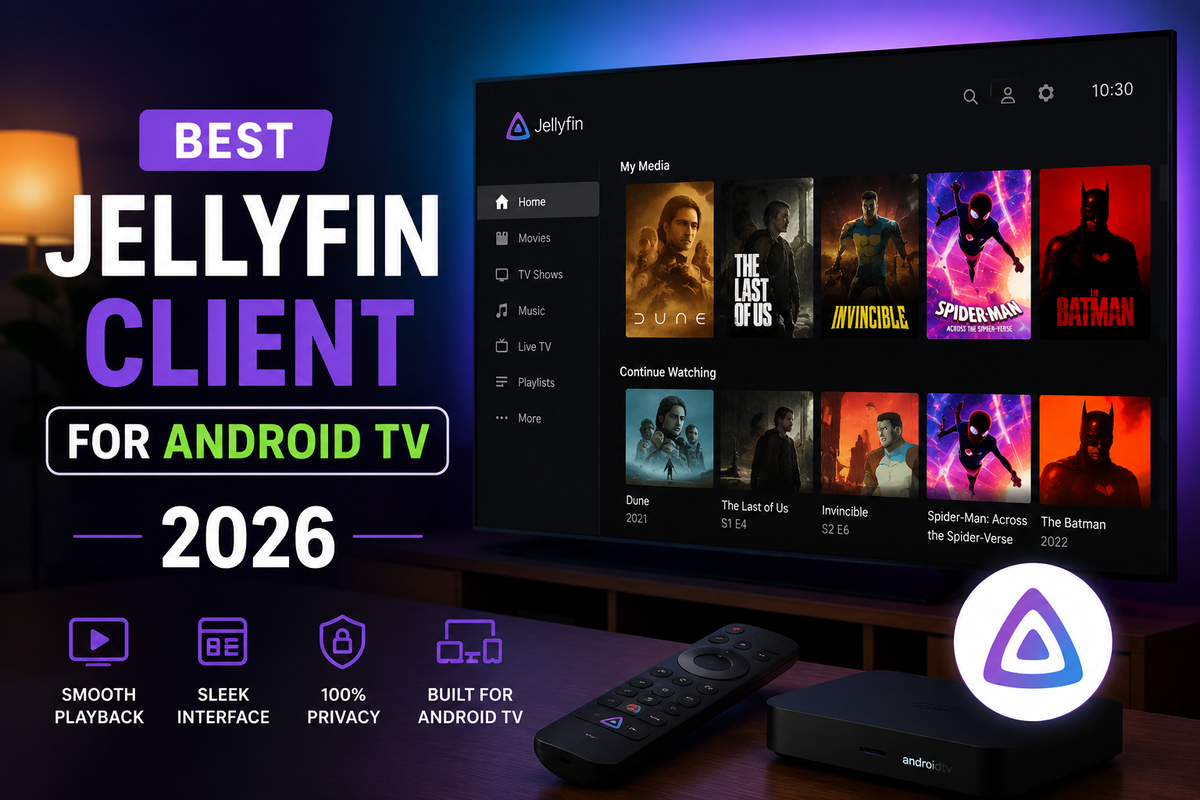
Best Jellyfin Client for Android TV in 2026: Complete Comparison
If you watch Jellyfin on a TV box, Chromecast with Google TV, Nvidia Shield, Fire TV Stick, or any Android TV, you quickly discover that not all Jellyfin clients are equal. An app that works great on a touchscreen phone can feel clunky with a TV remote. And an app that does not optimize for hardware decode will trigger unnecessary transcodes on your server.
This guide covers every Jellyfin client available for Android TV in 2026 and tells you which one to actually use.
The Android TV Problem
Android TV and Google TV use a D-pad remote, four directional keys and a select button. No touchscreen, no mouse. This changes how a media app needs to be built.
An app designed for phone touch screens can technically run on Android TV, but navigating it with a remote feels awkward. Focus jumps to unexpected places. Buttons are too small. The experience immediately tells you it was not designed for this.
The best TV clients are built from the ground up for the remote control paradigm.
Tested Devices
| Device | Android TV version |
|---|---|
| Chromecast with Google TV HD | Google TV (Android 12) |
| Nvidia Shield TV Pro | Android TV 11 |
| Amazon Fire TV Stick 4K Max | Fire OS 8 |
| Onn 4K Pro | Google TV (Android 12) |
All tests used a local Jellyfin 10.11 server with 4K HEVC, Dolby Vision, TrueHD audio, and ASS subtitles.
JellyWatch for Android TV
Google Play | Free | Android TV 8.0+
Built from scratch for the Android TV platform. JellyWatch for Android TV uses Jetpack Compose and ExoPlayer Media3, Google's current recommended architecture for Android TV apps.
Playback
- ExoPlayer Media3 with hardware decode enabled by default
- 4K, HDR10, HDR10+, Dolby Vision on supported hardware
- TrueHD and DTS:X passthrough to AV receivers
- ASS/SSA subtitle rendering with full styling
- Zero unnecessary transcoding triggered by the player itself
UI and Navigation
- Jetpack Compose interface built natively for D-pad remote navigation
- Every element reachable without awkward focus jumps
- Continue Watching, Next Up, and Recently Added on the home screen
- Automatic next episode
- Chapter support and reliable resume playback
Unique Feature: Jellyseerr Integration
Request movies and TV shows directly from your TV without picking up your phone. Browse your request queue, approve requests, and manage your arr stack from the couch.
Device Results
| Device | Result |
|---|---|
| Chromecast with Google TV | Smooth, all content Direct Played |
| Nvidia Shield Pro | Excellent, TrueHD passthrough confirmed |
| Onn 4K Pro | Works well including Dolby Vision |
| Fire TV 4K Max | Works via sideload |
Verdict: Best Jellyfin client for Android TV in 2026. Purpose-built, modern architecture, Jellyseerr integration, zero transcoding surprises.
Official Jellyfin for Android TV
Google Play | Free | Android TV 5.1+
The official Jellyfin project Android TV app, maintained by the Jellyfin core team.
Playback
- ExoPlayer-based, good codec compatibility
- 4K HDR on supported hardware
- Occasionally triggers transcodes on content that should Direct Play due to default player settings
UI and Navigation
- Traditional Android TV Leanback UI
- D-pad navigation works reliably
- Older visual design compared to community apps
Verdict: Solid fallback. Works everywhere and is guaranteed compatible. Does not match JellyWatch TV on UI polish or features, but it is the safe default.
Findroid on Android TV
Google Play | Free | Primarily for phones
Findroid is an excellent Android phone app. It installs and runs on Android TV but is not designed for it.
On a TV
- Phone UI forced onto a TV screen
- D-pad focus behavior is inconsistent
- Some buttons require precise navigation to reach
Verdict: Use Findroid on your phone. On Android TV, the lack of TV-specific navigation makes it frustrating with a remote. Use JellyWatch for Android TV instead.
Jellyfin for Kodi
GitHub | Free | Kodi 19+
Not a standalone app, a Kodi add-on that syncs your Jellyfin library into Kodi's interface.
- Best raw playback quality (Kodi + LibreELEC = maximum codec support)
- Full TrueHD, DTS:X, Dolby Vision depending on hardware
- Requires Kodi installed on the device
Verdict: Best playback quality if you already run Kodi. Otherwise, JellyWatch for Android TV covers the same use case without the Kodi setup overhead.
Side-by-Side Comparison
| Feature | JellyWatch TV | Official Android TV | Findroid (TV) | Kodi addon |
|---|---|---|---|---|
| Built for TV remote | Native | Yes | No | Yes (Kodi) |
| Modern UI (2026) | Yes | No (Leanback) | No (phone UI) | Skin-dependent |
| Jellyseerr integration | Yes | No | No | No |
| 4K / HDR Direct Play | Yes | Yes | Yes | Yes |
| TrueHD passthrough | Device-dependent | Device-dependent | Device-dependent | Best support |
| Auto next episode | Yes | Yes | Yes | Via Kodi |
| SyncPlay | Yes | Yes | Yes | Via addon |
| Google Play | Yes | Yes | Yes | Via Kodi |
| Fire TV | Sideload | Amazon Appstore | Sideload | Via Kodi |
Recommendation by Device
| Device | Primary | Backup |
|---|---|---|
| Chromecast with Google TV | JellyWatch for Android TV | Official Jellyfin |
| Nvidia Shield | JellyWatch for Android TV | Jellyfin for Kodi |
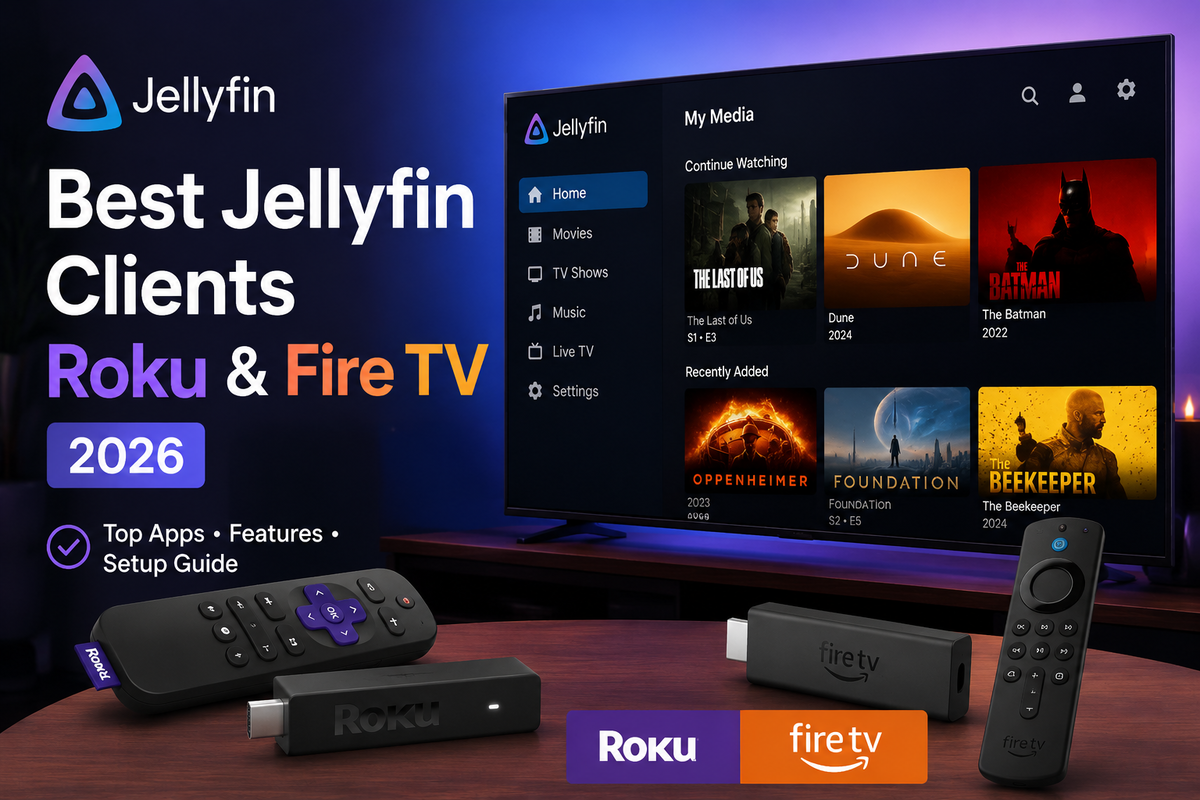
| Fire TV Stick 4K | JellyWatch for Android TV (sideload) | Official (Appstore) |
| Onn 4K Pro / Box | JellyWatch for Android TV | Official Jellyfin |
| Sony / TCL Android TV | JellyWatch for Android TV | Official Jellyfin |
| LibreELEC / OSMC box | Jellyfin for Kodi | JellyWatch for Android TV |
The Full Android Setup
| Screen | App |
|---|---|
| Android phone / tablet | Findroid |
| Android TV / TV box | JellyWatch for Android TV |
| Server monitoring | JellyWatch admin app |
FAQ
Is JellyWatch for Android TV free? Yes, completely free on Google Play.
Does it work on Fire TV? Yes via sideload. Enable "Install unknown apps" in Fire TV settings, then install via Downloader.
Why does Findroid not work well on TV? Findroid is a phone app. Touch-based navigation patterns do not translate well to D-pad remote control. JellyWatch for Android TV is purpose-built for remotes.
Does JellyWatch for Android TV replace the JellyWatch admin app? No. They are separate apps with different purposes. The admin app monitors your server; the Android TV app is a viewing client.
Which client has the best 4K quality on a TV? All clients Direct Play 4K HEVC using the same hardware decoder. The difference is in UI experience and additional features, not video quality.
The best Jellyfin experience on your TV in 2026. Download JellyWatch for Android TV on Google Play, native TV remote navigation, 4K HDR Direct Play, and Jellyseerr integration built for the couch.
Monitoring the server behind all these clients? Download JellyWatch on Google Play, real-time sessions, transcoding diagnostics, and server health from your Android phone.


Comments
No comments yet. Be the first to share your thoughts.
Leave a comment