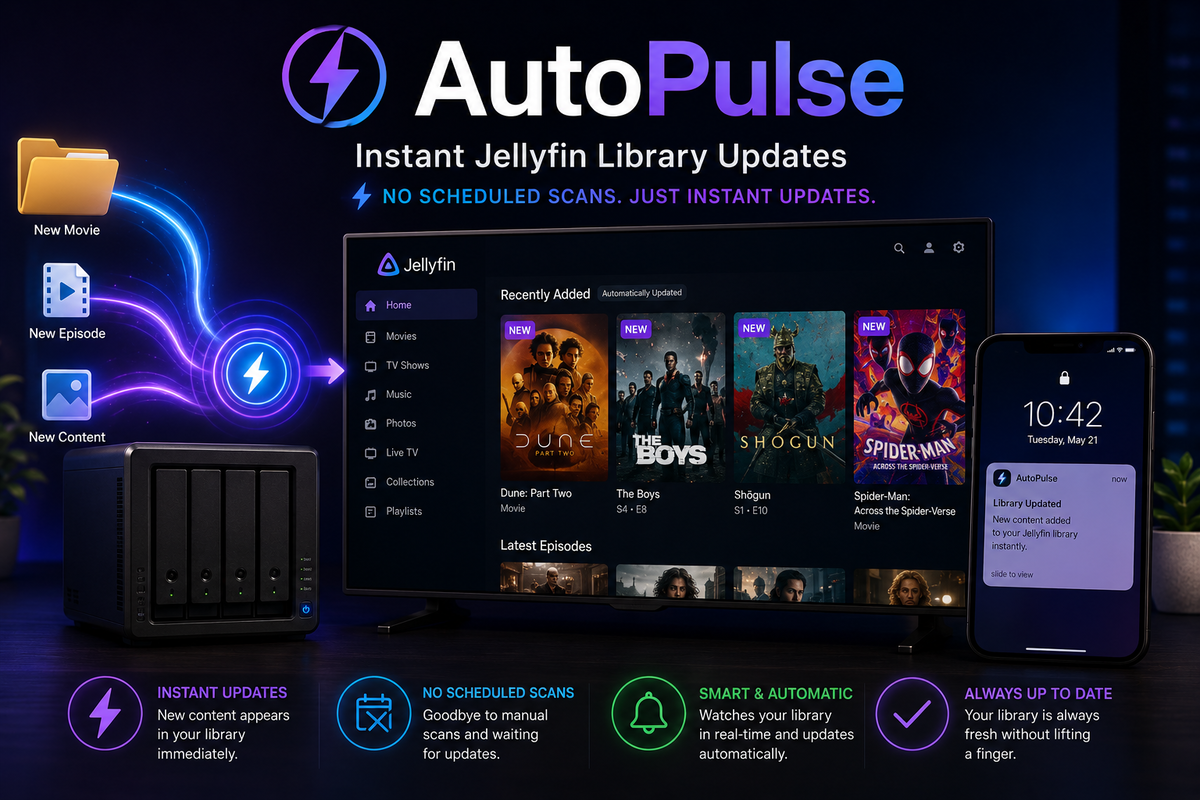
Autopulse + Jellyfin: Instant Library Updates Without Scheduled Scans (2026)
The default Jellyfin workflow for detecting new content is either:
- Scheduled library scans (every 12 hours by default) - slow, CPU-intensive, and your content sits invisible for hours
- Radarr/Sonarr Connect notifications - works but requires configuration in each arr app
What if new content appeared in Jellyfin the instant it landed on disk? No scheduled scans. No arr app configuration. Just: file appears > Jellyfin knows about it within 5 seconds.
Autopulse does exactly this.
What Autopulse Does
Autopulse is a lightweight service that:
- Watches your media folders for new files using inotify (Linux filesystem events)
- Detects when a file is fully written (waits for write completion, not just creation)
- Triggers a targeted Jellyfin scan of only the specific folder that changed
- Debounces rapid changes (multiple files arriving at once trigger one scan, not dozens)
The result: content appears in Jellyfin within 5-15 seconds of the file being fully written to disk.
Why Not Just Use Scheduled Scans?
| Approach | Delay | CPU impact | Reliability |
|---|---|---|---|
| Scheduled scan (12h) | Up to 12 hours | High (full library scan) | Reliable but slow |
| Scheduled scan (1h) | Up to 1 hour | Medium (frequent full scans) | Reliable but wasteful |
| Radarr/Sonarr Connect | 1-5 seconds | Low (targeted scan) | Requires arr app config |
| Autopulse | 5-15 seconds | Very low (targeted scan) | Works for ANY file source |
Autopulse advantages over Radarr/Sonarr Connect:
- Works for any file source (manual copies, Syncthing, Rclone, FTP uploads)
- No configuration needed in each arr app
- Catches files that arr apps miss (manual additions, scripts)
- Single point of configuration
Docker Setup
services:
  autopulse:
    image: ghcr.io/dan-online/autopulse:latest
    container_name: autopulse
    environment:
      - JELLYFIN_URL=http://jellyfin:8096
      - JELLYFIN_API_KEY=your_jellyfin_api_key
      - WATCH_PATHS=/media/movies,/media/tv,/media/music
      - DEBOUNCE_SECONDS=10
      - TZ=Europe/Paris
    volumes:
      - /mnt/media/movies:/media/movies:ro
      - /mnt/media/tv:/media/tv:ro
      - /mnt/media/music:/media/music:ro
    restart: unless-stopped
docker compose up -d
That is it. Autopulse watches the specified paths and triggers Jellyfin scans automatically.
How It Works Internally
1. Filesystem Monitoring (inotify)
Autopulse uses Linux inotify to receive kernel-level notifications when files are created, modified, or moved in the watched directories. This is zero-polling: the kernel tells Autopulse when something changes.
2. Write Completion Detection
When a file is being downloaded (by qBittorrent, Radarr import, or any other process), it is written incrementally. Autopulse waits until the file has not been modified for a configurable period (default: 5 seconds) before considering it "complete."
This prevents triggering a scan on a half-written file.
3. Debouncing
When Radarr imports a movie, it may create the folder, move the file, and write metadata in rapid succession. Without debouncing, this would trigger 3 separate scans.
Autopulse groups changes within a configurable window (default: 10 seconds) and triggers a single scan for the affected path.
4. Targeted Jellyfin Scan
Instead of scanning the entire library, Autopulse calls the Jellyfin API to scan only the specific folder that changed:
POST /Library/Media/Updated
{"Updates": [{"Path": "/media/movies/Dune Part Two (2024)", "UpdateType": "Created"}]}
This is dramatically faster and lighter than a full library scan.
Configuration Options
| Variable | Default | Description |
|---|---|---|
JELLYFIN_URL | Required | Your Jellyfin server URL |
JELLYFIN_API_KEY | Required | API key from Jellyfin Dashboard |
WATCH_PATHS | Required | Comma-separated paths to monitor |
DEBOUNCE_SECONDS | 10 | Wait this long after last change before scanning |
SETTLE_SECONDS | 5 | Wait for file writes to complete |
RECURSIVE | true | Watch subdirectories |
IGNORE_PATTERNS | .partial,.!qB | Ignore files matching these patterns |
LOG_LEVEL | info | Logging verbosity |
Ignore patterns
Configure Autopulse to ignore temporary files:
IGNORE_PATTERNS=.partial,.!qB,.tmp,.nfo,Thumbs.db,.DS_Store
This prevents scans triggered by qBittorrent partial files, temporary files, or metadata writes.
Autopulse vs Alternatives
| Tool | Method | Jellyfin support | Emby support | Complexity |
|---|---|---|---|---|
| Autopulse | inotify + API call | Yes | Yes | Very low |
| Radarr/Sonarr Connect | Webhook on import | Yes | Yes | Per-app config |
| Jellyfin scheduled scan | Periodic full scan | Built-in | Built-in | Zero (but slow) |
| Custom inotifywait script | DIY bash script | Manual | Manual | Medium |
| Autoscan (legacy) | File watching | Plex/Emby | Yes | Medium |
Autopulse is the simplest dedicated solution. If you already have Radarr/Sonarr Connect configured and it works, you may not need Autopulse. But if you add content from multiple sources (manual, scripts, Syncthing), Autopulse catches everything.
Combining with Radarr/Sonarr
You can use both Autopulse AND Radarr/Sonarr Connect notifications:
- Radarr/Sonarr Connect triggers immediately on import (fastest for arr-managed content)
- Autopulse catches everything else (manual additions, other tools)
- Disable scheduled scans entirely (Dashboard > Scheduled Tasks > Scan Media Library > remove triggers)
With both active, you never need scheduled scans again. Every file is detected within seconds regardless of source.
Disabling Scheduled Scans
Once Autopulse is running reliably:
- Dashboard > Scheduled Tasks
- Find "Scan Media Library"
- Remove all triggers (or set to weekly as a safety net)
- This eliminates the periodic CPU spikes from full library scans
Troubleshooting
| Problem | Cause | Fix |
|---|---|---|
| Files not detected | Path mismatch between container and host | Verify volume mounts match WATCH_PATHS |
| Scan triggered but content not appearing | Jellyfin path different from Autopulse path | Ensure Jellyfin sees the same path |
| Too many scans | Debounce too short | Increase DEBOUNCE_SECONDS to 15-30 |
| Partial files triggering scans | Missing ignore pattern | Add .!qB and .partial to IGNORE_PATTERNS |
| inotify limit reached | Too many watched files | Increase fs.inotify.max_user_watches |
Increasing inotify limits
For large libraries with many subdirectories:
echo "fs.inotify.max_user_watches=524288" | sudo tee -a /etc/sysctl.conf
sudo sysctl -p
FAQ
Does Autopulse work with NFS/CIFS mounts? inotify does not work across network filesystems. For NFS/CIFS, Autopulse falls back to periodic polling (configurable interval). Local filesystems get instant inotify events.
Does it work with Emby? Yes. Configure EMBY_URL and EMBY_API_KEY instead of Jellyfin variables. The API call is similar.
How much RAM does Autopulse use? ~20-50 MB. It is extremely lightweight.
Can it trigger other actions besides Jellyfin scans? Some implementations support webhooks, allowing you to trigger any HTTP endpoint when files change.
Should I still keep a weekly scheduled scan as backup? Recommended. Set a weekly scan at 4 AM as a safety net to catch anything Autopulse might miss (edge cases, container restarts).
Content appears instantly. Monitor who watches it from your phone. Download JellyWatch on Google Play - real-time session monitoring for Jellyfin.
On Emby? Download EmbyWatch on Google Play


Comments 2
Need to update the code. Image is located at ghcr.io/dan-online/autopulse:latest
Hello thanks! Update OK
Leave a comment