The Best Jellyfin & Emby Player for Every Screen
The most complete Jellyfin and Emby player for your TV, phone and tablet. Built natively, designed around how you actually watch.
- Kids ProfileExclusive
- Linked ProfilesExclusive
- Home Assistant cinema modeExclusive
- Direct Play · 4K HDR · Dolby Vision · TrueHD Atmos
- SyncPlay · trickplay · theme songs · skip intros
- Music player · EPUB reader · PIP · equalizer
- Online subtitles · TV Quick Login · Admin dashboard
 Get it on Google Play
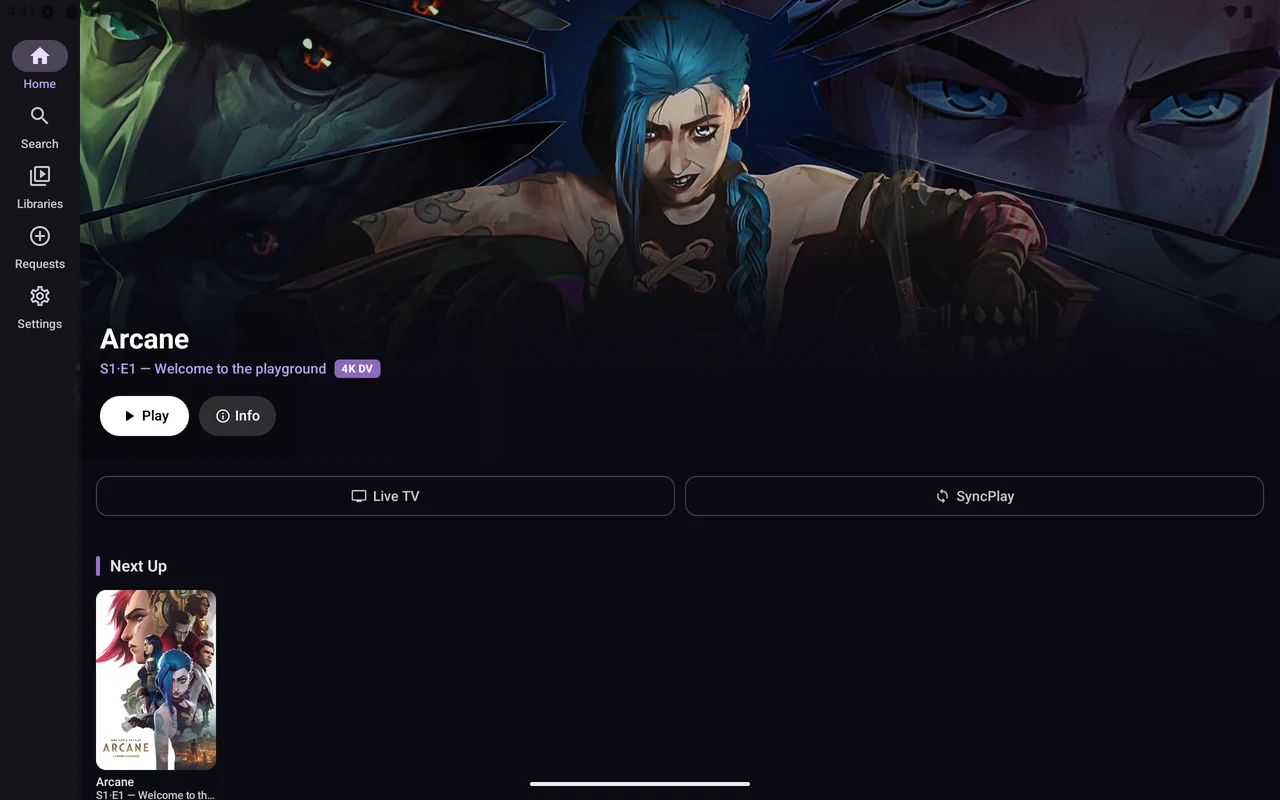
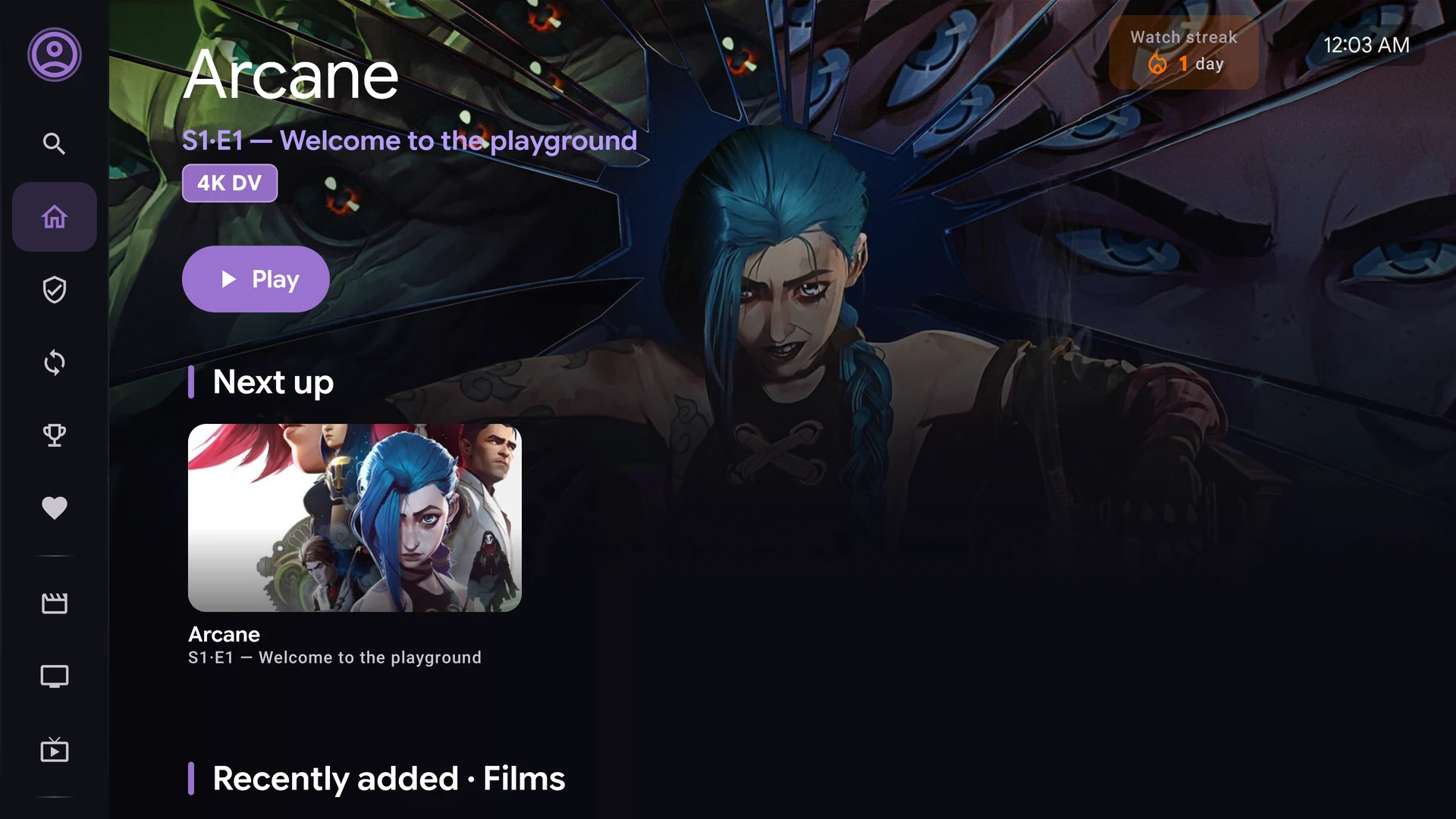
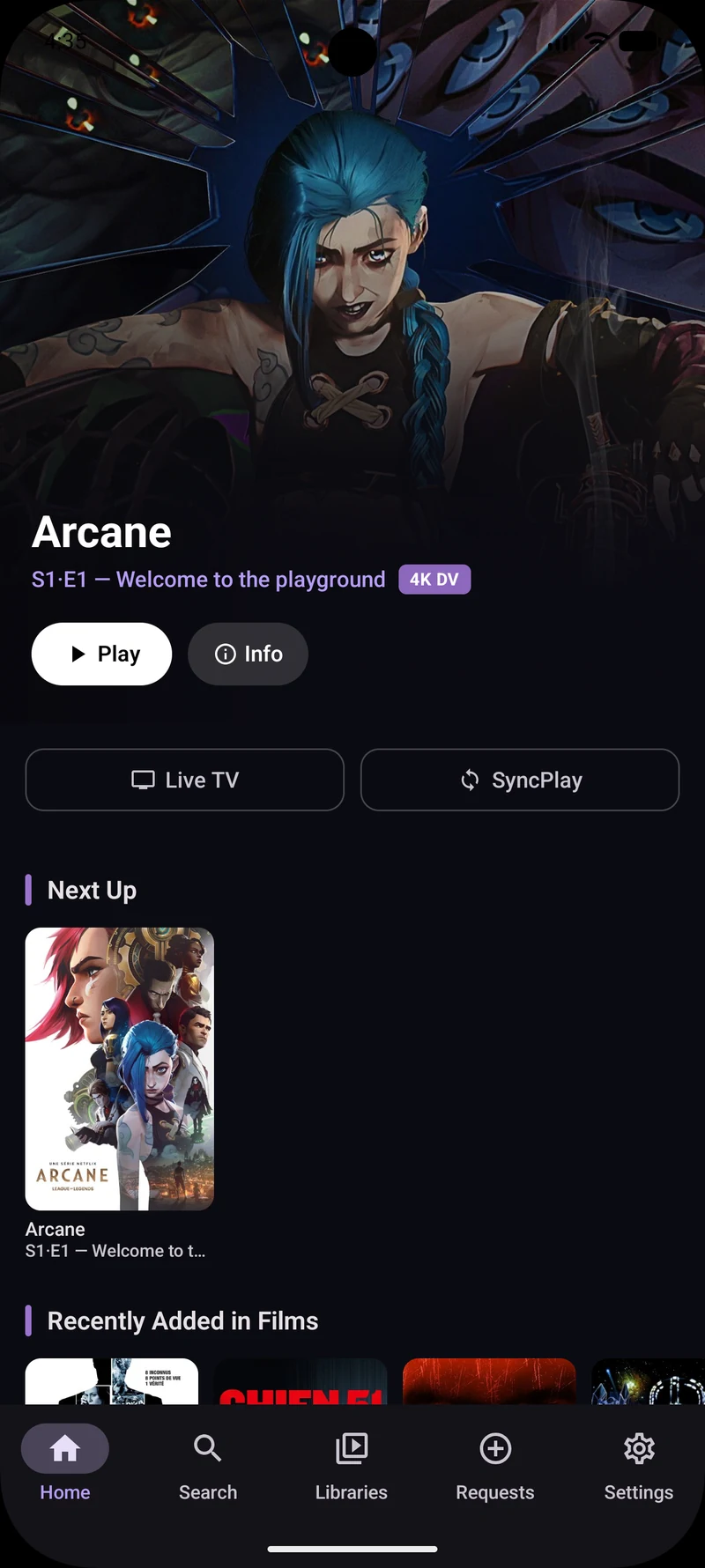
Why JellyWatch Player is the best Jellyfin & Emby player
Features no other Jellyfin or Emby player offers, all in one app, free on Google Play and Amazon Appstore.
Jellyfin & Emby Support
Connect to a Jellyfin or Emby server. The type is detected automatically when you enter your URL. Libraries, Continue Watching, Live TV, recording timers and full playback work on both backends.
SyncPlay
Watch any movie or series in perfect sync with friends and family. Create or join a group, then play, pause and seek together in real time. Playback pauses automatically when someone is buffering and resumes when everyone is ready.
Kids Profile
A dedicated Kids mode with a custom home screen, large poster cards, hero banner, Fredoka rounded font, and colorful animated background. A parental PIN locks all exits from Kids mode and blocks access to Settings and adult profiles. Content filtering is managed by your Jellyfin server user policy.
Linked Profiles, Multiple Servers
Have two Jellyfin servers at home? Link accounts from different servers together in the "Who's watching?" screen. Their libraries instantly merge into one home screen: Continue Watching, Next Up and Recently Added are aggregated from every linked server at once. Each profile keeps its own watch history and preferences. Kids profiles cannot be linked.
Home Assistant Cinema Mode
Connect your Home Assistant (HAOS) instance with a Long-Lived Access Token. Assign a script, scene or service to play, pause and stop events. When you press Play, your lights dim and your receiver powers on. When you pause or stop, they return to normal. Fully local, no cloud, no polling. Configure in Settings → Home Assistant.
Multichannel FLAC Surround
FLAC 5.1 and 7.1 files play in full surround on ARC/eARC soundbars and receivers. The app automatically detects multichannel tracks and delivers Dolby Digital Plus (EAC3) over HDMI, no server configuration needed. Stereo tracks play lossless as-is. A real-time Stats for Nerds overlay shows codec, channel count and delivery mode.
Trickplay Thumbnails
Scrub the timeline and see a live preview of the scene at the target position. No more guessing where you are in the video. Works with Jellyfin 10.9+ trickplay images.
Theme Songs
Ambient background music plays automatically when browsing movie and series pages, just like a real cinema lobby. Configurable volume: Off, Low, Medium, or High.
Local Trailer Autoplay
Place a Movie-trailer.mkv or Movie-trailer.mp4 next to your film on the Jellyfin server. JellyWatch plays it muted on loop as the backdrop on detail pages. No YouTube, no internet, no API key required. Works for movies and TV series.
Display Rate Switching
Automatically match your TV refresh rate to the video frame rate (24p, 25p, 30p, 60p). Eliminates judder for cinema-quality motion on compatible TVs.
Stats for Nerds
Live overlay showing video codec, resolution, bitrate, HDR type, audio codec, network bandwidth, dropped frames, buffer health, and current display mode.
Direct Play and 4K HDR
Hardware accelerated playback with ExoPlayer + FFmpeg. H.264, HEVC, AV1 (libdav1d), VP9, HDR10, HDR10+, Dolby Vision, TrueHD Atmos, DTS:X. Intelligent 3-level fallback: passthrough, local FFmpeg decode, then server transcode only as last resort.
Home Screen Channels
Continue Watching and Recently Added appear directly on your Android TV launcher. Resume in one click without opening the app.
Skip Intro and Credits
Configurable per segment type: Off, Auto-skip, or Button. Works for intro, credits, recap, preview, and commercials. Smart coexistence with Up Next overlay, no banner clash at episode end.
A Jellyfin & Emby media player built for your local library
Powered by ExoPlayer (Media3) with FFmpeg audio decode, libass subtitles, AV1 software decoding, LAN-optimized buffering, intelligent codec detection, and cinema-grade output on any screen.
Seek with Confidence
Scrub the timeline and see a live thumbnail preview above the seek bar. Jump to the exact scene you want, instantly.
Cinema-Quality Motion
Automatically matches TV refresh rate to video fps. 24p film, 25p PAL, 30p/60p. No judder, no stuttering, pure cinema.
LAN-Optimized
Buffers up to 2 minutes ahead with 2.5s start latency. Designed for local network streaming at full bitrate with zero rebuffering.
Adaptive Selection
Choose from Original, 4K, 1080p, 720p, 480p or 360p. Switch mid-stream. Server adapts transcoding in real time.
Stats for Nerds
Live overlay: codec, bitrate, resolution, HDR type, frame rate, dropped frames, buffer, display mode and network bandwidth.
Wide Format Support
H.264, HEVC, AV1 (libdav1d software fallback), VP9, Dolby TrueHD Atmos, DTS:X, DTS-HD MA, FLAC, Opus. HDR10, HDR10+, Dolby Vision. FFmpeg local audio decode when passthrough is unavailable.
Set up your Jellyfin player in 3 steps
From install to playback in under 3 minutes on any Android TV, phone or tablet
Install from Google Play or Amazon Appstore
Search "JellyWatch Player" on Google Play or Amazon Appstore. Works on Android TV, Google TV, Fire TV, Android phones and tablets.
Connect your Jellyfin or Emby server
Enter your server URL — Jellyfin or Emby is detected automatically. Sign in with your credentials or use QuickConnect from your phone.
Watch
Browse, pick, play. Direct Play when possible, transcoding when needed. Trickplay, theme songs, and quality selection are all handled automatically.
Works on every screen
Android TV, Google TV, Fire TV, Android phones and tablets — Android 8.0+
Requirements: Android TV 8.0+ · Jellyfin Server 10.8+ or Emby Server · Local or remote network · Trickplay and theme songs require Jellyfin 10.9+
Your music in the car with Android Auto
Available exclusively on the Google Play version. Not included in the Amazon Appstore / Fire TV build.
When your phone is connected to a car running Android Auto, JellyWatch Player appears in the media apps list. Browse and play your Jellyfin or Emby music library directly from the car screen or with your voice, without touching your phone.
- Browse music libraries, albums, artists, genres and playlists from the car screen
- Browse audiobooks from your Jellyfin or Emby books library
- Voice search: "Hey Google, play [artist] on JellyWatch Player"
- Recently played, favorites and suggestions on the car home screen
- Playback position synced with your Jellyfin or Emby server
- Works with any head-unit running Android Auto (USB or wireless)
script.my_script), scenes (scene.cinema), and direct service calls (light.turn_off). Everything runs locally over your LAN, no cloud, no third-party service required. Configure it in Settings → Home Assistant.Ready to stream on every screen?
Download the best Jellyfin and Emby player for Android TV, mobile and tablet. Automatic server detection, SyncPlay, trickplay thumbnails, theme songs, local trailer autoplay, display rate switching, online subtitle search (OpenSubtitles), 4K HDR, Dolby Vision, TrueHD Atmos passthrough, local PGS and ASS subtitles, FFmpeg audio, EPUB ebook reader for book libraries, music player with background playback, Kids Profile with parental PIN, Linked Profiles to merge multiple Jellyfin or Emby servers into one home screen, Picture in Picture, a 10-band music equalizer, and Home Assistant cinema mode to automate your smart home. Free.
